Upload your English recording
Add an interview, meeting note, lesson, or talk in any supported audio format.
Upload recorded English audio, check speech against timestamps, and prepare an editable Thai translation, bilingual draft, or subtitles.
Choose the text output
We need to turn complex information into something everyone can understand.
เราต้องเปลี่ยนข้อมูลที่ซับซ้อนให้เป็นเนื้อหาที่ทุกคนเข้าใจได้
Preserve the meaning first, then make the language feel natural.
รักษาความหมายเดิมไว้ก่อน แล้วจึงปรับภาษาไทยให้เป็นธรรมชาติ
Kollab transcribes English speech first, then uses context across full sentences to produce natural Thai text with helpful timestamps.
Move from recorded audio to written drafts you can check and reuse.
Add an interview, meeting note, lesson, or talk in any supported audio format.
Choose a Thai translation, a side-by-side bilingual draft, or timed subtitles.
Kollab reads the spoken English and prepares a readable Thai version.
Read the draft alongside the English transcript to verify names, terms, and numbers.
Continue in your task to refine wording or ask for organized text and subtitle files to download.

Drafts reflect complete spoken sentences to keep phrasing natural and easy to read.
Jump back to parts of the recording whenever you want to confirm a spoken phrase.
Work with an editable translation, bilingual transcript, or subtitle text blocks.
Turn spoken English into Thai text that teams, students, and readers can review.
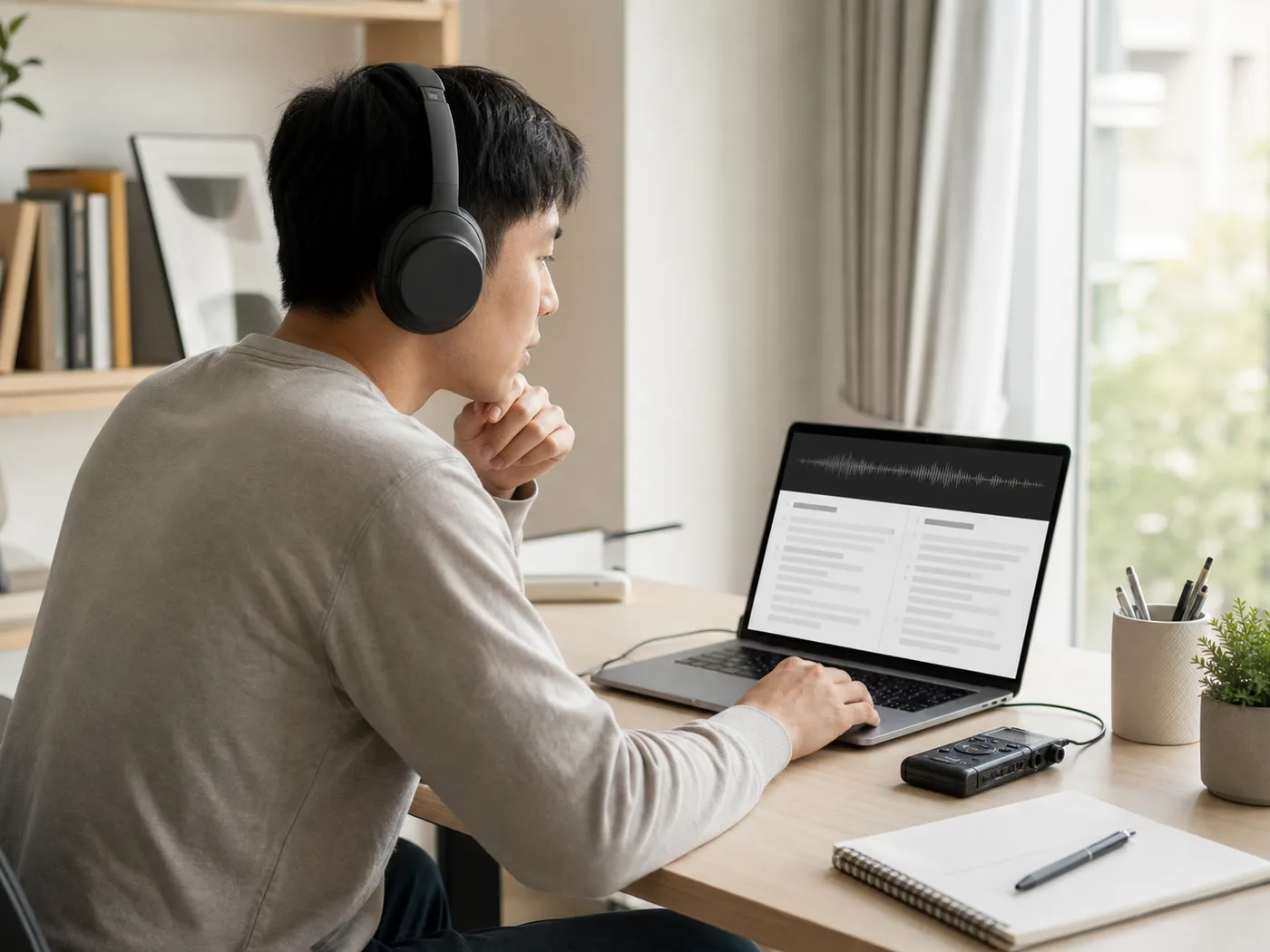
Provide Thai reading notes from English talks, lectures, and instructional audio.

Turn conversational English recordings into clear Thai reading material.

Review spoken customer calls and internal meetings in clear Thai drafts.

Prepare Thai subtitle text and dialogue lines to support video workflows.
Sign in to Kollab, upload an English audio file, and select the output format you want. The tool creates a written English transcript and generates your Thai text or subtitles within the project task.
You can upload MP3, M4A, WAV, AAC, FLAC, OGG, and WebM recordings. Long recordings run through the same transcription and translation workflow.
This tool produces written files: a Thai translation, a bilingual transcript, or timed subtitles. It processes pre-recorded audio files and delivers text to read, edit, and request for download in your task.
You can start translation tasks after signing in to an account. Available processing time and task volume follow the credits included with your active plan.
Upload recordings that you have permission to use. When working with private meetings or other people's voices, confirm consent from participants and review your files for sensitive details before submitting.
Upload your audio file, check the English transcript, and continue with a translation you can edit.