Upload English audio
Add an interview, meeting, lecture, podcast, or video recording in a supported format.
Upload an English recording, transcribe the speech, and create a reviewable French translation, bilingual transcript, or subtitle file.
Choose the text output
We need to turn complex information into something everyone can understand.
Nous devons transformer des informations complexes en un contenu que chacun peut comprendre.
Preserve the meaning first, then make the language feel natural.
Préservons d’abord le sens, puis rendons le français naturel et fluide.
Kollab first creates an English transcript, then uses the surrounding context to produce natural French text while keeping useful timestamps and source alignment.
Go from an English recording to text you can review, edit, and reuse.
Add an interview, meeting, lecture, podcast, or video recording in a supported format.
Select a French translation, bilingual transcript, or timed subtitles.
Kollab recognizes the English speech and translates the complete context into French.
Use the English transcript and timestamps to check names, numbers, and specialist terms.
Use the result for subtitles, notes, summaries, research, or content production.

Translate sentences with their surrounding context to help keep phrasing clear and natural.
Compare the translation with the English transcript and return to the right moment in the recording.
Prepare an editable translation, bilingual transcript, or subtitles for the next step.
Turn lessons, interviews, meetings, and narration into French text that is easier to share and reuse.
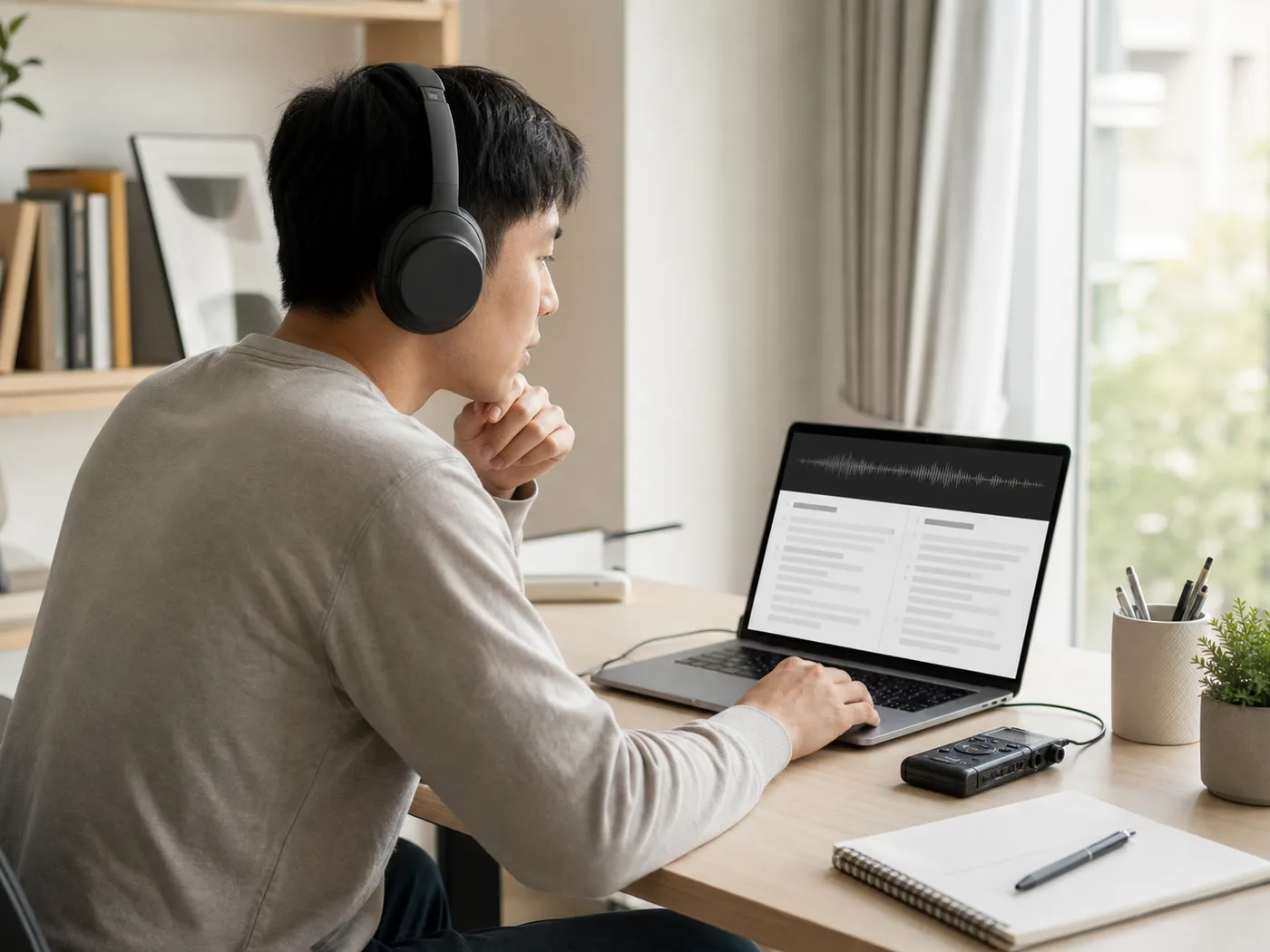
Translate lectures, courses, onboarding sessions, and support material for French readers.

Create readable French transcripts from long conversations and recorded interviews.

Help teams review English calls, user research, and product feedback in French.
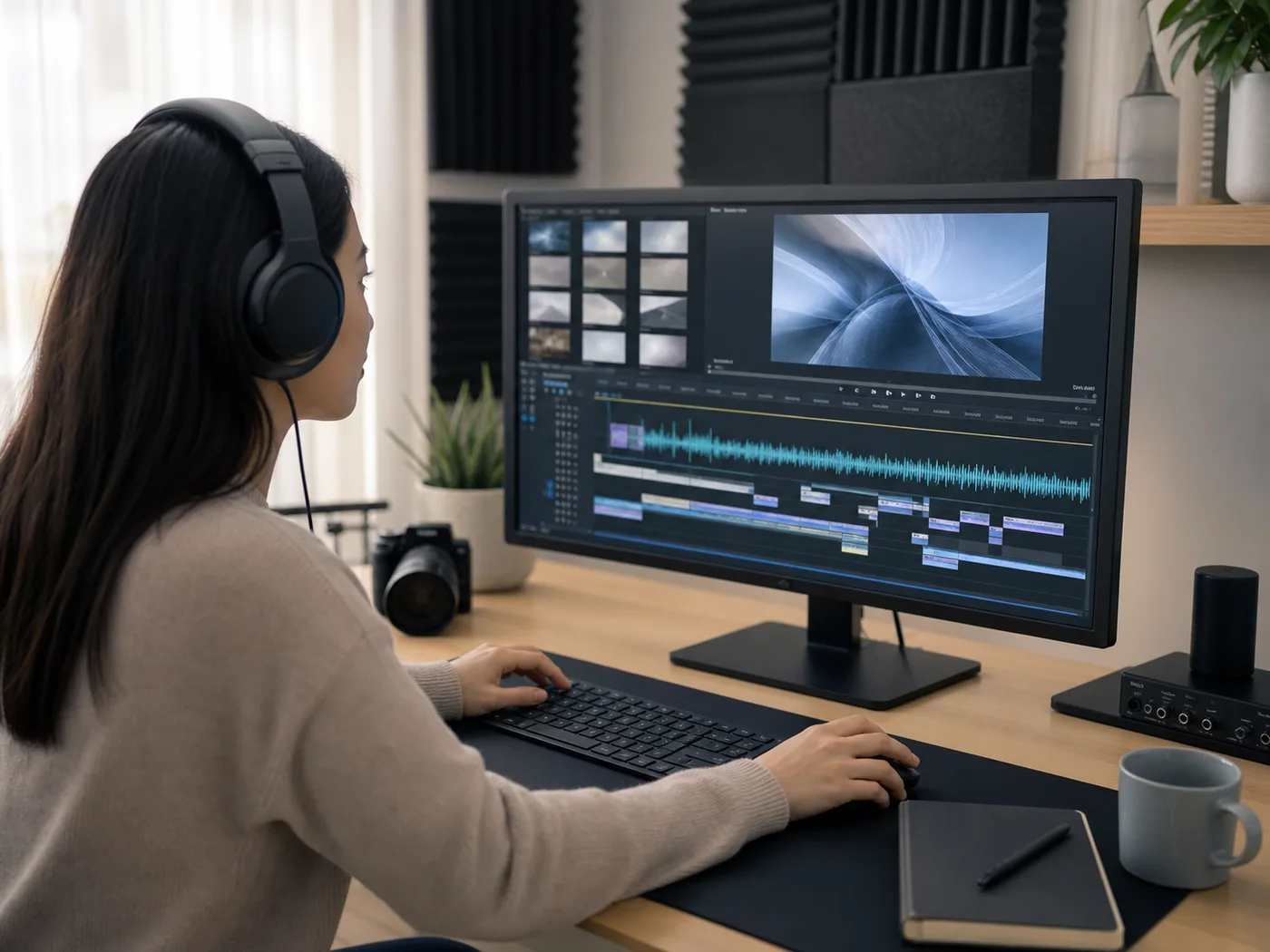
Prepare French translations and subtitles for editing, publishing, and content reuse.
Upload your English recording and choose the output format you want to create. Kollab creates a written transcript of the speech first and then translates that text into French so you can review names, terms, and context.
You can upload speech recordings in MP3, M4A, WAV, AAC, FLAC, OGG, or WebM audio formats for transcription and translation into French.
You can select French text, an English–French bilingual transcript, or French subtitles with timestamps so you can inspect phrasing alongside the original English audio.
Starting a translation task requires signing in to your Kollab account, and the audio minutes you can process depend on the credits available in your plan.
Ensure you have appropriate rights to the audio file and have obtained necessary consent from recorded speakers before uploading conversations or sensitive material.
Upload the audio, keep the source context, and continue from a translation you can review.