Upload English audio
Add an MP3, WAV, or other supported audio file containing English speech.
Upload an English voice recording to create an editable Indonesian translation, bilingual transcript, or subtitle file online.
Choose the text output
We need to turn complex information into something everyone can understand.
Kita perlu mengubah informasi yang rumit menjadi sesuatu yang dapat dipahami semua orang.
Preserve the meaning first, then make the language feel natural.
Pertahankan maknanya terlebih dahulu, lalu buat bahasa Indonesia terdengar alami.
Kollab transcribes spoken English audio first, then translates the complete context into natural Indonesian text with useful timestamps for review.
Transform your English audio into written documents you can check and reuse.
Add an MP3, WAV, or other supported audio file containing English speech.
Select a Indonesian translation, a bilingual transcript, or subtitles.
Kollab processes the English voice recording and translates the context into Indonesian.
Compare the translated text with the English transcript using timestamps to check names and terms.
Review the draft in your workspace and prepare transcript or subtitle text to download.
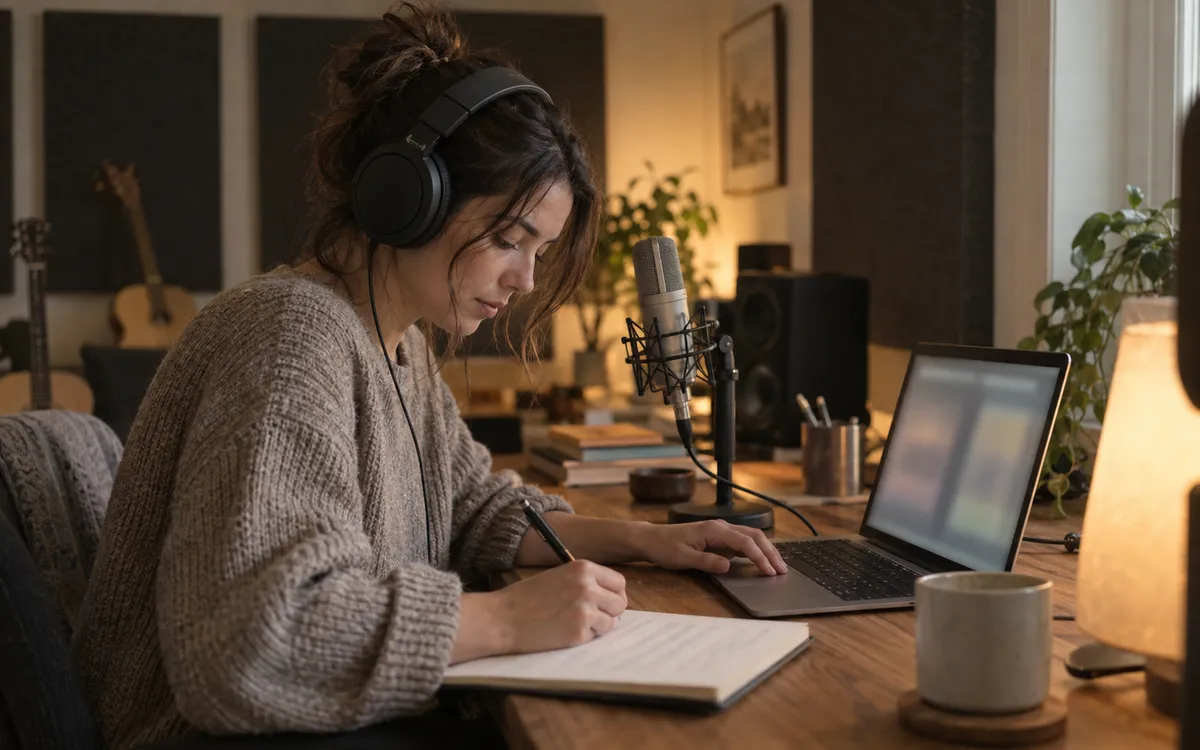
Spoken sentences are translated in context to keep natural phrasing.
Check the translated draft alongside the English transcript to locate specific moments in the recording.
Work with editable translations, dual-language transcripts, or timed subtitles in one place.
Convert English interviews, lessons, meetings, and video voice tracks into clear Indonesian text.
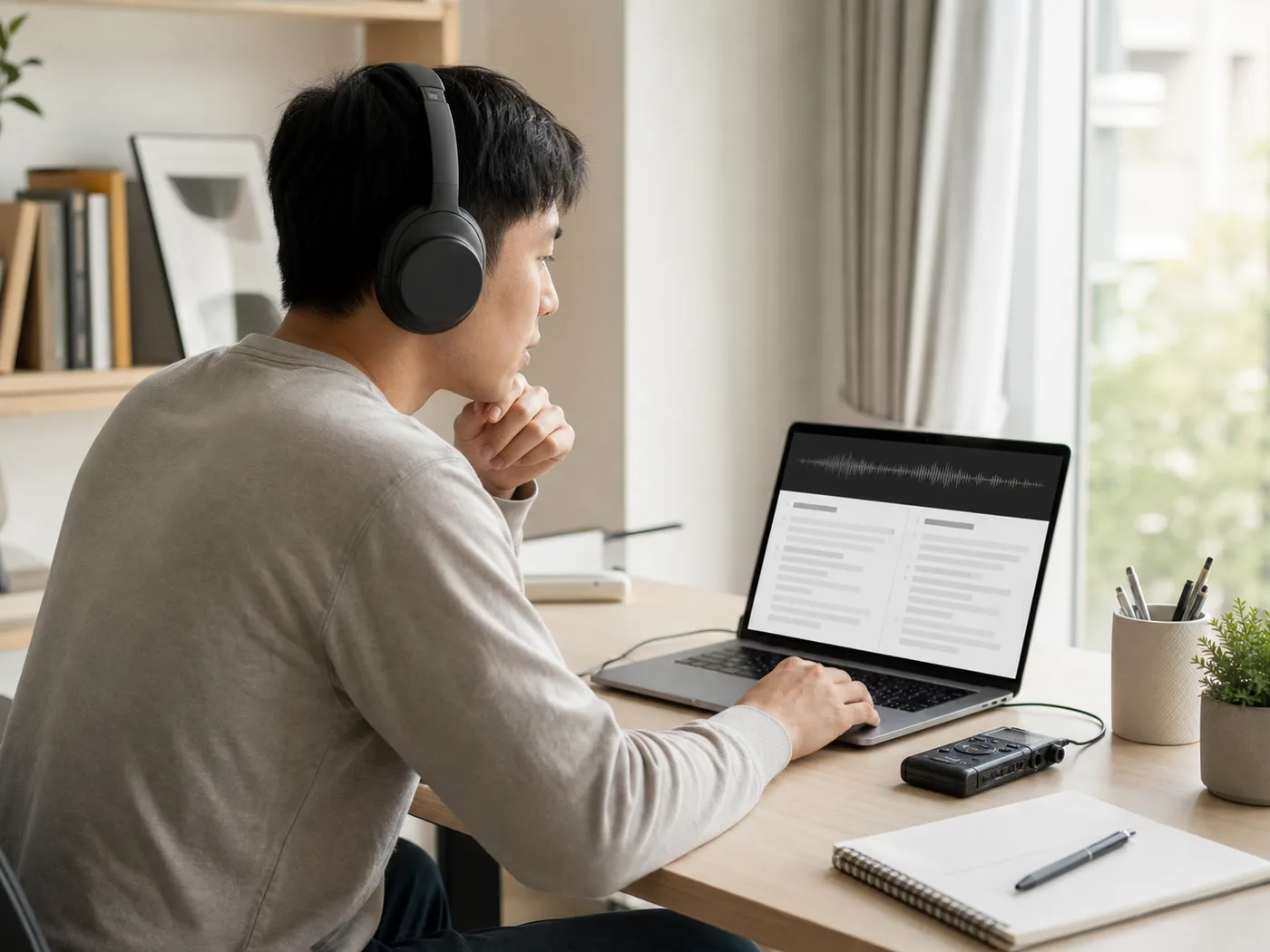
Turn English lectures, webinars, and study sessions into readable Indonesian study notes.
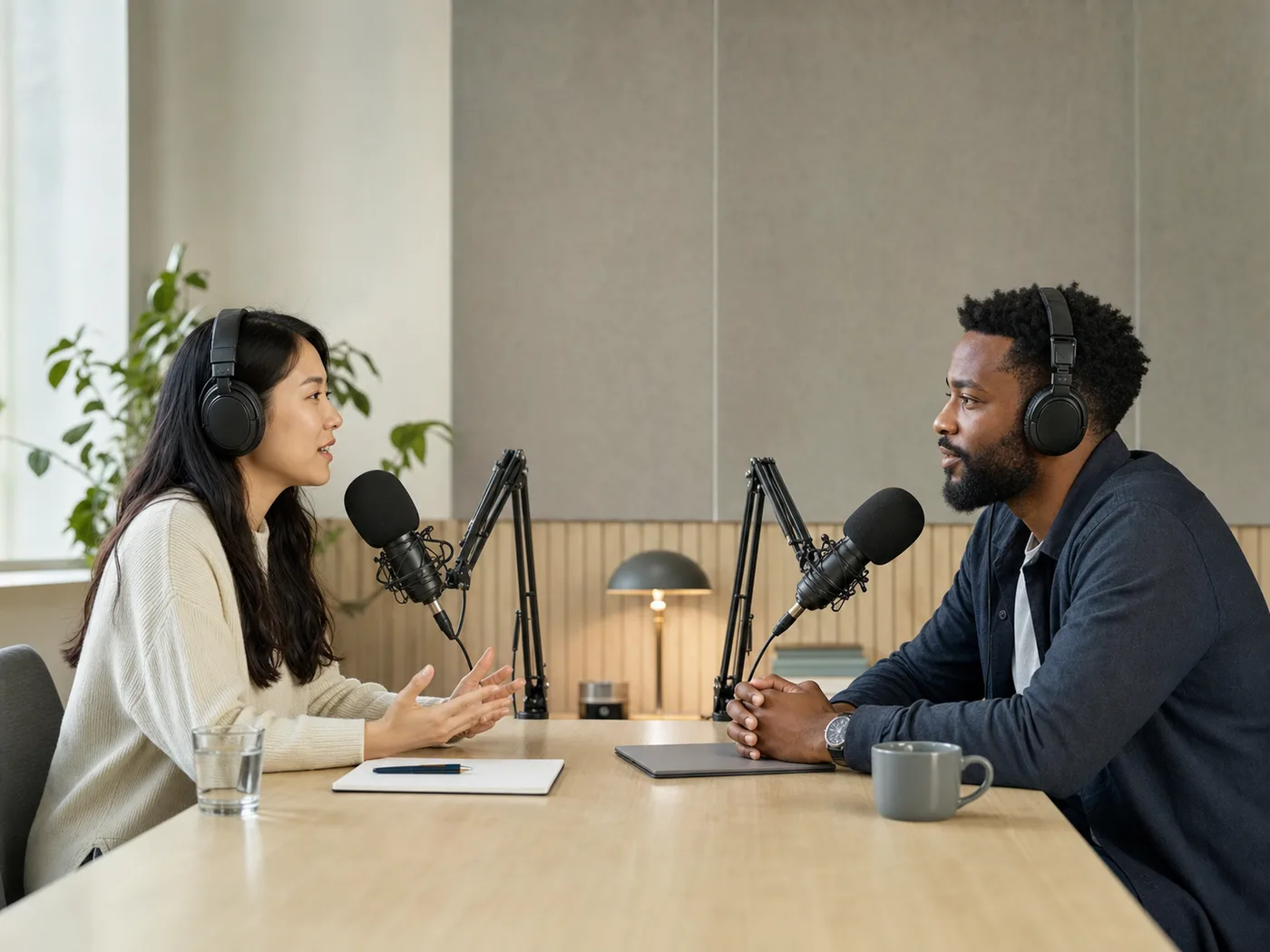
Create readable Indonesian transcripts from recorded conversations and audio interviews.

Review English calls, customer feedback, and user research in clear Indonesian text.
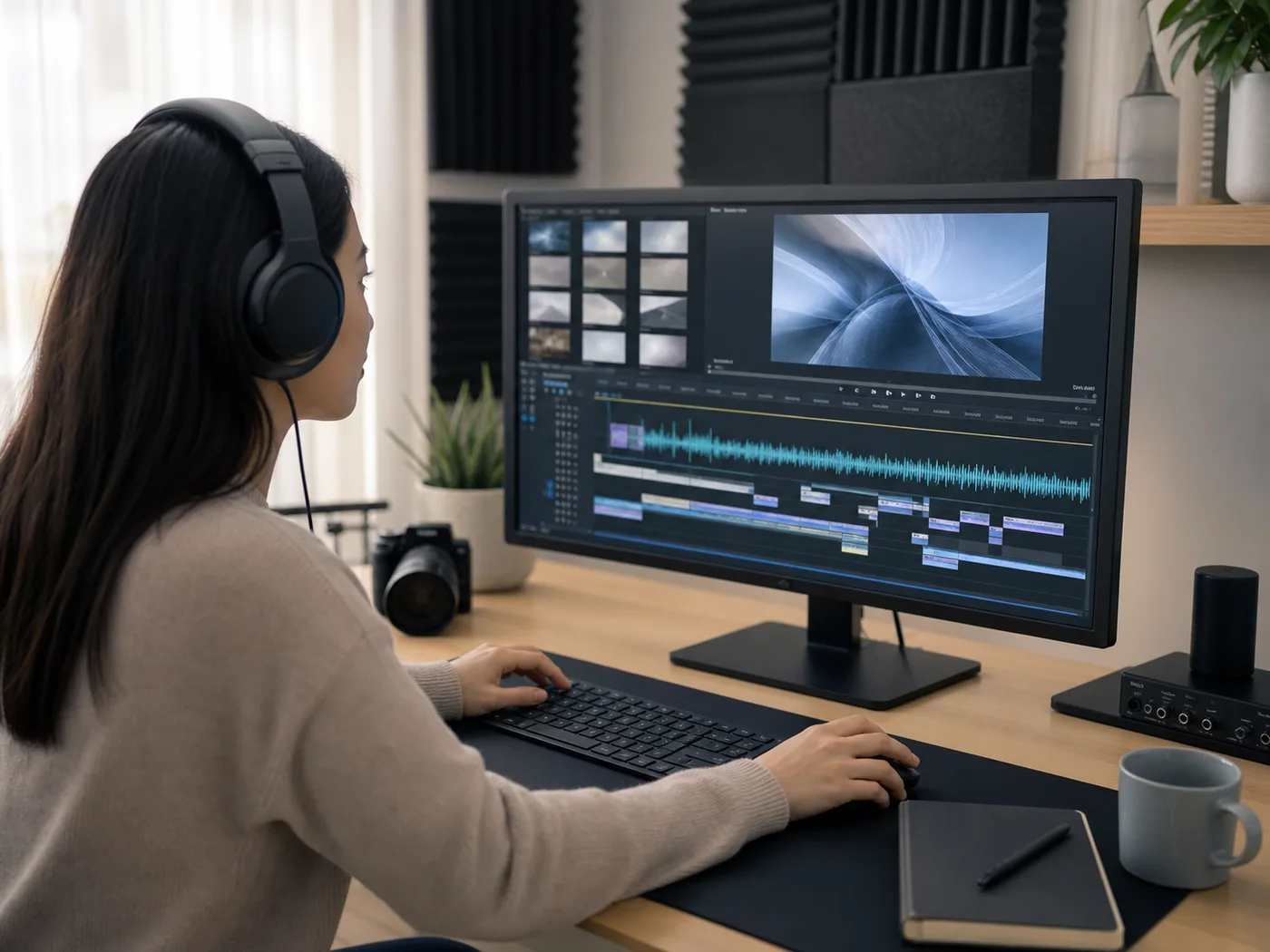
Generate Indonesian translations and subtitles from recorded voice tracks for video projects.
Upload an English voice recording and choose your preferred text format. Kollab transcribes the English speech and prepares a Indonesian translation, bilingual transcript, or subtitle draft for review.
Uploaded voice recordings produce written text outputs, providing a Indonesian translation, an English–Indonesian bilingual transcript, or timed subtitles to review and organize in your workspace.
Supported audio formats include MP3, M4A, WAV, AAC, FLAC, OGG, and WebM files for transcription and translation into Indonesian text.
Translation tasks in Kollab require logging in to an account. Audio processing allowance depends on your current plan credit balance.
Confirm you have permission to use the recording, obtain consent from all recorded speakers, and check for sensitive details before submitting audio.
Upload your audio file, check the English source context, and work with an editable translated transcript.