Upload English audio
Add an interview, lecture, meeting clip, podcast, or voice note in a supported format.
Turn recorded English speech into readable Tamil text, side-by-side transcripts, and timed subtitles you can review inside your task.
Choose the text output
We need to turn complex information into something everyone can understand.
சிக்கலான தகவலை அனைவரும் புரிந்துகொள்ளும் உள்ளடக்கமாக மாற்ற வேண்டும்.
Preserve the meaning first, then make the language feel natural.
முதலில் பொருளைத் தக்கவைத்து, பிறகு தமிழை இயல்பாக ஒலிக்கச் செய்யுங்கள்.
Kollab transcribes your spoken English first, then translates the complete message into Tamil text with helpful timestamps so you can check names, numbers, and specific terms.
Move from recorded audio to written text ready for review, edits, and team use.
Add an interview, lecture, meeting clip, podcast, or voice note in a supported format.
Select a Tamil translation, a bilingual transcript, or timed subtitles.
Kollab processes the English speech and drafts your Tamil text in a new task.
Compare translated sentences with the original English transcript and timestamps.
Ask the task to prepare your final transcript or subtitle draft for download and sharing.

Translate full thoughts into clear phrasing that fits the topic.
Review text alongside the source English audio to verify key points and timing.
Work with standard translations, dual-language transcripts, or subtitle drafts.
Create written Tamil material from lessons, team calls, interviews, and media recordings.
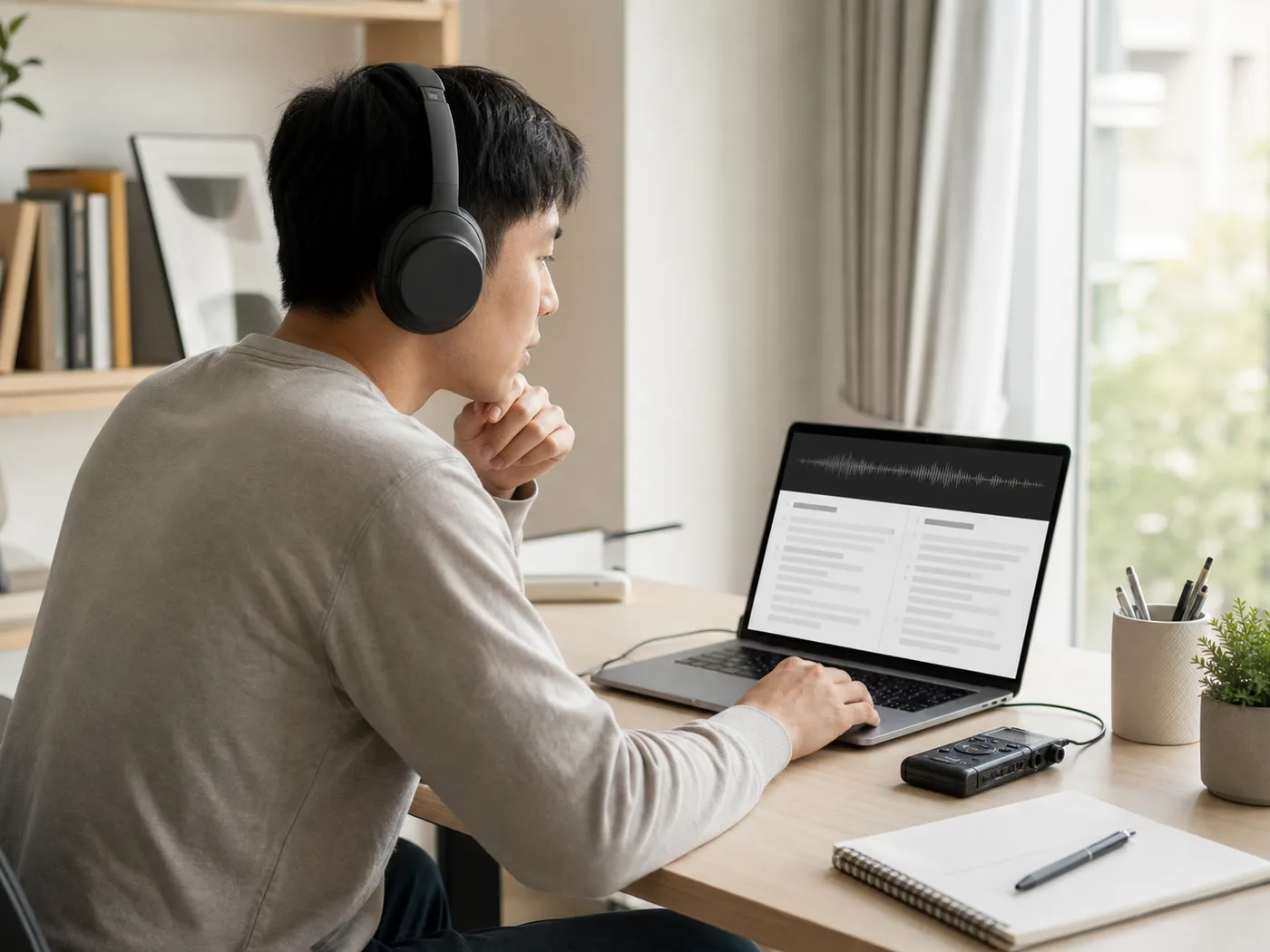
Turn English workshops, courses, and guest talks into study notes for Tamil readers.

Create readable Tamil transcripts from recorded conversations and discussions.

Review English client calls, interviews, and field notes in written Tamil.
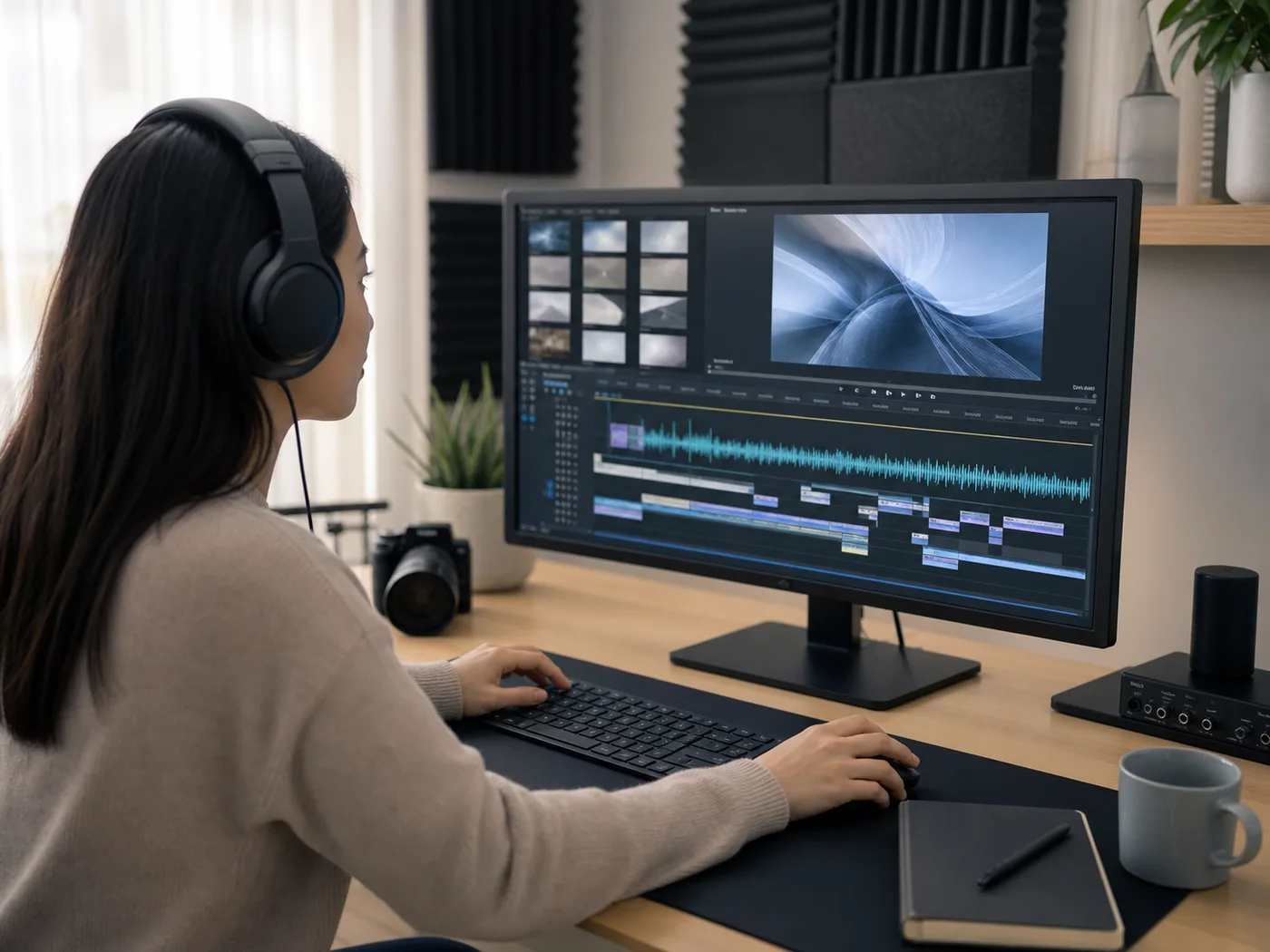
Prepare Tamil translations and subtitles for video drafts, clips, and text reuse.
Upload a supported audio file, pick your preferred output format, and start a task in Kollab. The tool transcribes the English speech first and generates an editable Tamil translation, bilingual transcript, or subtitle draft for your review.
Yes. You can upload MP3, M4A, and WAV files, as well as AAC, FLAC, OGG, and WebM formats.
Yes. You can select timed subtitles or a bilingual draft, review the lines against the source English timestamps, and ask the task workspace to organize the text so you can copy or download it.
Starting an audio translation task requires signing in to Kollab. Usage and available processing duration depend on the credits included with your current account plan.
Make sure you have permission to upload the recording, confirm consent from anyone speaking on the tape, and review files beforehand to avoid uploading sensitive personal information.
Upload your recording, keep source timestamps in view, and work with editable text inside Kollab.