Просмотр и навигация
Открывает любой URL, переходит по ссылкам, прокручивает страницы и ждёт их загрузки — в стольких вкладках, сколько нужно задаче.
Это не бот-скрапер. Это ваш браузер, ваши активные сессии и ваш Agent за клавиатурой.
Kollab AI Browser Operator связывает Chrome с вашим Kollab Agent. Опишите задачу обычными словами — и он открывает страницы, кликает, печатает и доводит работу до конца в настоящих вкладках на сайтах, где вы уже вошли в аккаунт. Наблюдайте за его работой или перехватывайте управление в любой момент.
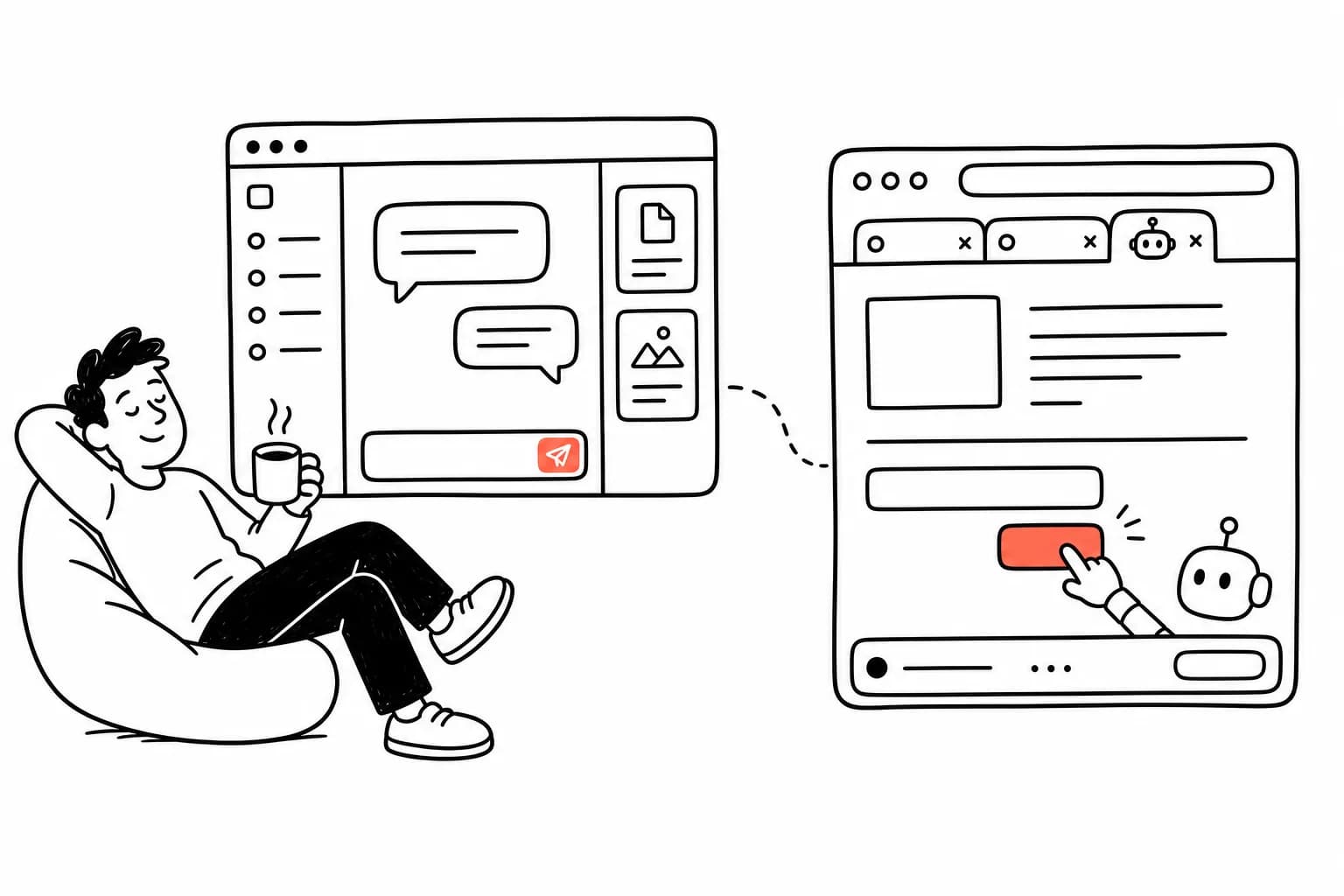
Настоящие действия в настоящем браузере, а не превью в песочнице.
Он кликает и печатает как человек — потому что внутри именно это и происходит.

Доверенные клики и нажатия клавиш через Chrome DevTools Protocol, поэтому даже React-приложения и rich-text редакторы ведут себя ровно так, как если бы печатали вы.

Он собирает чистый текст, пронумерованную карту кликабельных элементов и скриншоты — так ваш Agent действительно видит, что происходит на экране.

Он действует от вашего имени в вашем же браузере, без общих паролей и отдельных API-ключей. Если вы вошли в аккаунт, ваш Agent может работать в этой сессии.
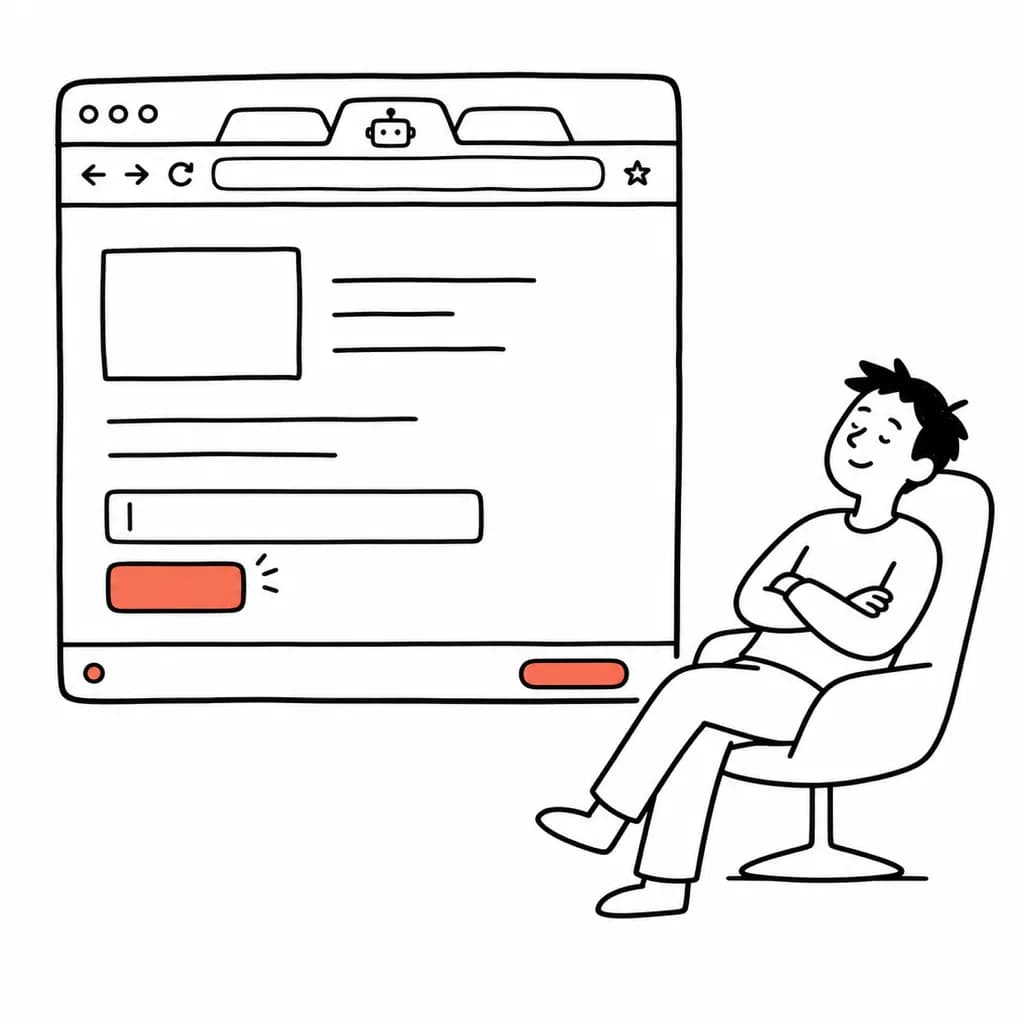
Пока Agent работает, на странице остаётся плавающий элемент управления. Один клик — и он приостановлен, а страница снова ваша.
Открывает любой URL, переходит по ссылкам, прокручивает страницы и ждёт их загрузки — в стольких вкладках, сколько нужно задаче.
Каждая задача выполняется в собственной группе вкладок «Kollab 🤖», отдельно от ваших обычных вкладок, и группа закрывается по завершении.
Передайте Agent файл — и он подставит его прямо в поле загрузки на странице.
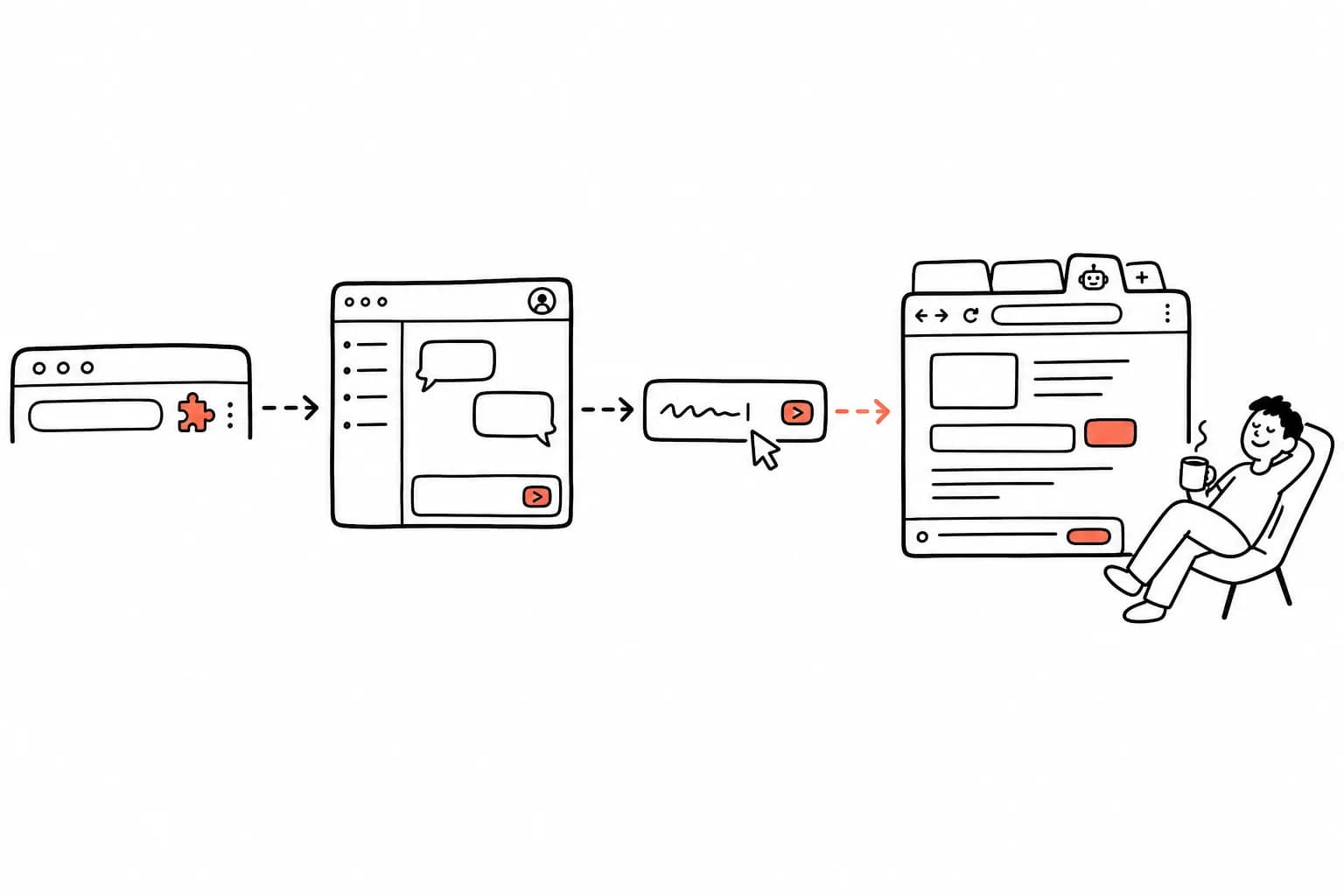
Никаких кодов сопряжения и конфигурационных файлов. Установите, войдите и начинайте ставить задачи.
Установите Kollab AI Browser Operator из Chrome Web Store в один клик.
Откройте kollab.im и войдите в аккаунт. Расширение само определит вход и подключится.
В любой задаче Kollab напишите «Используй мой браузер, чтобы…» — и ваш Agent начнёт работать в настоящих вкладках.
Компактный оверлей показывает, что он делает. Приостановите в любой момент, сделайте шаг сами и верните управление обратно.
Kollab раскрывается полностью, когда Skills, Bots, Connectors и готовые сценарии усиливают друг друга в одном командном рабочем пространстве.
Широкий доступ требует чётких границ. Вот как именно ведёт себя расширение.
Изолированные группы вкладок
Вкладки Agent живут в собственной подписанной группе, поэтому он никогда незаметно не заберёт вкладку, в которой работаете вы.
Чувствительные сайты недоступны
Он отказывается открывать банковские сайты, вашу почту, а также страницы аккаунтов Google и Microsoft.
Ничего не скрыто
Как только Agent обращается к странице, Chrome показывает свой стандартный баннер об отладке, а вы можете открыть панель и следить за каждым действием.
Ваши данные остаются вашими
Страницы читаются только тогда, когда ваш Agent выполняет действие, а результаты уходят только в тот аккаунт Kollab, в который вы вошли.
Manifest V3, Chrome
Создано на актуальной платформе расширений Chrome. Firefox и Safari пока не поддерживаются.
Выберите способ установки, который вам удобнее.
Устанавливается в один клик, а Chrome сам поддерживает актуальную версию.
Установить в ChromeНет доступа к Chrome Web Store или используете другой браузер на Chromium? Установите вручную.
Скачать .zipБесплатно с вашим аккаунтом Kollab. Версия из Chrome Web Store обновляется сама; для .zip скачайте архив заново, чтобы обновиться.