Upload English audio
Add an interview, meeting recording, lecture, podcast, or video track in a supported format.
Upload an English recording, transcribe the spoken words, and build a reviewable Chinese translation, bilingual transcript, or subtitle draft.
Choose the text output
We need to turn complex information into something everyone can understand.
我们需要把复杂的信息,变成每个人都能理解的内容。
Preserve the meaning first, then make the language feel natural.
先保留原意,再让中文表达自然流畅。
Kollab creates an English transcript first, then relies on surrounding sentences to draft natural Chinese text while keeping useful timestamps beside the source words.
Move from a recorded conversation to text you can read, adjust, and reuse.
Add an interview, meeting recording, lecture, podcast, or video track in a supported format.
Select a Chinese translation, bilingual transcript, or timed subtitles.
Kollab recognizes the spoken English lines and translates the broader context into Chinese.
Check names, numbers, and key terms directly against the English transcript and timestamps.
Ask the task to organize subtitles or text copies whenever you want to keep and reuse them.

Work with complete thoughts and natural conversational phrasing across the recording.
Read the translation alongside the English transcript and step back to relevant spots in the recording.
Prepare an editable translation, side-by-side lines, or subtitles for your next step.
Rely on written Chinese drafts for lessons, team catch-ups, interviews, and media prep.
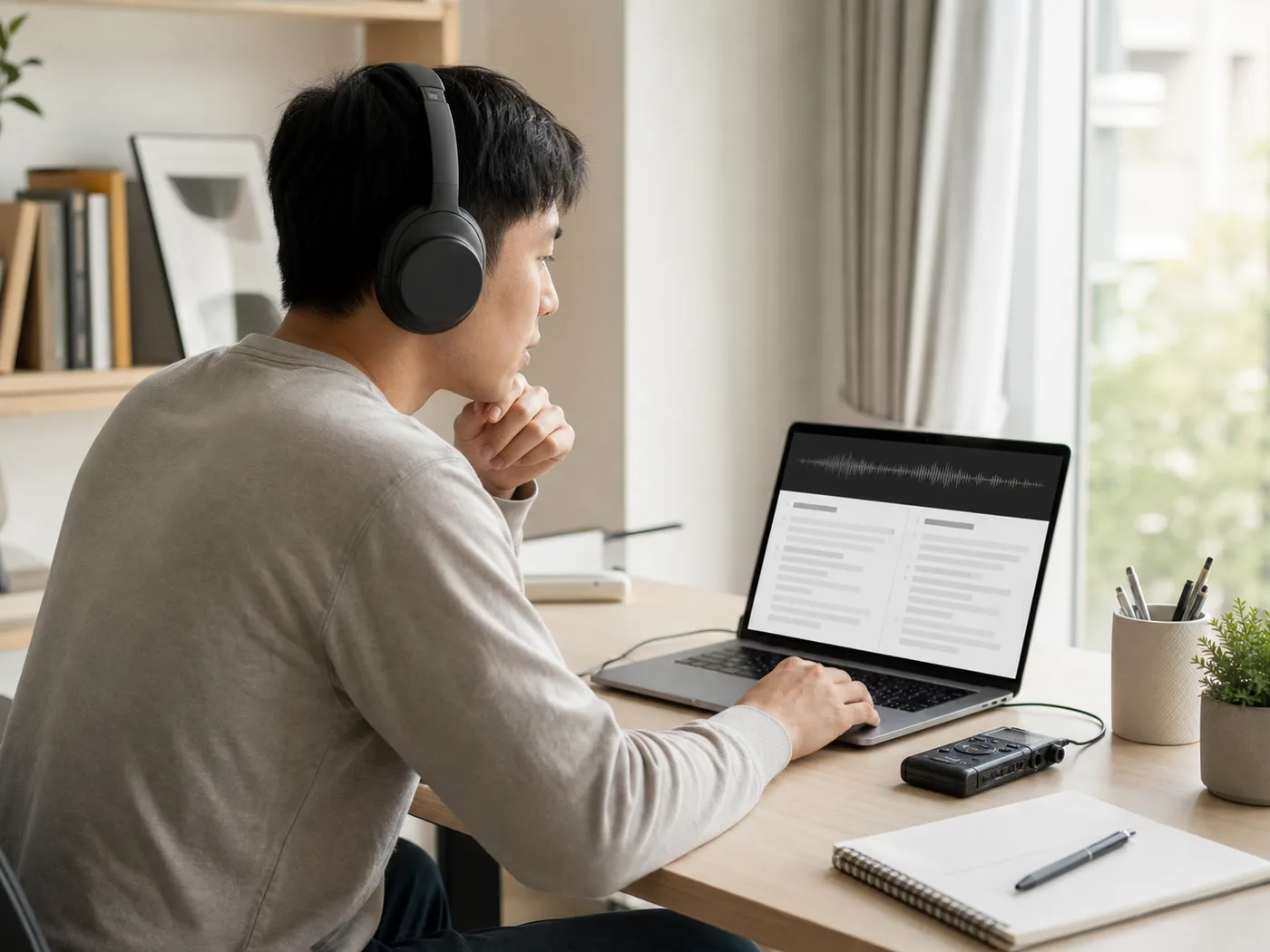
Provide readable lesson notes, recorded workshops, and study guides for Chinese readers.

Turn long discussions and audio interviews into readable Chinese conversation records.

Follow recorded English calls, interviews, and user feedback through Chinese summaries.
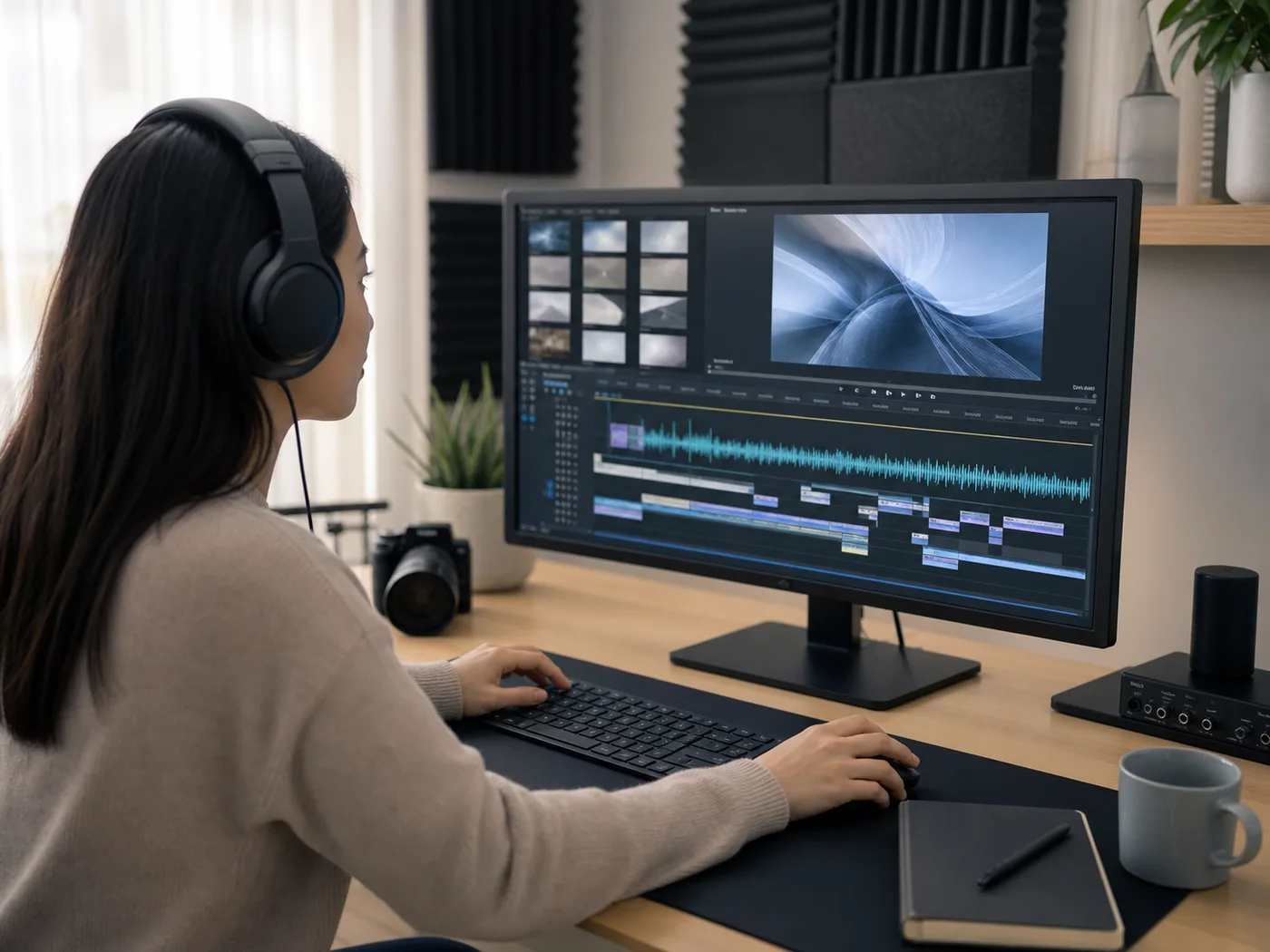
Prepare Chinese translations and subtitles ready for review and publishing steps.
You can upload an English recording through your browser and select the text output you want. Kollab turns the speech into an English transcript first, then drafts your Chinese text inside your task for review.
This tool works with pre-recorded audio files and delivers written text: a Chinese translation, a bilingual transcript, or subtitles. You can review the wording and request organized text drafts in your task.
You can upload recordings in MP3, M4A, WAV, AAC, FLAC, OGG, and WebM formats.
You can sign in to your Kollab account to start an audio translation task. Available audio length and task usage follow the credits included with your current account plan.
Confirm that you hold permission to use the recording, gather necessary consent from people speaking on the file, and review any sensitive personal information before submitting your audio.
Upload your file, read through the source context, and keep an editable draft you can adapt.