Generate Seedance 2 videos from text
Write scene actions, camera motion, subjects, and lighting. Seedance 2 processes the prompt while Kollab preserves your creative brief.
Turn text prompts, scene ideas, and reference images into short video clips. Kollab keeps prompt inputs, iterations, and project downloads in one continuous workspace.
Open Seedance 2 online inside Kollab to draft prompts, review generated clips, and manage creative video tasks together.
Write scene actions, camera motion, subjects, and lighting. Seedance 2 processes the prompt while Kollab preserves your creative brief.
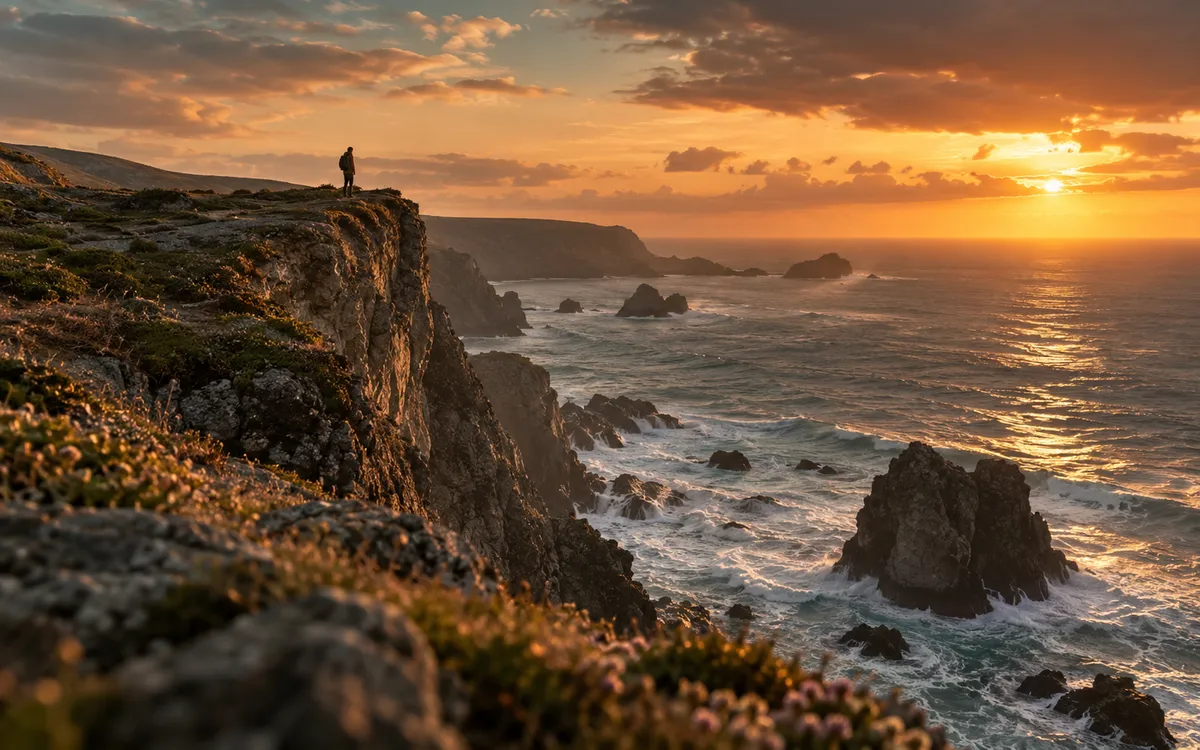
Attach reference images and visual guides to guide character appearance, product framing, and mood across iterations.
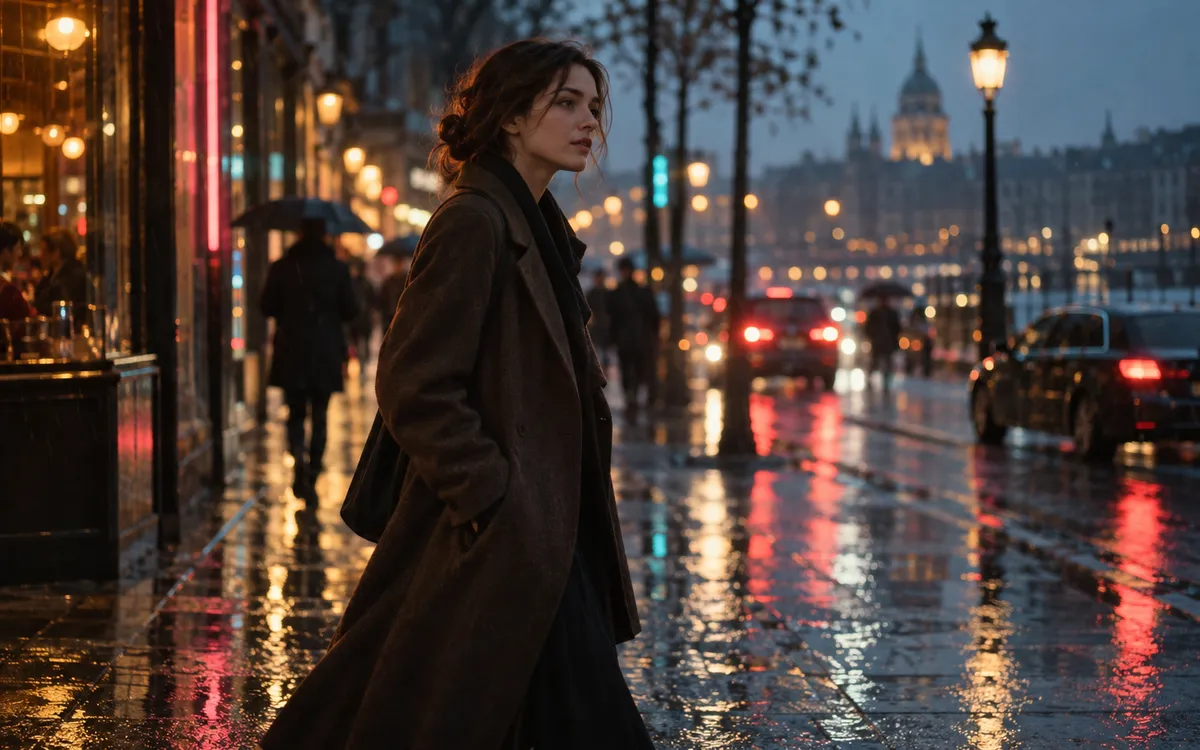
Adjust lighting, composition, pacing, or formats directly in the task thread without rebuilding your prompts from scratch.

Generated videos are saved in your Kollab workspace, so teammates can open, download, and reuse them in the same project.
Seedance 2 generates the clips. Kollab manages prompts, references, and files in one flow.
Describe the subject, camera angle, and style, or choose a quick prompt to open the Seedance 2 task in Kollab.
Attach reference images or style boards when your scene needs to match specific characters or products.
Start the AI video job from Kollab and keep the result connected to the same task, files, and project context.
Request follow-up revisions, test new prompt variations, and download finished video files for your channels.
Use one shared AI workspace to draft scene prompts, iterate on clips, and organize video files.
Create short product reveals, hero shot concepts, and feature teasers from written descriptions and key art.
Generate visual hooks and clip variations for landing pages, paid social tests, and campaign announcements.
Turn early narrative concepts and mood boards into moving sequences before finalizing full production schedules.
Seedance 2.0 is an AI video model that generates short video clips from text prompts and reference images. In Kollab you use it inside a workspace that keeps your brief, prompts, revisions, and finished clips together.
Describe the subject, camera movement, visual style, and format in the prompt box, or pick an example prompt, then start the task in Kollab. You can attach reference images, ask for changes in the same thread, and download the clips when you are happy.
You can start for free. The Free plan gives you 600 credits every 3 days with no carry-over. Each video uses credits from your balance, so how many clips you can make depends on the length and settings you choose.
Kollab does not sell a separate Seedance subscription. Video generation uses credits from your workspace balance. Free includes 600 credits every 3 days, Pro is $20 per month, and credits are shared across your team with unlimited team seats on every plan.
In Kollab you use Seedance 2.0 as a hosted model in your browser, so there is nothing to download or run yourself. For the model's license terms, check the official documentation from its developer, ByteDance.
Yes. Attach a reference image to the task and describe the motion you want. Kollab keeps the reference attached, so revisions follow the same visual direction.
A strong prompt names the subject, action, camera movement, visual style, aspect ratio, duration, and intended channel. Kollab keeps those details attached to the task so follow-up cuts stay aligned with your original brief. For ready-made examples, see the Seedance 2 prompts gallery.
Generated clips are saved in the task workspace in Kollab. The prompt, references, and generated video stay together, so you can reopen the task, download the clip, or ask for a new version.
Start a Seedance 2 AI video workflow with your team in Kollab.