New in Kollab

GPT Image 2.5. Sharper, truer, twice as fast.

The model behind ChatGPT Images 2.5 is now generating and editing inside Kollab — faithful to your reference photos, precise across edits, no separate API key required.

1:1Model: Flare
a ceramic mug on linen, soft window light · product shot, matte black background · watercolor map of a coastline
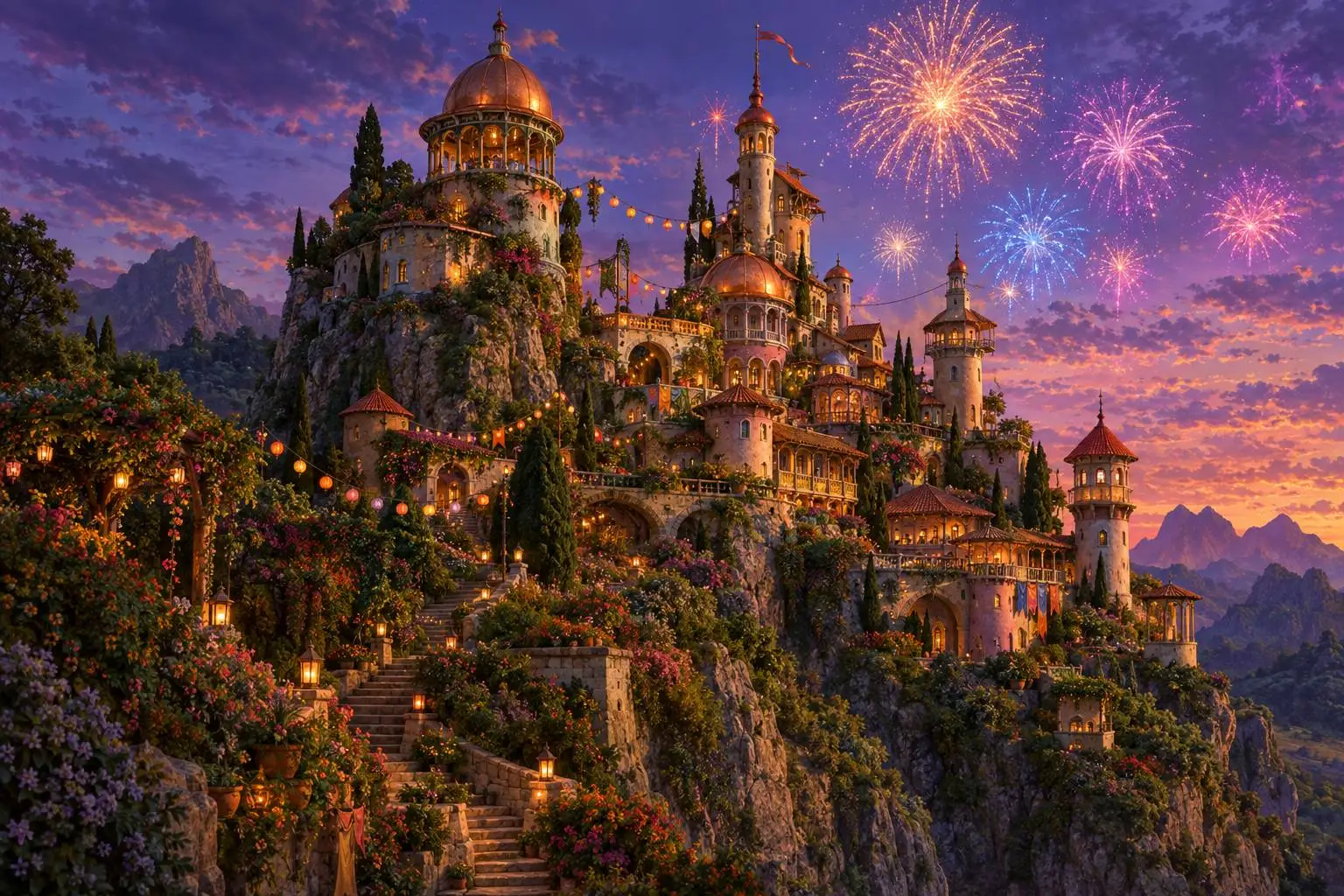
GPT Image 2.5 sample: an original fantasy castle built into a cliffside at dusk with fireworks
Generated with GPT Image 2.5 in Kollab

What's new in GPT Image 2.5

Detail that holds up at print size
Fine text, fabric weave, and small hands render clean at full resolution, not just on a phone screen.
Lighting and texture that look photographed
Shadows fall the way light actually behaves, and surfaces read as glass, skin, or metal rather than render.
Up to 50% faster generation
Lower latency than GPT Image 2 means you can iterate on a concept in the time it used to take for one render.

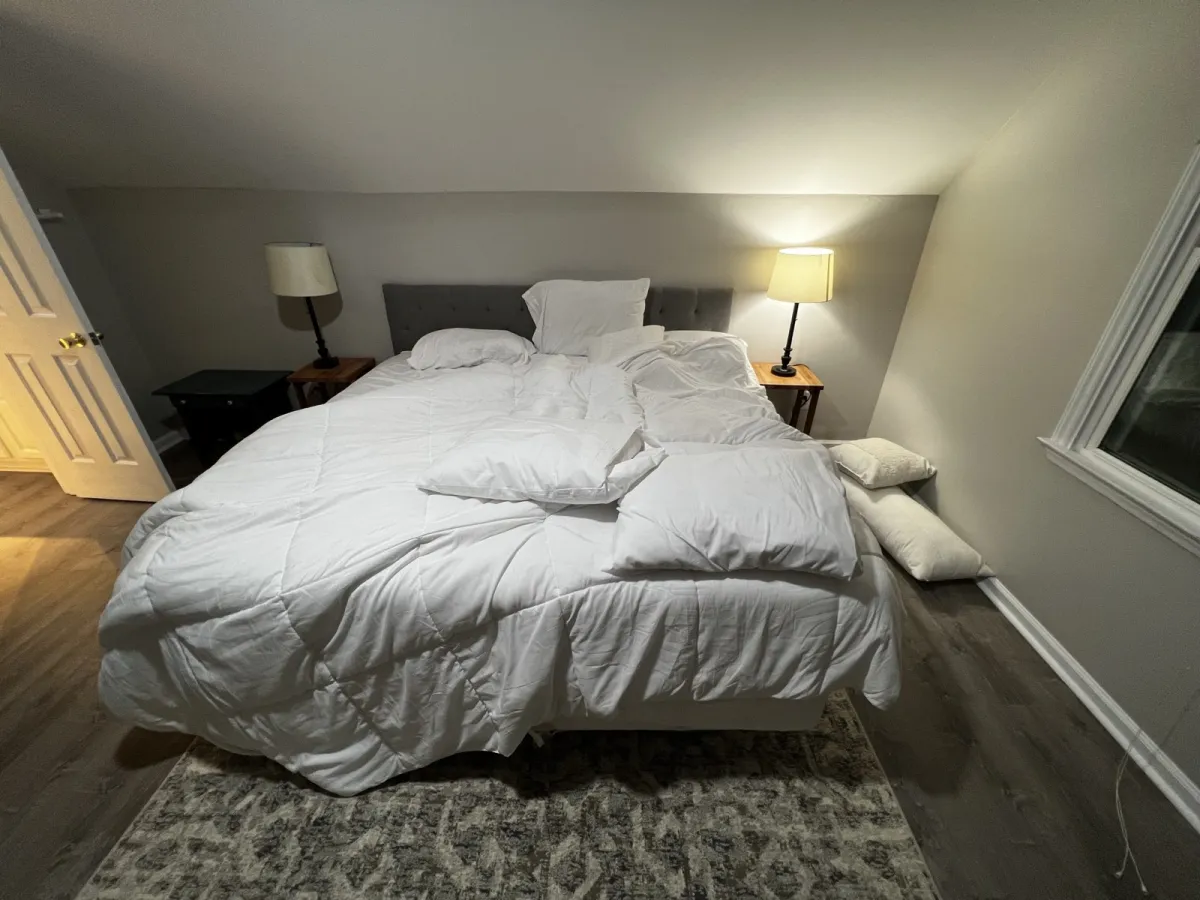
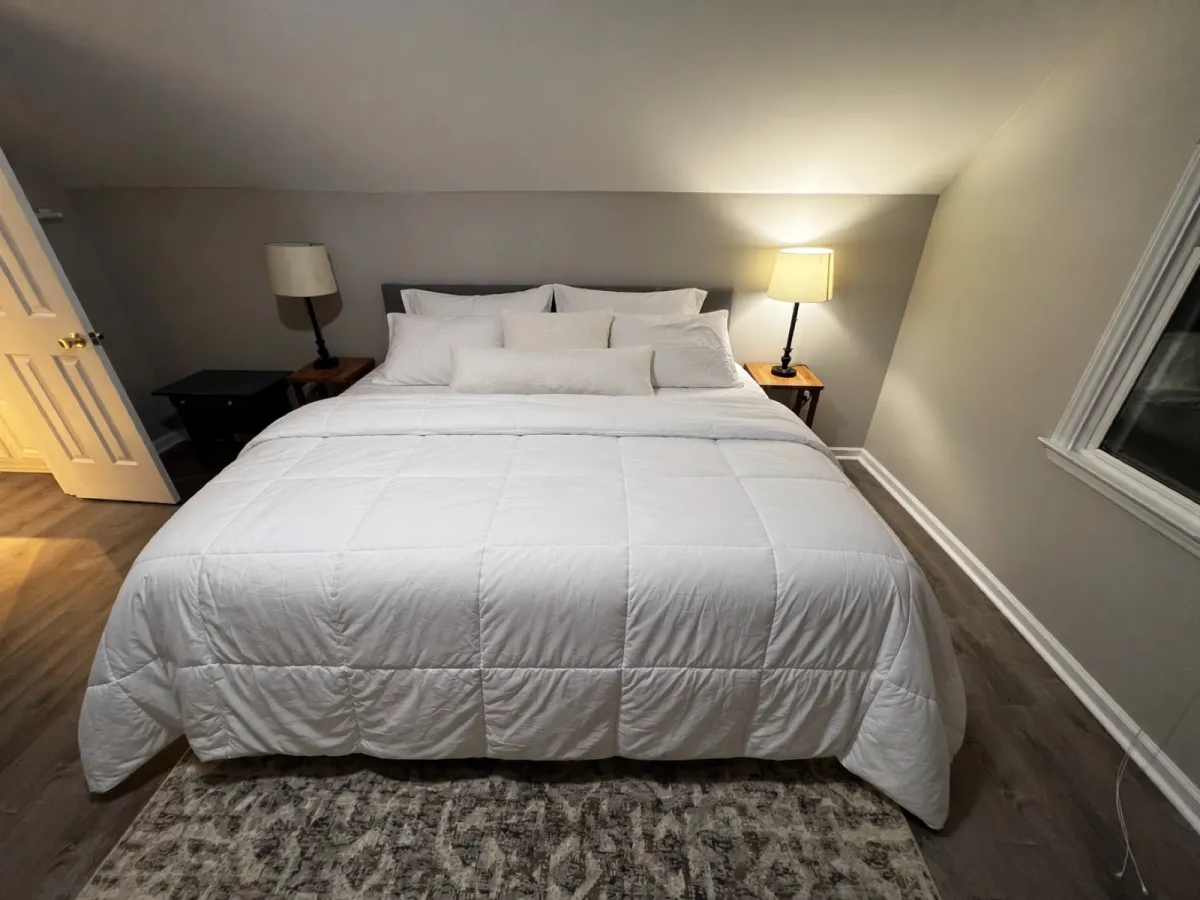
GPT Image 2.5 image editing with reference photos

Upload a reference photo, describe the change, and the parts you didn't ask about stay exactly where they were.

Reference photo before GPT Image 2.5 edit
GPT Image 2.5 edit result after applying the make-the-bed instruction
Input
GPT Image 2.5 edit — "make the bed"

GPT Image 2.5 prompts

One model, a wide range of visual styles — from cyberpunk skylines to hand-lettered wedding invitations.

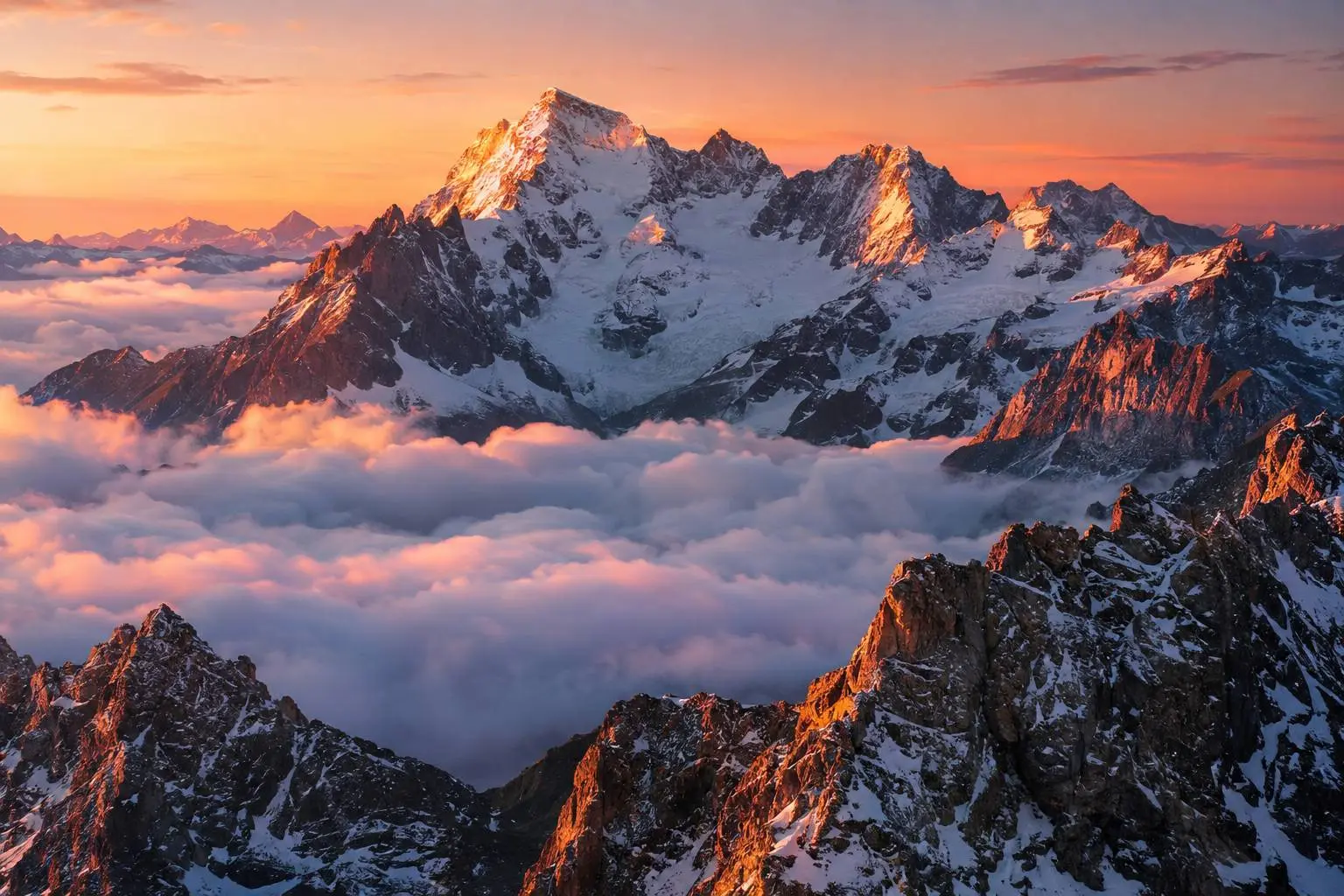
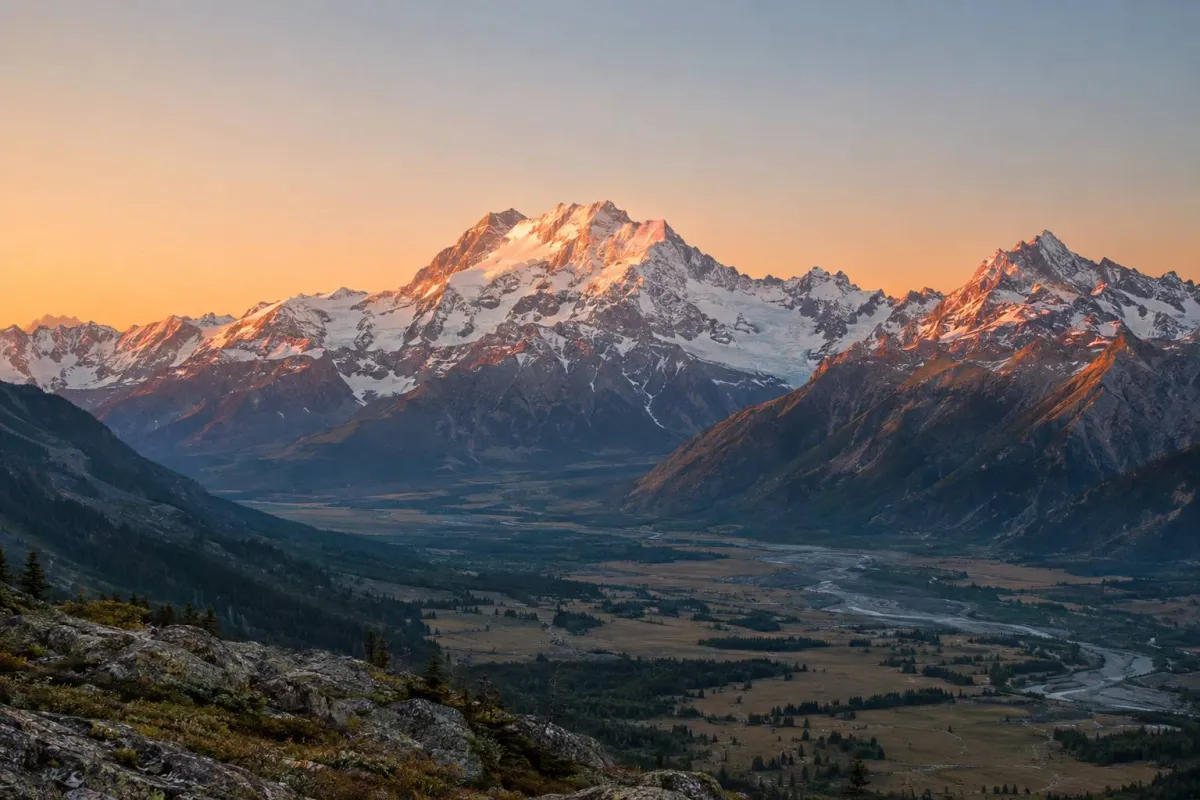
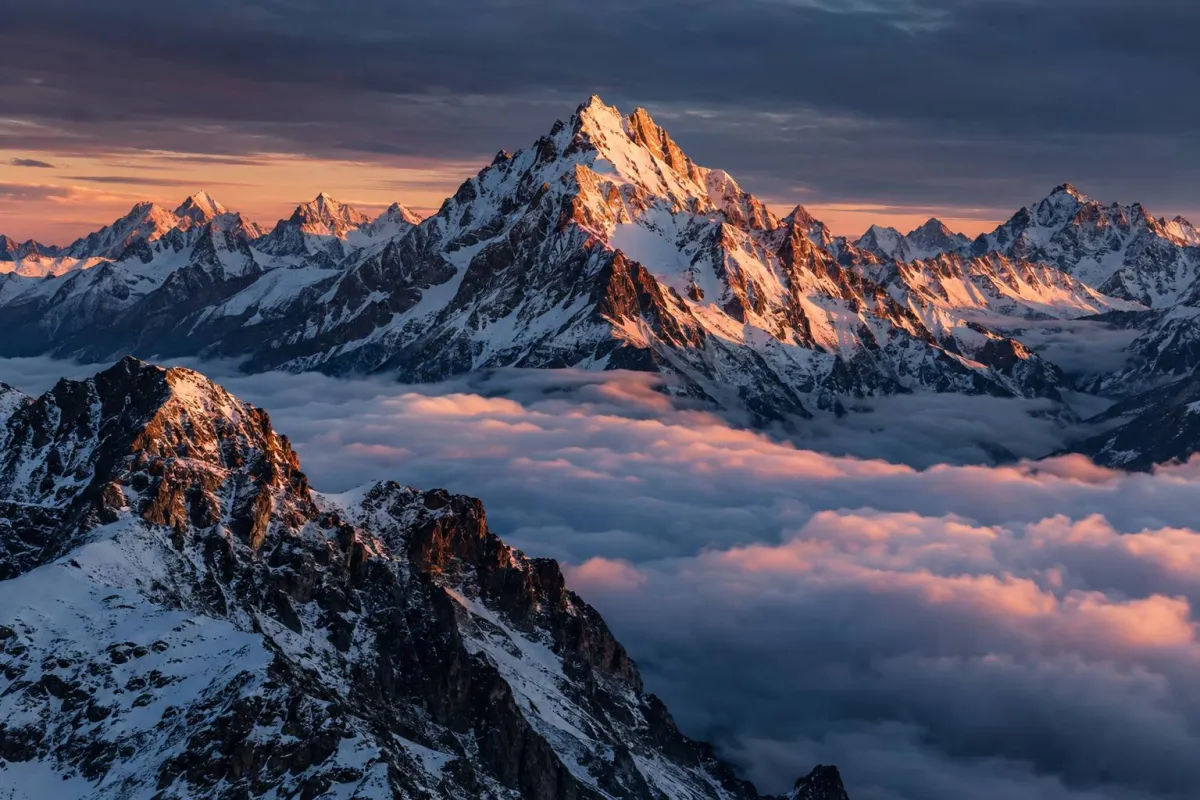
A snow-capped mountain range glowing at sunrise above a sea of clouds.
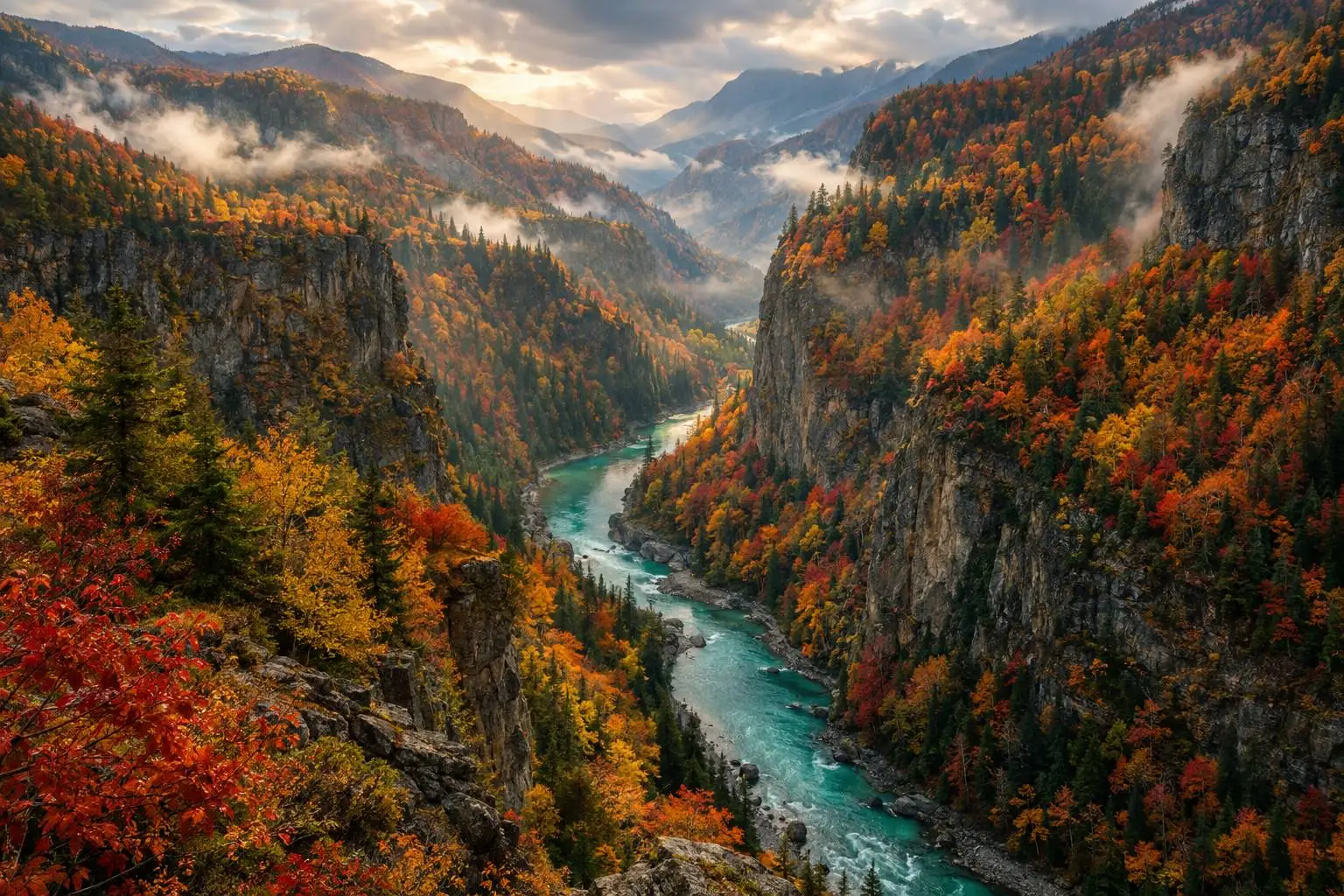
A river canyon in full autumn color, mist rising from the forest below.
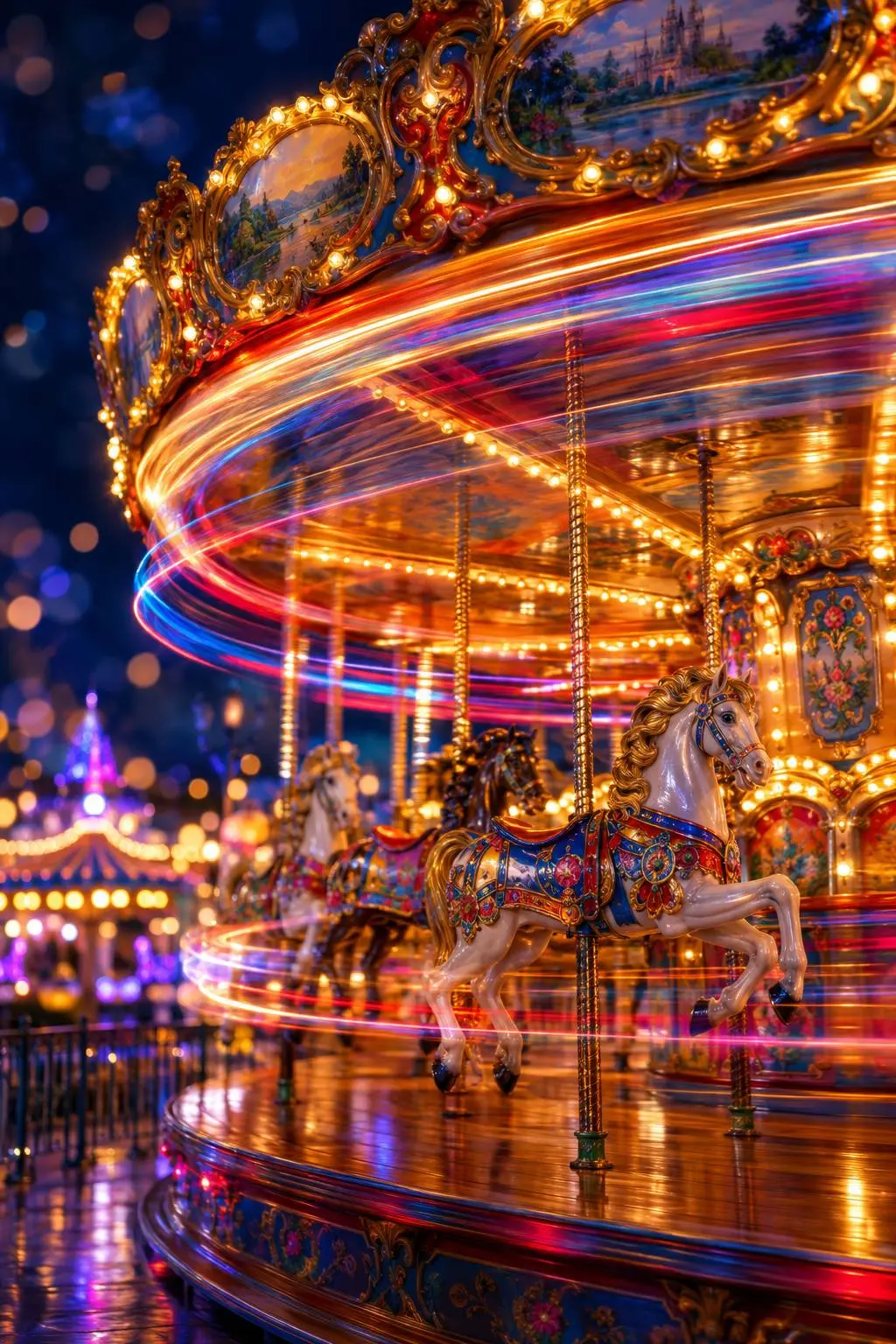
A long-exposure night shot of a carousel, colorful light trails swirling from the spinning horses.
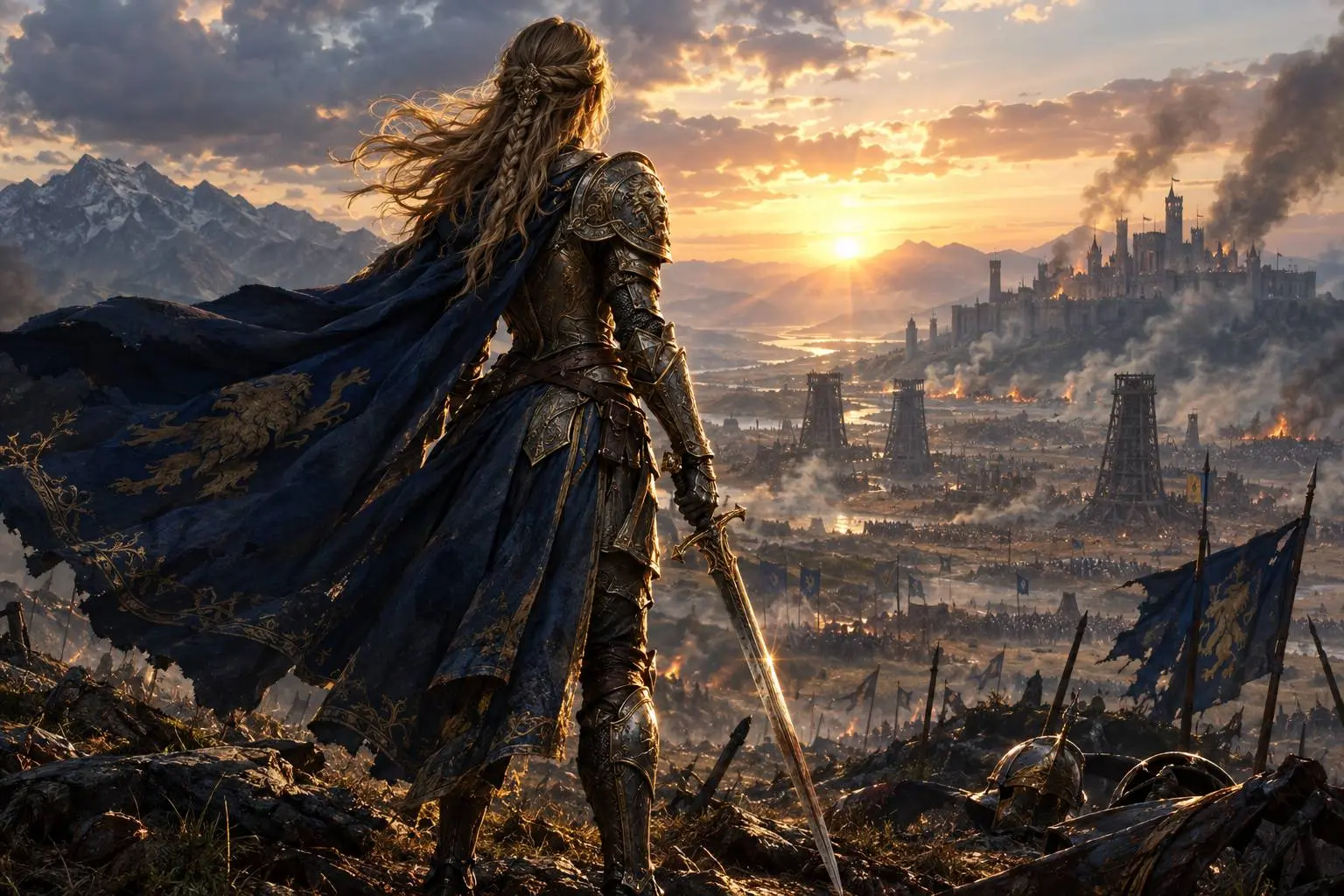
A lone knight in ornate armor overlooking a war-torn battlefield at dawn.
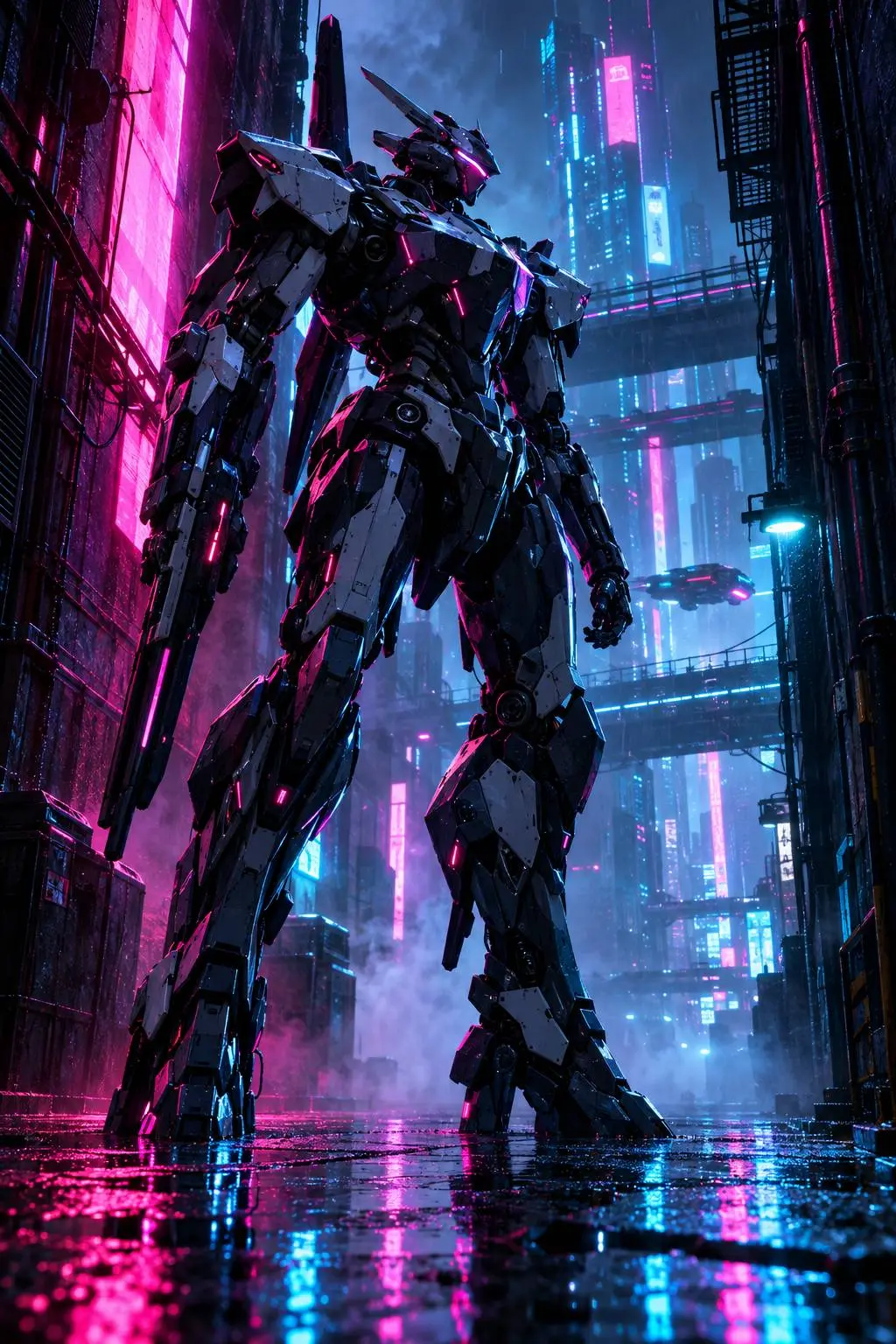
A towering mecha standing in a rain-soaked neon alley at night.
A handmade ceramic coffee cup catching soft morning window light.
A minimalist Scandinavian living room bathed in warm afternoon light.
A retro 1930s-style travel poster for a fictional mountain park.
Some sample images on this page were generated with GPT Image 2.5 in Kollab; the remaining official samples are courtesy of OpenAI.

Draw it. Template it. Keep every edit consistent.

Sketch — GPT Image 2.5 feature preview
Sketch
Draw a rough layout and use it as a visual guide for the final image.
Templates — GPT Image 2.5 feature preview
Templates
Start from a ready-made format like a poster or product shot instead of a blank prompt.
Multi-turn consistency — GPT Image 2.5 feature preview
Multi-turn consistency
Each new edit builds on the last without earlier changes drifting or degrading.

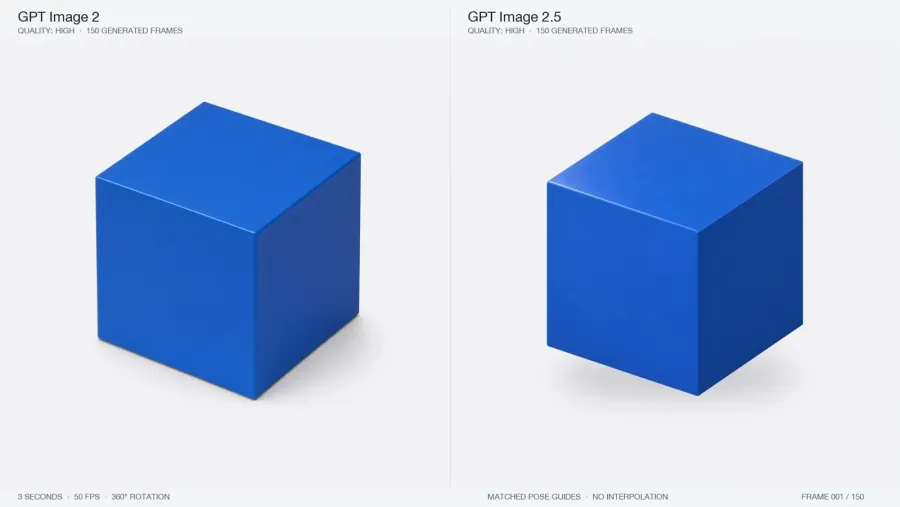
GPT Image 2.5 vs GPT Image 2

OpenAI hasn't published a side-by-side comparison image for 2.0 vs 2.5 — here's what actually changed, straight from the official announcement.

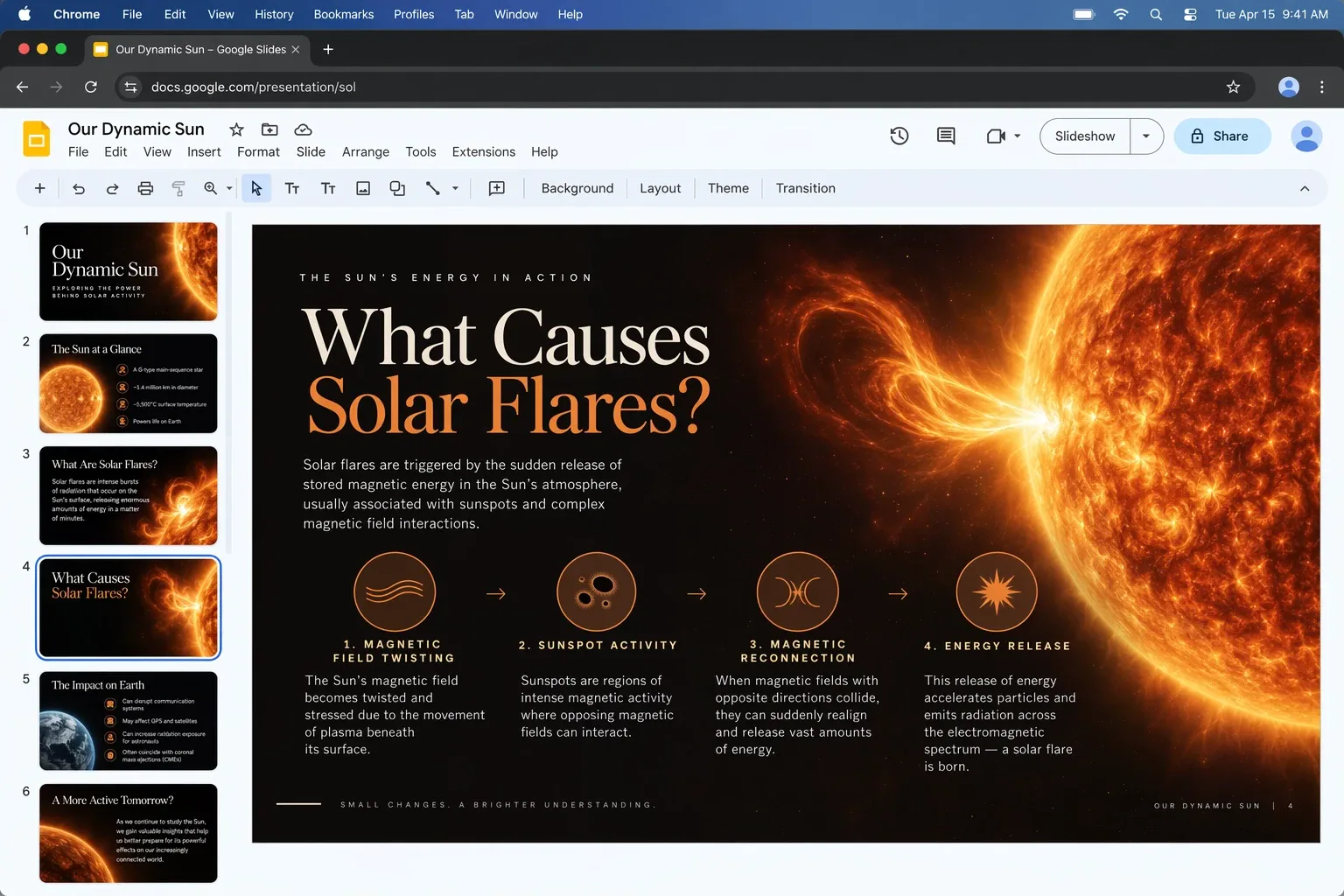
GPT Image 2.5 sample: a presentation slide explaining what causes solar flares with an accurate diagram
GPT Image 2.5 announcement key visual from OpenAI
Natural lighting & texture
Images come out with more natural lighting and richer, more realistic textures.
Reference fidelity
Subjects from your reference photos stay recognizable across new styles, settings, and compositions.
Precision editing
Edits only change what you asked for, keeping the rest of the composition intact across multiple turns.
Faster generation
Generation latency is reduced by up to 50% compared with GPT Image 2, so you can iterate faster.

Generated where your team already works.

Generate once, deliver every size your team needs.

GPT Image 2.5 sample being reviewed and commented on by a team
1ADarken the sky a touch
2BKeep the golden rim light
GPT Image 2.5 sample v1: a simpler first draft of the mountain sunrisev1
GPT Image 2.5 sample v2: a refined pass with a cooler, darker skyv2
GPT Image 2.5 sample v3: the approved final mountain sunrisev3 · Approved
Three passes, one thread, no files emailed.
Every render is versioned
Every render keeps its version history, so nothing is ever really lost.
Comment and approve in place
Teammates leave comments directly on the image, in context, without a separate thread.
Export the full size set
Export a finished set at once — 1080×1080 · 1920×1080 · 1080×1920 · 1200×630.

Flare vs Sunburst

Two GPT-Image-2.5 models built for different points on the speed-versus-precision curve.

FlareDefault in Kollab
The fast, general-purpose model — higher quality than GPT Image 2 at roughly half the latency. Well suited to social content, product shots, and rapid iteration.
Sunburst
The precision model for polished, production-ready work — tighter control across edits, at a longer generation time. Reach for it on campaign creative or final delivery.

Available now in every Kollab plan. Pay only for what you render.

Pay per image with Kollab credits — no API key or separate OpenAI subscription needed.

Frequently asked questions

Is GPT Image 2.5 free to use in Kollab?+

It's included in every plan. Each generation uses credits from your existing plan allowance — there's no separate fee to turn the model on.

What's the difference between GPT Image 2.5 and GPT Image 2?+

Sharper fine detail, more accurate lighting and texture, and stronger consistency for faces and products across edits — at roughly twice the generation speed.

How does GPT Image 2.5 compare to Nano Banana 2?+

Kollab has both models built in, so you can compare them side by side on the exact same prompt or reference photo in one workspace. GPT Image 2.5 tends to stand out for reference-photo fidelity and multi-turn edit consistency, while Nano Banana 2 is a strong general-purpose alternative — try both on your own brief rather than relying on a single benchmark.

Do I need my own API key to use GPT Image 2.5?+

No. Kollab has GPT Image 2.5 — both Flare and Sunburst — built in, so you can generate and edit images without requesting or managing an API key yourself.

Can I edit an image after generating it?+

Yes. Describe the change in plain language and Kollab applies it to the same image, keeping the parts you didn't ask to change.

Can I use the images commercially?+

Yes, images you generate on a paid Kollab plan are yours to use commercially, subject to Kollab's terms of service.

Describe it.Kollab renders it.

GPT Image 2.5 is live in Kollab, ready for your next brief.

Some sample images on this page were generated with GPT Image 2.5 in Kollab; the remaining official samples are courtesy of OpenAI.