
Your Kollab workspace, from the command line
Some work doesn't start in a browser. It starts in a terminal.
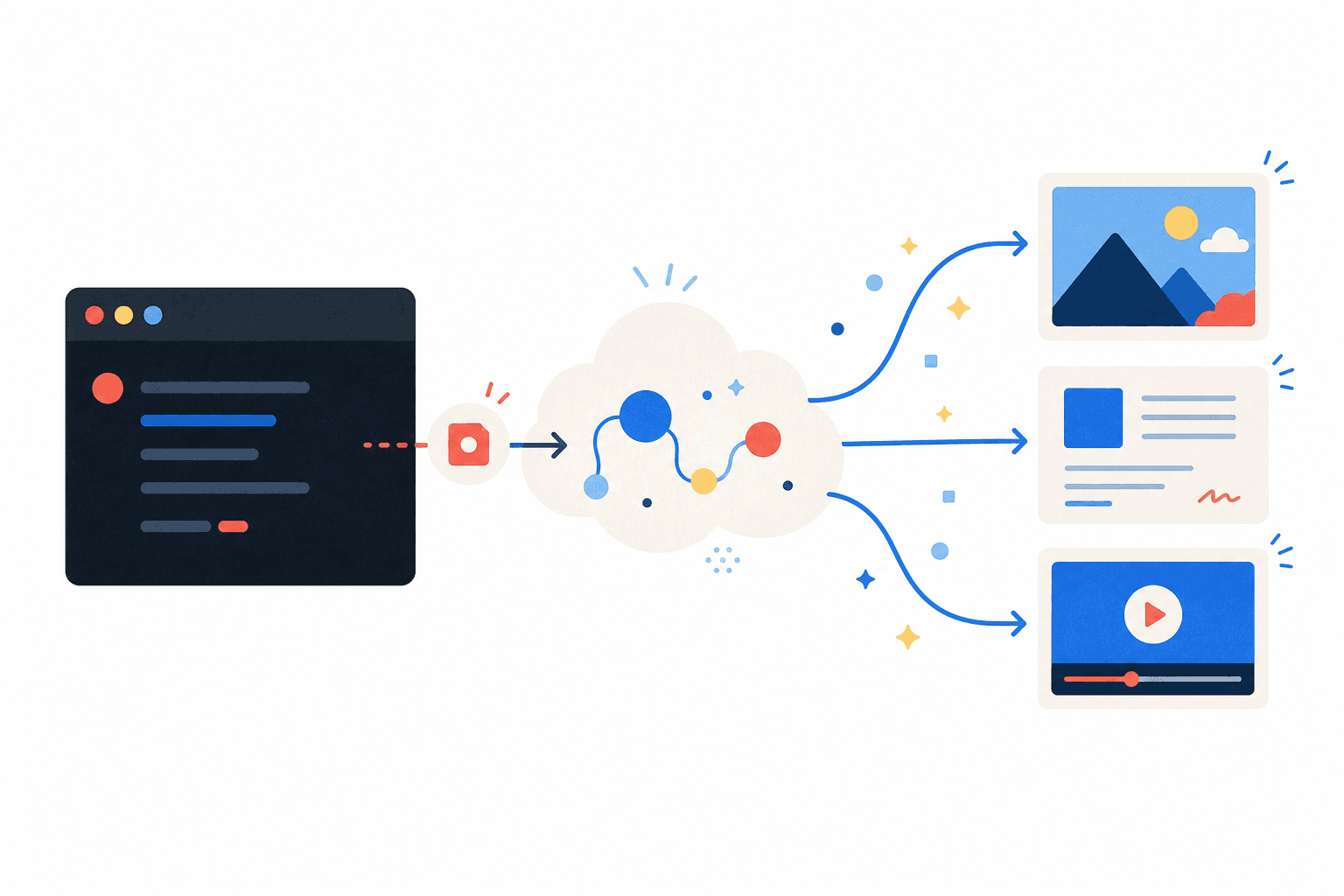
Run agent tasks and manage projects, Skills, and artifacts from scripts, CI, or an AI agent. No browser is required. Each task runs in the Kollab cloud, where models and services are already configured.
Install Kollab CLI
Install the agent Skill
npx skills add KollabTeam/Kollab@kollab-cliThis open-source Skill teaches an AI agent how to use Kollab CLI. It installs like any other Skill from skills.sh.
Install the CLI
npm i -g kollabkollab loginThe CLI itself. Install it, sign in, and you (or an agent) can run Kollab from any terminal.
The Skill teaches an agent how to use Kollab CLI; the CLI performs the actions. You need both for the complete workflow.
Explore the connected Kollab workflow
Kollab works best when Skills, Bots, connectors, and ready workflows reinforce each other across the same team workspace.
A leading AI stack, ready to use
Kollab connects leading services in each category, manages the accounts and billing, and makes them available through the CLI. You do not need to provide API keys.
You do not have to select and connect every model and provider yourself. The integrations are already in place.
Image
Describe the image you need or provide a reference to restyle. Kollab uses OpenAI GPT Image 2.5 and switches to Google Nano Banana when needed; the CLI selects the right generation path automatically.
Powered by

Video
Turn one instruction into a finished scene. Kollab routes each request to Google Veo 3, ByteDance Seedance 2, or Kuaishou Kling based on the content and rights involved.
Powered by


3D models
Turn a sentence or reference image into a .glb file that is ready to place in a scene. Tripo3D handles generation, so you do not need to build a separate 3D pipeline.
Powered by

Search & research
Get current answers with sources you can open. AnySearch provides recent information, Tavily and Exa search the web, and Jina Reader returns clean page content.
Powered by

Decks & documents
Turn rough notes into a polished presentation or generate PPTX, DOCX, XLSX, and PDF files. For presentations, Kollab integrates the open-source Guizang PPT Skill.
Powered by
Design & visuals
Create pages, dashboards, and posters that match your brand instead of generic templates. This capability uses design principles developed by Kollab.
Built by Kollab
Connectors
Access current information from GitHub, Gmail, Linear, Notion, and many other tools.







More capabilities
Browser automation, agent memory, dashboards, and motion are already integrated.
How it works
- 1Install the kollab-cli Skill for an agent or Kollab CLI for direct use.
- 2Sign in once.
- 3Run a task. Kollab processes it in the cloud and returns the result.
No app to leave open and no local machine tied up.