Upload English audio
Add an interview, lecture, meeting, podcast, or video recording in a supported format.
Upload an English recording to generate a Brazilian Portuguese translation, review a bilingual transcript, or prepare subtitle text.
Choose the text output
We need to turn complex information into something everyone can understand.
Precisamos transformar informações complexas em algo que todos consigam entender.
Preserve the meaning first, then make the language feel natural.
Primeiro, preserve o sentido; depois, deixe o português natural.
Kollab transcribes English speech first, then uses the surrounding sentences to draft natural Brazilian Portuguese text with helpful timestamps aligned to the source recording.
Turn an English recording into written text you can review, edit, and organize for your project.
Add an interview, lecture, meeting, podcast, or video recording in a supported format.
Select a Brazilian Portuguese translation, bilingual transcript, or timed subtitles.
Kollab recognizes the spoken English words and drafts Brazilian Portuguese text using the surrounding context.
Read the translation alongside the English transcript and check names, numbers, and specific terms.
Refine the draft inside the task and request organized subtitle blocks or notes to download.
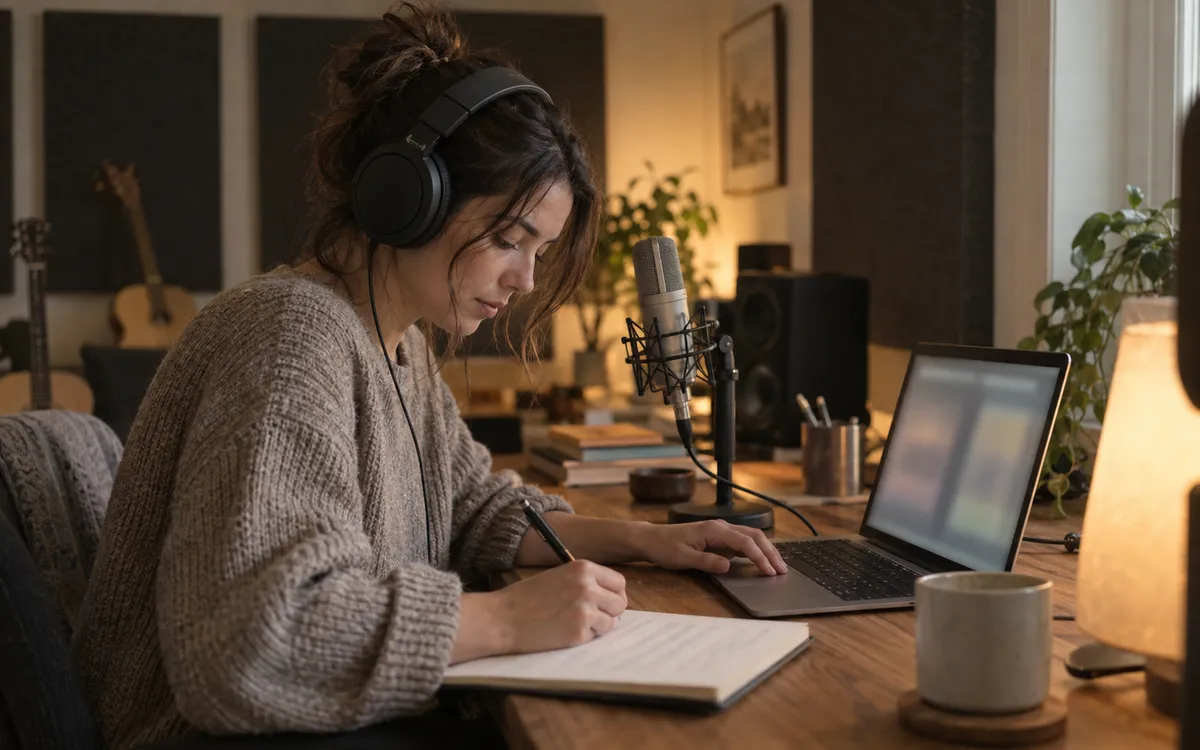
Translate whole thoughts so Brazilian Portuguese phrasing sounds natural for regional readers.
Check written lines against the English transcript and jump back to the right part of the recording.
Work with editable text paragraphs, side-by-side lines, or subtitle cues.
Turn spoken English lessons, interviews, calls, and videos into Brazilian Portuguese text ready for regional audiences.
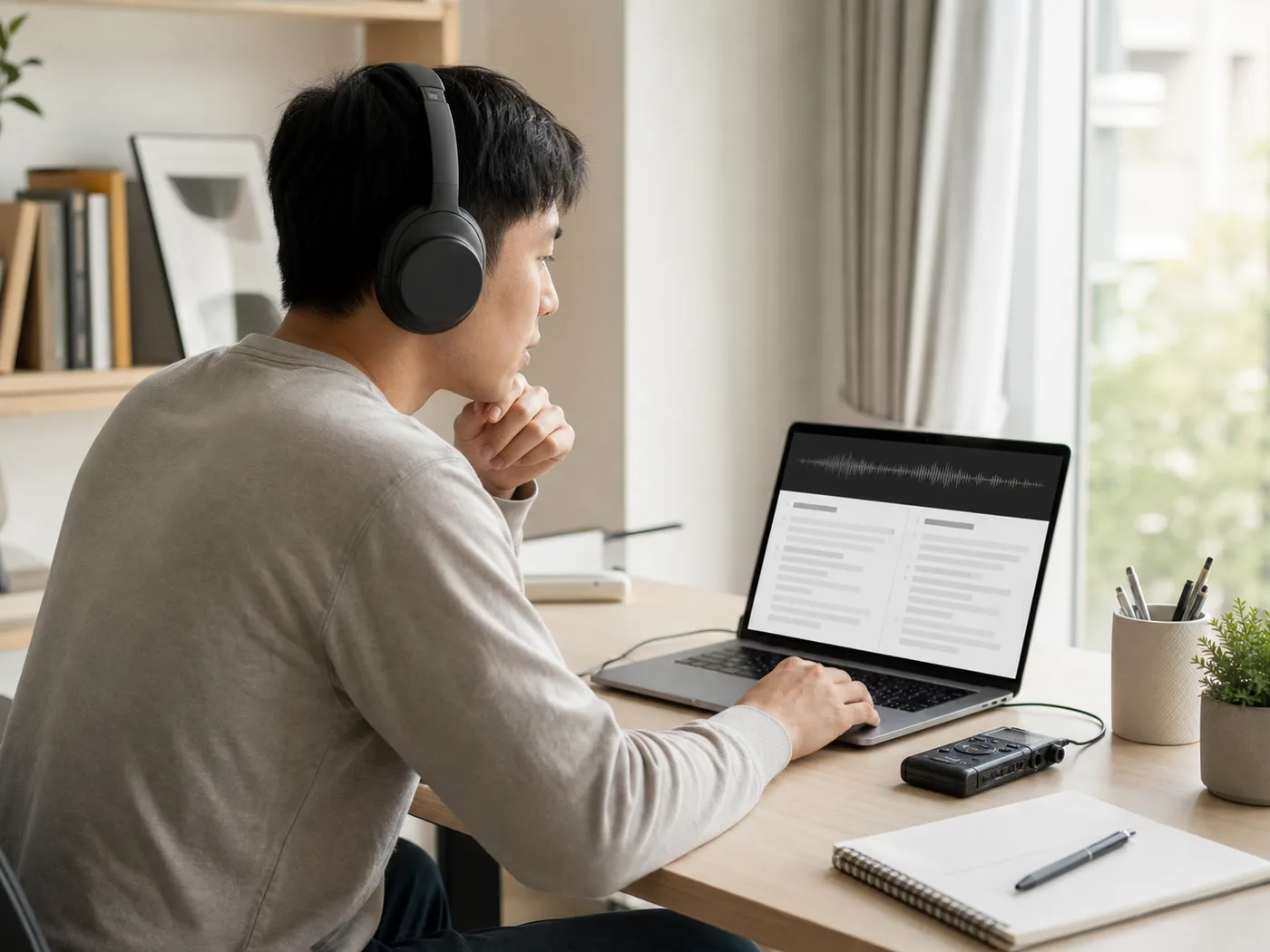
Turn English lectures, training sessions, and tutorials into Brazilian Portuguese study notes and reading material.

Convert spoken English discussions into written Brazilian Portuguese reading copies and interview summaries.
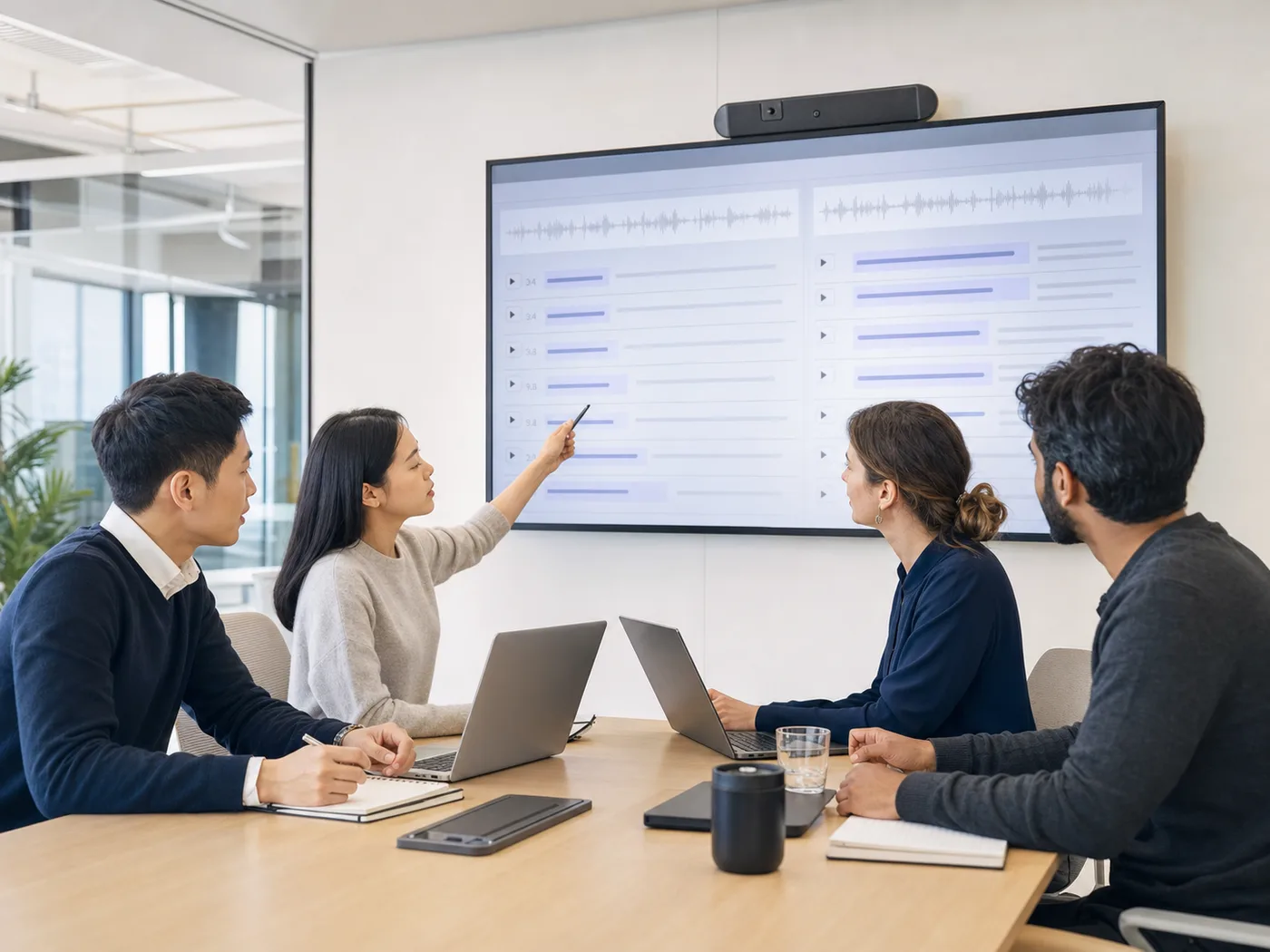
Help distributed teams read English calls and customer feedback in Brazilian Portuguese.
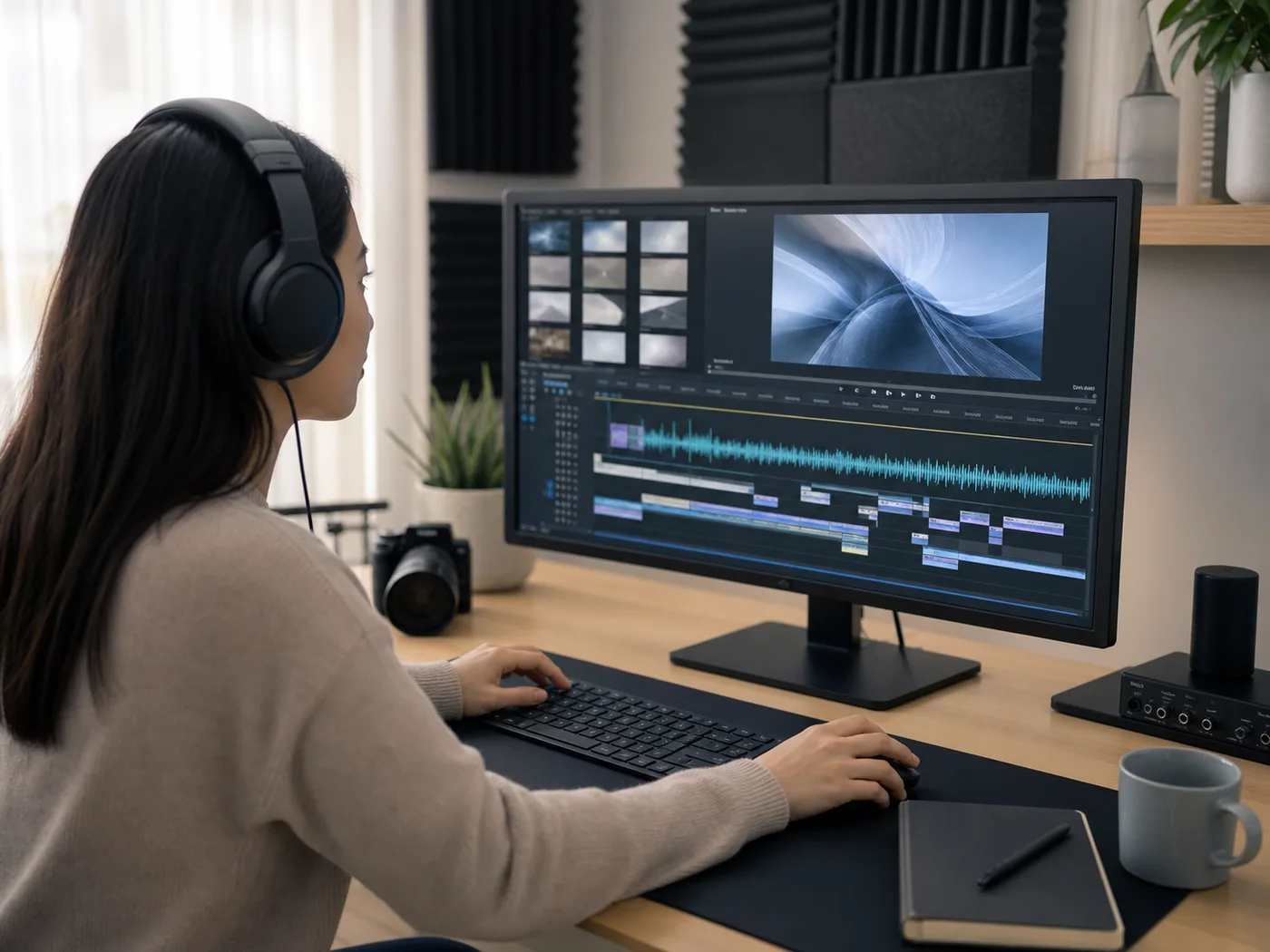
Prepare Brazilian Portuguese dialogue lines and draft subtitles for video edits and content repurposing.
Upload an English recording, select your preferred written output, and start the task. Kollab transcribes the English speech and drafts a Brazilian Portuguese translation, bilingual transcript, or subtitle text that you can review inside the workspace.
Yes. You can upload MP3, M4A, and WAV files, as well as AAC, FLAC, OGG, and WebM recordings to create your translated text.
Yes. You can choose subtitles to receive timed captions for review, or select a translated transcript. Inside your task, you can edit wording and request organized text or subtitle files for download.
You sign in to your Kollab account to create and manage translation tasks. Audio processing uses your account credits, and available processing limits depend on your current active plan.
Make sure you hold the rights to the audio file, have permission from everyone recorded in meetings or private interviews, and check for confidential information before starting the task.
Upload your audio, keep the source context, and work from a written translation you can review.