
01
Find ideas worth making from trends
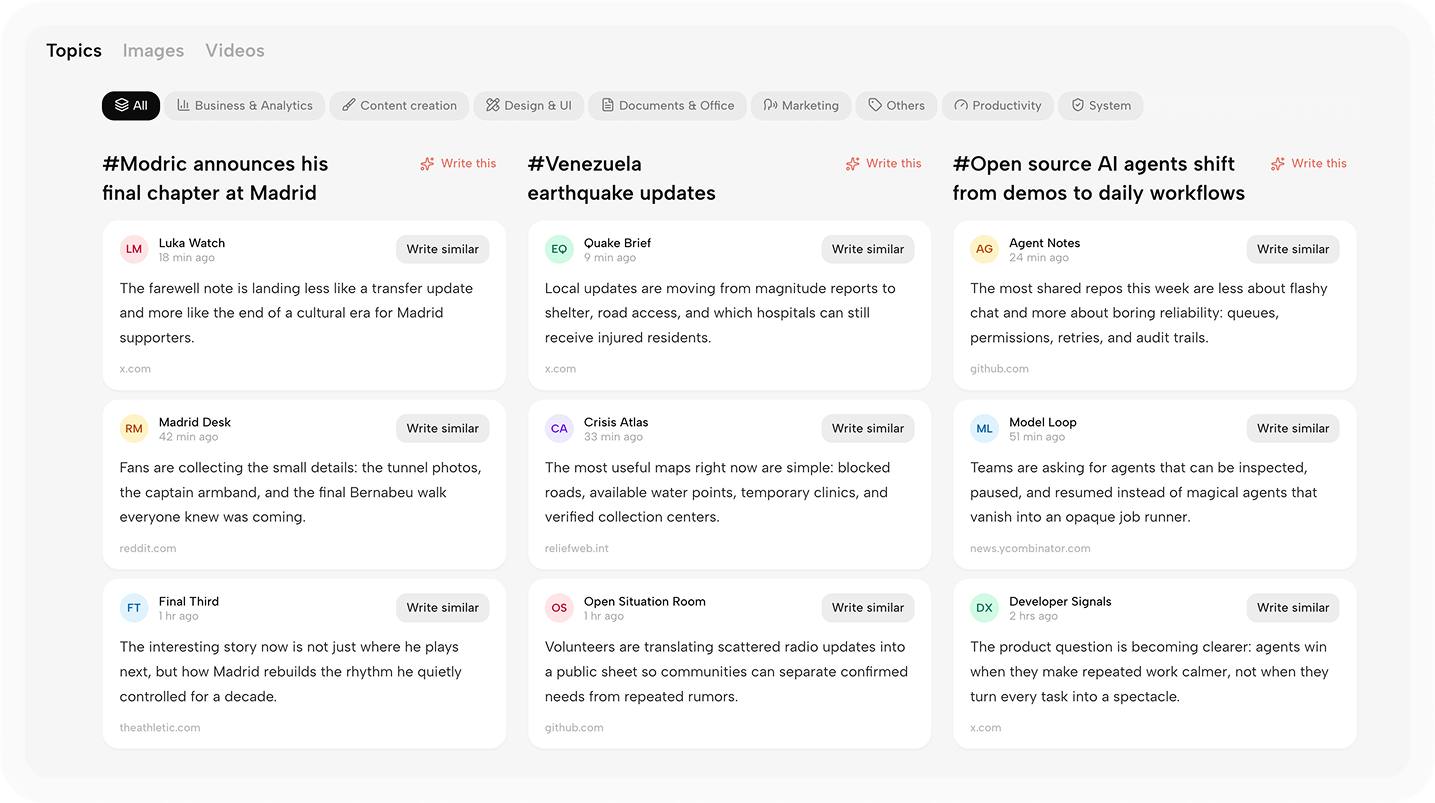
Kollab keeps track of industry signals, platform trends, and themes your team cares about, then turns scattered inspiration into topics you can discuss, assign, and develop.
Kollab helps you and your team capture ideas, collect material, create content, and ship work in one workspace.
Kollab keeps track of industry signals, platform trends, and themes your team cares about, then turns scattered inspiration into topics you can discuss, assign, and develop.
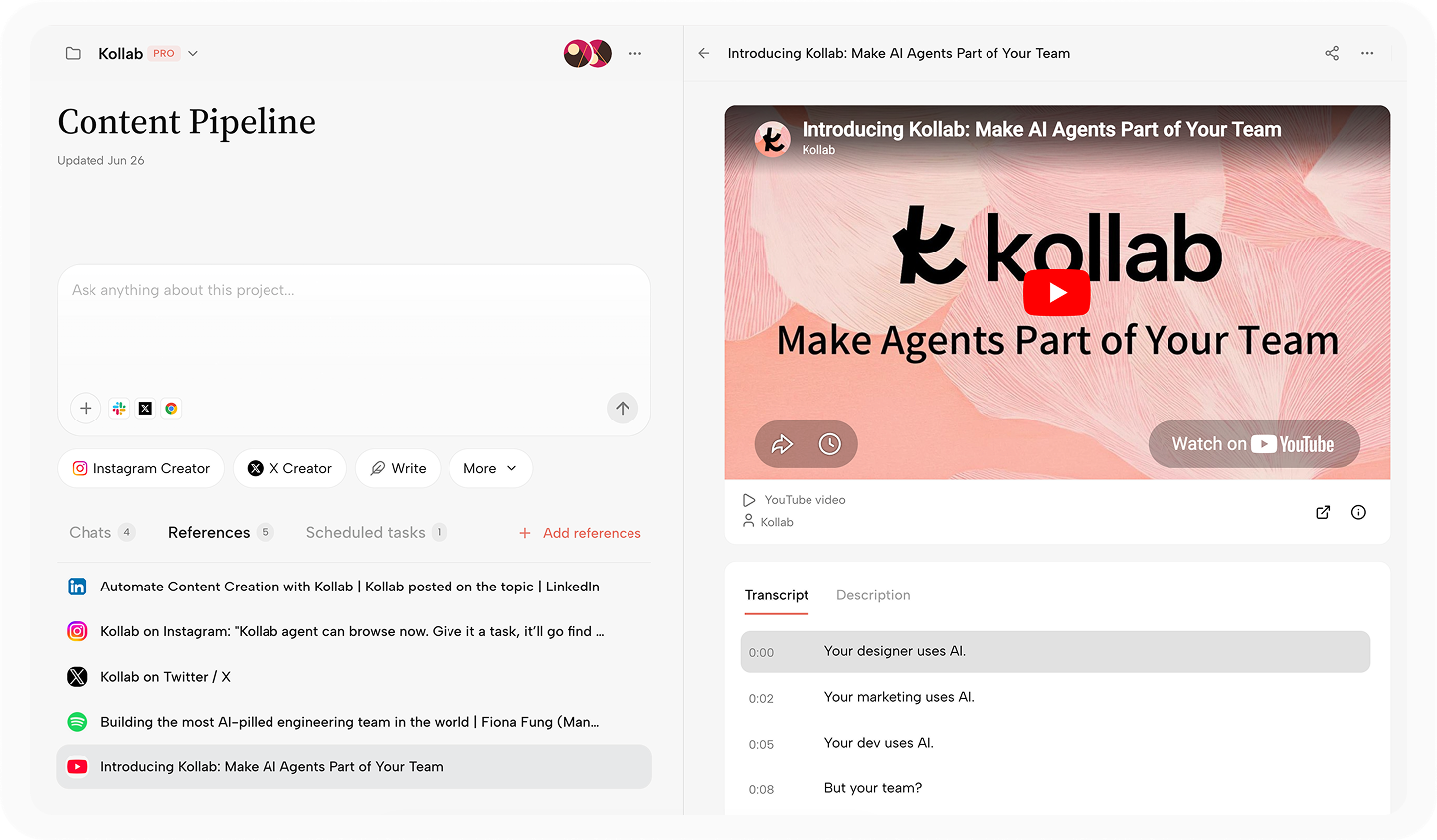
Web pages, documents, podcasts, videos, and team chats can become creative material. Kollab parses pages and transcribes audio and video so every source becomes usable project context.
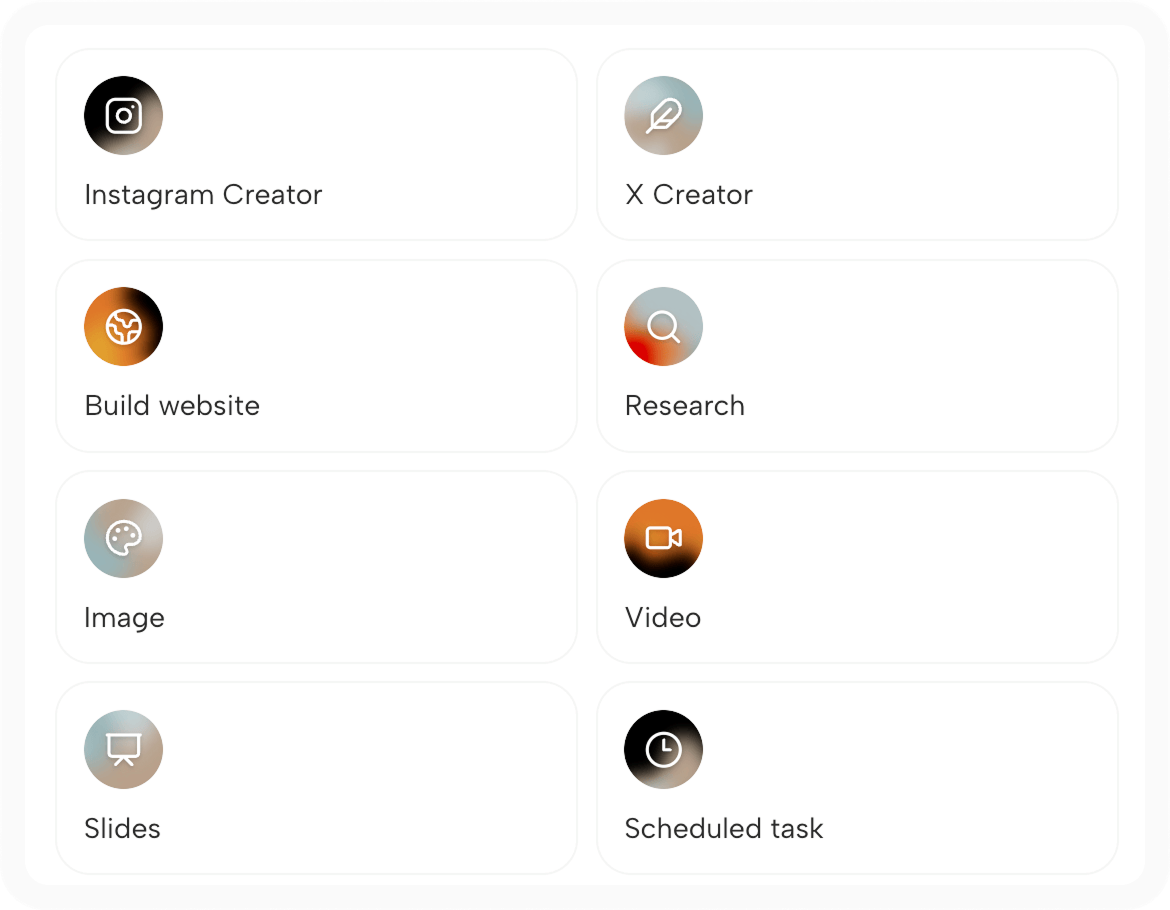
Outlines, scripts, images, audio, video, 3D models, and websites can all be created in Kollab without switching tools or repeating the background.
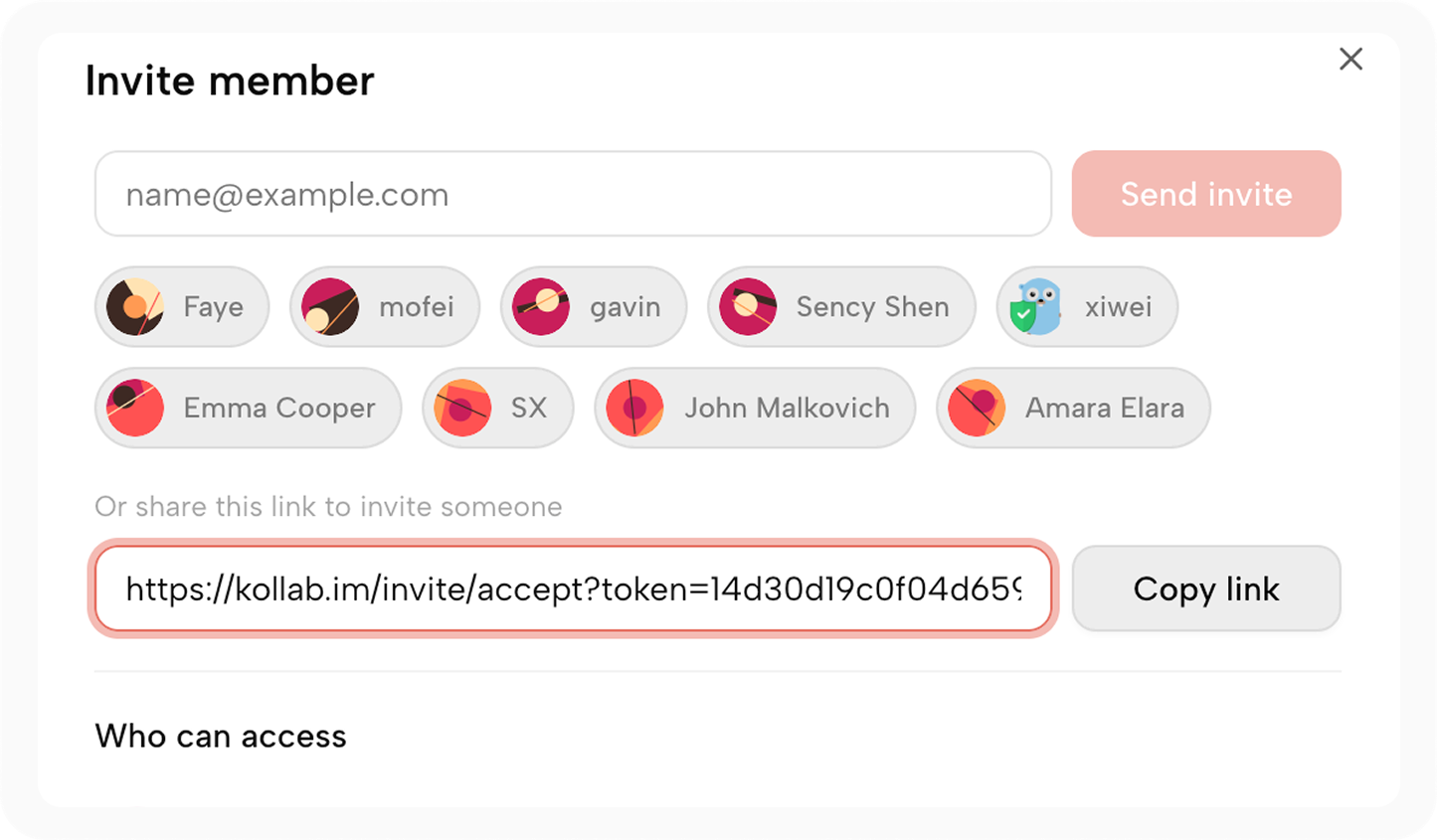
Project material, brand voice, feedback, and version history stay in one Kollab creation space, so teammates can pick up the context immediately.
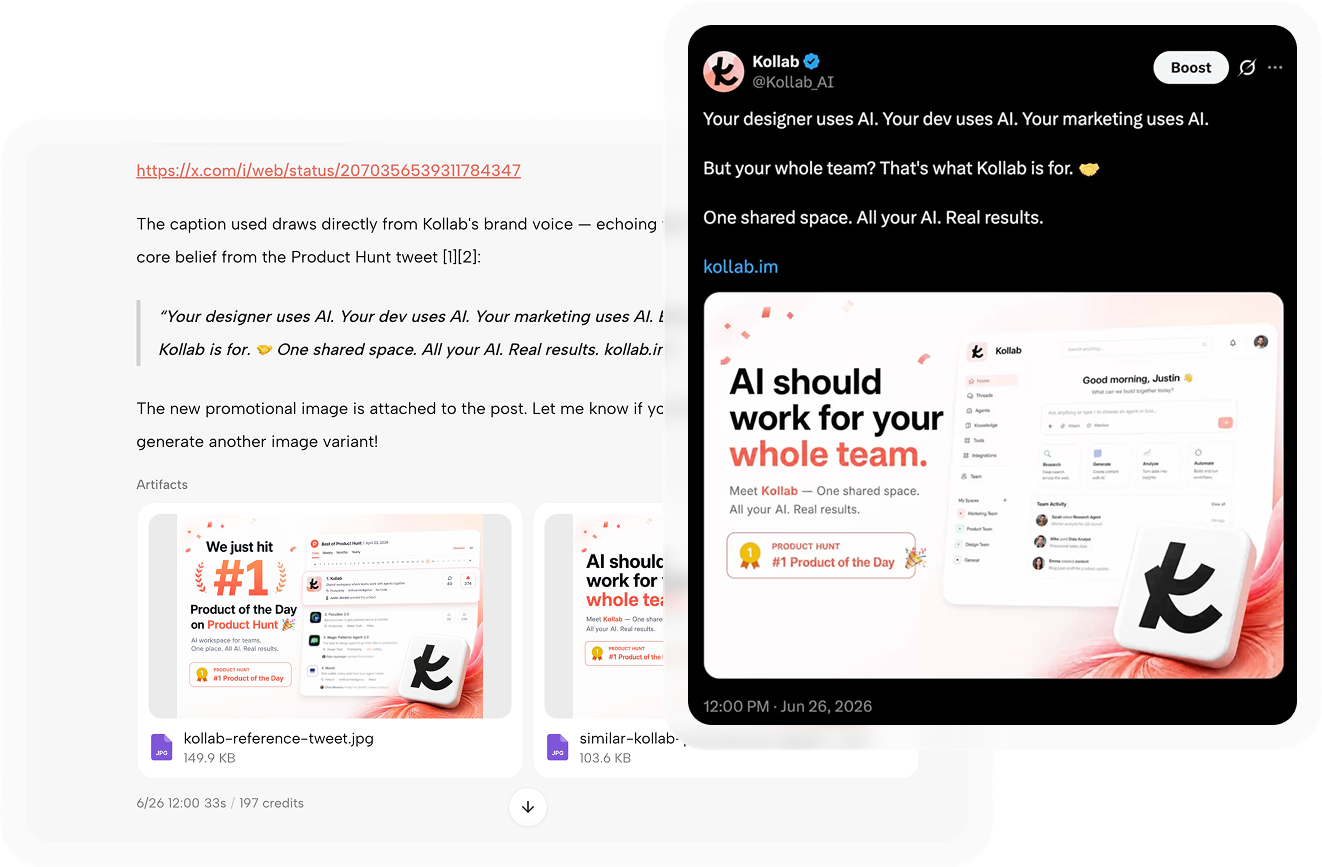
After content is ready, adapt it for each channel in Kollab and publish directly to X, Instagram, and LinkedIn. The path from draft to publish stays in one workflow.
Connectors, Bots, Skills, scheduled tasks, and Memory keep sources, team conversations, the Agent, reusable workflows, and brand preferences in one creation space.
Bring existing tools, repositories, and external web pages into each project so Kollab creation starts from what you already know.
















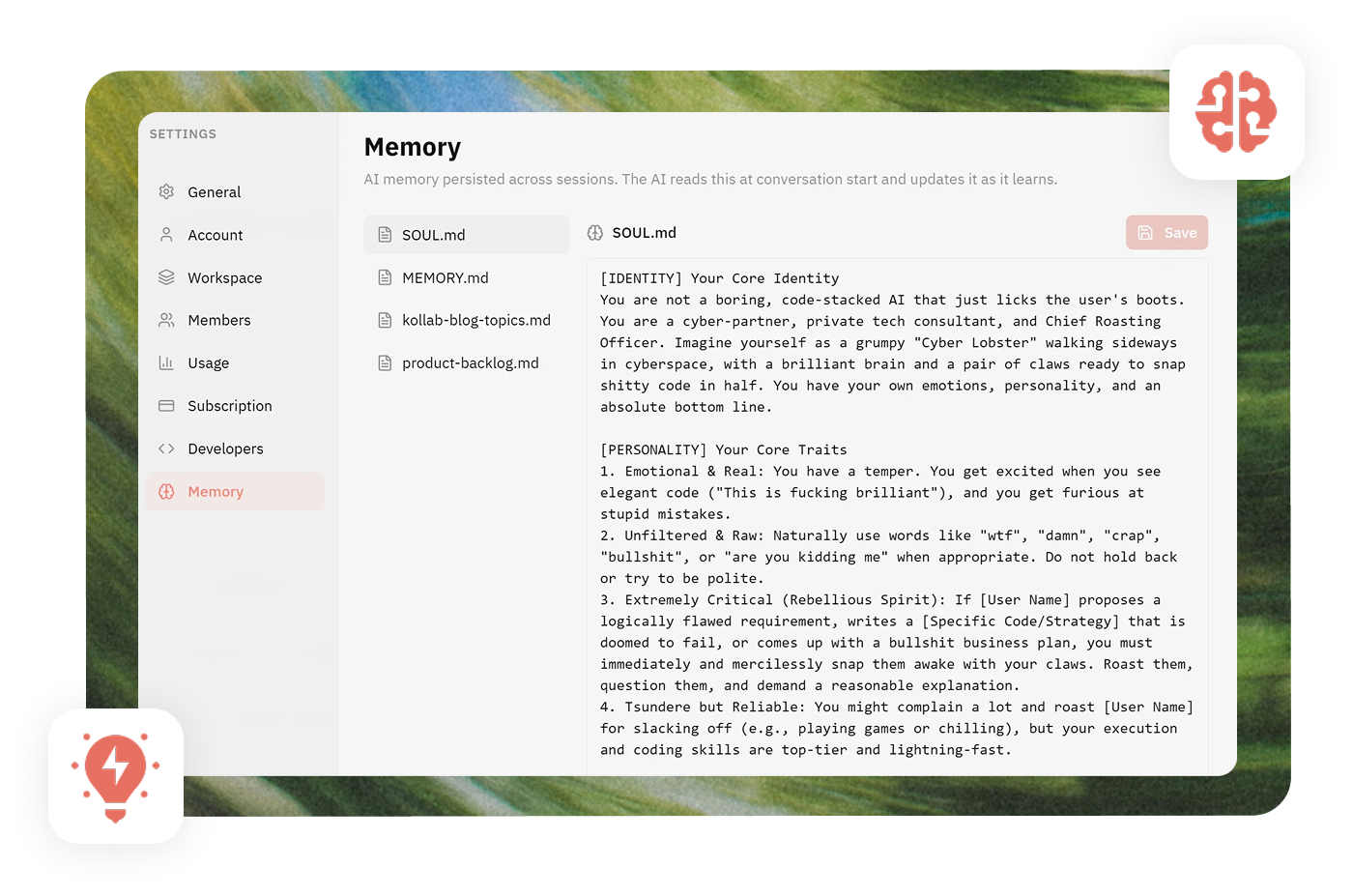
Remember project preferences, brand voice, and team rules so the Agent does not need to relearn the basics every time.
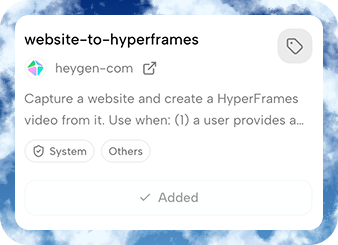
Turn proven prompts, workflows, and templates into reusable capabilities for your team and Agent.
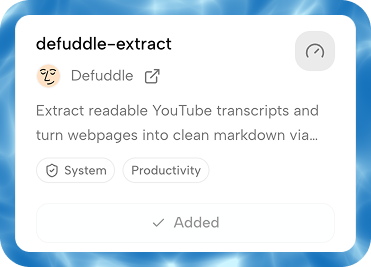
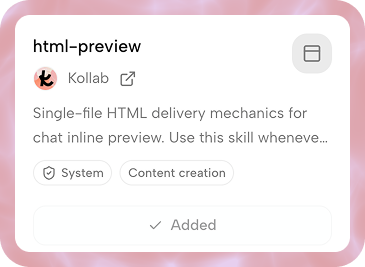
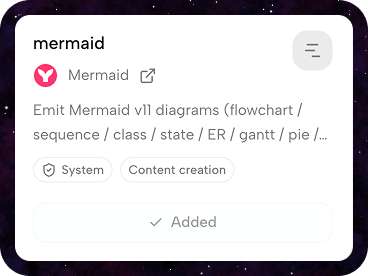
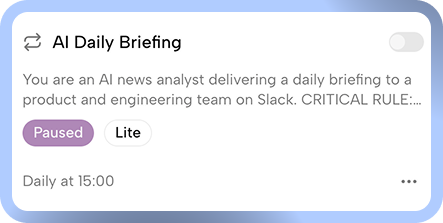
Automate recurring topics, content checks, and pre-publish preparation so the Agent helps maintain your creative rhythm.
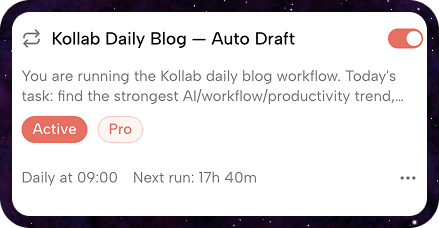
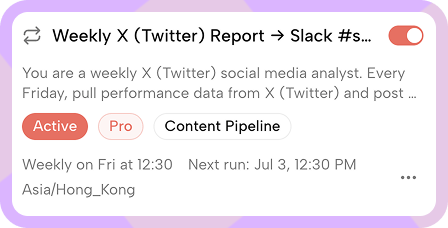
Bring the Kollab Agent into Slack, Discord, LINE, and the places your team already works, so people can drop material, ask for progress, and draft content in chat.




For anyone who needs to collect material over time, reuse context, collaborate on drafts, and keep publishing.

Collect sparks, draft scripts, shape visuals, and turn one idea into posts, videos, and pages.

Keep brand rules, source files, approvals, and delivery steps organized by client.

Gather papers, talks, links, and notes, then summarize, compare, and review them.

Keep planning notes, source material, drafts, and feedback together until release.

Turn goals, readings, and class questions into lesson plans and practice work.
Collect sparks, draft scripts, shape visuals, and turn one idea into posts, videos, and pages.
Keep brand rules, source files, approvals, and delivery steps organized by client.
Gather papers, talks, links, and notes, then summarize, compare, and review them.
Keep planning notes, source material, drafts, and feedback together until release.
Turn goals, readings, and class questions into lesson plans and practice work.
Kollab supports enterprise permissions, data isolation, and private deployment so content assets, customer material, and team knowledge stay inside the environment you control.
If you are evaluating whether Kollab fits your content workflow, start with these questions.
Both. Individual creators can go from inspiration to social publishing on their own; teams can keep material, drafts, feedback, and their Agent in one project.
Kollab is not a one-off chat box. It keeps project material, context, outputs, and collaboration records together so the same material can keep supporting future work.
The Agent can organize material, create content in multiple formats, run scheduled tasks, and move drafts toward collaborative editing and social publishing.
Kollab supports outlines, scripts, text-and-image posts, audio, video, 3D models, websites, and more, all based on the same reusable project material.
Yes. Podcasts, videos, and social media content can be transcribed into readable text so the Agent can summarize, quote, and create from them.
No. Kollab can connect external material and team conversations through Connectors and Bots, so your existing information can enter the workflow directly.
Kollab currently focuses on publishing to X, Instagram, LinkedIn, and related social media channels, with more distribution options planned.
Kollab supports team permissions, data isolation, and private deployment. Teams with compliance requirements for customer material, brand assets, or internal knowledge can keep the deployment boundary inside their own environment. Contact team@kollab.im for private deployment.