Upload English audio
Add an interview, meeting recording, talk, or podcast file in a supported audio format.
Upload an English recording, generate an English transcript, and work with Mexican Spanish translations, bilingual text, or timed subtitles.
Choose the text output
We need to turn complex information into something everyone can understand.
Necesitamos convertir información compleja en algo que todas las personas puedan entender.
Preserve the meaning first, then make the language feel natural.
Primero conserva el sentido y después haz que el español suene natural.
Kollab transcribes English speech first, using surrounding sentences to shape clear Mexican Spanish wording alongside useful timestamps and aligned source lines.
Move from recorded English audio to editable text you can check and share.
Add an interview, meeting recording, talk, or podcast file in a supported audio format.
Pick a translated Mexican Spanish draft, a bilingual side-by-side transcript, or timed subtitle blocks.
Kollab converts the spoken English to text, then translates the broader spoken context into Mexican Spanish.
Check speakers, names, and industry terms against the English transcript and audio timestamps.
Organize your notes, captions, or transcripts inside the task to prepare them for download.

Translate complete spoken thoughts so your translated text reads naturally.
Pair translated lines with the original English transcript to locate specific moments in the recording.
Create an editable translation, a bilingual study transcript, or timed subtitle segments for your workflow.
Adapt English talks, interviews, team calls, and voice recordings into clear Mexican Spanish text.
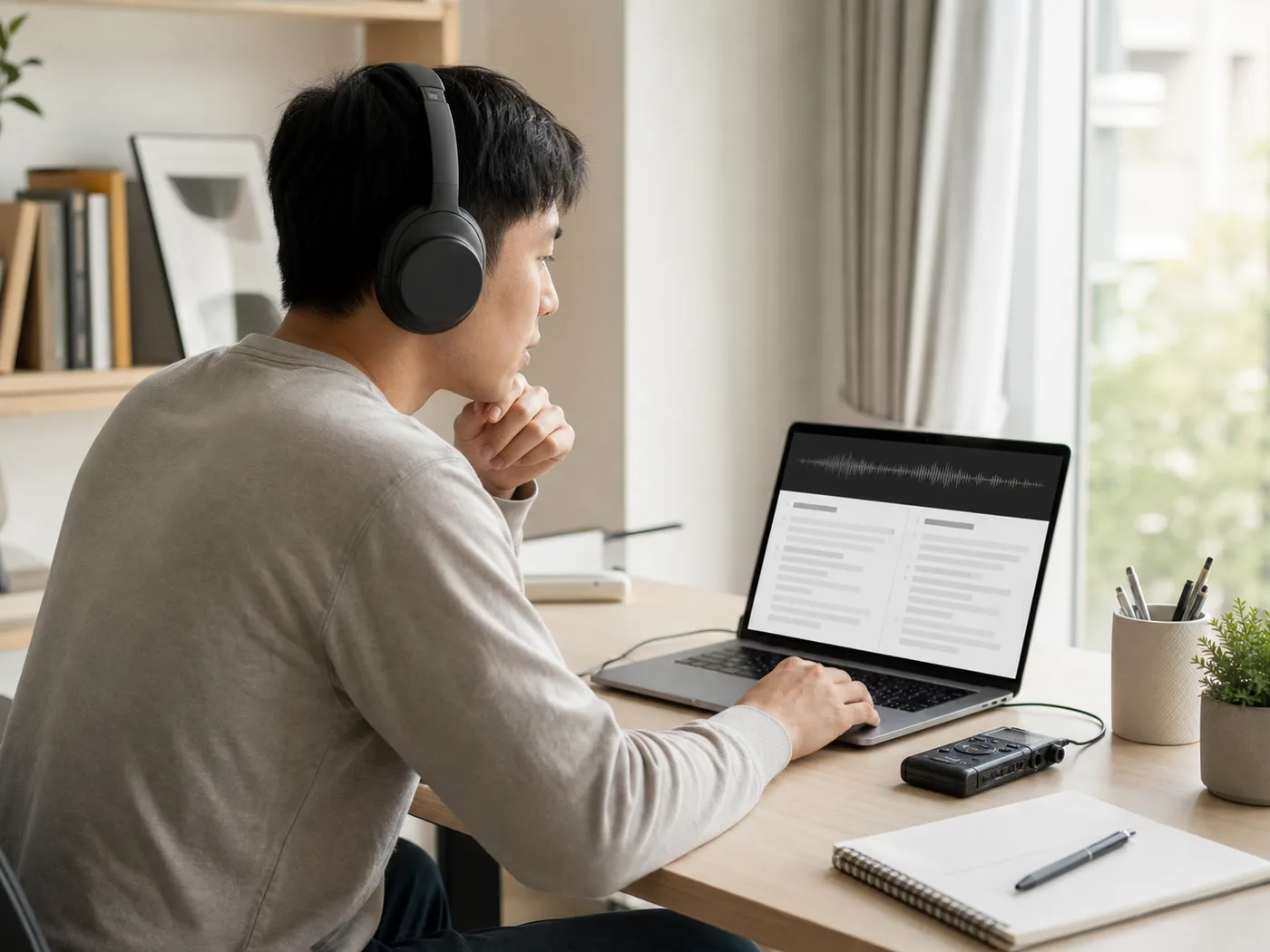
Turn English lectures, webinars, and training sessions into readable study text for Mexican Spanish learners.

Convert recorded English conversations into readable Mexican Spanish articles, quotes, and reading notes.

Help distributed teams read English user interviews, calls, and research feedback in Mexican Spanish.
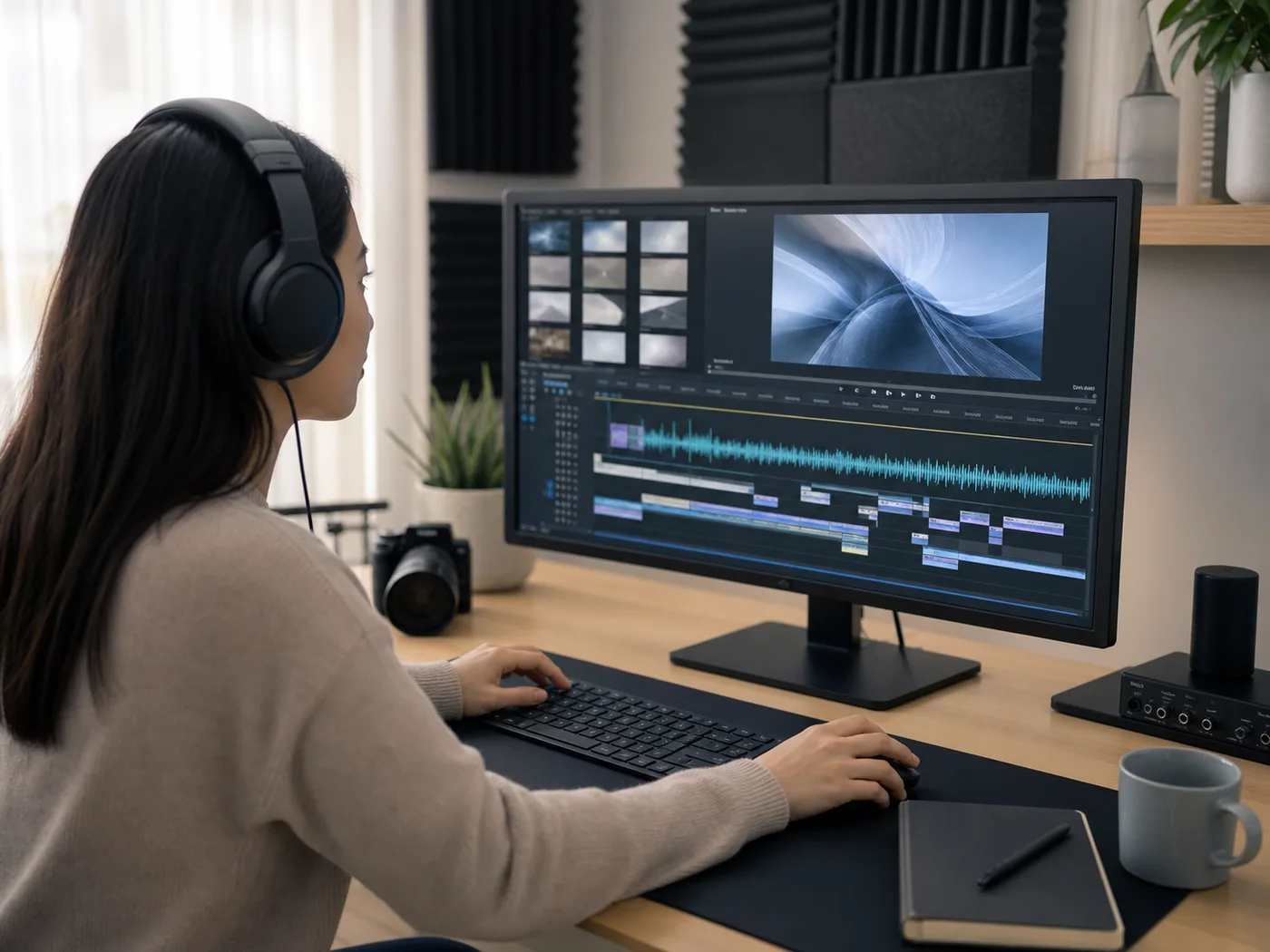
Draft Mexican Spanish translations and timed subtitles to prepare video captions and script notes.
Upload a recorded English audio file, select your preferred text output, and start the task in Kollab. The workspace transcribes the English audio first, translates the sentences into Mexican Spanish, and provides editable text you can review alongside the original audio.
You can upload MP3, M4A, WAV, AAC, FLAC, OGG, and WebM files. The tool processes these recorded audio formats into translated text drafts, bilingual transcripts, or subtitle segments.
This tool produces written text from recorded speech: a Mexican Spanish translation, a bilingual English–Mexican Spanish transcript, or timed subtitle blocks. You can review the wording and request organized transcripts or subtitle files inside your task.
Starting a translation task requires a signed-in Kollab account. Available processing time and task usage depend on your account plan and active credit allowance.
Ensure you have the right to use the recording, obtain permission from anyone whose voice or private conversation is included, and review the audio for sensitive personal information before starting the task.
Upload your audio file, check the English source context, and refine a translation made for your projects.