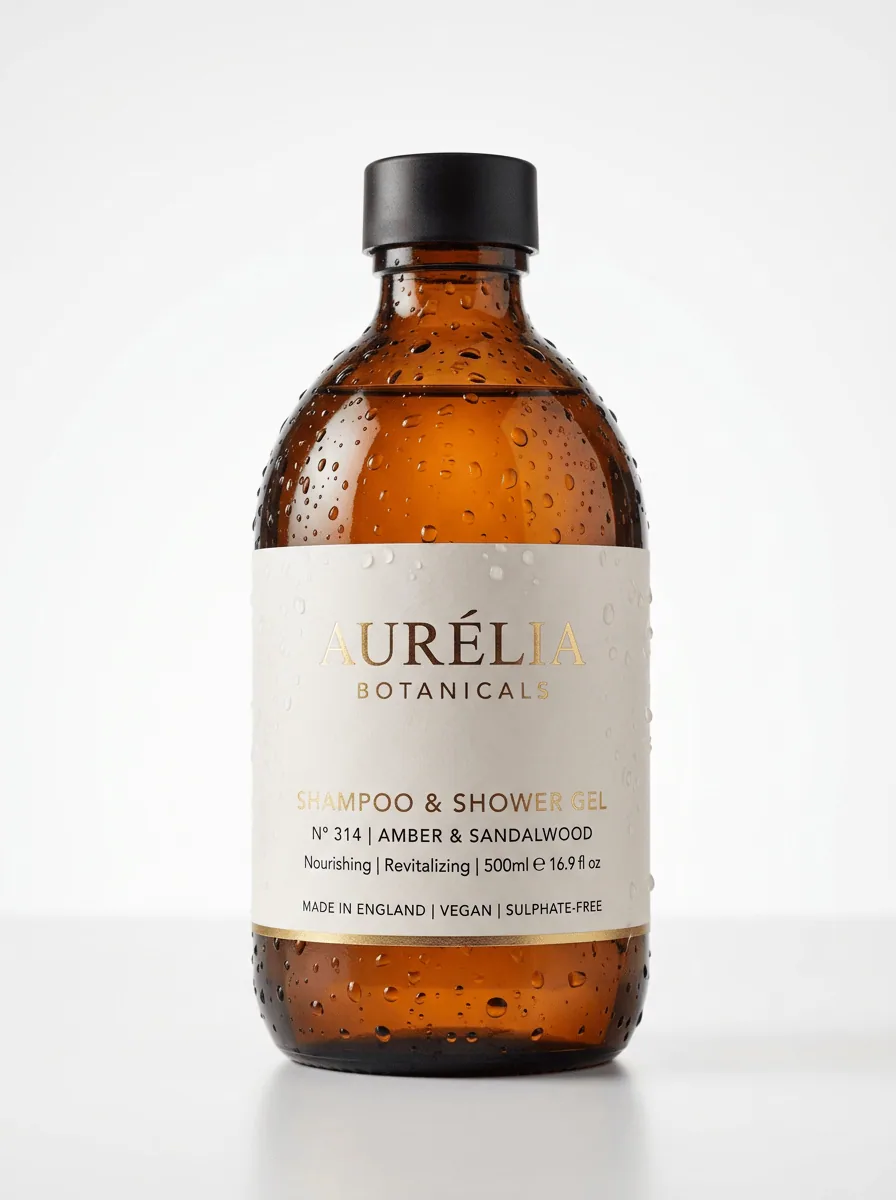
Photorealistic quality
GPT Image 2.5 produces sharp, detailed visuals suitable for digital channels, from hero banners to product previews.
Describe the image you want, and Kollab generates it with GPT Image 2.5. Then keep refining by chat until it looks right.
Kollab brings GPT Image 2.5 into a full workspace, so you can generate, refine, and share without switching tools.
GPT Image 2.5 produces sharp, detailed visuals suitable for digital channels, from hero banners to product previews.
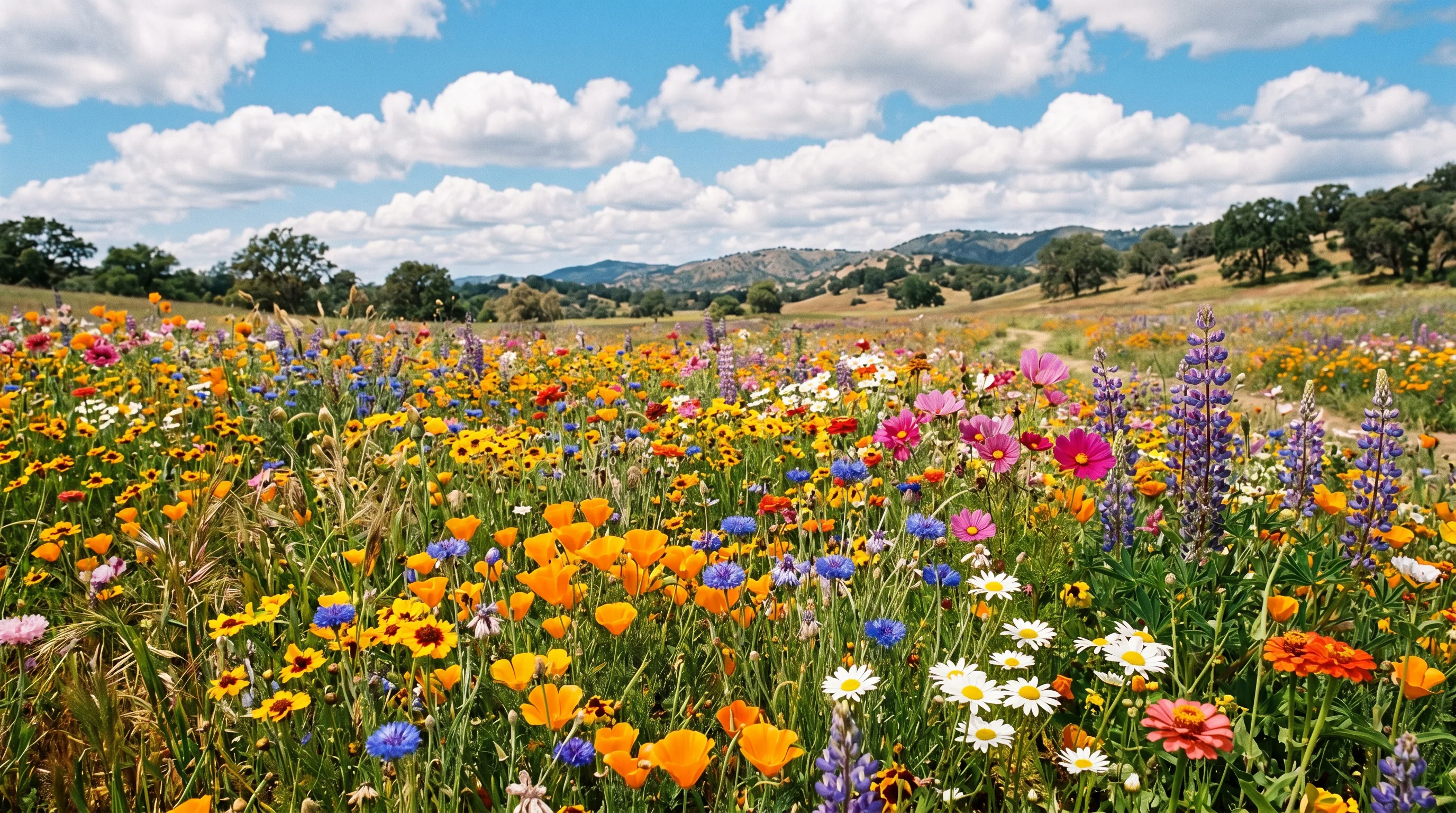
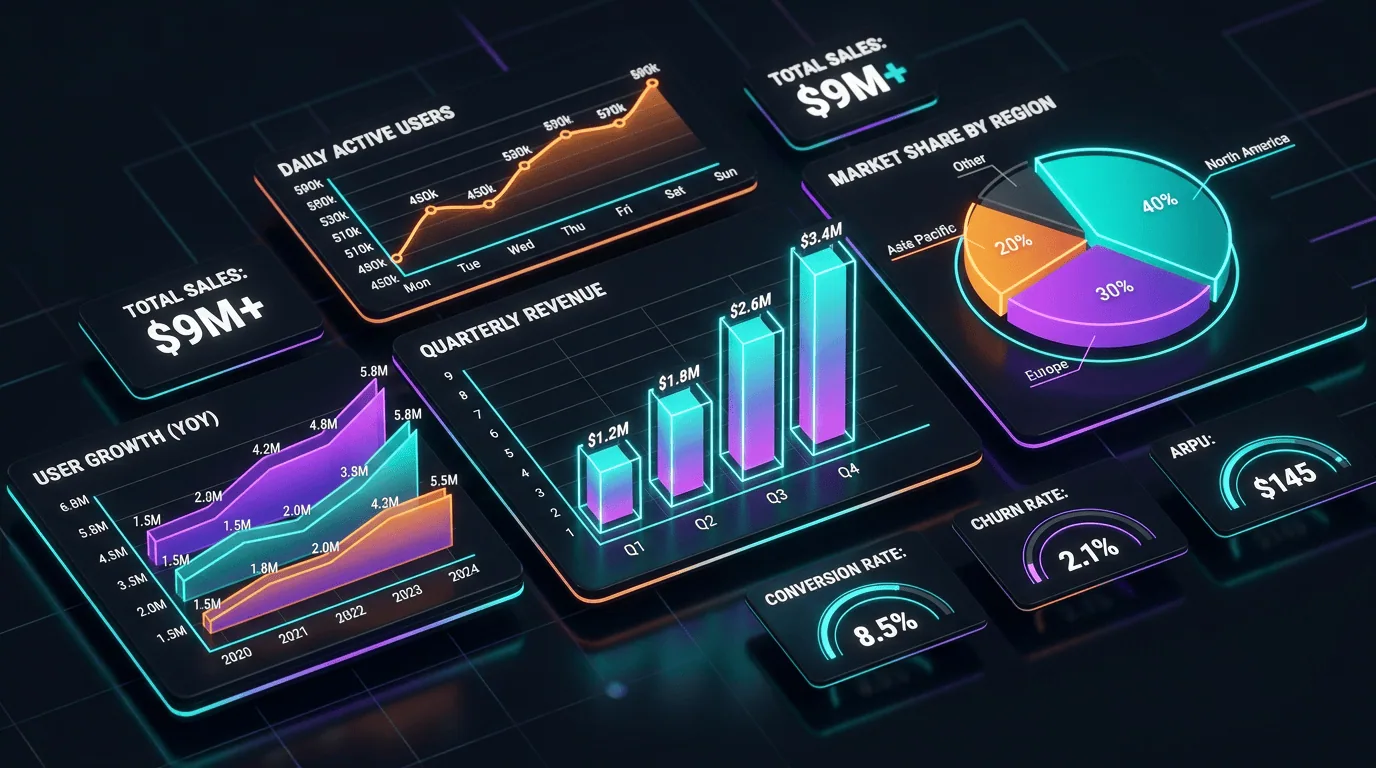
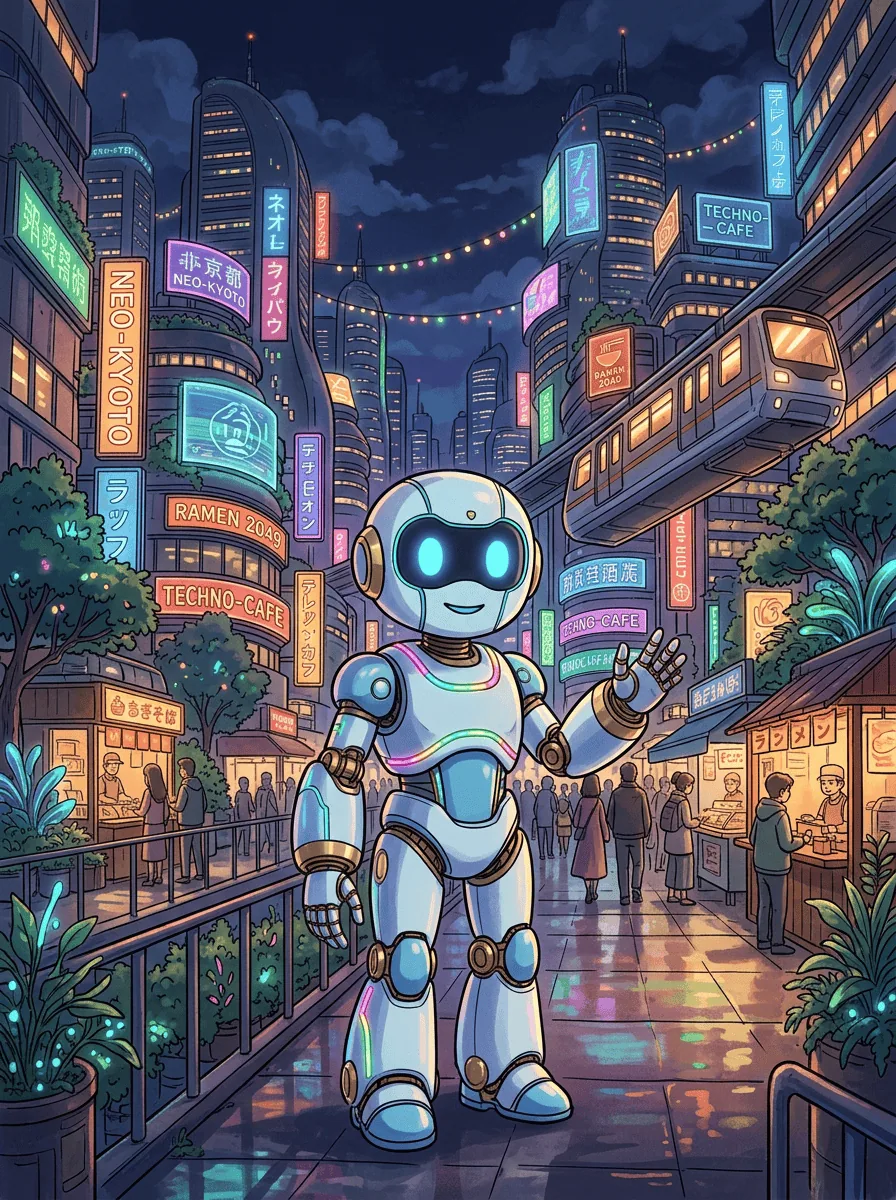
Photorealistic scenes, flat illustrations, stylized artwork, and minimalist compositions from text prompts.
Continue the thread in your workspace to tweak colors, modify details, or explore alternate versions.
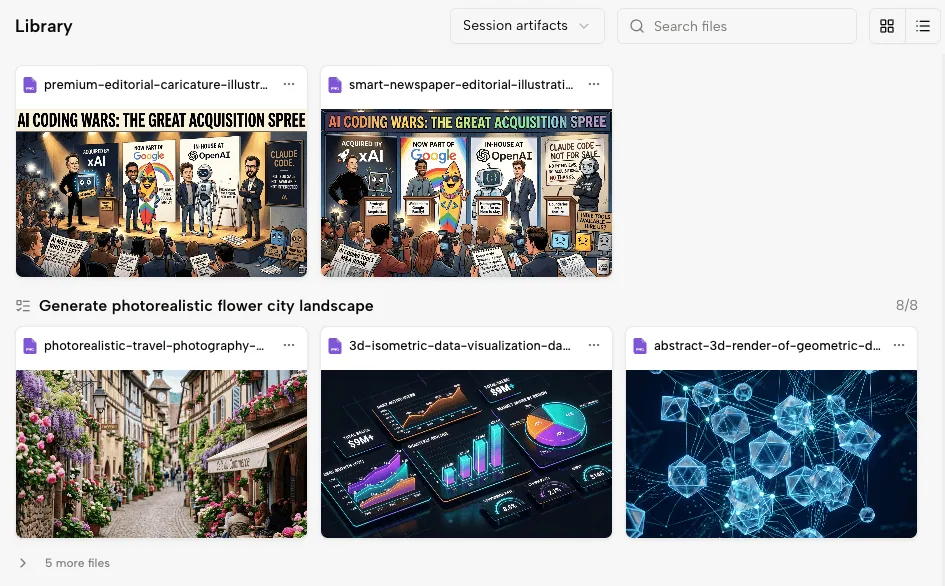
All generated assets remain accessible to your team in Kollab, making reviews and downloads straightforward.
No design software. No complex prompting. Just describe what you want and Kollab handles the rest.
Type what you want in plain language: subject, style, mood, and format. Kollab turns it into a clear GPT Image 2.5 prompt.
Send your description and Kollab opens an image task where GPT Image 2.5 creates the picture. Attach a reference photo to guide the look.
Not quite right? Reply in the same thread and adjust lighting, composition, colors, or style without losing context.
Download the finished image and share it with teammates. Every image stays organized in your Kollab workspace.
From product photography to marketing graphics, Kollab helps you create the image you have in mind.
Generate polished product photos, lifestyle shots, and packaging mockups without scheduling a full studio shoot.
Create hero images, social media visuals, and campaign artwork at the scale your content calendar demands.
Generate unique illustrations and article headers that match your brand style for every publication.
Type a description in the prompt box and select Generate image. Kollab opens an image task in your workspace, where GPT Image 2.5 creates the result. You can keep refining it by chat.
You can start for free. The Free plan gives you 600 credits every 3 days, and credits do not carry over. Each image you generate uses credits from your workspace balance.
Cost depends on how much you generate, because each image uses credits from your workspace balance. Free includes 600 credits every 3 days, and Pro is $20 per month. Credits are shared across your team, with unlimited team seats on every plan.
Include the subject, scene, style, aspect ratio, lighting, mood, and where the image will be used. Kollab keeps that brief beside the generated image, so later revisions can build on the same direction.
Yes. Kollab manages the model connection for you, so you do not need your own OpenAI API key to generate images here.
No. Kollab is an independent workspace. It uses OpenAI's GPT Image 2.5 to generate your images, then adds team features such as project organization and chat-based refinement.
Yes. Once your task opens in Kollab, attach a reference photo and describe what you want to change, such as the background, style, or color palette.
Yes. Start with one hero image direction, then ask Kollab to create social crops, blog headers, deck visuals, product mockups, or alternate styles in the same workspace. This keeps a campaign asset pack connected in one place.
Generated images are saved in the task workspace in Kollab. You can reopen the task, compare versions, download final assets, or continue the conversation with the original prompt and review context still attached.
Start with the Free plan and create your first image with GPT Image 2.5 today.