




 Top model
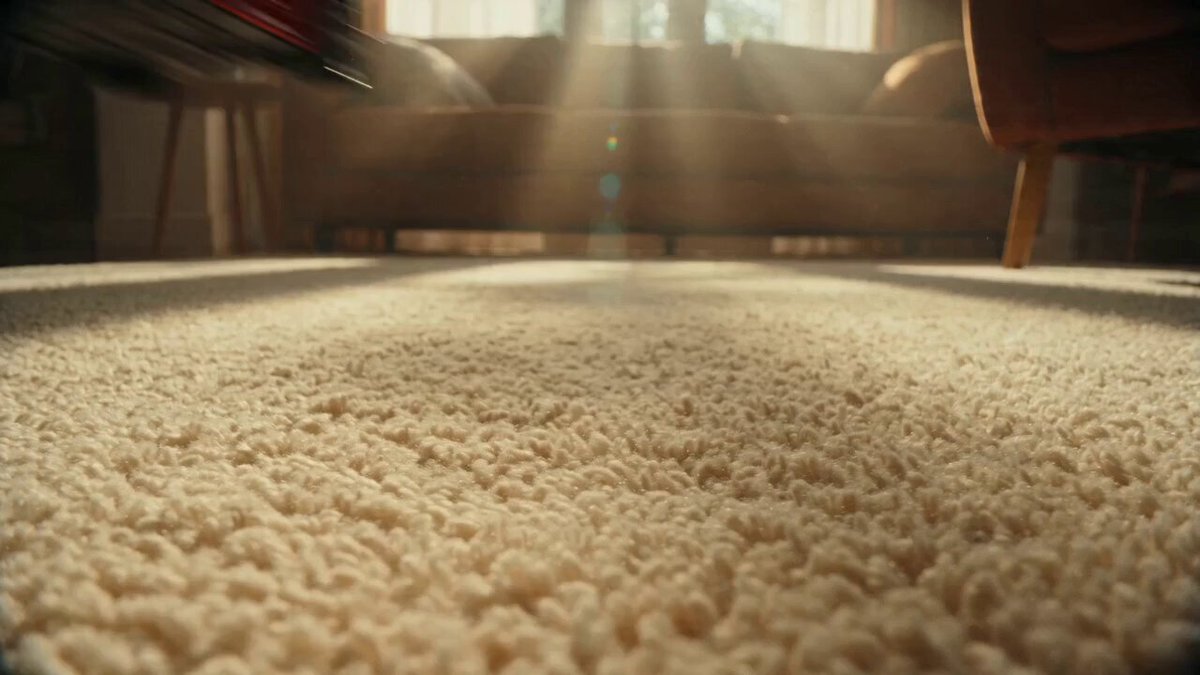
MiniMax H3
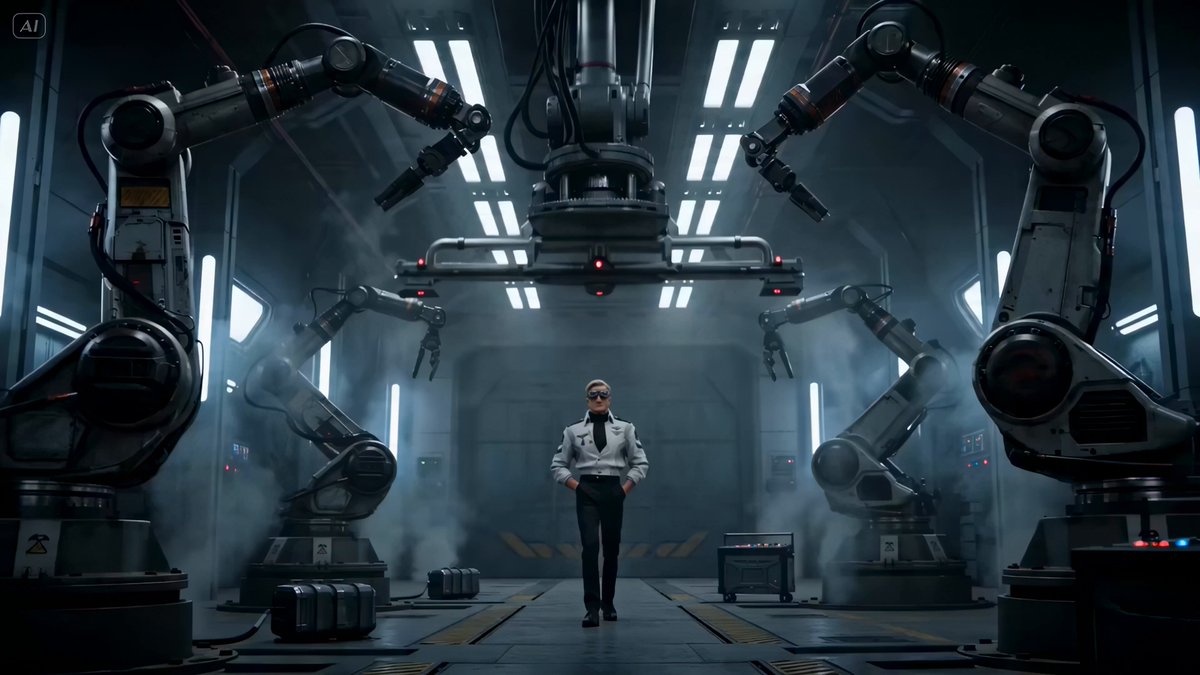
Cinematic realism with native audio
Up to 15s · 1080p · Native audio · I2V
One prompt. MiniMax H3, Seedance 2.5 and whatever ships next — routed automatically.
Not sure which? Auto reads your prompt and routes it to the right engine.
Default →Top modelCinematic realism with native audio
Up to 15s · 1080p · Native audio · I2V
 New
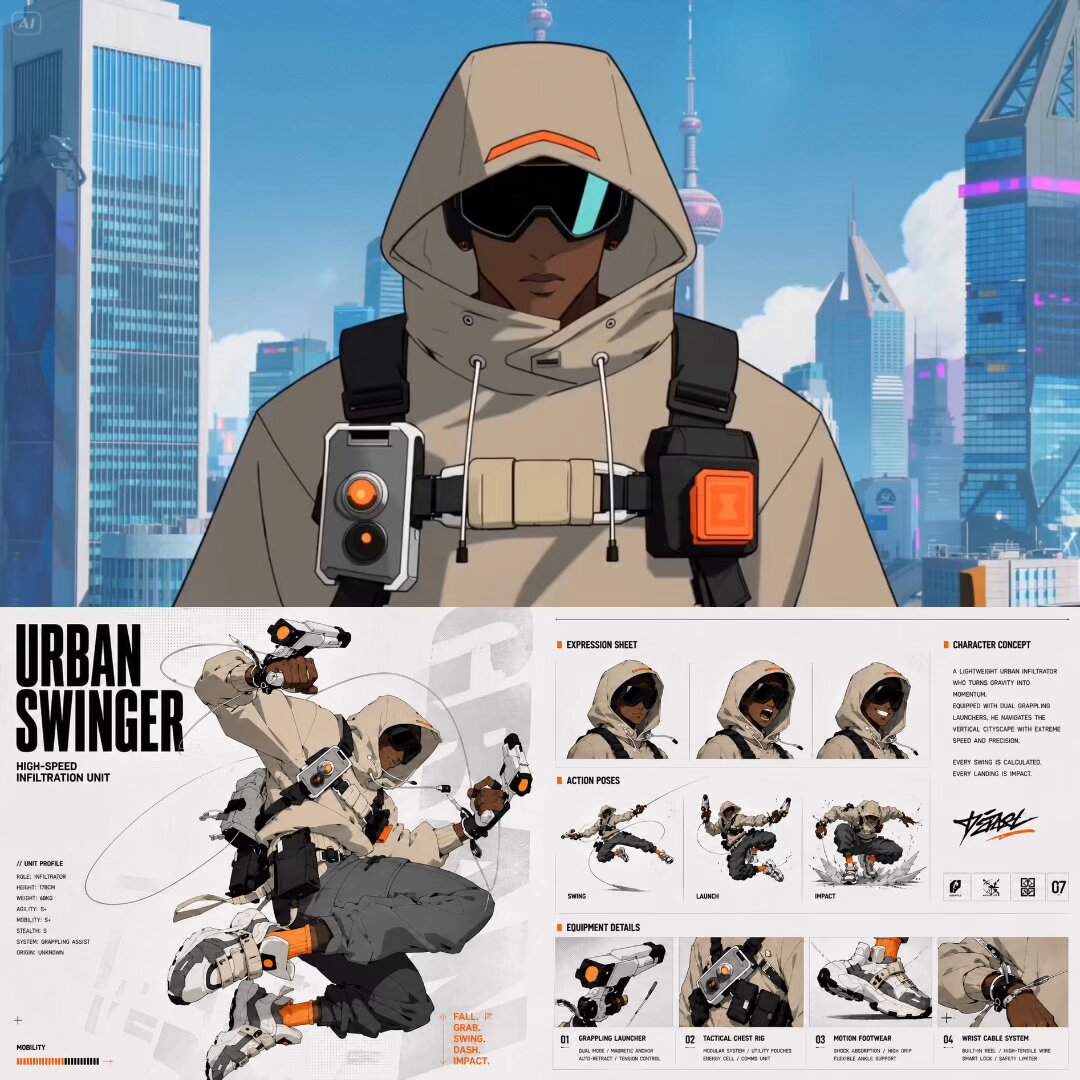
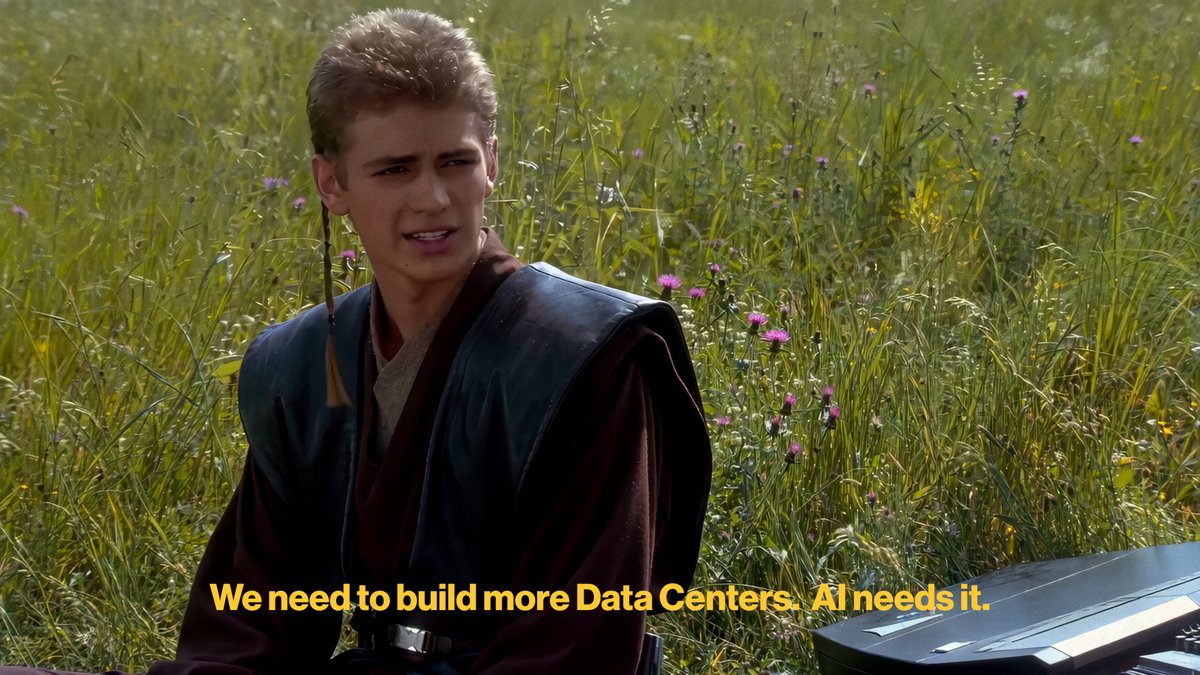
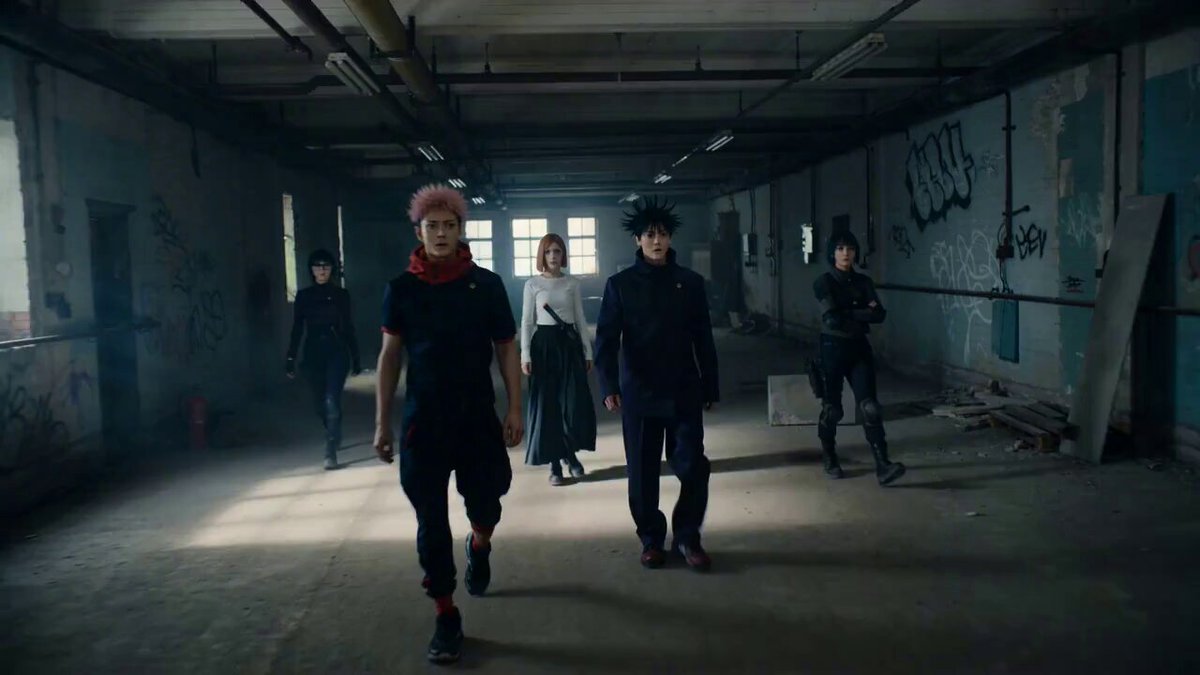
NewStylized motion, anime & product shots
Up to 10s · 1080p · Multi-shot · I2V
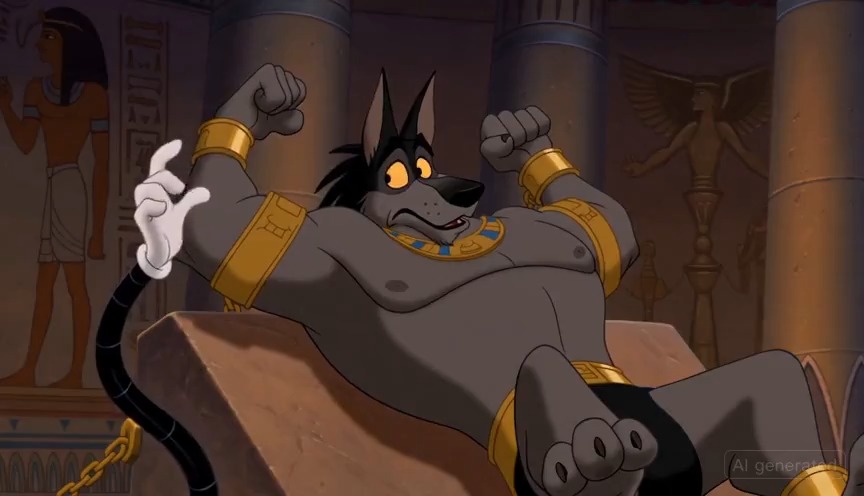
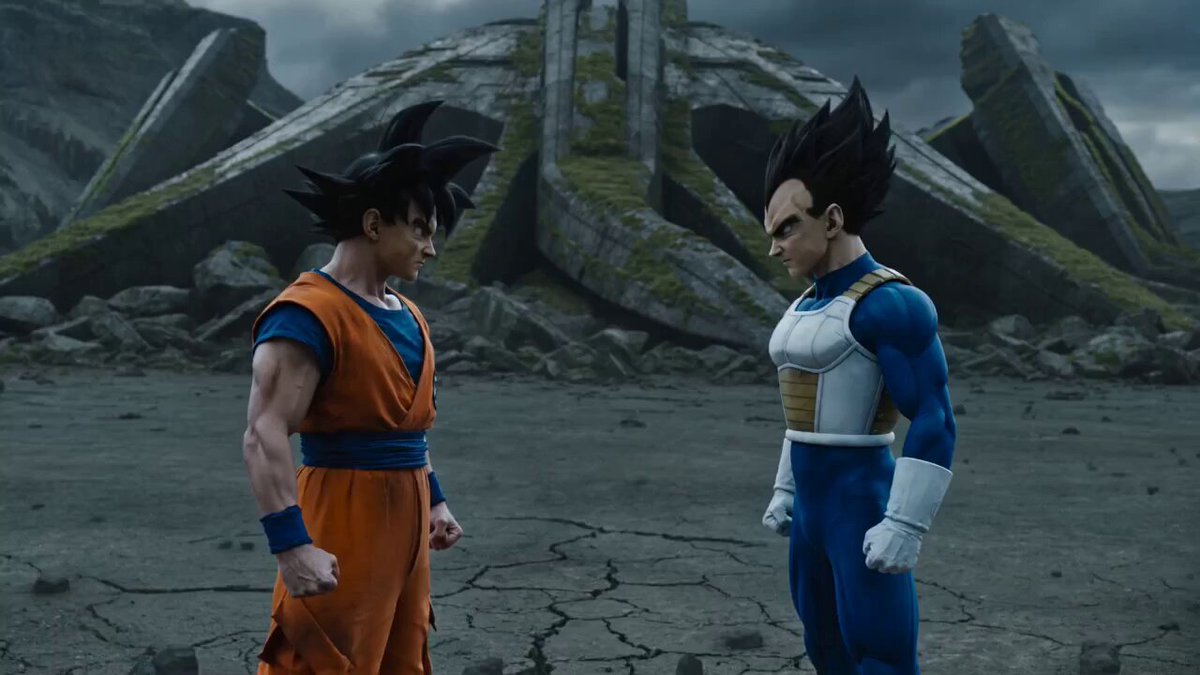
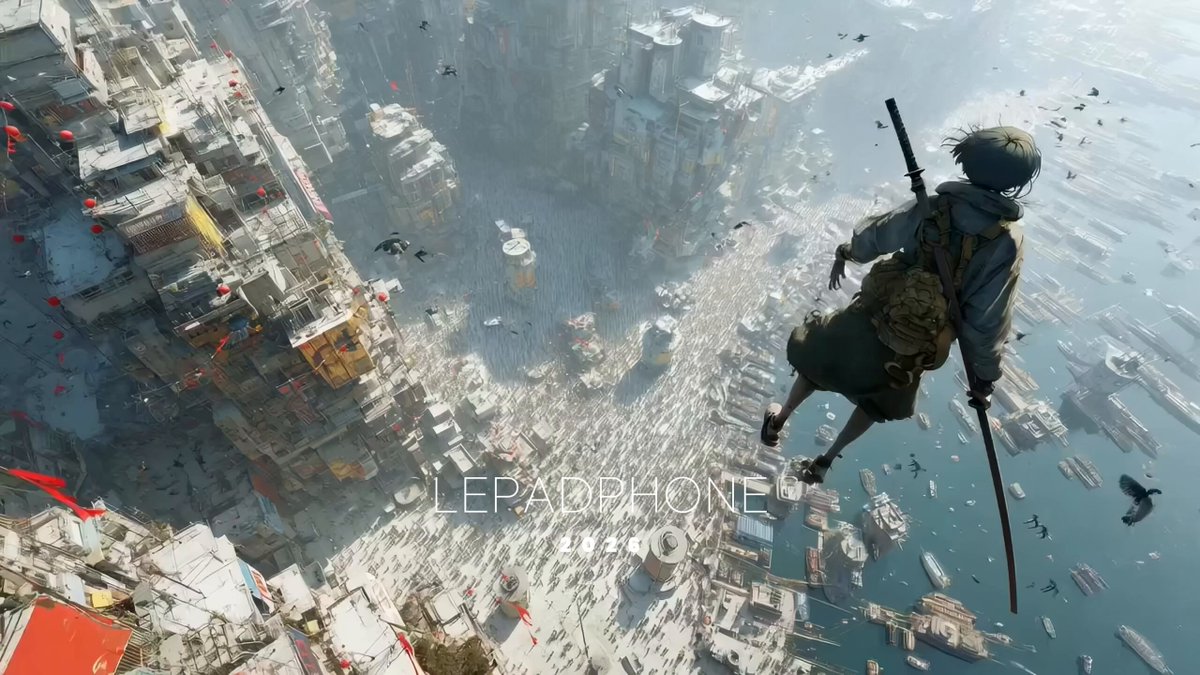
Every card below was rendered here. Hover for the prompt, click to recreate.
 Text to video
No storyboard needed. Describe the shot in plain language.
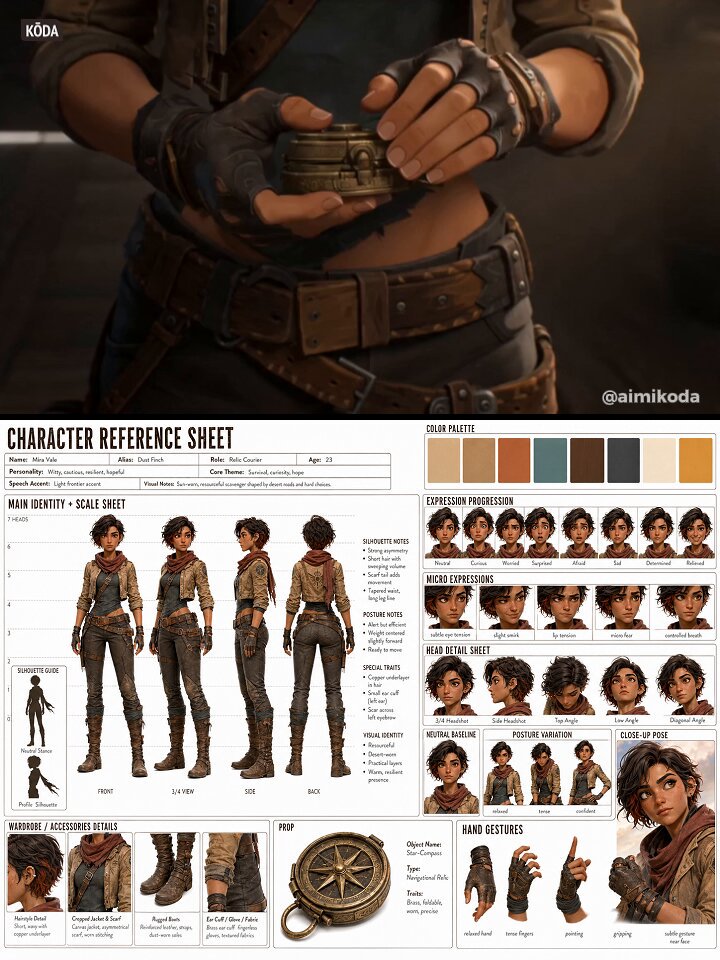 Image to video
Upload a frame, a character, a product — Kollab animates it.
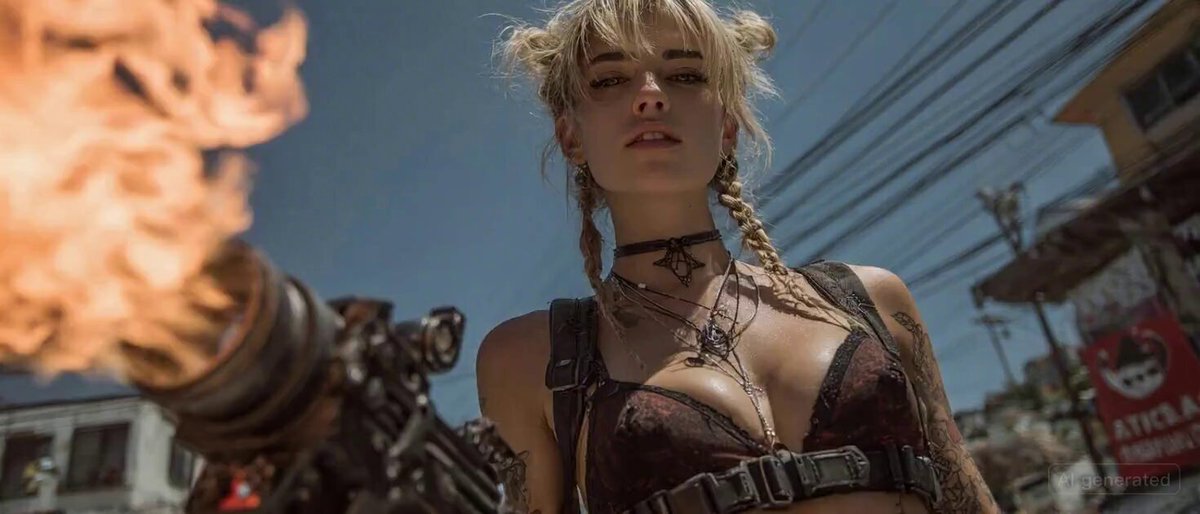 Dialogue · SFX · Score
Voice, ambience and score generated in the same pass.
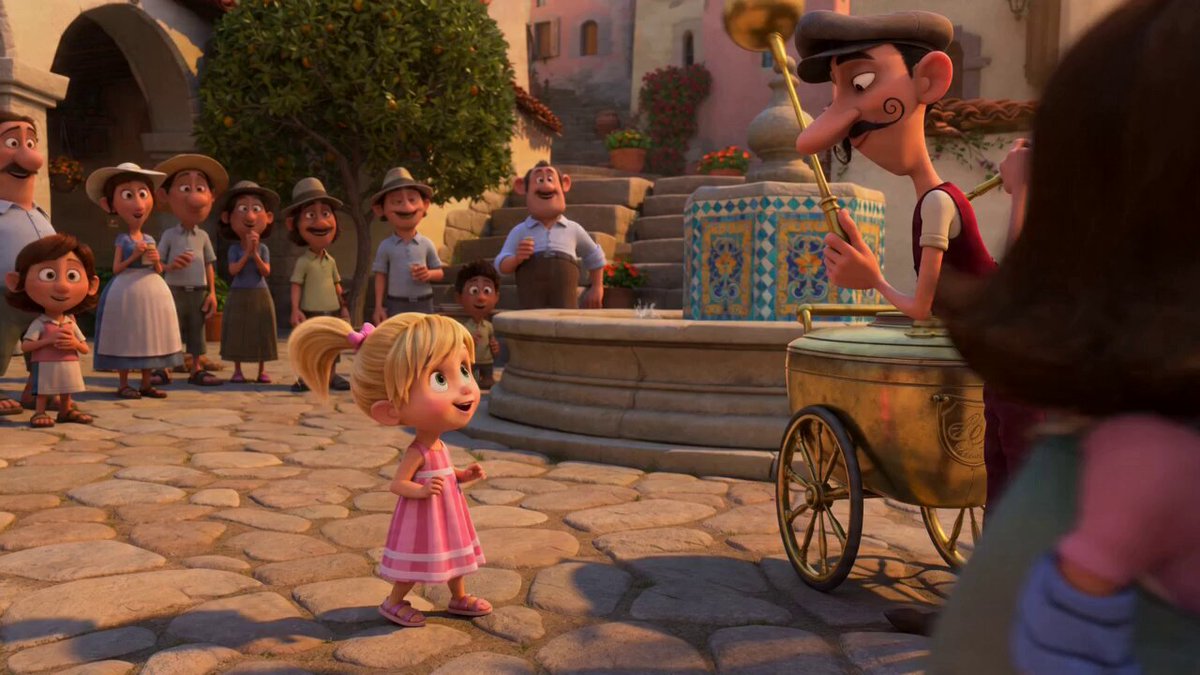 16:9 · 9:16 · 1:1 · 21:9
Feed, reel, screen or cinema — render for where it plays.
Describe subject, camera, lighting and lens like you're briefing a DP. No special syntax — plain language works.
Lock a reference frame, pick the engine, set duration and aspect. Auto will pick the engine for you if you skip it.
Full render with native audio lands in seconds, ready to drop into your feed, deck or timeline.
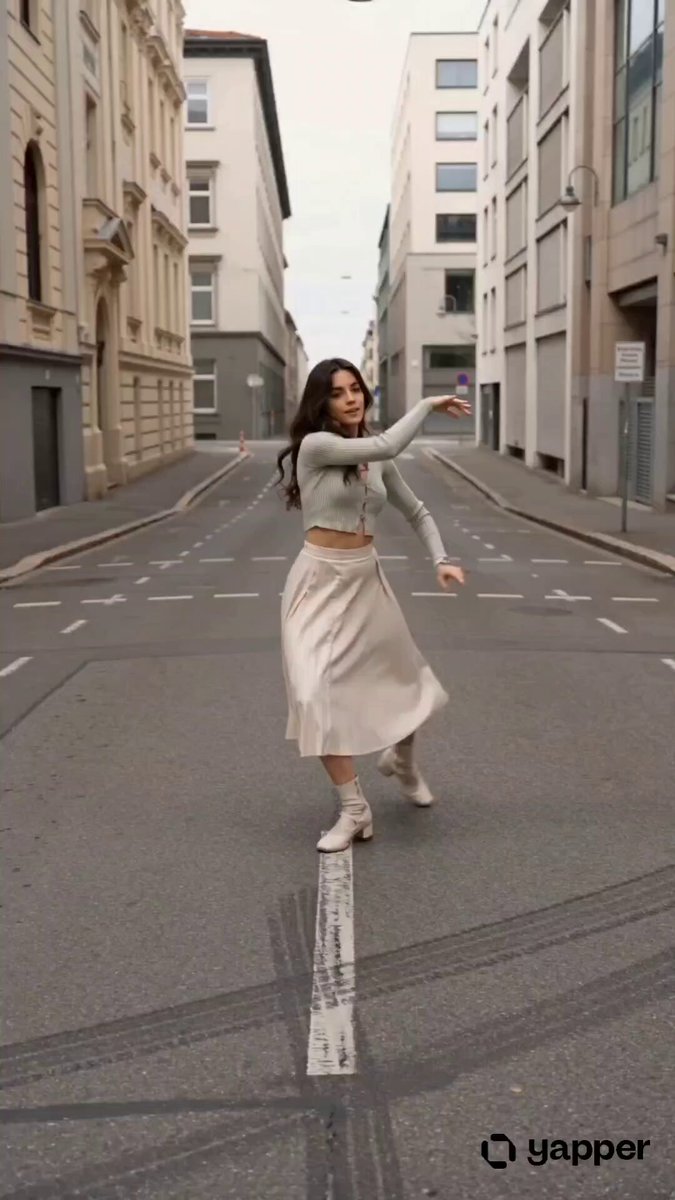 Rendered · 00:29
An AI video generator uses artificial intelligence to create videos from text descriptions or reference images. You provide a prompt or upload media, and the AI produces a video clip — no video editing skills required.
Kollab offers multiple AI video models including MiniMax H3, Seedance, and Veo. Each has unique strengths — MiniMax H3 excels at realistic motion, Seedance at stylized content, and more models are added regularly.
Video length depends on the model. Most support 5 to 15 seconds per generation. You can create longer content by generating multiple clips and combining them.
Yes. Upload reference images to guide the AI's output. This is great for animating product photos, artwork, or any visual you want to bring to life.
Common options include 16:9 (landscape), 9:16 (portrait/vertical), 1:1 (square), and 4:3. The available ratios may vary by model.
Enter a description or upload a reference image in the composer above, select your preferred model and settings, then click generate. You'll be guided to complete the task in Kollab.
Describe your vision and let AI bring it to life.