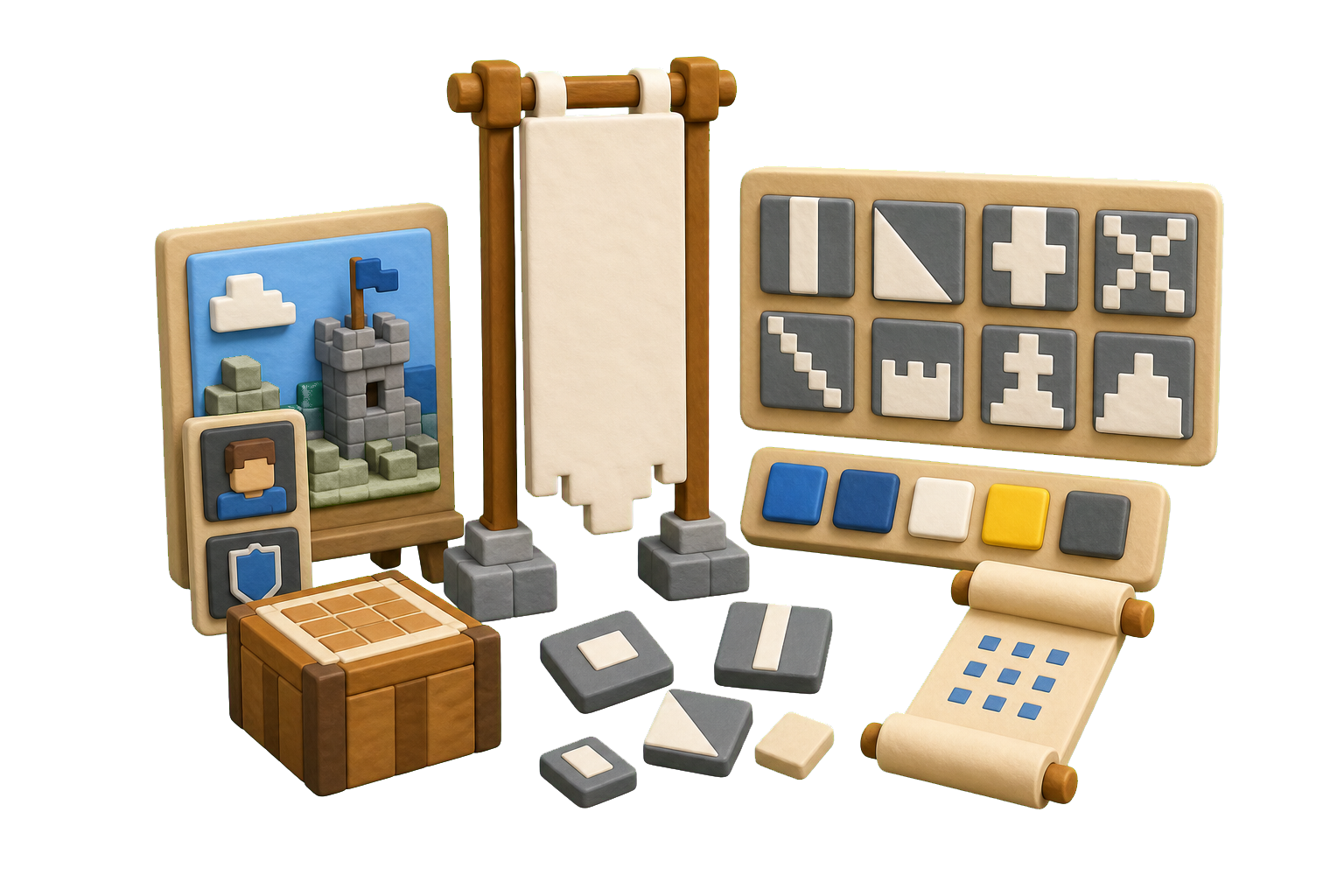
Start from server or channel context
Give the model the server or channel theme, audience, category, personality, and usage surfaces so the first banner concepts have direction.
Describe a server, character, YouTube channel or team theme, then let Kollab draft Minecraft banner colors, pattern layers, letter ideas, crafting recipes and command notes.
Start with a server or channel theme, industry, audience, style rules, and color direction. Kollab keeps the brief, banner variants, feedback, and next edits together instead of leaving you with a loose one-shot image prompt.
Give the model the server or channel theme, audience, category, personality, and usage surfaces so the first banner concepts have direction.
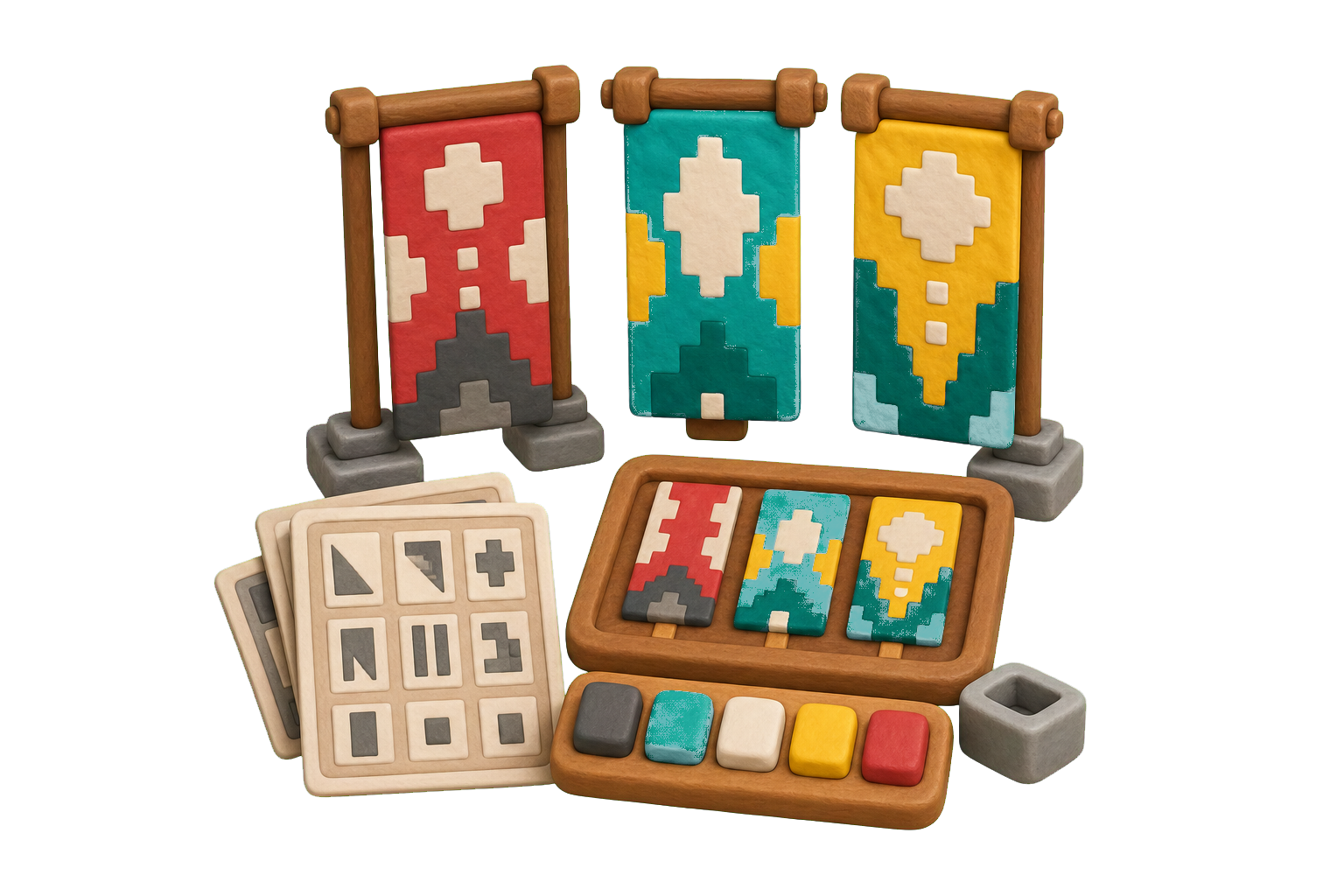
Ask for minimalist marks, mascot directions, monograms, app icons, wordmarks, or badge concepts while keeping color and usage constraints visible.
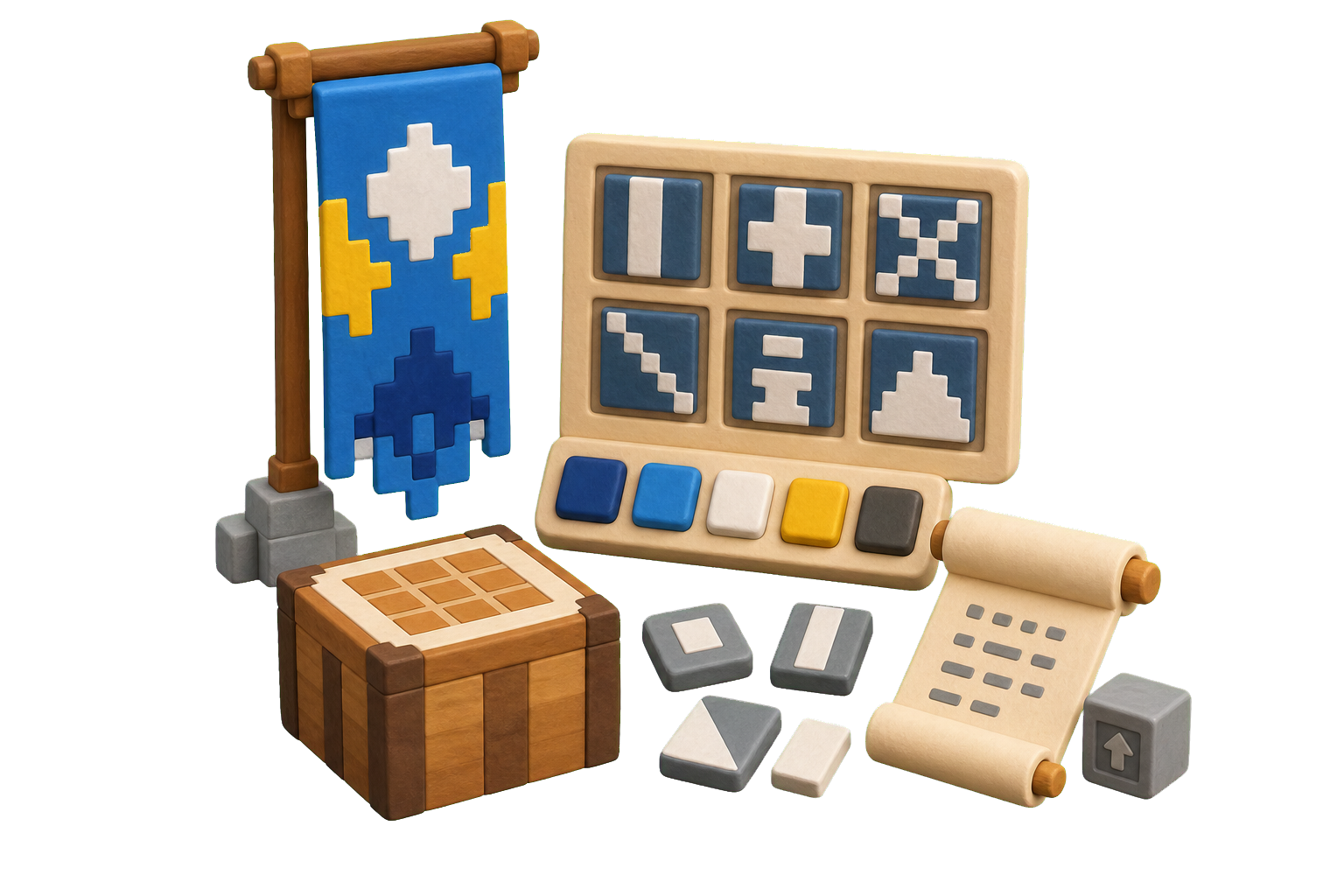
Save promising banner concepts as Kollab artifacts so teammates can compare versions, request refinements, and reuse the selected direction.
Use the top input like a working Minecraft banner maker: define the company name, industry, style, color rules, and usage surfaces, then refine the strongest concepts in one Kollab thread.
Add the server or channel theme, industry, audience, tone, symbol ideas, and intended use.
Choose visual direction, colors, typography mood, format needs, and exclusions.
Kollab receives a prepared AI banner generation task with the brief already structured.
Compare concepts, ask for refinements, and keep selected outputs as artifacts.
Use the banner maker for first-pass identity exploration, business banners, app icons, social media profile marks, YouTube channel banners, campaign marks, and team review before investing in a full server or channel system.
Turn a new product or company idea into several banner directions before choosing which identity path deserves deeper design work.
Generate compact marks for launches, webinars, communities, internal programs, and short-lived campaigns.
Keep the brief, variants, comments, and next prompts together so the team can discuss options without losing the reason behind each direction.
A free AI banner maker turns a server or channel theme, industry, and visual brief into banner concepts. Kollab makes that workflow reviewable by keeping the brief, banner design rules, generated variants, comments, and follow-up prompts in one task.
Yes. Start from this page and open a prepared Kollab task. Usage limits, model access, and team features depend on your plan and provider settings.
Include the server or channel theme, product category, target audience, personality, color palette, symbols to explore, where the banner will appear, and any styles or clichés to avoid. A specific brief usually beats a generic request like "make a banner."
Yes. Ask for minimalist symbols, wordmarks, monograms, badge banners, mascot-inspired marks, app icons, social media profile banners, or multiple style families in the same task.
Kollab saves generated banner concepts as artifacts and can keep export requirements in the task brief, including recipe and command, square app icon, horizontal lockup, and SVG/vector handoff notes. Treat final SVG or print-ready vector files as a production step that should be reviewed before publishing.
No. Start with natural language: company name, industry, style, colors, and usage needs. Kollab helps structure the prompt so teammates can review the options and ask for better banner directions.
It is best for concept exploration and early direction. For final server or channel identity, teams should still review originality, typography, accessibility, trademark risk, and production files.
You may use outputs for commercial exploration, but final use should include legal and server or channel review. Check rights, trademark conflicts, similarity to existing banners, platform requirements, and whether the final asset needs a designer-produced vector version.
Ask for a small number of distinct directions, specify colors and background needs, require simple shapes that read at small sizes, and name where the banner will appear: website header, app icon, social profile, packaging, deck, or print.
Turn server or channel context into reviewable Minecraft banner maker outputs inside Kollab.