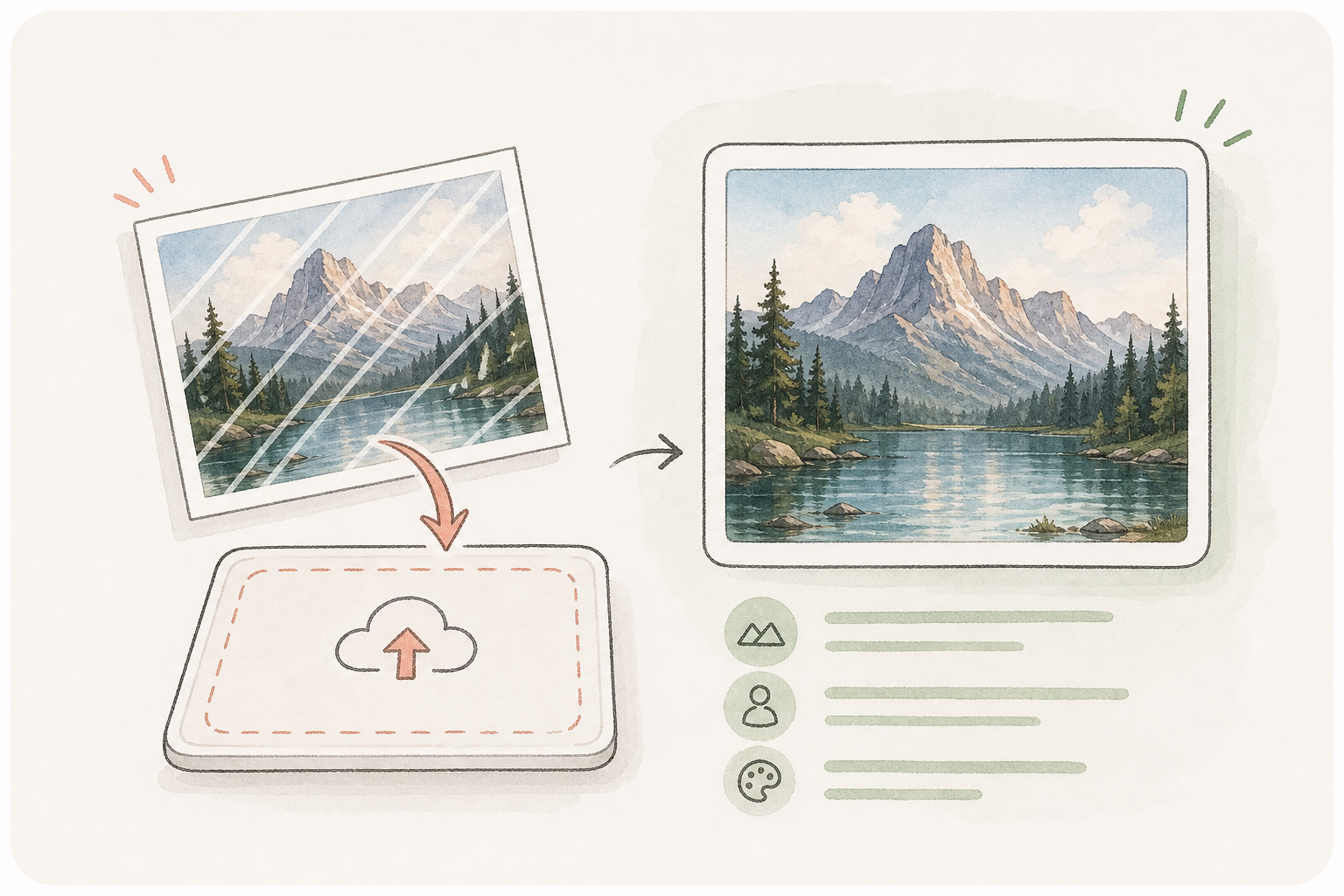
Upload the image directly
Start from the real source image instead of describing it from memory, so the edit can preserve composition, subject detail, and visual identity.
Designed for images you own or have explicit rights to edit. Cleanly remove unwanted stamps, timestamps, and markings without blurring backgrounds or distorting subjects in Kollab.
Turn a marked image into a controlled personal cleanup task with clear preservation rules, before-and-after comparison, and saved outputs.
Start from the real source image instead of describing it from memory, so the edit can preserve composition, subject detail, and visual identity.
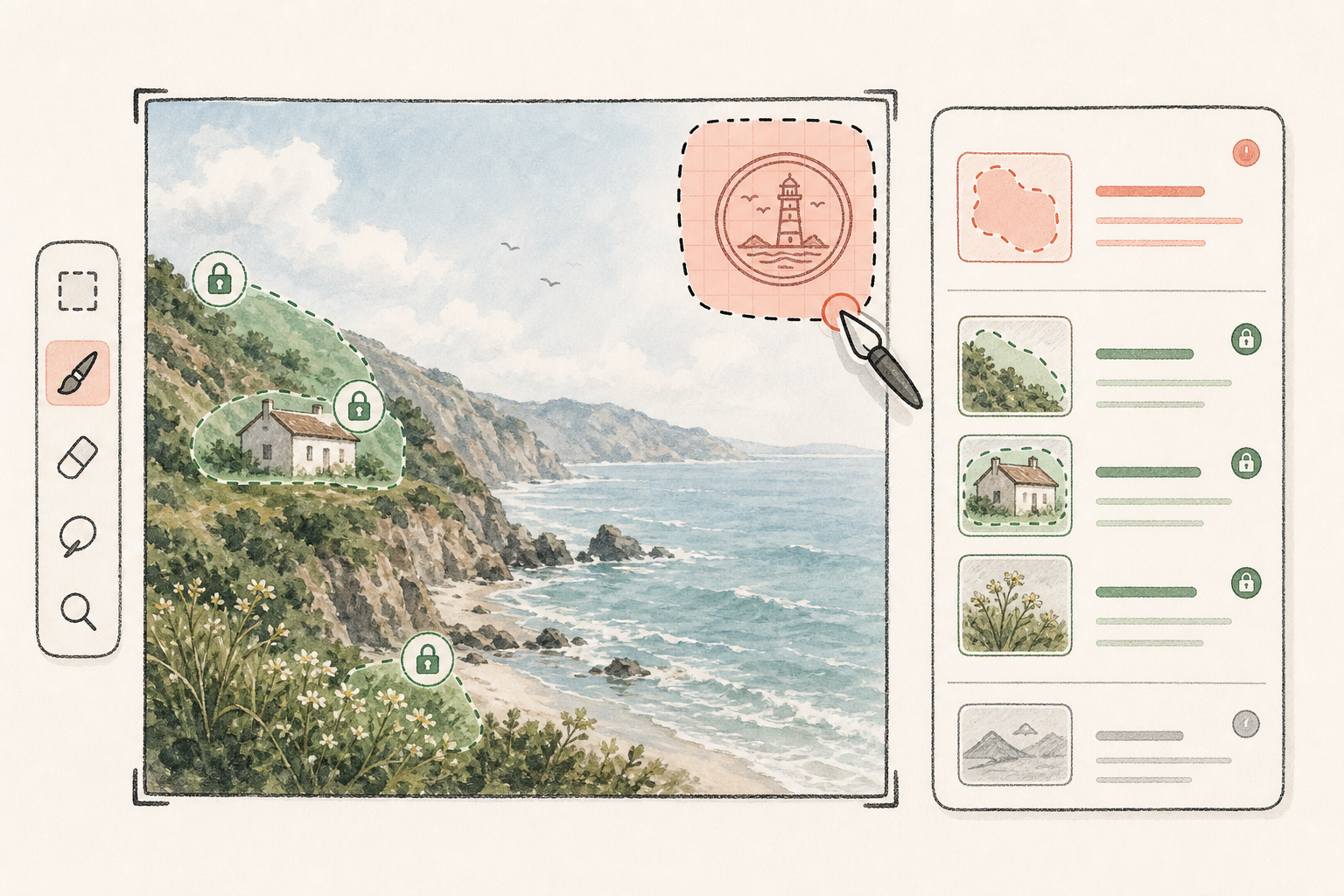
Describe the watermark, logo, text overlay, stamp, or small object that should disappear, while listing what must stay unchanged.
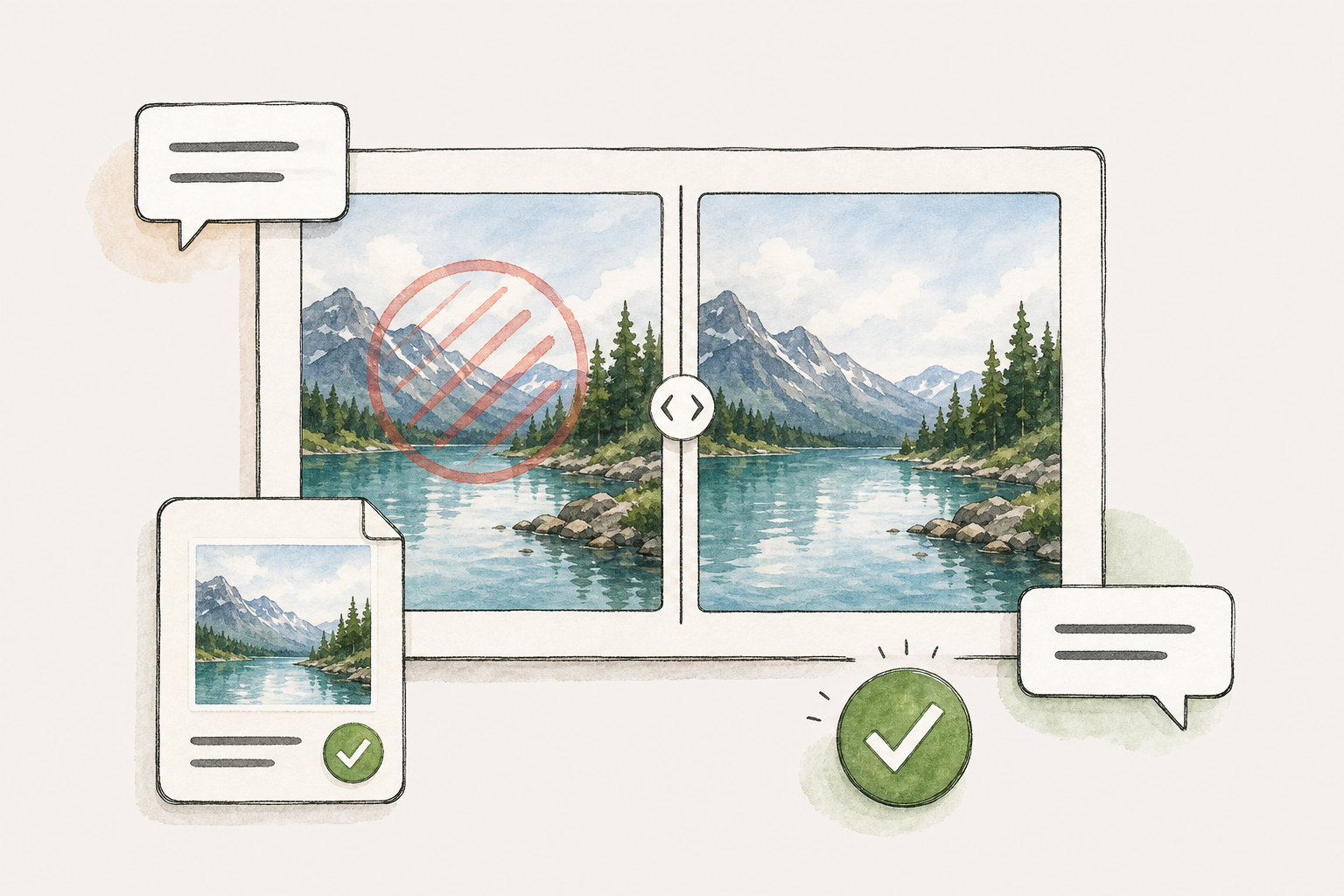
Save the cleaned output in Kollab so you can compare the original and edited version, request fixes, and reuse the approved artifact.
Kollab packages the source image, cleanup instruction, preservation rules, and comparison needs into one ready-to-run image task.
Choose a JPG, PNG, or WebP that you own or have permission to edit.
Point out the watermark, logo, stamp, text overlay, or small object to remove.
Explain which faces, products, text, layout, colors, or brand details must remain unchanged.
Compare output versions, ask for repairs, and keep the final image as a Kollab artifact.
Best for cleaning your own drafts, licensed assets, internal mocks, product previews, and images where you have editing rights.
Remove temporary review marks, internal labels, or draft stamps before preparing a cleaner campaign asset.
Clean watermarked previews after you have the right to use the source image and need a polished final version for yourself or a client.
Remove small unwanted overlays or marks while keeping product shape, human details, and layout stable.
It is an image-editing workflow that removes a visible watermark, logo, stamp, text overlay, or small mark and repairs the nearby background. In Kollab, the cleanup request, source image, outputs, and review stay in one task.
Use this only for images you own, licensed images you are allowed to edit, or internal assets where removing a draft mark is permitted. Do not use it to bypass someone else's copyright, licensing, or attribution requirements.
The page accepts common image formats such as JPG, JPEG, PNG, and WebP. Very low-resolution or heavily compressed images may need extra manual review.
Yes, when you have the right to edit the image. Describe the logo, stamp, or text overlay clearly and explain what nearby content should remain unchanged.
Quality depends on the image, mark size, background complexity, and instructions. Kollab keeps the result easy to compare so you can ask for repairs or keep the best version.
A one-click remover hides the workflow. Kollab keeps the original image, cleanup prompt, generated outputs, comparison notes, and follow-up edits together.
Even for personal edits, it helps to keep the original image, cleaned result, preservation rules, and next revision instructions together. You can reopen the task later instead of guessing which prompt produced the useful version.
Only when your source rights and usage terms allow it. Review licensing, brand rules, personal rights, and generated details before publishing.
Prepare an AI watermark removal task and keep the source, instructions, output, and comparison context together in Kollab.