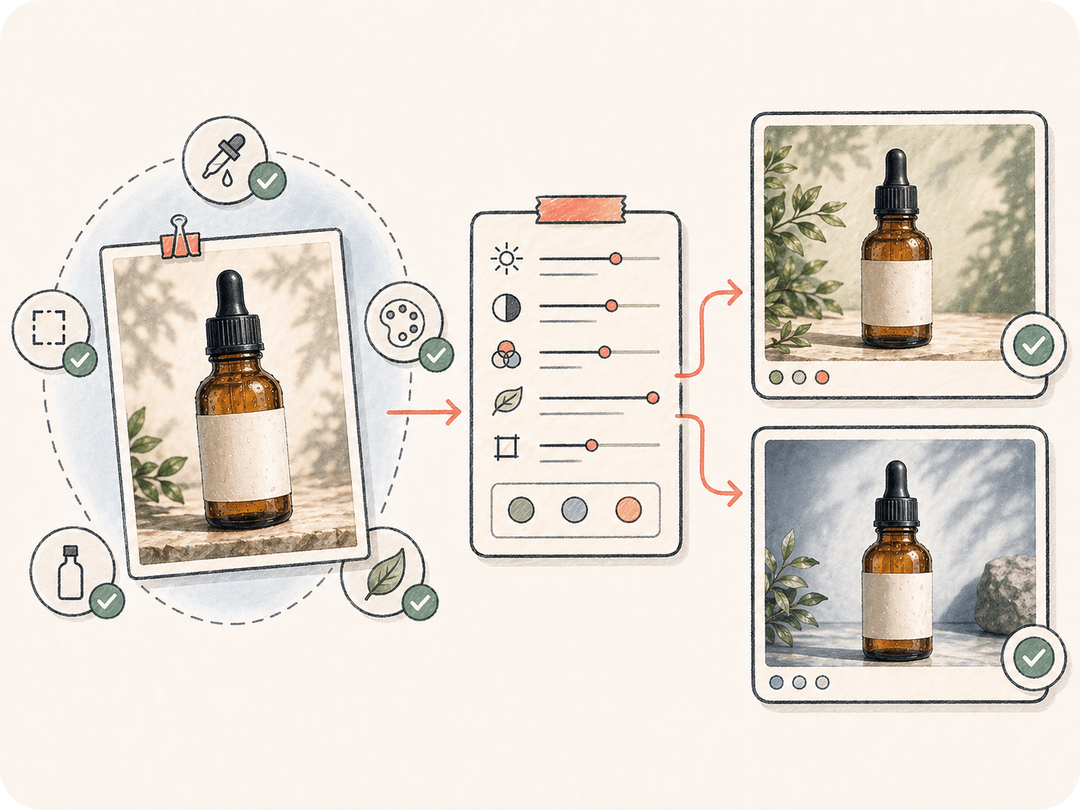
Start from a real reference
Use the image as the source of truth for subject, layout, proportions, and visual identity instead of rewriting everything from memory.
Start from a reference image, describe what to preserve and what to change, then open a review-ready image-to-image task that keeps the source, output, and team context together.
Turn a reference image into controlled edits and variants while keeping the original visual, constraints, generated outputs, and team review in one place.
Use the image as the source of truth for subject, layout, proportions, and visual identity instead of rewriting everything from memory.
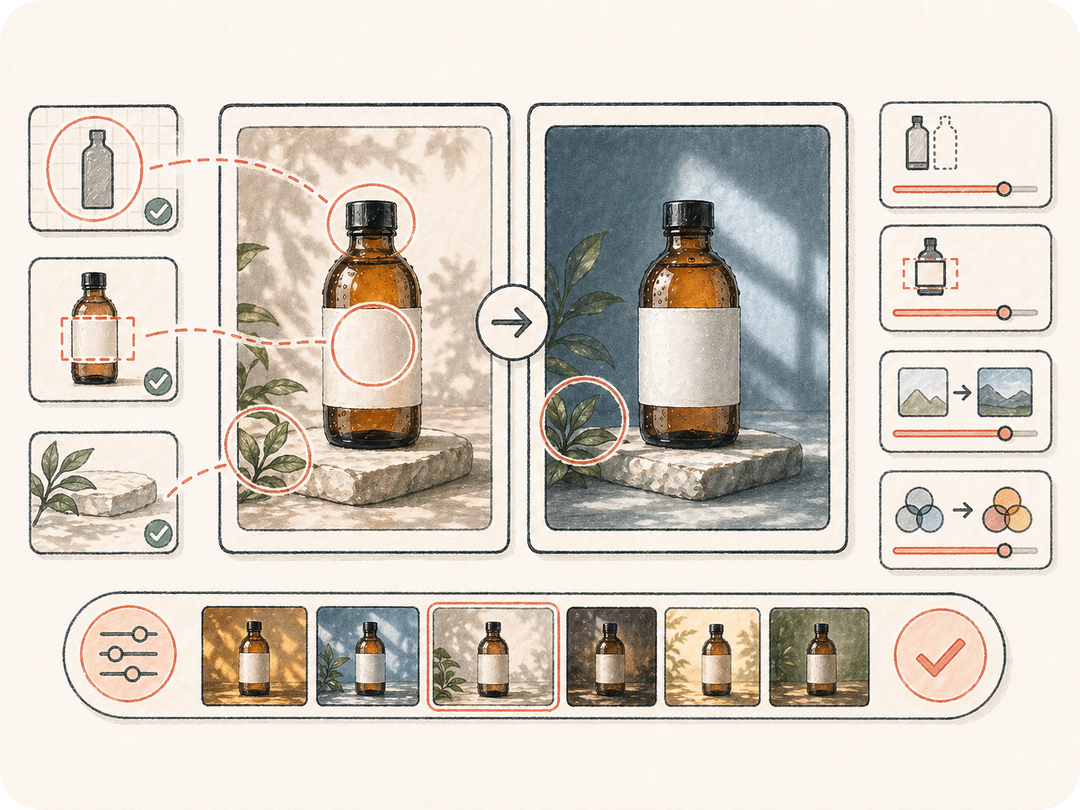
State what should change and what must stay intact, such as faces, product shape, brand color, label placement, or composition.
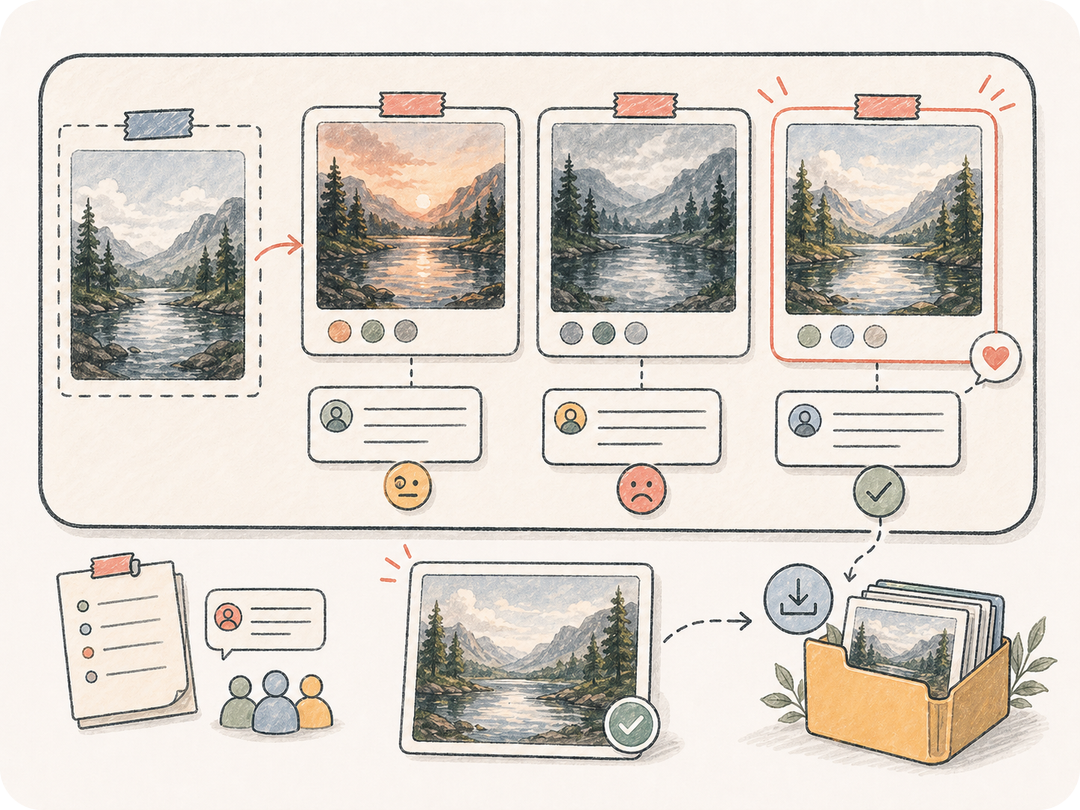
Save edited variants in the task workspace so teammates can compare versions, request refinements, download results, and reuse approved outputs.
Kollab turns the reference image, preservation rules, edit direction, and review needs into one prepared image-to-image task.
Paste an image URL or upload the private reference inside Kollab.
Define the change, preservation rules, style, format, and quality target.
Kollab opens with a prepared image editing instruction.
Compare generated versions and keep refining from the same context.
Use image-to-image AI for product refreshes, background swaps, visual variants, and reference-based revisions without losing the original image.
Improve a product photo while preserving shape, label placement, material details, and brand color.
Replace the setting, lighting, or visual style without losing the subject or key composition.
Create alternate visual directions from the same approved reference so review stays focused.
It turns a reference image into a prepared image-to-image task in Kollab, with source context, edit requirements, generated outputs, and review in one workspace.
You can start from this page and open a prepared Kollab task for free. Generation limits, model usage, and paid features depend on the active plan and provider settings.
Clear product photos, portraits, interface captures, campaign visuals, and concept art work best. Add preservation rules when faces, logos, product shape, or brand colors must stay stable.
The task produces edited image variants or structured edit instructions saved in Kollab. Results stay connected to the original reference for download and iteration.
Text to image starts from words. Image to image starts from a real reference, so it is better when the subject, layout, character, product, or visual identity already exists.
Yes. The thread keeps the reference, requirements, generated artifacts, and follow-up instructions together so teammates can review versions without losing context.
Be specific about what must change, what must not change, the target format, style, and quality bar. Clear preservation rules usually improve edited results.
Yes, teams can use it for campaign and product work, but should review rights, brand standards, generated details, and compliance needs before publishing.

Turn a reference image into a controlled, review-ready image-to-image task in Kollab.