
Generate single-match posters
Turn one match into a poster with teams or placeholders, kickoff time, venue, round, and time-zone note for fans who need the next game fast.
Turn one semifinal or final into a clear match poster. Add the teams, kickoff time, venue, format, and source links; Kollab prepares an editable image task.
Create a readable match poster for feeds, vertical stories, headers, or watch-party printouts.
Turn one match into a poster with teams or placeholders, kickoff time, venue, round, and time-zone note for fans who need the next game fast.
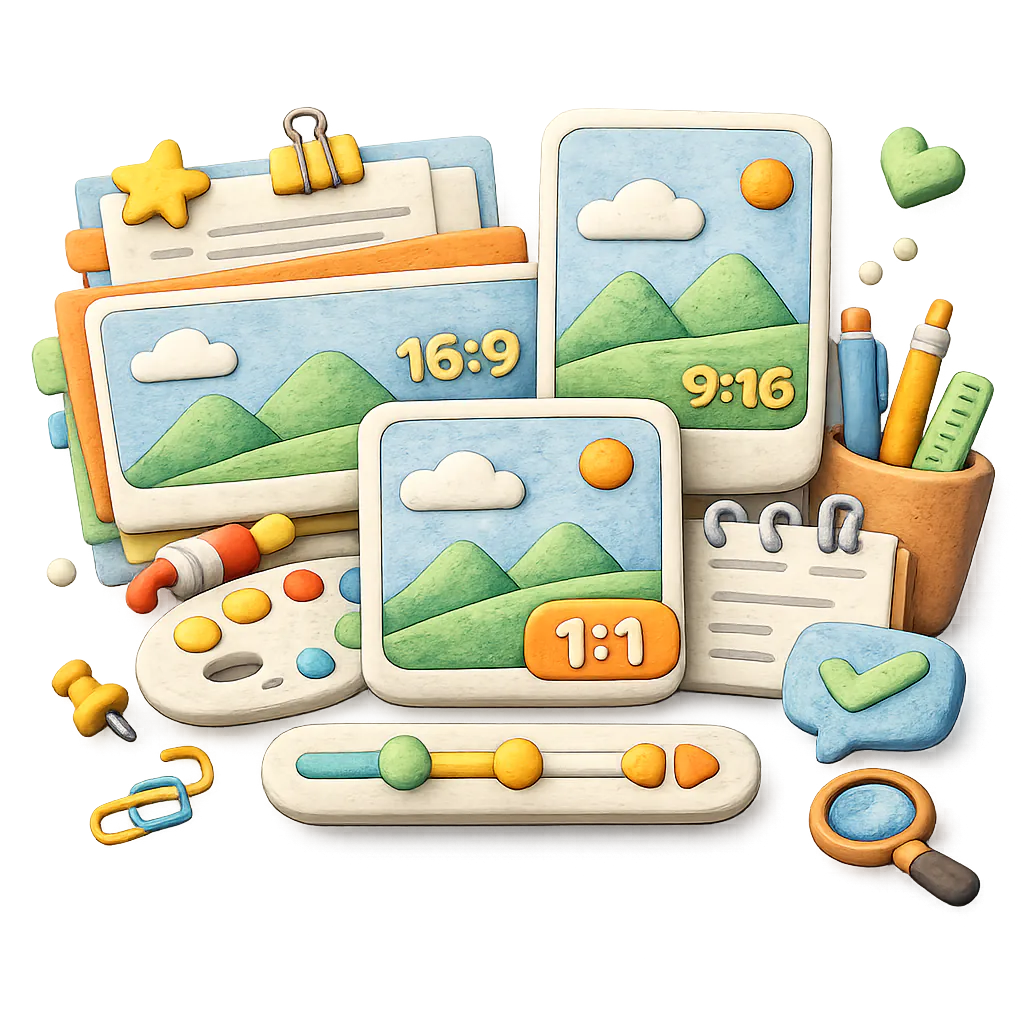
Use the same match for square posts, 4:5 feed graphics, vertical Stories, 16:9 headers, or small printable watch-party posters.

The task keeps source URLs and last-checked notes close to the design brief while avoiding unofficial logos, crests, player likenesses, and sponsor marks by default.
Use these prompt directions when you need one match graphic, not a full tournament schedule.
Generate a minimal World Cup match card with two team slots, kickoff time, venue, and local time-zone note. Keep the design logo-free.
Generate a printable watch-party match poster with a large kickoff time, venue note, abstract pitch lines, and no official marks.
Generate a 9:16 World Cup match card for mobile Stories with a countdown headline, team placeholders, kickoff time, and source note.
Generate a 16:9 match preview header with team slots, round label, venue cue, and clean typography for a newsletter or blog.
Give Kollab one fixture and the output format. It opens an image task for a matchday poster that can be revised for each channel.
Paste the match, source URL, kickoff time, venue, time zone, round, and any unconfirmed team placeholders.
Pick feed, Story, landscape header, watch-party print, or carousel cover so the composition starts at the right size.
Describe headline tone, colors, football atmosphere, type density, rights limits, and whether the poster needs editable team slots.
Generate the poster in Kollab and keep source checks, export notes, and revision prompts with the task.
Choose one match and adapt the same verified details to the format you need.
Create a feed-ready poster for one fixture with team names or placeholders, kickoff time, venue, and a short headline.
Create a vertical poster that keeps the kickoff time, time zone, and match label readable on mobile.
Create a rights-safe poster for bars, classrooms, offices, or community spaces showing the next match and local kickoff time.
Ask Kollab to check fixture sources before generating, then keep the source URL and last-checked note in the task brief.
These related pages show how this standalone tool connects to Kollab workflows, reusable Skills, and team deliverables.
Use this tool for one match poster. For a multi-match fixture list, printable schedule, or venue wall chart, use the schedule poster generator.
Add authoritative fixture links or confirmed match details. Kollab keeps the sources and last-checked notes with the task so changes can be reviewed.
Yes. Choose a 1:1 square, 4:5 portrait, 9:16 vertical, or 16:9 landscape format, and keep the teams, kickoff time, and venue readable at that size.
No. It creates one match poster at a time. Use the schedule poster generator when you need several fixtures in one layout.
Use team slots, stage names, or placeholder text first, then return to the Kollab task and replace them after the fixture is confirmed.
Only if you have rights. By default, the task avoids official tournament marks, team crests, sponsor logos, official artwork, and real player likenesses.
Yes. Add the event address, entry time, viewing location, contact details, and local time zone, then review all event facts and asset rights before publishing.
Provide the match, kickoff time, venue, time zone, source URL, channel size, visual style, and any rights or logo restrictions.

Create a match poster with clear event details, flexible sizes, and source notes for later updates.