
Generate printable schedule PDFs
Add match rows, venues, local time zones, and poster dimensions. Kollab turns them into an image task for A4, Letter, wall posters, or event displays.
Add match sources, local time zones, and print specs, then open a Kollab image task for printable schedule PDFs, fixture lists, A4/Letter posters, social cards, or venue wall charts.
Use Kollab to turn match sources, kickoff times, venues, local time zones, and size requirements into printable schedule PDFs, fixture posters, and social cards.
Add match rows, venues, local time zones, and poster dimensions. Kollab turns them into an image task for A4, Letter, wall posters, or event displays.
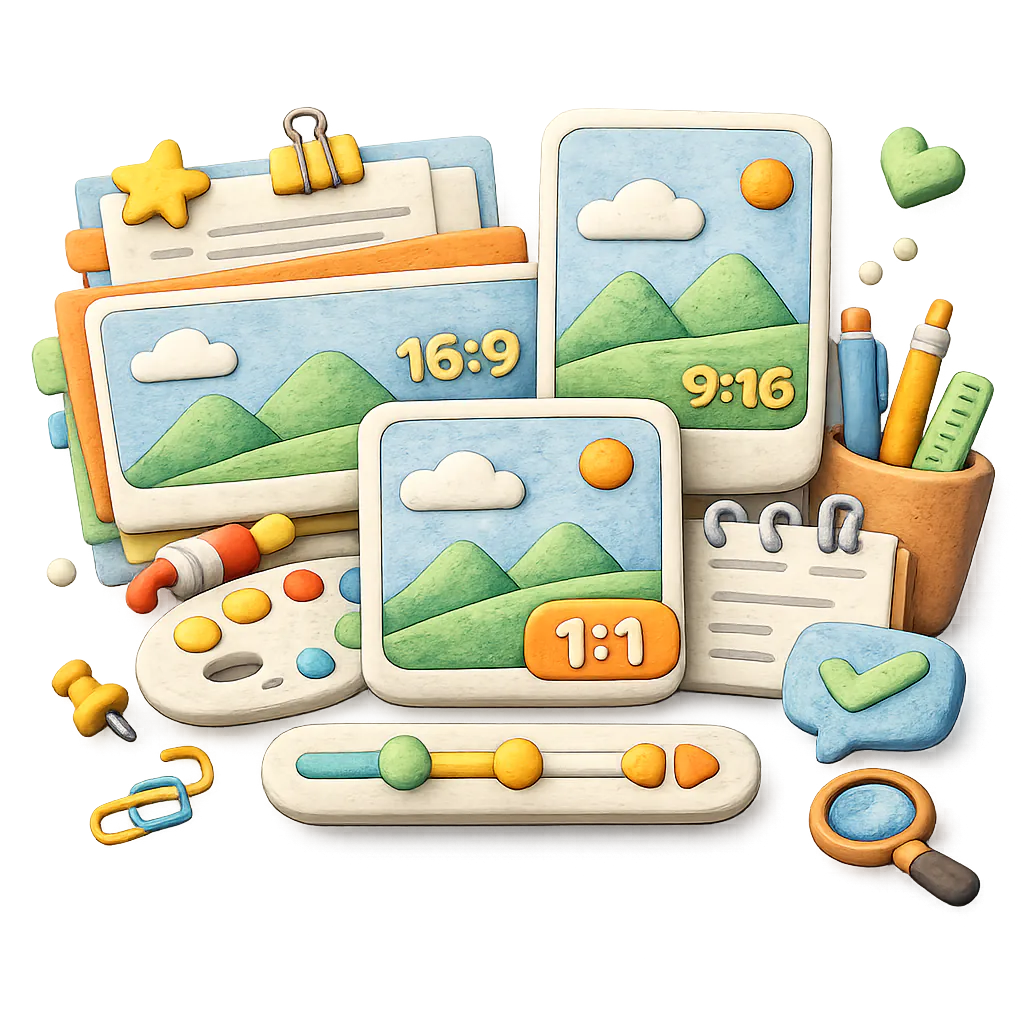
Use the same fixture set for landscape posters, square posts, Story cards, matchday cards, or venue wall charts instead of reformatting each asset by hand.
The default artwork direction avoids FIFA marks, team crests, sponsor logos, official artwork, and real player likenesses. Source and rights notes stay in the task brief.
Use these style directions to generate schedule artwork quickly. Source and rights notes stay in the task brief without taking over the page.
Generate a minimal World Cup fixture card with clear match rows, local kickoff times, logo-free design, and light color accents inspired by team palettes.
Generate a venue schedule poster for a watch party. Show upcoming match windows, venue cues, time-zone labels, and a large readable layout without official marks or team crests.
Generate a host-city wall chart with match rows, venue markers, local time conversion, and room for updates. Use abstract city shapes and pitch lines, not official tournament visuals.
Generate five square social carousel cards for group-stage fixtures. Each card shows match windows, team placeholders, and mobile-friendly layout.
Generate a daily World Cup schedule board with today's matches, kickoff times, venues, local time zones, and update notes. Keep it logo-free for venue screens or social posts.
Generate a printable watch-party poster with selected fixtures, local kickoff times, venue notes, and an A4 / US Letter friendly logo-free design.
Generate a vertical matchday card with kickoff time, venue cue, time-zone note, and a short headline for Instagram or TikTok Stories.
Generate a venue display board for a bar, classroom, or community space. Show daily fixtures, time-zone labels, update notes, and large readable poster layout.
Give Kollab the schedule and the format. It opens an image task for a schedule poster, social card, or wall chart that can be revised after generation.
Paste match rows, venues, kickoff times, time zones, host-city notes, or the date range you want to highlight.
Pick A4, Letter, landscape poster, wall chart, square social image, Story, matchday card, or venue screen.
Describe style, colors, type density, whitespace, print readability, mobile readability, and any logo restrictions.
Generate poster artwork in Kollab and keep size, export, and revision notes with the task.
Create match schedule visuals for print, social posts, venue screens, and venue wall charts with one focused image task.
Create an office, classroom, bar, store, or watch-party PDF with groups, kickoff times, venues, and local time zones.
Turn upcoming matches into square feed graphics, Story cards, X images, and matchday cards.
Prepare a large schedule chart for bars, offices, or community spaces with room to highlight key matches each week.
Use abstract football elements, pitch lines, host-city cues, and color direction without unauthorized tournament marks, crests, or sponsor logos.
These related pages show how this standalone tool connects to Kollab workflows, reusable Skills, and team deliverables.
It turns fixtures, time zones, poster sizes, and visual direction into a Kollab image-generation task for printable schedule PDFs, schedule posters, social fixture cards, matchday cards, and venue wall charts.
Yes. The page opens a Kollab image task so you can generate and revise poster artwork. Some print or PDF delivery steps may still require exporting the final image at the right size.
If the task environment supports browsing or search, you can ask Kollab to check FIFA or another trusted source before generating the poster. That step supports the artwork instead of becoming the main focus.
You can generate artwork for A4, Letter, wall posters, or venue screens and include export notes. The final PDF is created from the generated image at the required size.
Yes. Add the audience location or target time zone, and Kollab can include local-time labels, source notes, and any uncertain kickoff times as placeholders before the artwork is generated.
Yes. Ask for square, vertical, horizontal, matchday-card, or carousel formats with mobile-readable text.
Use this tool for multi-match schedule PDFs, wall charts, and fixture cards. The match poster generator is for one match at a time, such as a feed, Story, or watch-party poster.
Use this tool for multi-match schedule PDFs, wall charts, and fixture cards. The match poster generator is for one match at a time, such as a feed, Story, or watch-party poster.
This generator creates schedule visuals. The content calendar generator plans campaign themes, timing, owners, review flow, and publishing rhythm.
The caption generator writes platform copy, hooks, hashtags, and tone variants. This page creates visual schedule artwork for publishing or printing.
Only if you have the rights. By default, the task avoids official marks, team crests, sponsor logos, official artwork, and real player portraits.
Provide dates, teams or placeholders, venues, times, time zones, size, use case, visual style, and whether the design needs editable spaces for later updates.
Put match sources, fixtures, time zones, dimensions, and visual direction into one Kollab image task and generate World Cup schedule artwork you can print, post, or revise.