Empieza con un primer rostro claro
Sube un retrato para conservar ángulo, luz, recorte y señales de identidad antes de describir el segundo rostro o la dirección de mezcla.
Crea un face morph con IA a partir de retratos que posees o tienes permiso para usar. Sube la primera y la segunda referencia facial en JPG, PNG o WebP, añade una dirección de mezcla opcional y continúa en Kollab con ambas imágenes, el prompt, variantes y ediciones posteriores.
Combina dos referencias faciales autorizadas para avatares, retratos de meme, conceptos familiares, estudios de personaje o una imagen estable que luego puedas convertir en GIF o video corto.
Sube un retrato para conservar ángulo, luz, recorte y señales de identidad antes de describir el segundo rostro o la dirección de mezcla.
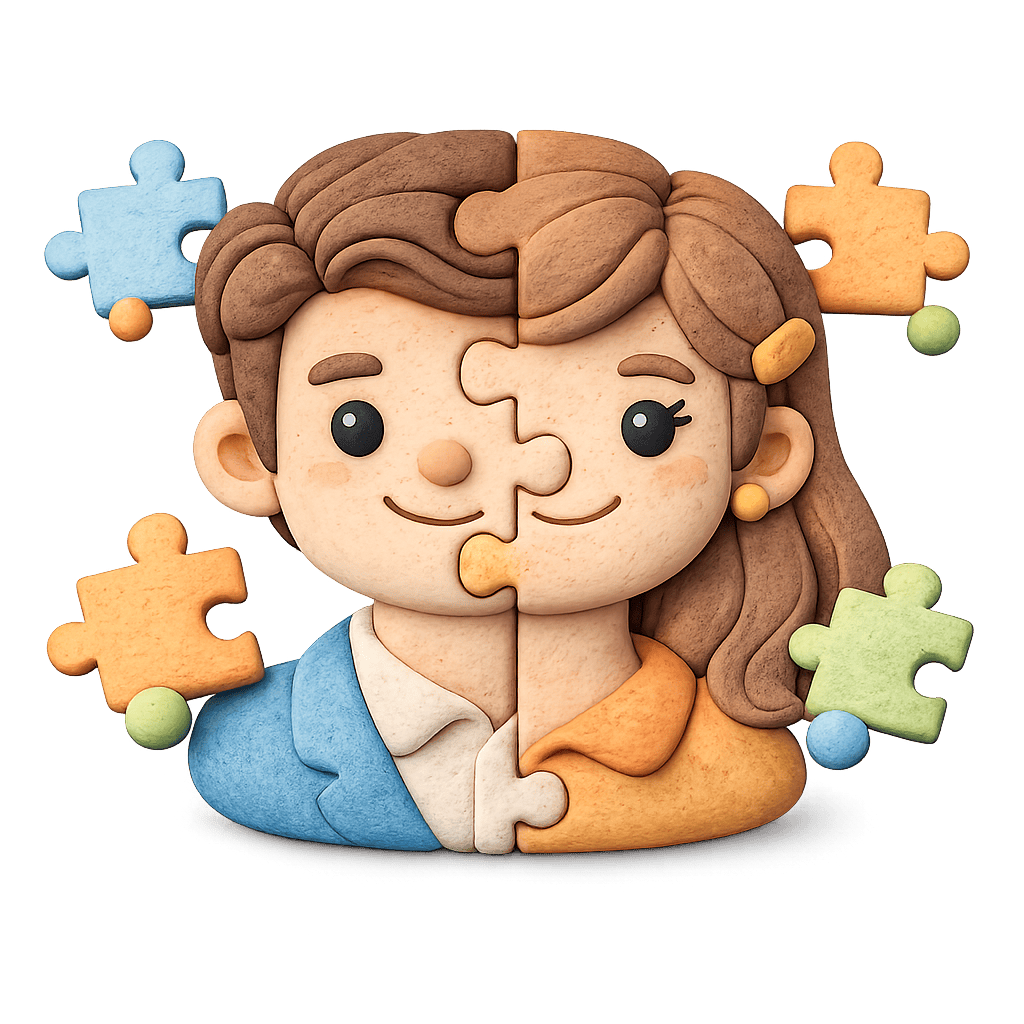
Indica intensidad, rasgos que deben conservarse y si el resultado debe ser realista, avatar, estilo bebé, meme o cinematográfico.

Mantén las variantes juntas y continúa con herramientas de imagen a video si el objetivo final es un GIF o video de transición.
Kollab empaqueta retrato, dirección de mezcla, límites de uso y requisitos de salida en una tarea de imagen lista para ejecutar.
Elige un retrato claro JPG, PNG o WebP que posees, creaste o puedes transformar.
Explica el segundo rostro autorizado, intensidad, estilo, expresión, edad visual, recorte y fondo.
Aclara qué debe conservarse, qué puede cambiar y dónde evitar suplantación o parecido con celebridades.
Compara opciones y conserva la mejor imagen para avatar, meme, publicación, GIF o video.
Ideal para mezclas de dos caras, ideas de face merge, avatares, memes, conceptos estilo bebé y preparación de imagen antes de video o GIF.
Combina tu retrato autorizado con una segunda referencia autorizada y compara mezclas realistas, sutiles y más intensas.
Crea imágenes para publicaciones sociales, perfiles, personajes ficticios o estudios familiares claramente creativos.
Empieza con la imagen fusionada más estable y sigue con flujos de imagen a video para transiciones, GIF o clips cortos.
Es un flujo de generación de imágenes que mezcla una o varias referencias faciales autorizadas en un nuevo retrato. En Kollab, imagen fuente, indicación, resultados y siguientes ediciones quedan en una tarea.
Sí, si ambas referencias son tuyas, creadas por ti, licenciadas o autorizadas. Sube el primer rostro aquí y describe o añade el segundo dentro de la tarea de Kollab.
No. Face swap suele reemplazar una cara por otra. Face morph se centra en una mezcla controlada: face merge, avatar, estilo bebé, expresión o variantes creativas.
Esta página empieza por imagen. Crea primero un retrato fusionado limpio y luego continúa con herramientas de imagen a video o video corto.
Puedes crear un concepto estilo bebé claramente ficticio con referencias familiares autorizadas. Debe tratarse como imagen creativa, no como predicción.
No uses esta página para suplantar celebridades, figuras públicas, personas privadas o gente sin autorización. Está pensada para retratos propios, referencias licenciadas, personajes ficticios y trabajo con consentimiento.
JPG, JPEG, PNG y WebP. Los rostros claros, frontales y con luz estable suelen dar resultados más fáciles de ajustar.
Puedes iniciar la tarea desde esta página y abrirla en Kollab. La experiencia final depende de los modelos y límites disponibles en tu cuenta.
Usa un retrato claro, describe el segundo rostro o dirección, fija la intensidad y señala qué rasgos deben conservarse. Evita parecidos con figuras públicas o suplantación engañosa.
Solo si tus derechos de origen, términos del modelo y restricciones de imagen personal lo permiten. Revisa identidad, consentimiento, marca y licencias antes de publicar.

Prepara en Kollab una tarea AI face morph con el primer rostro, la dirección del segundo rostro, límites de consentimiento, variantes y contexto para ediciones posteriores.