Texto a video que sigue el brief
Describe la escena, la dirección de cámara, el sujeto, el estilo y el ritmo. Seedance 2.0 genera videos cortos con IA mientras Kollab mantiene el brief creativo original vinculado a la tarea.
Turn a text prompt, storyboard, product brief, or reference image into a short AI video. Kollab keeps Seedance 2.0 generation, revisions, files, and team review in the same workflow.
Kollab turns Seedance 2.0 from a one-off video model into a repeatable workflow for briefs, references, revisions, and campaign assets.
Describe la escena, la dirección de cámara, el sujeto, el estilo y el ritmo. Seedance 2.0 genera videos cortos con IA mientras Kollab mantiene el brief creativo original vinculado a la tarea.
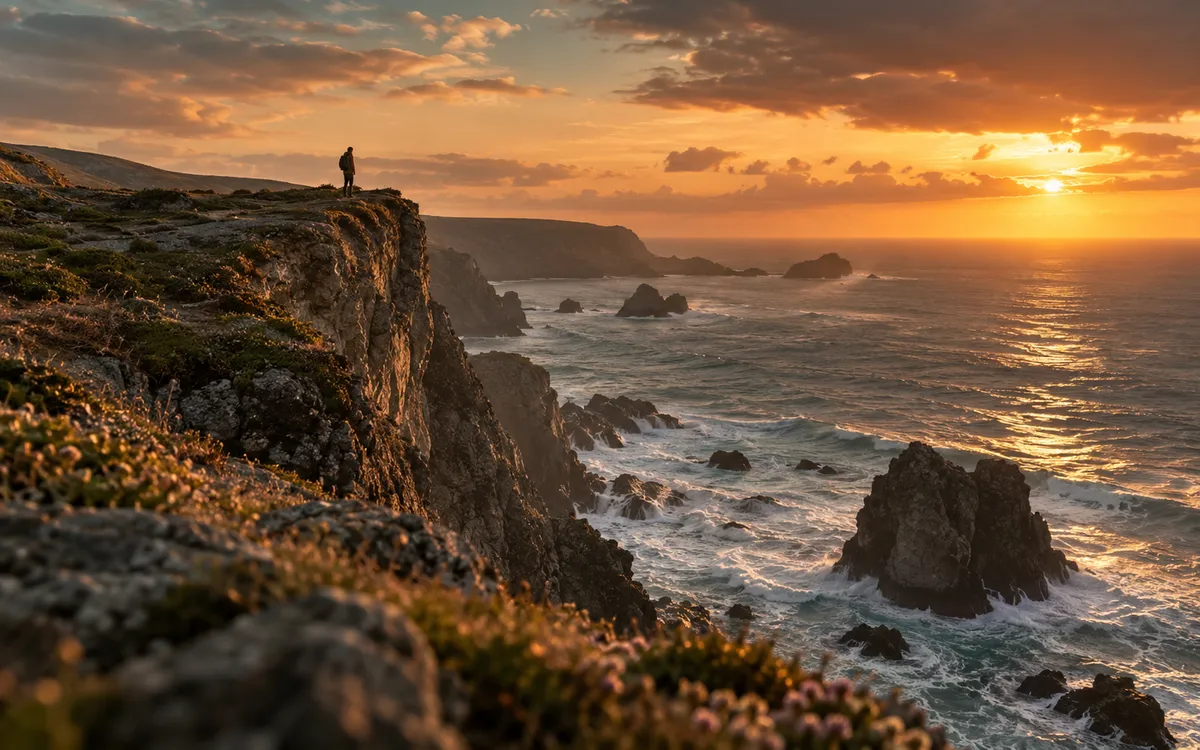
Usa imágenes, recursos previos o directrices de campaña como referencias para que el video generado sea fiel al producto, personaje o sistema visual aprobado por tu equipo.
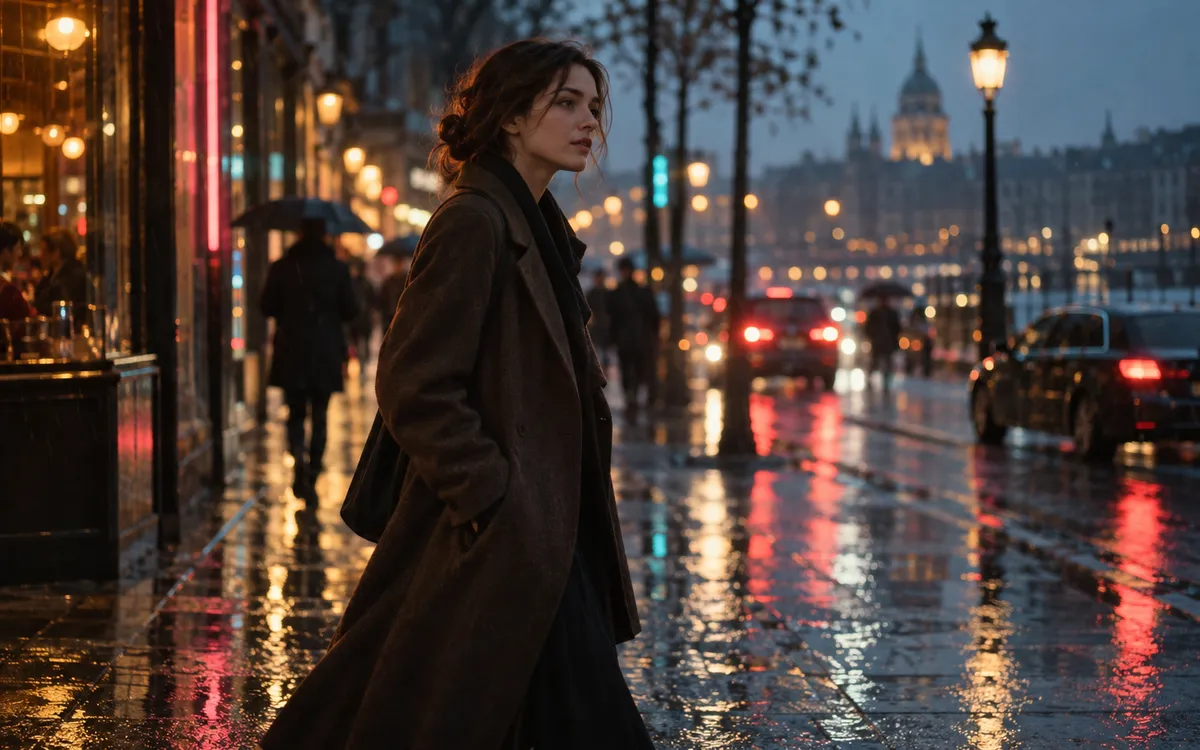
Solicita un movimiento de cámara diferente, otra iluminación, una nueva relación de aspecto o un corte para redes en el mismo hilo de Kollab sin tener que rehacer el prompt desde cero.

Los videos generados se guardan como artefactos de Kollab para que los miembros del equipo puedan revisarlos, descargarlos, iterar sobre ellos y reutilizarlos en el mismo espacio de trabajo.
Seedance 2.0 se encarga de la generación. Kollab gestiona el flujo de trabajo colaborativo a su alrededor.
Describe el sujeto, la acción, el movimiento de cámara, el formato y la atmósfera. Kollab traslada el prompt ideal al flujo de trabajo de video de Seedance 2.0.
Adjunta imágenes, storyboards o notas de marca cuando el video deba respetar un producto, personaje o estilo visual existente.
Inicia la tarea de video con IA desde Kollab y mantén el resultado conectado a la misma tarea, archivos, comentarios y contexto del proyecto.
Crea versiones posteriores para anuncios, páginas de destino, redes sociales, revisiones internas y presentaciones sin dispersar el trabajo entre múltiples herramientas.
Aprovecha un único espacio de trabajo con IA para la creación de video a partir de prompts, revisiones y recursos reutilizables de campaña.
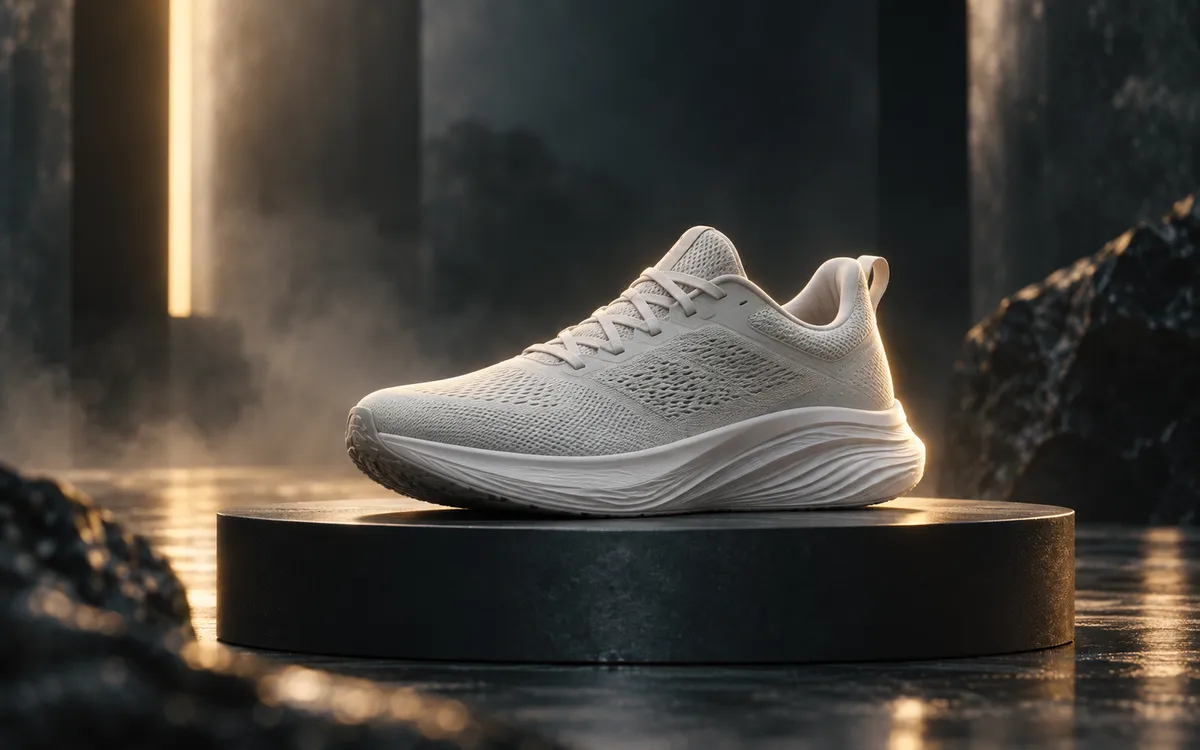
Genera revelaciones cinematográficas de producto, avances de funciones y clips de lanzamiento a partir de un brief escrito o de una dirección visual existente.
Crea variaciones rápidas de video con IA para páginas de destino, anuncios en redes sociales, campañas en formato corto y experimentos de crecimiento.
Transforma ideas creativas preliminares en clips conceptuales en movimiento que facilitan la alineación del equipo antes de invertir en producción.
Seedance 2.0 es el modelo de generación de video con IA que Kollab utiliza para la creación de video a partir de texto y asistida por referencias. Kollab proporciona el espacio de trabajo en equipo que complementa al modelo: briefs, archivos, tareas, revisiones y artefactos.
Sí. Describe el sujeto, los movimientos de cámara, el estilo visual y el formato de salida, y luego inicia el flujo de trabajo de video con Seedance 2.0 desde Kollab.
Sí. Kollab puede mantener imágenes de referencia y otros recursos vinculados a la misma tarea para que el flujo de video conserve la dirección visual y el contexto de revisión.
Las herramientas de video con IA independientes suelen centrarse en un solo prompt. Kollab está diseñado para el trabajo en equipo: contexto de proyecto compartido, archivos reutilizables, historial de conversación, revisiones y artefactos de video generados en un solo lugar.
Kollab está diseñado para flujos de trabajo profesionales. Revisa siempre la política vigente del proveedor del modelo y los derechos de tus materiales originales antes de publicar videos generados con fines comerciales.
Un buen prompt detalla el sujeto, la acción, el movimiento de cámara, el estilo visual, la relación de aspecto, la duración y el canal previsto. Kollab mantiene esos detalles vinculados a la tarea para que las versiones posteriores y revisiones sigan alineadas con el brief creativo original.
Sí. Utiliza la misma tarea de Kollab para solicitar avances verticales, versiones panorámicas para páginas de aterrizaje, variantes de anuncios o clips de revisión interna. Mantener esas versiones juntas ayuda al equipo a comparar cambios y reutilizar la dirección de prompt más efectiva.
Los clips generados se guardan como artefactos de Kollab en el espacio de trabajo de la tarea. El prompt, las referencias, las notas de revisión y el video generado permanecen juntos, convirtiendo esta herramienta en un flujo de producción de video reutilizable y colaborativo.
Inicia un flujo de trabajo de video con IA en Seedance 2.0 con tu equipo en Kollab.