What is image to video AI?+
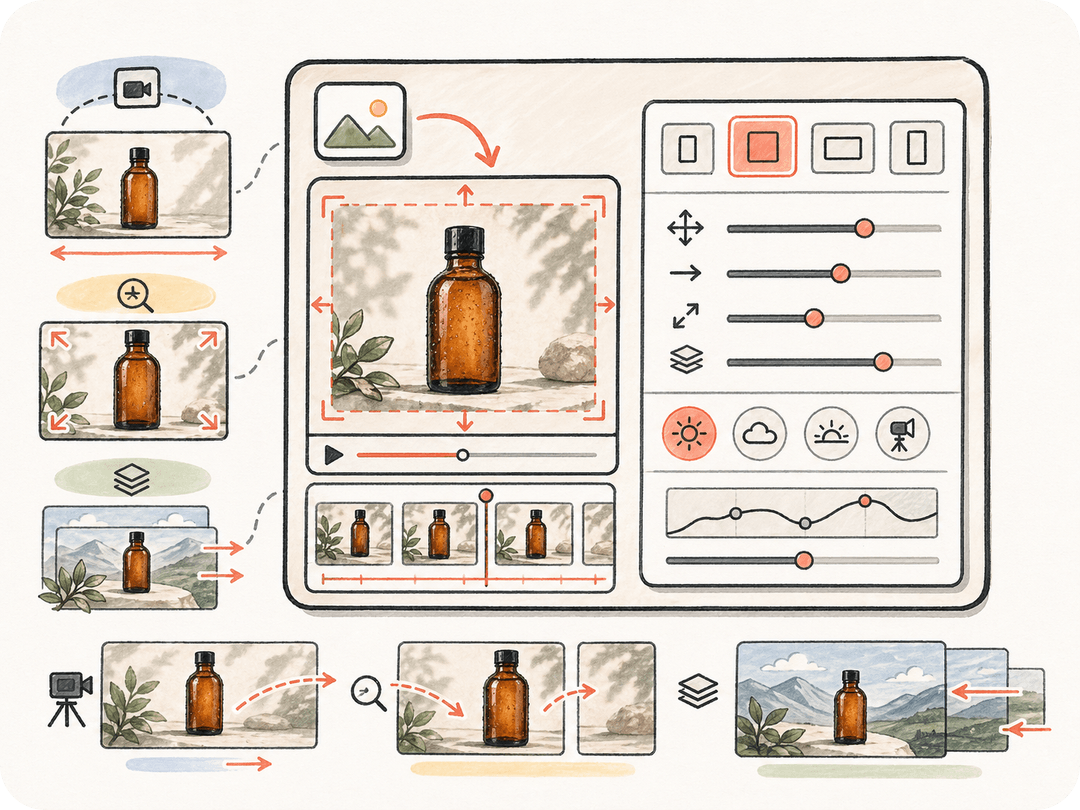
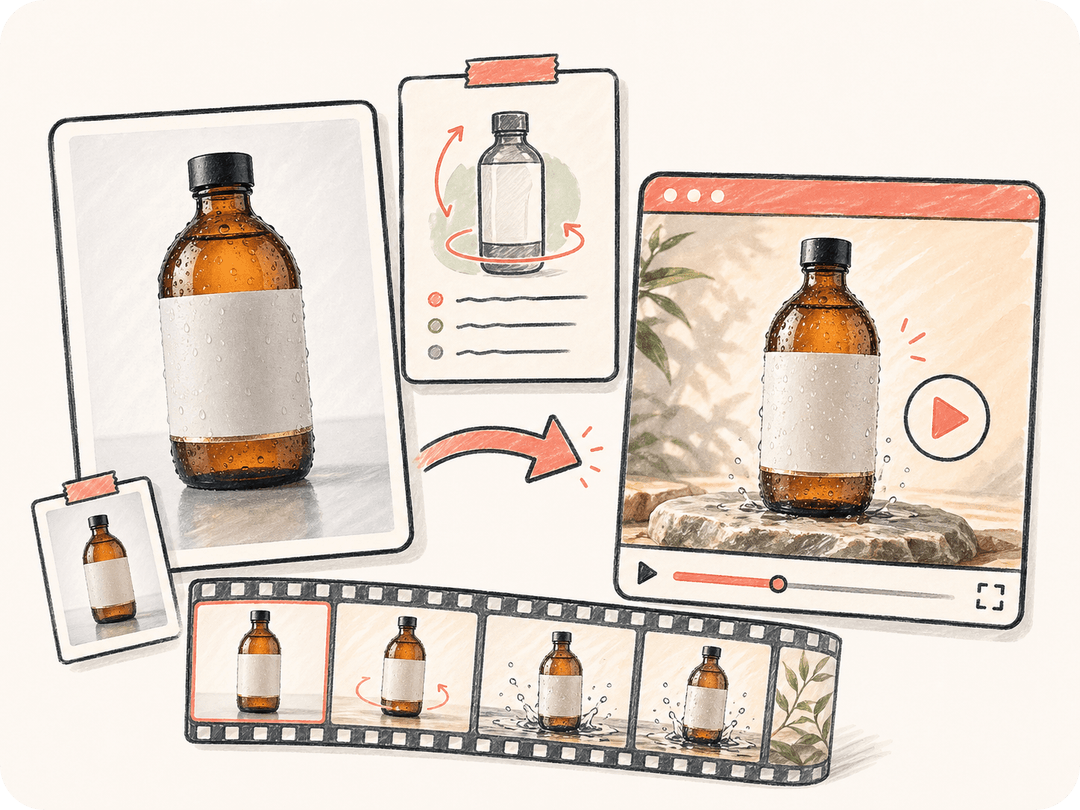
Image to video AI turns a still image into a short video by using the image as a visual reference and adding motion, camera movement, lighting changes, or environmental animation. It is useful when you want the generated video to preserve a product, person, composition, illustration, or campaign visual that already exists.
Is this a free image to video generator?+
You can start the image-to-video workflow from Kollab for free and prepare the task brief from this page. Availability, model usage, and generation limits may depend on your Kollab plan and the current model provider costs, but the page is designed as a free entry point for creating an image to video task.
Can I upload a private image?+
Yes. The marketing page prepares the task brief; upload the private image after Kollab opens so the file stays inside the authenticated product workspace. This is better for private product photos, customer visuals, unreleased campaign assets, and internal concept art.
Which video models can Kollab use for image to video?+
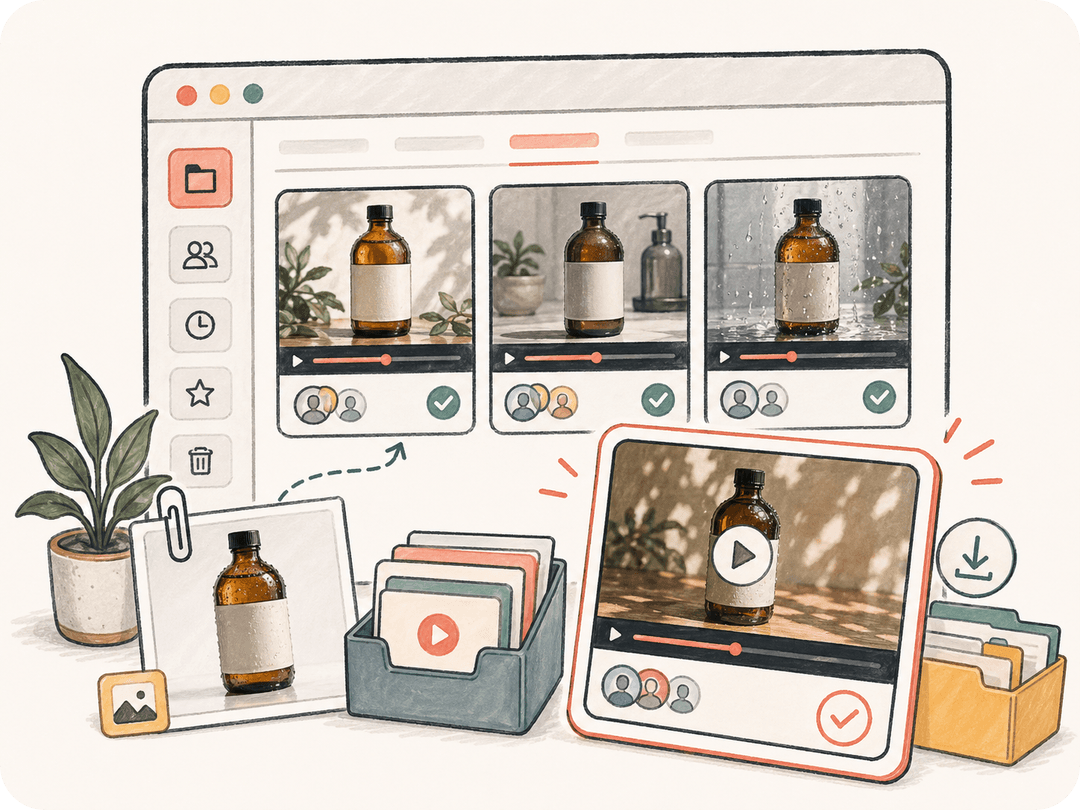
Kollab can route image-to-video work across available video models such as Seedance, Kling, HappyHorse, and Google Veo. The exact model used can depend on the source image, motion direction, quality target, and current availability, while Kollab keeps the source image, prompt, generated video, and review history together.
What image sources work best?+
Clear product photos, portraits, campaign visuals, illustrations, and concept art with a strong subject and composition usually work best. Images with a clean focal point make it easier to preserve identity and guide camera motion.
What video formats and resolutions are supported?+
Supported formats, aspect ratios, durations, and resolutions depend on the active video model and generation settings available in Kollab. In your motion brief, you can request widescreen, vertical, square, social, landing-page, or presentation-ready output, then review the artifact inside the task.
Can I revise the video after generation?+
Yes. Continue in the same Kollab task and ask for slower movement, different lighting, another camera direction, a new aspect ratio, or a second version for a different channel. The original image and brief remain attached, so revisions do not require rebuilding context.
How is image to video different from text to video?+
Text to video starts mainly from a written prompt, so the model invents more of the scene. Image to video starts from an existing visual, which makes it better when you need to preserve a product shape, face, composition, art direction, or already approved campaign image.