



01
Elegir plataforma de chat
Añade Kollab Bot a Slack o Telegram.

Kollab Bot lleva Agent a Slack y Telegram. El equipo puede preguntar, buscar información y activar tareas desde el chat; los resultados vuelven al espacio de trabajo de Kollab.

Sin desarrollo. Añade Kollab Bot al chat del equipo, vincula el espacio de trabajo y úsalo desde canales o mensajes directos.
Añade Kollab Bot a Slack o Telegram.
Elige qué proyectos, conocimiento, habilidades y conectores puede usar el bot.
Menciona al bot en un canal o escríbele por privado. Agent responde y ejecuta tareas con el contexto autorizado.
Pregunta desde el chat lo que el equipo necesita saber. Los informes, resúmenes y resultados no se pierden en el historial.

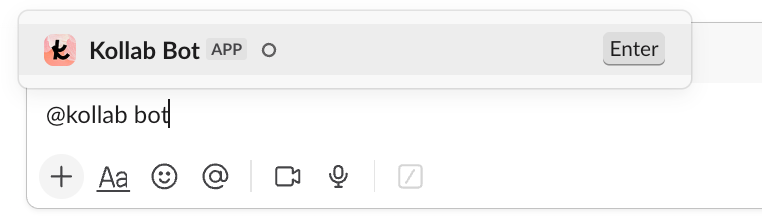
Menciona al bot en Slack o Telegram para consultar avances, revisar tareas u organizar materiales.
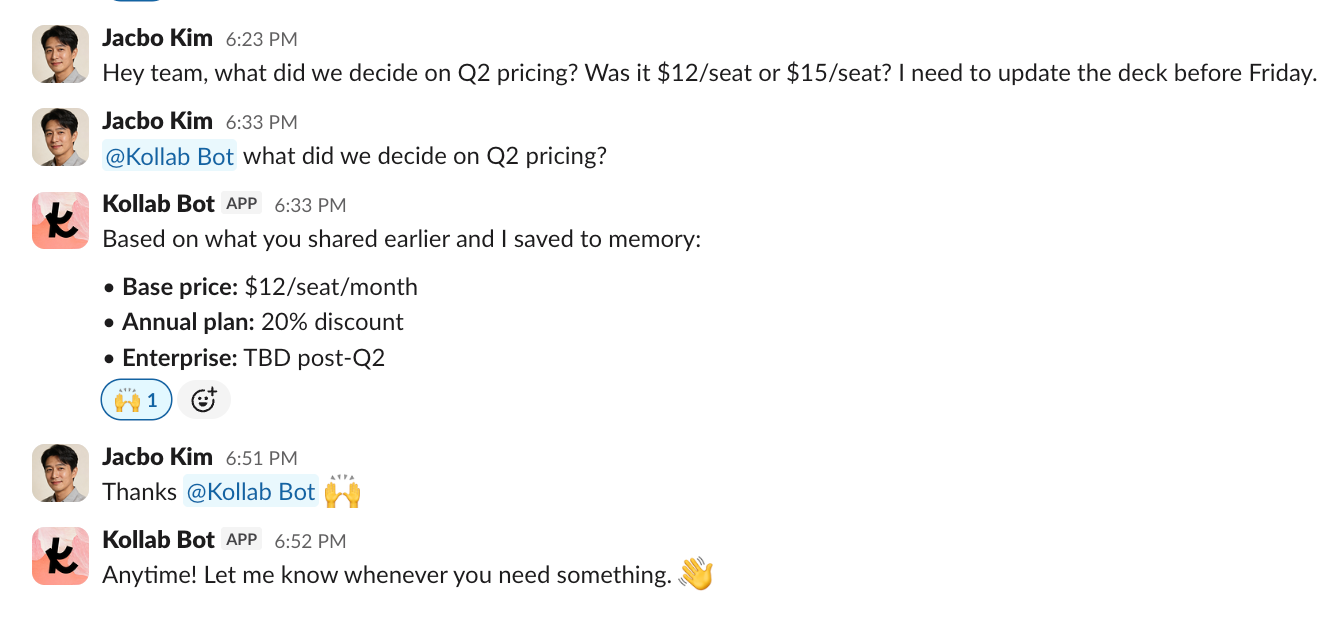
El bot entiende proyectos, documentos y memoria autorizada para responder sobre precios, clientes o estado del proyecto.
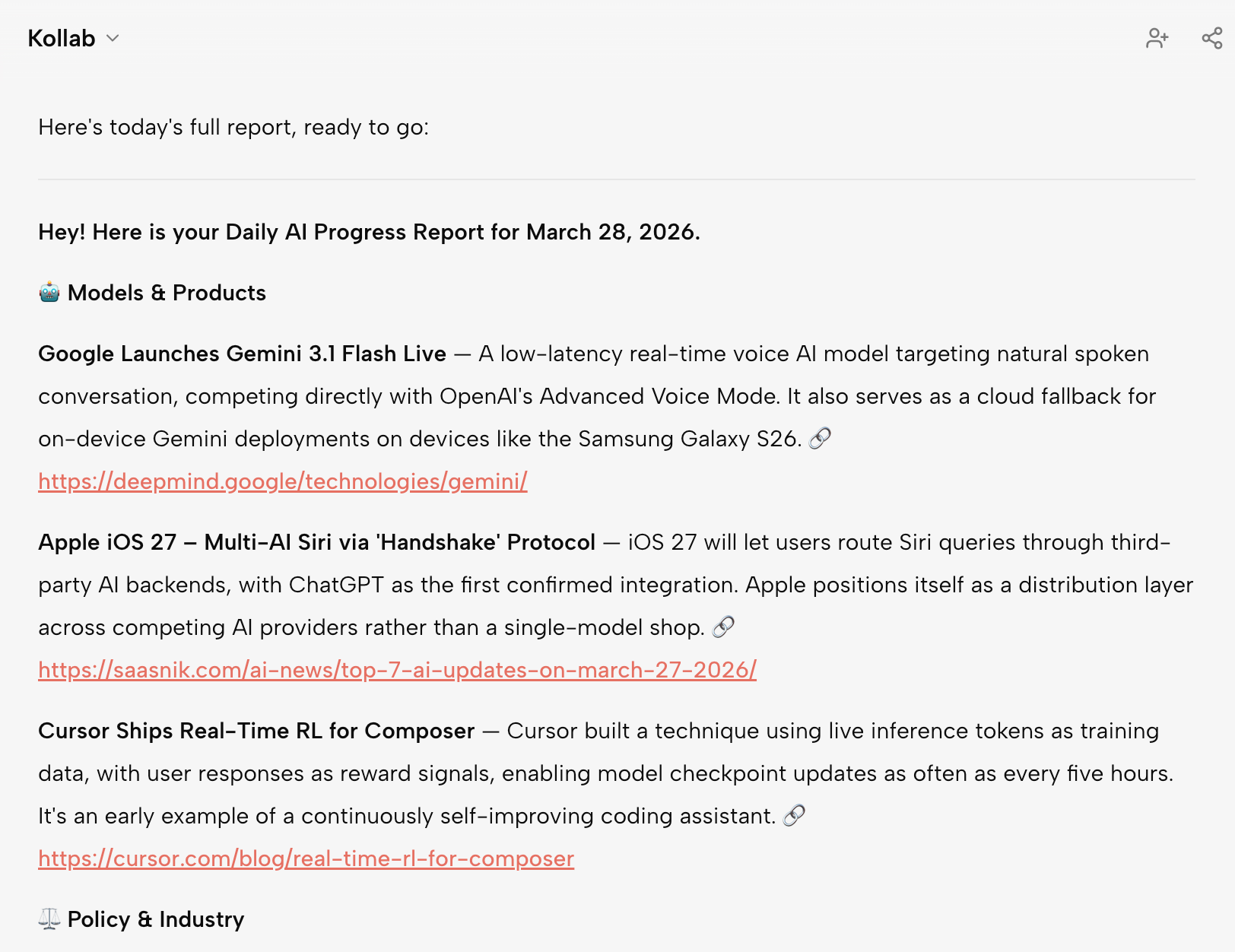
Los informes, resúmenes y análisis se sincronizan con Kollab para que el equipo los revise y reutilice.
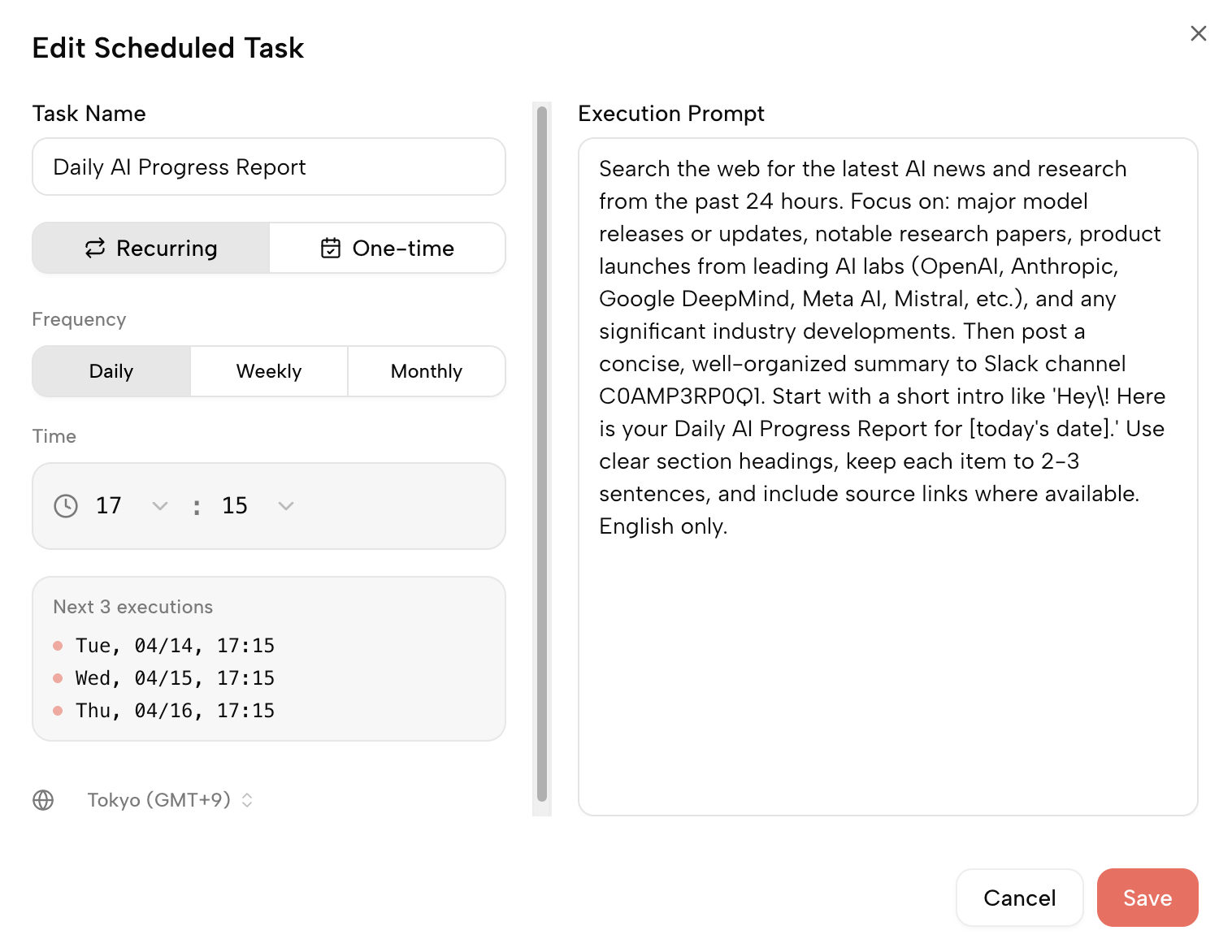
Con tareas programadas, el bot puede enviar reportes diarios, resúmenes semanales o novedades a un canal.
El chat de IA genérico no conoce al equipo. Un bot propio exige desarrollo y mantenimiento. Kollab Bot se conecta en minutos y usa el contexto del espacio de trabajo.
| Chat de IA genérico | Bot propio de Slack | Kollab Bot | |
|---|---|---|---|
| Añadir al chat | Aplicación separada | Desarrollo y mantenimiento | Añadir al chat y usar |
| Contexto | No conoce el contexto del equipo | Hay que conectar datos | Usa contexto autorizado |
| Persistencia | Queda en el historial | Depende de la implementación | Se sincroniza con Kollab |
| Mantenimiento | Ideal para | Bajo, pero disperso | Alto, requiere desarrollo |
| Sin mantenimiento | Preguntas puntuales | Equipos con recursos técnicos | Equipos que colaboran en el chat |
Kollab funciona mejor cuando las competencias, los bots, los conectores y los flujos listos se refuerzan dentro del mismo espacio de trabajo del equipo.
Hoy se admiten Slack y Telegram. Se añadirán más entradas de chat de equipo.
No. Tú defines el alcance: proyectos, habilidades y conectores pueden limitarse.
La capacidad principal es la misma. El bot es la entrada de chat de equipo para Agent.
Sí. Las tareas y contenidos generados se sincronizan con el espacio Kollab.
Sí. Reportes diarios, resúmenes semanales o actualizaciones de proyecto pueden enviarse a canales.
Añádelo a Slack o Telegram y empieza a usar Kollab desde el chat.
Probar el primer bot