Start from brand context
Proporcione al modelo el tema del banner, el público objetivo, la categoría, la personalidad y las plataformas de uso para que los primeros conceptos tengan una dirección clara.
Describe un canal, marca, campana o producto, y Kollab prepara conceptos de banner para YouTube, Twitch, Discord, sitios web y anuncios con tamanos, zonas seguras, texto y direccion visual.
Comienza con la temática del banner, industria, público objetivo, reglas de estilo y paleta de color. Kollab organiza el brief, las variantes del banner, los comentarios y las siguientes ediciones en un solo lugar, en vez de dejarte con un simple prompt aislado.
Proporcione al modelo el tema del banner, el público objetivo, la categoría, la personalidad y las plataformas de uso para que los primeros conceptos tengan una dirección clara.
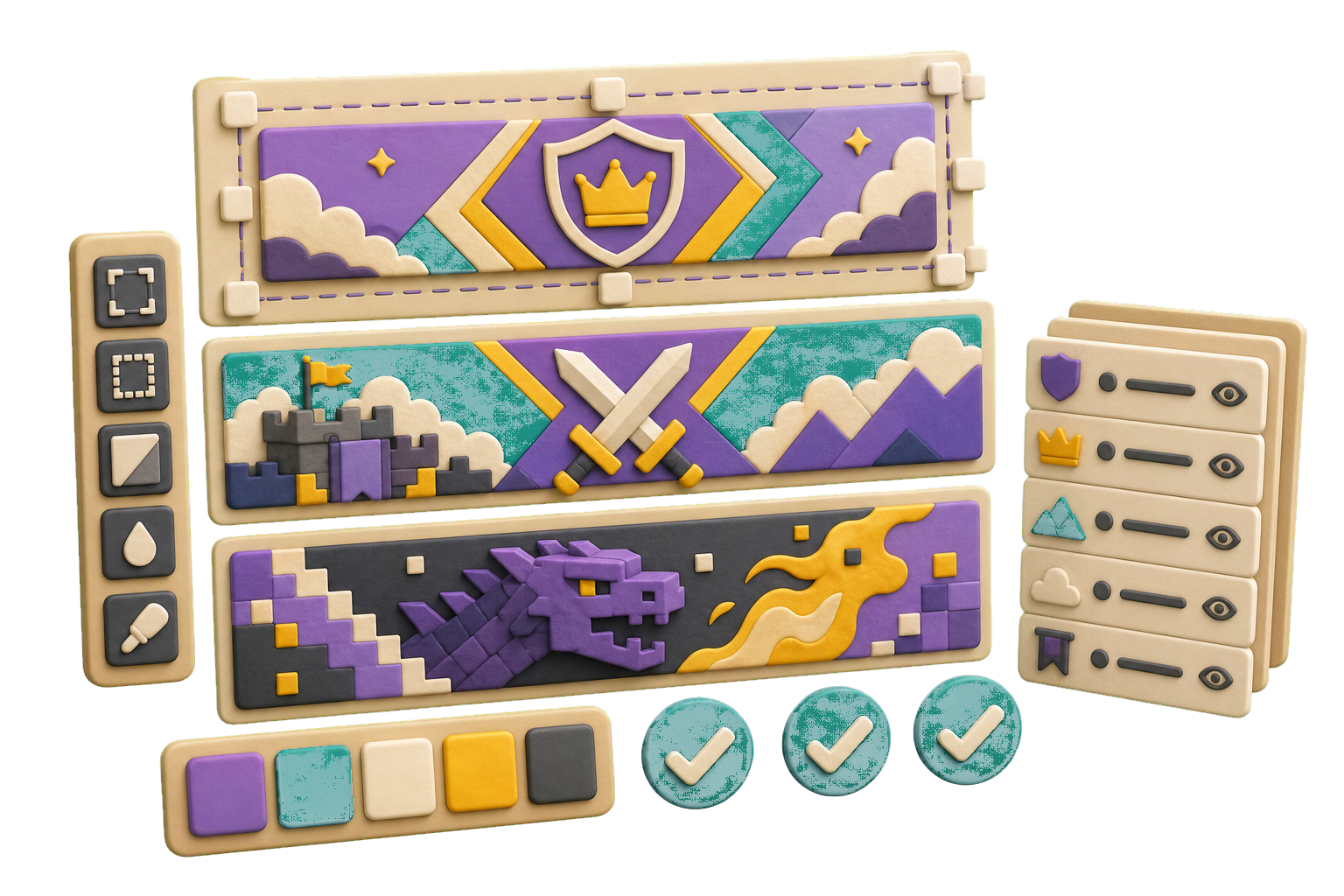
Solicite marcas minimalistas, conceptos con mascotas, monogramas, iconos de aplicaciones, marcas con texto o insignias mientras mantiene visibles las restricciones de color y de formato.
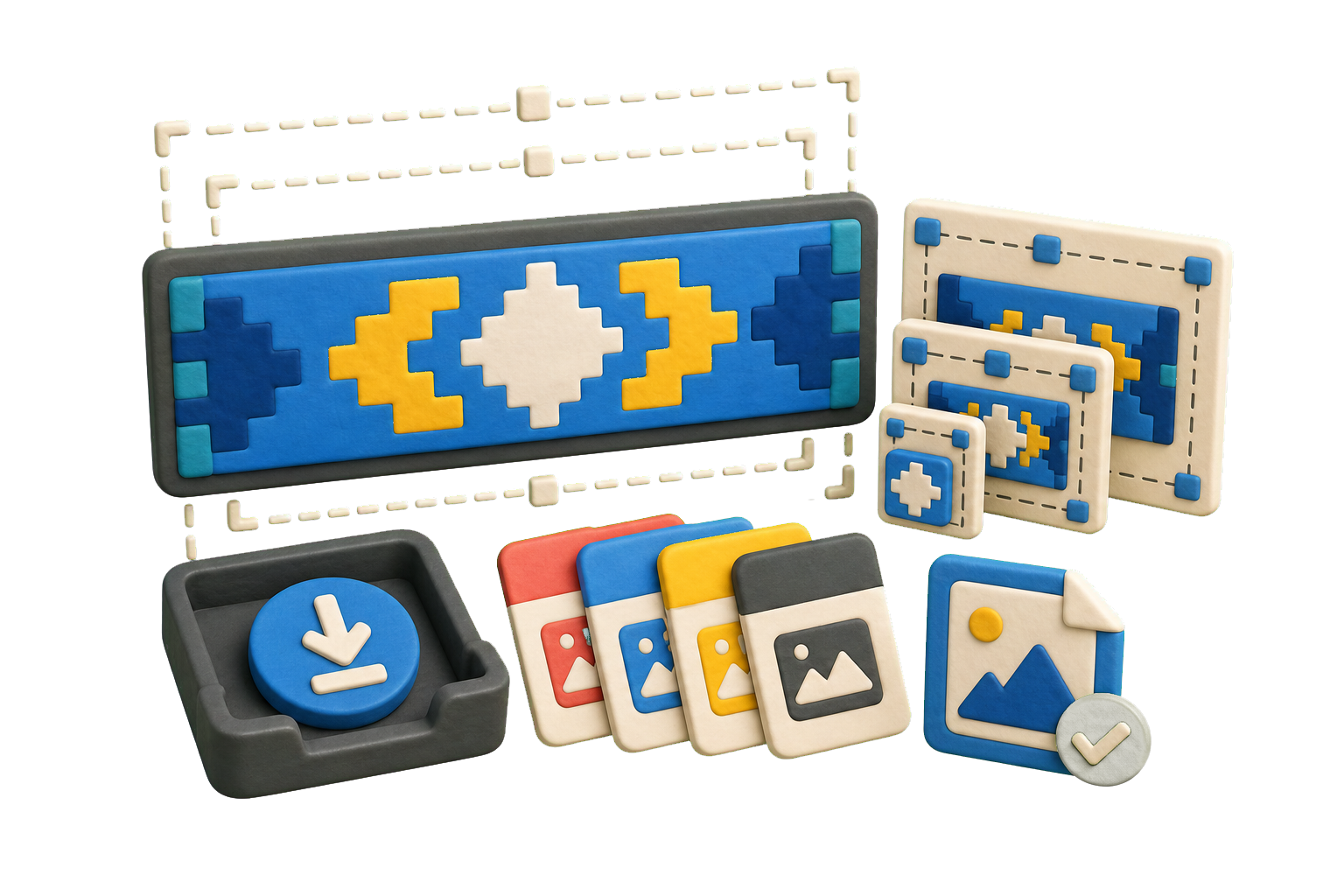
Guarde los conceptos de banners más prometedores como artefactos de Kollab para que su equipo pueda comparar versiones, solicitar mejoras y reutilizar la dirección seleccionada.
Use el formulario superior como un creador de banners práctico: defina el nombre de la empresa, industria, estilo, reglas de color y plataformas de uso, y perfeccione los conceptos más sólidos en un solo hilo de Kollab.
Añada la temática del banner, industria, público objetivo, tono, ideas de símbolos y uso previsto.
Seleccione la dirección visual, colores, estilo tipográfico, necesidades de formato y exclusiones.
Kollab recibe una tarea de generación de banners por IA estructurada con el brief listo para procesar.
Compare los conceptos, solicite ajustes y conserve los resultados seleccionados como artefactos.
Utilice el creador de banners para exploración inicial de identidad, banners comerciales, iconos de aplicaciones, imágenes de perfil en redes sociales, portadas de canales de YouTube, gráficos de campañas y revisiones de equipo antes de invertir en un sistema de marca completo.
Convierta la idea de una nueva empresa o producto en diversas propuestas de banners antes de elegir qué línea de identidad desarrollará a fondo.
Genere marcas y banners compactos para lanzamientos, seminarios web, comunidades, programas internos y campañas puntuales.
Conserve el brief, las variantes, los comentarios y los prompts posteriores en un solo lugar para que el equipo evalúe opciones sin perder el razonamiento de cada propuesta.
Un creador de banners con IA gratuito transforma una temática de banner, una industria y un brief visual en conceptos de diseño listos para usar. Kollab hace que ese flujo de trabajo sea colaborativo y revisable al conservar el brief, las reglas de diseño del banner, las variantes generadas, los comentarios y los prompts de seguimiento en una sola tarea.
Sí. Empieza desde esta página y abre una tarea preparada en Kollab. Los límites de uso, el acceso a modelos y las funciones de equipo dependen de tu plan y del proveedor.
Incluya la temática del banner, la categoría del producto, el público objetivo, la personalidad de la marca, la paleta de colores, los símbolos a explorar, las plataformas donde se publicará y cualquier estilo o cliché que desee evitar. Un brief específico suele ofrecer resultados muy superiores a una solicitud genérica como "hacer un banner".
Sí. Puede solicitar símbolos minimalistas, logotipos tipográficos, monogramas, insignias, conceptos inspirados en mascotas de marca, iconos de aplicaciones, banners para perfiles de redes sociales o múltiples familias de estilo dentro de una misma tarea.
Kollab guarda los conceptos de banners generados como artefactos y permite incluir los requisitos de exportación en el brief de la tarea, incluyendo dimensiones de plataforma, zonas seguras, formatos de icono cuadrado para apps, versiones horizontales y notas de entrega en SVG o formato vectorial. Considere los archivos finales en SVG o vectores listos para imprimir como un paso de producción que conviene revisar antes de su publicación.
No. Puede comenzar con lenguaje natural indicando el nombre de la empresa, la industria, el estilo visual, los colores y las necesidades de uso. Kollab ayuda a estructurar el prompt para que el equipo pueda evaluar las opciones y orientar el diseño con precisión.
Es ideal para la exploración inicial de conceptos y la definición temprana de una dirección visual. Para la identidad de marca definitiva, los equipos deben revisar la originalidad, la tipografía, la accesibilidad, la disponibilidad de marca registrada y los archivos finales de producción.
Puede utilizar los resultados para exploración comercial, aunque la aplicación final debe pasar por una revisión legal y de marca. Verifique los derechos de uso, posibles conflictos de marcas registradas, similitudes con banners existentes, normativas de las plataformas y si el recurso final requiere una versión vectorial elaborada por un diseñador.
Solicite un número selecto de direcciones visuales diferenciadas, especifique con precisión los colores y fondos deseados, pida formas limpias que se distingan con claridad en tamaños pequeños e indique exactamente dónde se mostrará el banner: cabecera web, icono de aplicación, perfil de redes sociales, empaque, presentación o material impreso.
Transforme el contexto de su marca en resultados revisables de banners dentro de Kollab.