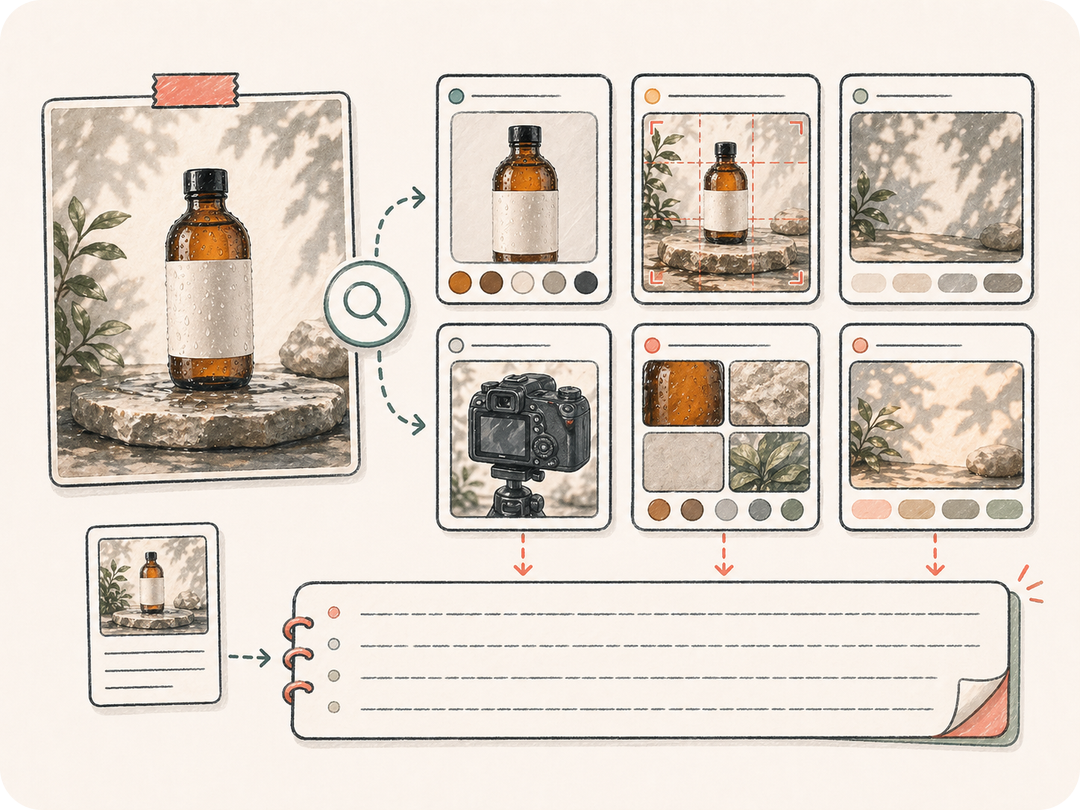
画面構造を読み取る
主体、構図、角度、光、色、素材、スタイル、雰囲気を抽出し、物体名だけで終わらないプロンプトにします。
参照画像をアップロードまたは説明してください。Kollab が主体、構図、光、素材、スタイル、除外条件を含む再利用可能な画像プロンプトに変換し、チームで一緒に調整できます。
参照画像を再利用できるプロンプト言語に変え、画像が良く見える理由を失わないようにします。
主体、構図、角度、光、色、素材、スタイル、雰囲気を抽出し、物体名だけで終わらないプロンプトにします。
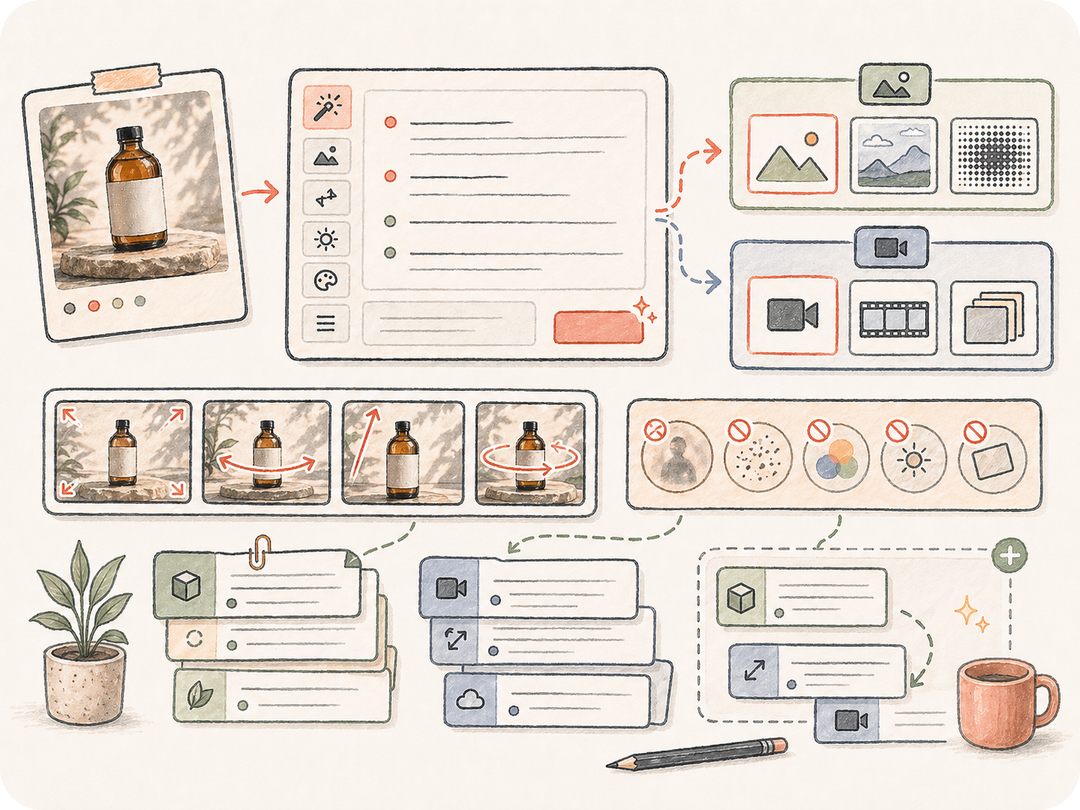
一度きりのファイル参照を取り除き、新しい画像、バリエーション、同じスタイルの素材に使える言葉にします。
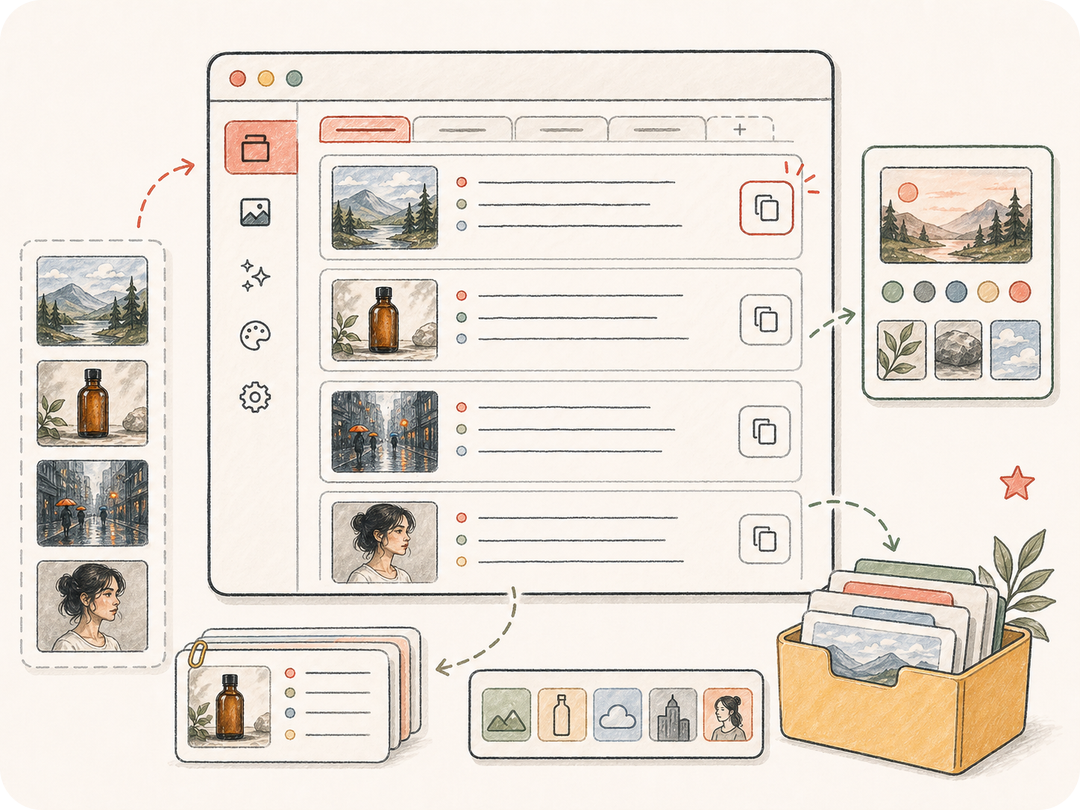
プロンプト、スタイルメモ、後続の修正を Kollab に残し、比較、調整、承認済み方向の再利用をしやすくします。
Kollab はビジュアル分析、プロンプト目標、スタイルメモ、レビュー条件を準備済みの画像からプロンプトタスクにまとめます。
参照画像 URL を貼り付けるか、Kollab 内で画像をアップロードします。
直接使える画像プロンプト、スタイルメモ、再利用できる視覚方向のどれが必要かを選びます。
構造化されたビジュアル分析リクエストで Kollab が開きます。
プロンプトをコピーし、別案を依頼し、承認済み方向を次の素材に保存します。
スタイル再現、デザイナーへの方向共有、関連ビジュアル生成、参照画像が機能する理由の記録に使えます。
良い参照画像を詳細な画像プロンプトに変え、関連ビジュアルを生成します。
色、光、構図、質感、避けるべき内容を再利用可能なスタイルメモとして残します。
参照画像、抽出したプロンプト、コメント、承認済み表現を一緒に残します。
参照画像を Kollab の準備済み画像からプロンプトタスクに変え、ビジュアル分析、出力要件、レビューを同じワークスペースにまとめます。
このページから無料で準備済み Kollab タスクを開けます。生成上限、モデル利用、有料機能はプランとプロバイダー設定によります。
主体、スタイル、構図、光、素材の方向がはっきりした画像が向いています。商品写真、キャンペーン画像、画面キャプチャ、ポスター、コンセプトアートを参照にできます。
再利用できる画像プロンプト、スタイルメモ、除外条件、構造化されたビジュアル分析が Kollab に保存されます。
テキストから画像は言葉からビジュアルを作ります。画像からプロンプトは逆に、既存画像を分析して再利用できる言葉に変えます。
できます。参照画像、生成プロンプト、コメント、後続の修正が同じスレッドに残るため、再利用前に表現を確認できます。
短いプロンプト、詳細プロンプト、スタイルメモ、ブランド向け表現のどれが必要かを書き、強調または無視したい細部を指定してください。
使えますが、参照画像の権利を確認し、許可なく保護されたブランド、キャラクター、特定作家の要素をコピーしないでください。

参照画像を、再利用できてレビュー可能な Kollab の画像プロンプトに変えます。