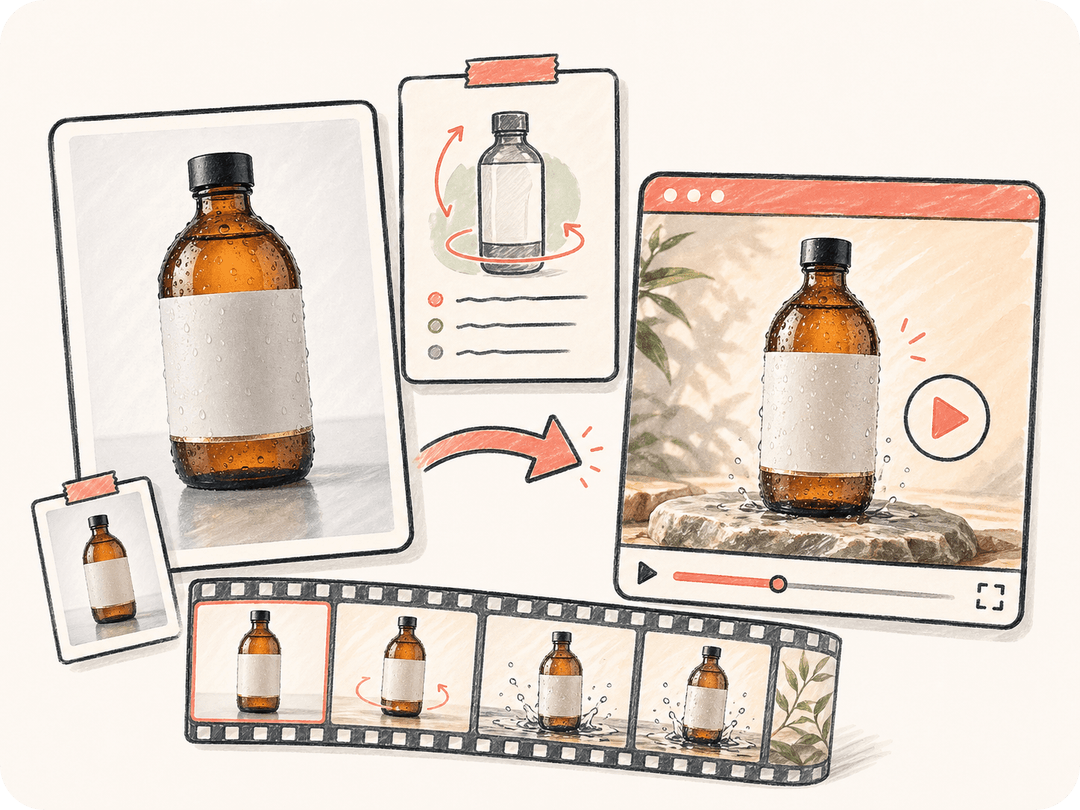
意図を持って写真を動かす
画像を起点に、カメラの動き、被写体の動作、光の変化、テンポを記述できます。Kollab は元の写真とプロンプトを一緒に保持します。
商品写真、ポートレート、コンセプトアート、キャンペーン画像をアップロードしてください。Kollab は元画像、動きの方向、出力目的を同じタスクにまとめ、Seedance、Kling、HappyHorse、Google Veo などの動画モデルを使い分けます。
Kollab は画像から動画への生成に、ブリーフ、参照素材、レビュー、最終資産を扱うためのチーム向けワークスペース層を組み合わせ、素材に合う動画モデルを選びやすくします。
画像を起点に、カメラの動き、被写体の動作、光の変化、テンポを記述できます。Kollab は元の写真とプロンプトを一緒に保持します。
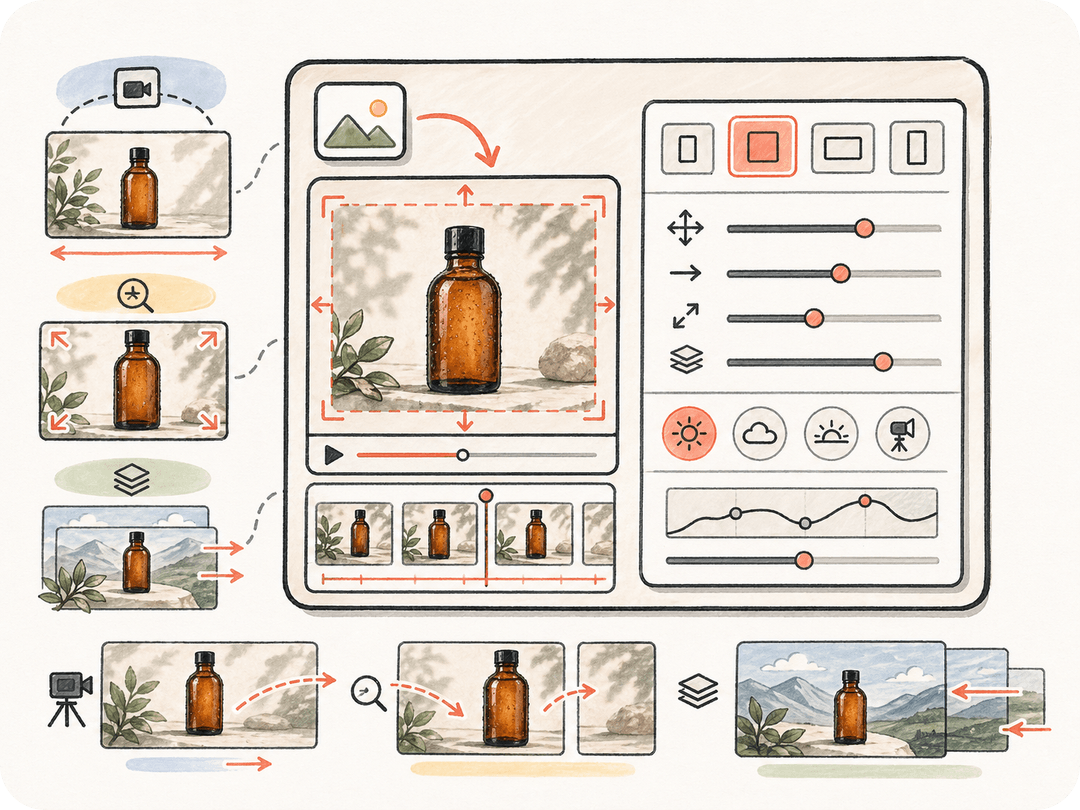
写真をビジュアルの基準点として使うことで、製品形状、キャラクターデザイン、構図、ブランドの方向性をレビューしやすい状態で保てます。
画像や修正の文脈を失わずに、動きを遅くしたり、見せ場を強めたり、照明を変えたり、SNS 向けカットを依頼したりできます。
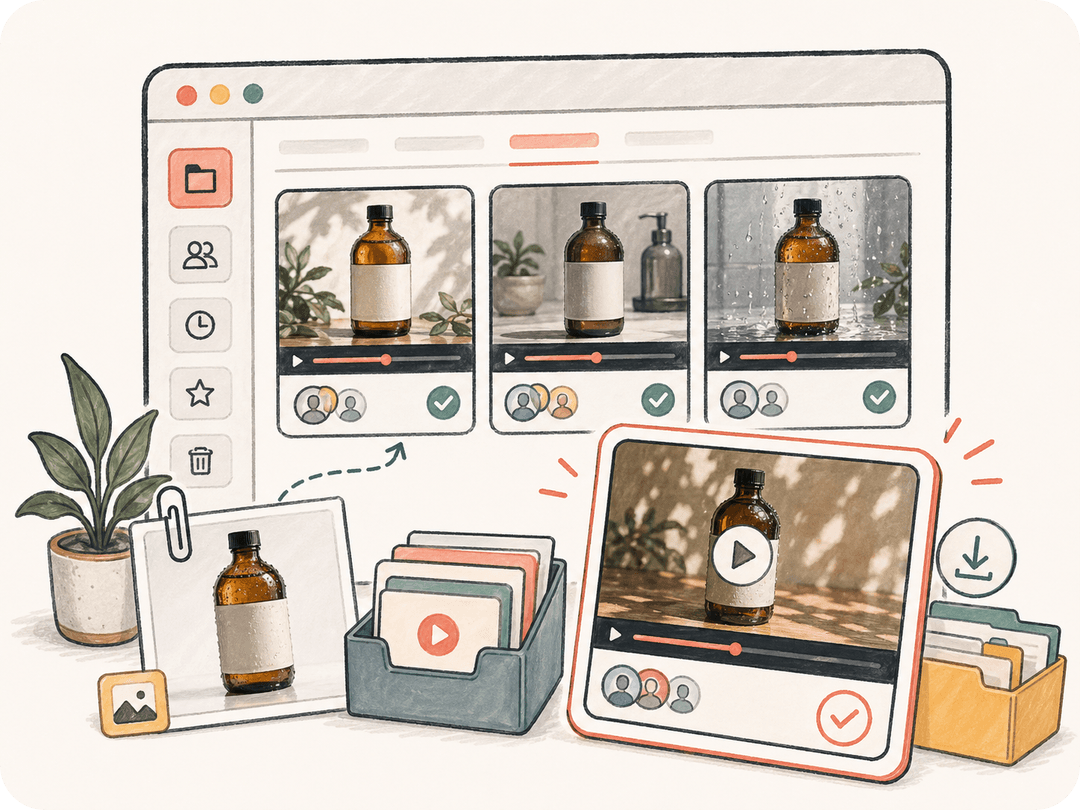
生成された写真から動画への結果はすべて Kollab の成果物になり、プロジェクト全体でレビュー、ダウンロード、再利用できます。
写真を持ち込み、動きを説明し、クリップを生成し、そのまま 1 つの Kollab タスクで改善を続けられます。
商品写真、ポートレート、キャンペーンのキービジュアル、コンセプト画像、過去に生成した画像を最初のフレームの参照として使えます。
カメラ、被写体、光、背景、テンポをどう動かしたいかを伝えると、Seedance、Kling、HappyHorse、Google Veo などの利用可能な動画モデルに渡しやすい方向性を作れます。
画像から AI 動画を生成し、出力を元のブリーフ、画像ファイル、プロジェクト会話と結びつけたまま保てます。
結果をチームメンバーと共有し、動きの修正版を依頼したり、広告、ランディングページ、SNS 用にクリップをダウンロードしたりできます。
承認済みの静止ビジュアルを、マーケティング、プロダクト、コンテンツのワークフローで使える短い AI 動画に変換できます。
商品写真を、ランディングページ、ローンチキャンペーン、営業資料向けの上質なヒーロー動画に変換します。
キャンペーン画像を、広告運用やオーガニック投稿向けの縦型・横型の短尺動画バリエーションに変換します。
本格制作に投資する前に、コンセプトアート、絵コンテ、生成画像を動きのあるプレビューとして確認できます。
関連ページでは、この単体ツールが Kollab ワークフロー、再利用できる Skills(スキル)、チーム成果物とどうつながるかを確認できます。
画像から動画への AI は、写真を視覚的な参照として使い、その周囲に動き、カメラワーク、光の変化、雰囲気表現を生成することで、静止画を短い動画に変換する仕組みです。
はい。Kollab で画像をアップロードまたは選択し、必要な動きを説明すれば、Seedance、Kling、HappyHorse、Google Veo などの利用可能な動画モデルを使って写真から動画への結果を生成できます。
商品写真、ポートレート、イラスト、コンセプトアート、キャンペーンのキービジュアルのように、被写体と構図がはっきりしている画像が向いています。モデルが守るべき対象と構図を明確に持てるためです。
はい。同じ画像を使ったまま、同じ Kollab タスクの中で動き、テンポ、照明、カメラ方向、配信先フォーマットの違う版を依頼できます。
はい。テキストから動画は主にプロンプトから始まりますが、画像から動画は既存の写真やビジュアルを起点にするため、被写体の同一性、構図、承認済みのクリエイティブ方向を保ちやすくなります。

Kollab を、キャンペーンクリップ、製品モーション、SNS クリエイティブのための画像から動画への AI ワークスペースとして使ってください。