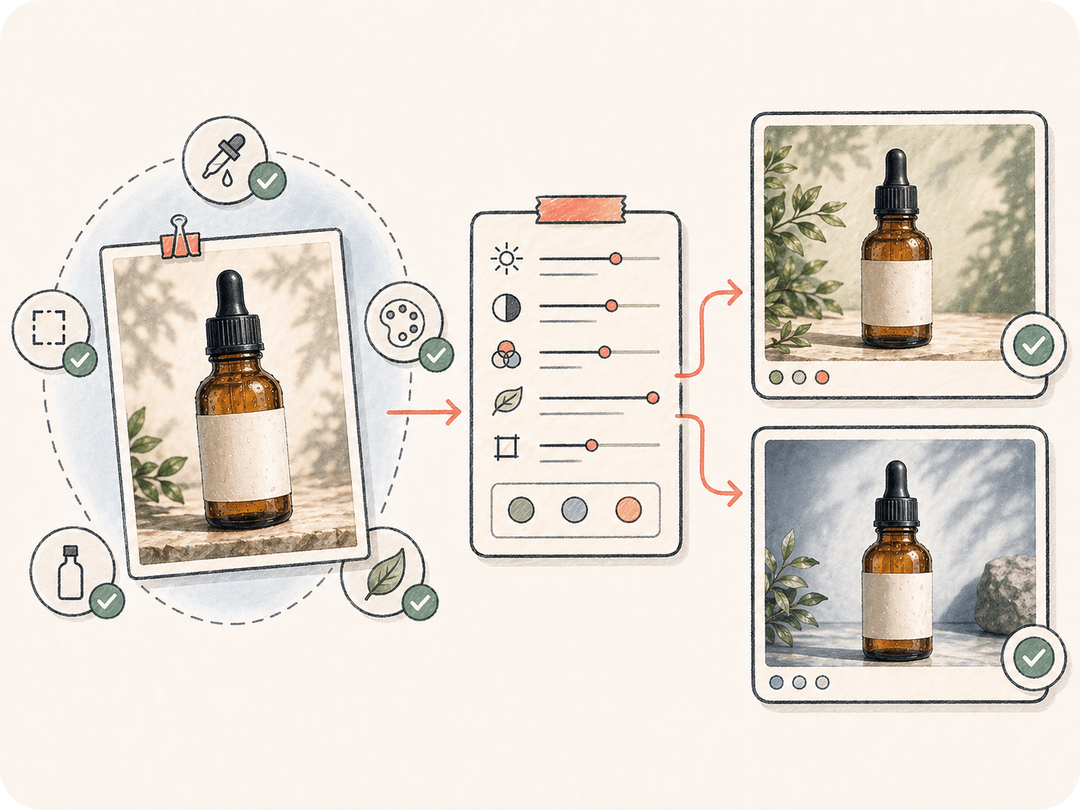
実際の参照から始める
画像を主体、レイアウト、比率、視覚的識別の基準にするため、すべてを記憶だけで書き直す必要がありません。
参照画像から始め、何を保持し何を変更するかを指定して、入力、出力、チーム文脈を保つレビュー可能な画像から画像タスクを Kollab で開始します。
参照画像を制御しやすい編集やバリエーションに変え、元のビジュアル、制約、生成結果、チームレビューを一か所に保ちます。
画像を主体、レイアウト、比率、視覚的識別の基準にするため、すべてを記憶だけで書き直す必要がありません。
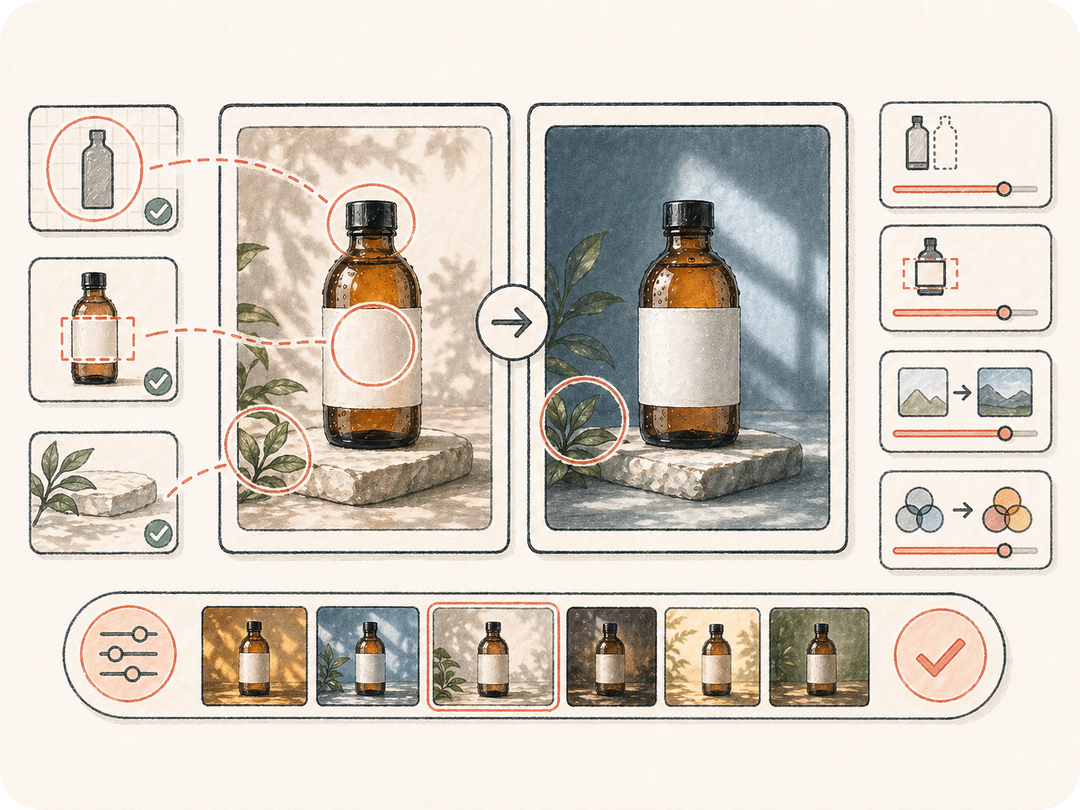
顔、商品の形、ブランドカラー、ラベル位置、構図など、変える部分と変えてはいけない部分を明確にします。
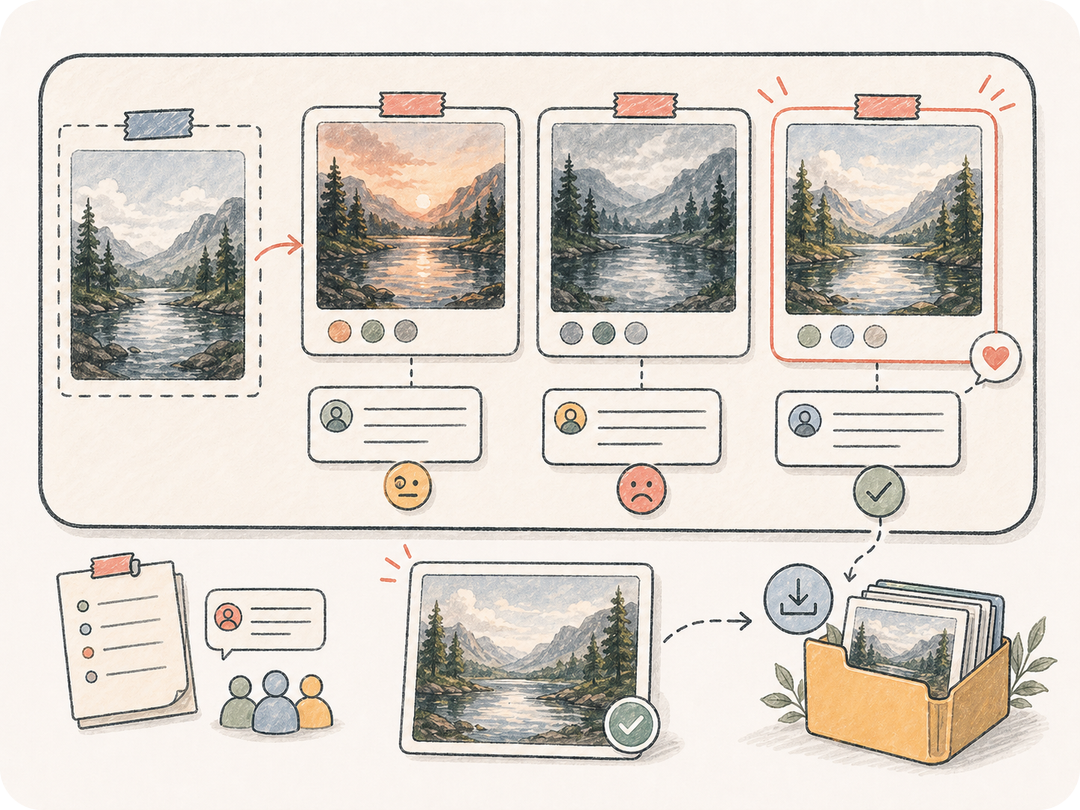
編集バリエーションをタスクのワークスペースに保存し、比較、修正依頼、ダウンロード、承認済み成果物の再利用をしやすくします。
Kollab は参照画像、保持ルール、編集方向、レビュー条件を準備済みの画像から画像タスクにまとめます。
画像 URL を貼り付けるか、Kollab 内で非公開の参照画像をアップロードします。
変更内容、保持ルール、スタイル、形式、品質目標を定義します。
準備済みの画像編集指示で Kollab が開きます。
生成版を比較し、同じ文脈から修正を続けます。
商品写真の改善、背景変更、ビジュアルバリエーション、参照画像に基づく修正に使えます。
形、ラベル位置、素材の細部、ブランドカラーを保ちながら商品写真の質感を高めます。
主体や重要な構図を失わずに、環境、光、視覚スタイルを変えます。
同じ承認済み参照から複数の別案を作り、レビューを集中させます。
参照画像を Kollab の準備済み画像から画像タスクに変え、入力文脈、編集要件、生成成果物、レビューを同じワークスペースにまとめます。
このページから無料で準備済み Kollab タスクを開けます。生成上限、モデル利用、有料機能はプランとプロバイダー設定によります。
鮮明な商品写真、人物、画面キャプチャ、キャンペーン画像、コンセプトアートが向いています。顔、ロゴ、商品の形、ブランドカラーを保つ必要がある場合は保持ルールを書いてください。
画像バリエーションまたは構造化された編集指示が Kollab に保存されます。結果は元の参照画像とつながったまま反復できます。
テキストから画像は言葉から始めます。画像から画像は実際の参照画像から始めるため、既存の主体、レイアウト、キャラクター、商品、視覚的識別を扱う編集に向いています。
できます。参照画像、要件、生成成果物、次の指示が同じスレッドに残るため、文脈を失わずにレビューできます。
何を変えるか、何を変えないか、目標形式、スタイル、品質基準を具体的に書いてください。明確な保持ルールほど編集結果が安定します。
キャンペーンや商品制作に使えますが、公開前に権利、ブランド基準、生成内容、コンプライアンスを確認してください。

参照画像を、制御しやすくレビュー可能な Kollab の画像から画像タスクに変えます。