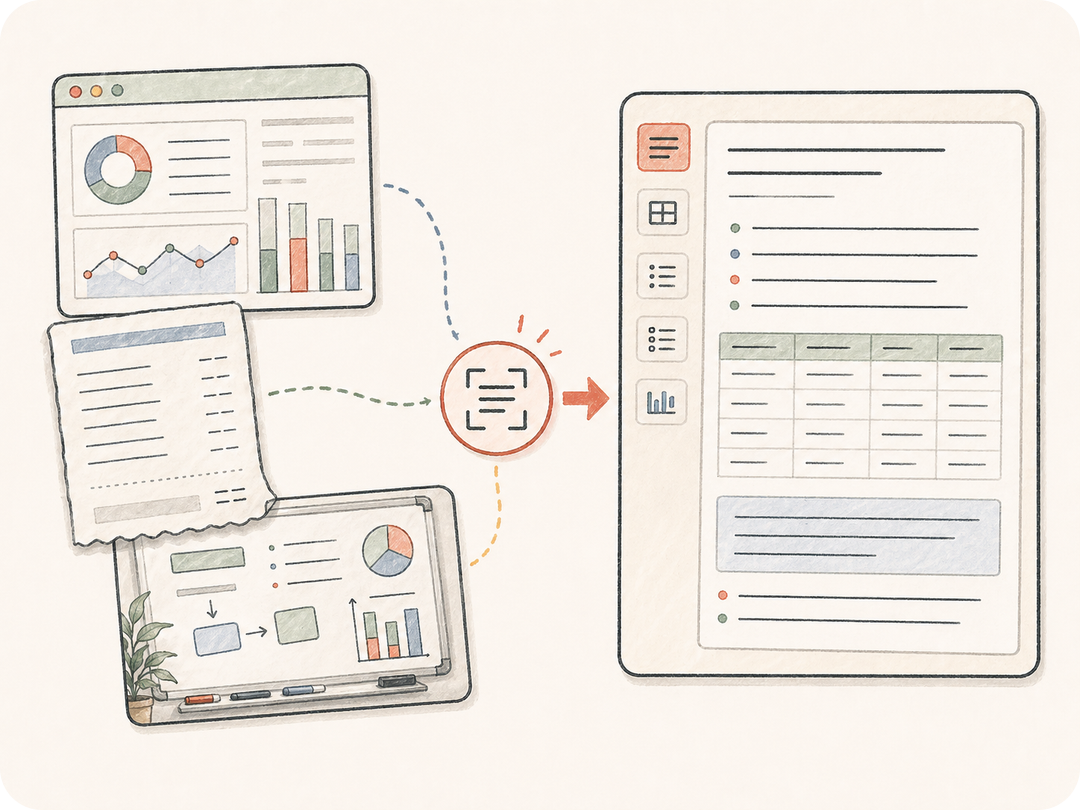
Extraiga mucho más que texto sin formato
Capture encabezados, tablas, viñetas, etiquetas, fragmentos de código, notas manuscritas y textos de la interfaz con la estructura exacta que solicite.
Cargue o describa una imagen con texto. Kollab prepara una tarea de OCR capaz de extraer texto visible, conservar tablas, organizar notas desordenadas, resumir resultados y mantener el trabajo posterior junto a la imagen original.
Pase de una imagen con texto a contenido limpio y utilizable, manteniendo vinculadas la imagen original, las reglas de extracción y las ediciones posteriores.
Capture encabezados, tablas, viñetas, etiquetas, fragmentos de código, notas manuscritas y textos de la interfaz con la estructura exacta que solicite.
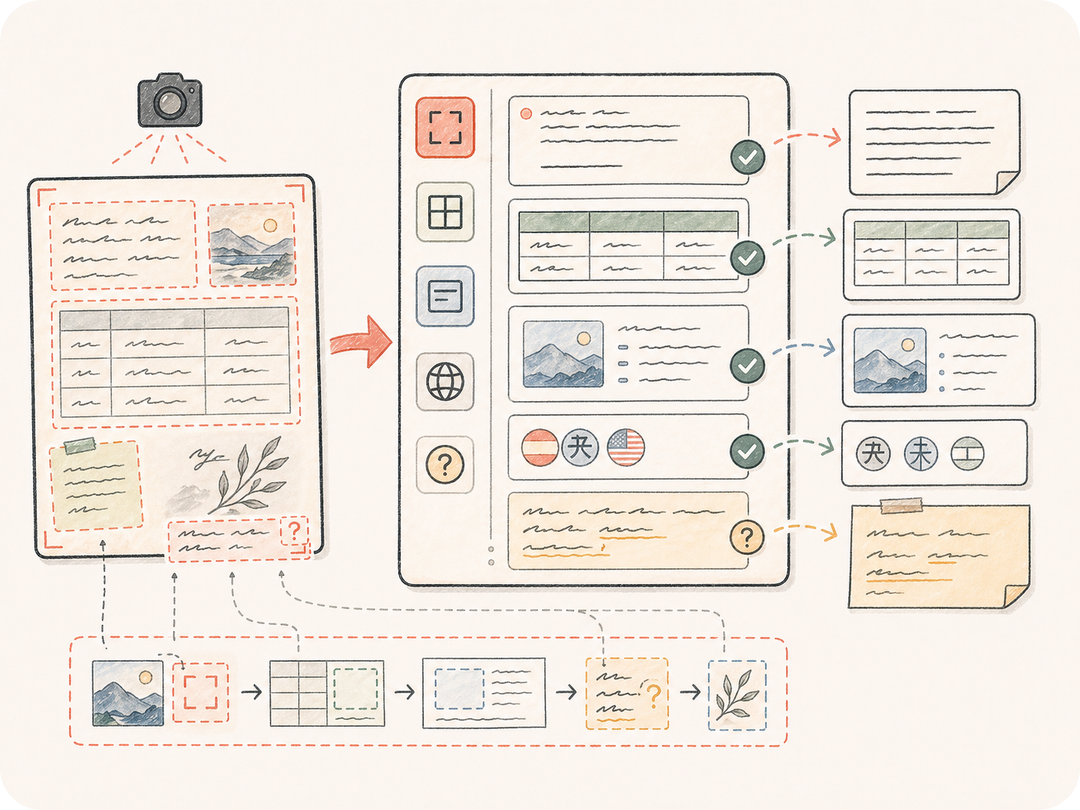
Pida a Kollab que señale escritura a mano poco clara, texto recortado, números con baja certeza o celdas de tabla en lugar de deducirlos a ciegas.
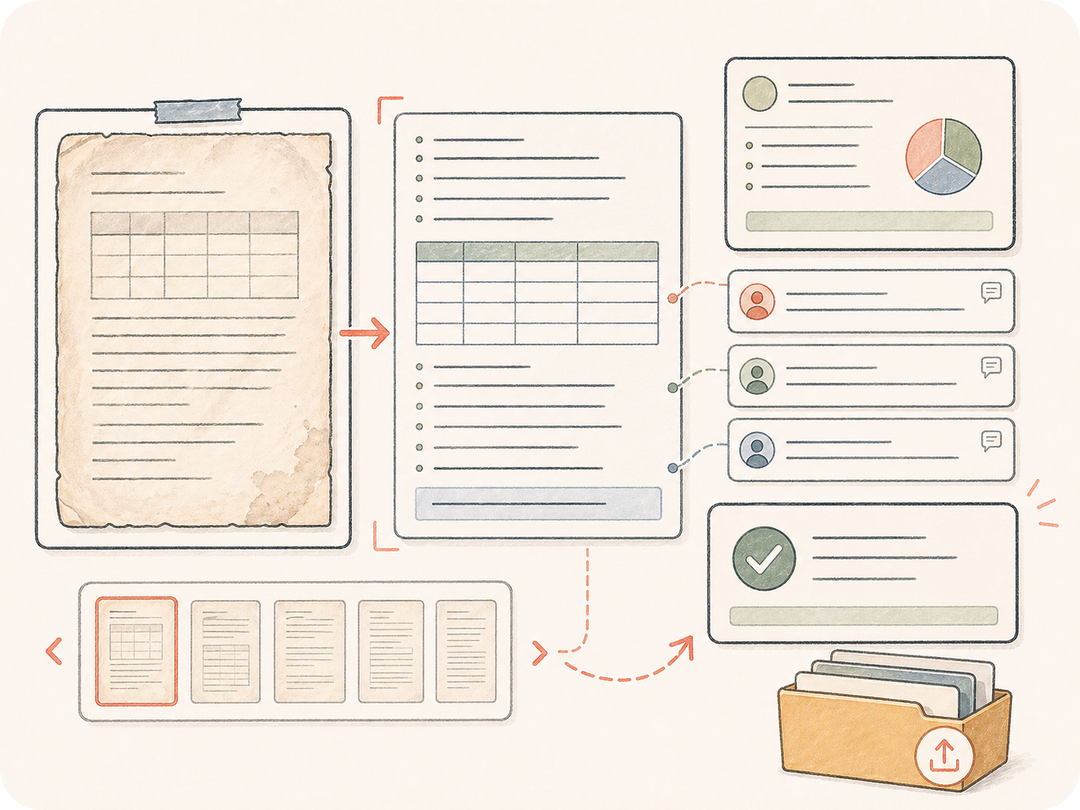
Guarde el texto extraído en el espacio de trabajo de la tarea para que su equipo pueda resumirlo, traducirlo, convertirlo en tabla, exportarlo o solicitar ajustes.
Kollab integra la imagen de origen, las reglas de OCR, los requerimientos de formato y el contexto de revisión en una tarea de imagen a texto lista para ejecutar.
Pegue una URL de imagen o cargue de forma privada la captura de pantalla, recibo, pizarra o foto de documento en Kollab.
Especifique el idioma, tratamiento de tablas, formato, marcas para texto dudoso y la estructura de salida deseada.
Kollab recibe una solicitud preparada de OCR y corrección de formato.
Revise el texto extraído, solicite resúmenes, exporte tablas o continúe editando desde el mismo contexto.
Use IA de imagen a texto para capturas de pantalla, pizarras, recibos, formularios, tablas y fotos de documentos que requieran algo más que una simple extracción.
Extraiga textos de interfaz, mensajes de error, etiquetas de botones, bloques de código o textos de producto a partir de capturas de pantalla.
Convierta fotos de notas en ideas agrupadas, decisiones, puntos de acción y resúmenes claros.
Extraiga campos, partidas, totales, fechas, tablas o contenido de formularios para sus tareas de seguimiento.
Transforma una imagen con texto en una tarea preparada de imagen a texto en Kollab, con reglas de OCR, formato de salida y revisión en un solo espacio de trabajo.
Puede comenzar desde esta página y abrir una tarea preparada en Kollab gratis. Los límites de uso y las funciones de pago dependen del plan activo y la configuración del proveedor.
Funciona con capturas de pantalla, pizarras, recibos, formularios, gráficos, diapositivas, páginas escaneadas, fotos de documentos y otras imágenes con texto abundante. Las imágenes más nítidas suelen ofrecer mejores resultados.
Sí. Puede solicitar que se conserven las tablas, se generen tablas en Markdown, filas listas para CSV o pares de campo y valor en el campo de detalles.
Puede obtener texto limpio, tablas estructuradas, resúmenes, puntos de acción, campos extraídos o instrucciones de seguimiento guardadas en Kollab.
El OCR básico extrae el texto una sola vez. Kollab mantiene la imagen de origen, las reglas de extracción, los comentarios de revisión, las solicitudes de corrección y el trabajo posterior en la misma tarea.
Use una imagen nítida, indique el idioma, solicite marcar el texto dudoso y especifique si el diseño, las tablas o los saltos de línea exactos son importantes.
Sí. El texto extraído permanece junto a la imagen original y el hilo de la tarea para que el equipo pueda revisarlo, corregirlo, resumirlo o exportarlo de forma conjunta.
Convierta capturas de pantalla, notas, recibos y fotos de documentos en texto limpio y listo para revisión en Kollab.