UGC Video Generator with AI
Turn a script or product photo into a talking ad. This UGC video generator online handles vertical format and voiceover in one chat.
Bring a product shot, a rough script, or a reference photo of the person who should be speaking. Kollab’s agent builds the first cut with Seedance 2 or Veo 3, then keeps revising it with you in chat.
Or start from
Talking ad · vertical format
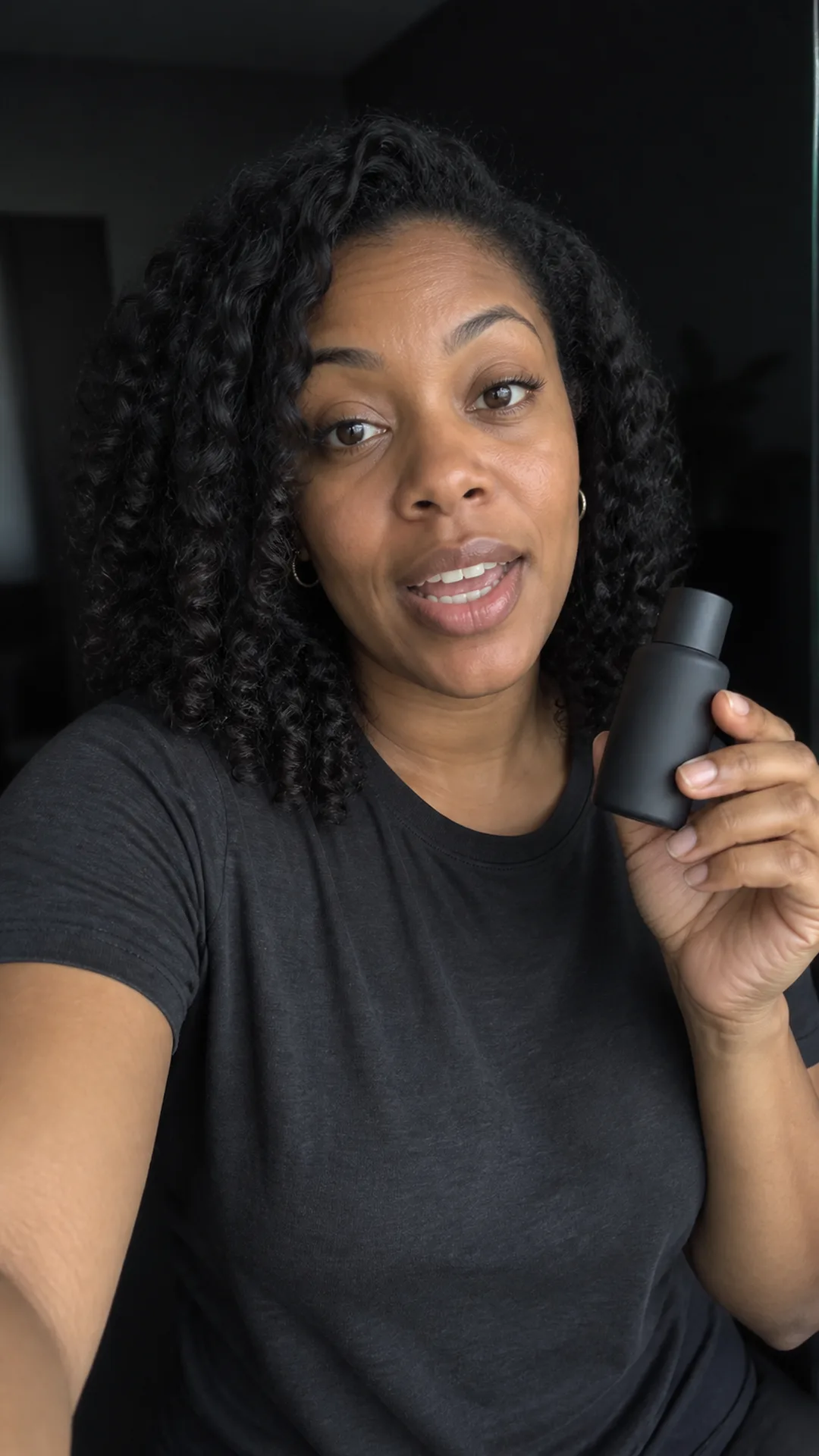
Turn scripts and product photos into UGC video ads
Start from whatever you already have. The agent picks the generation path for a product photo, a script, or a reference person and carries it through to a finished video.
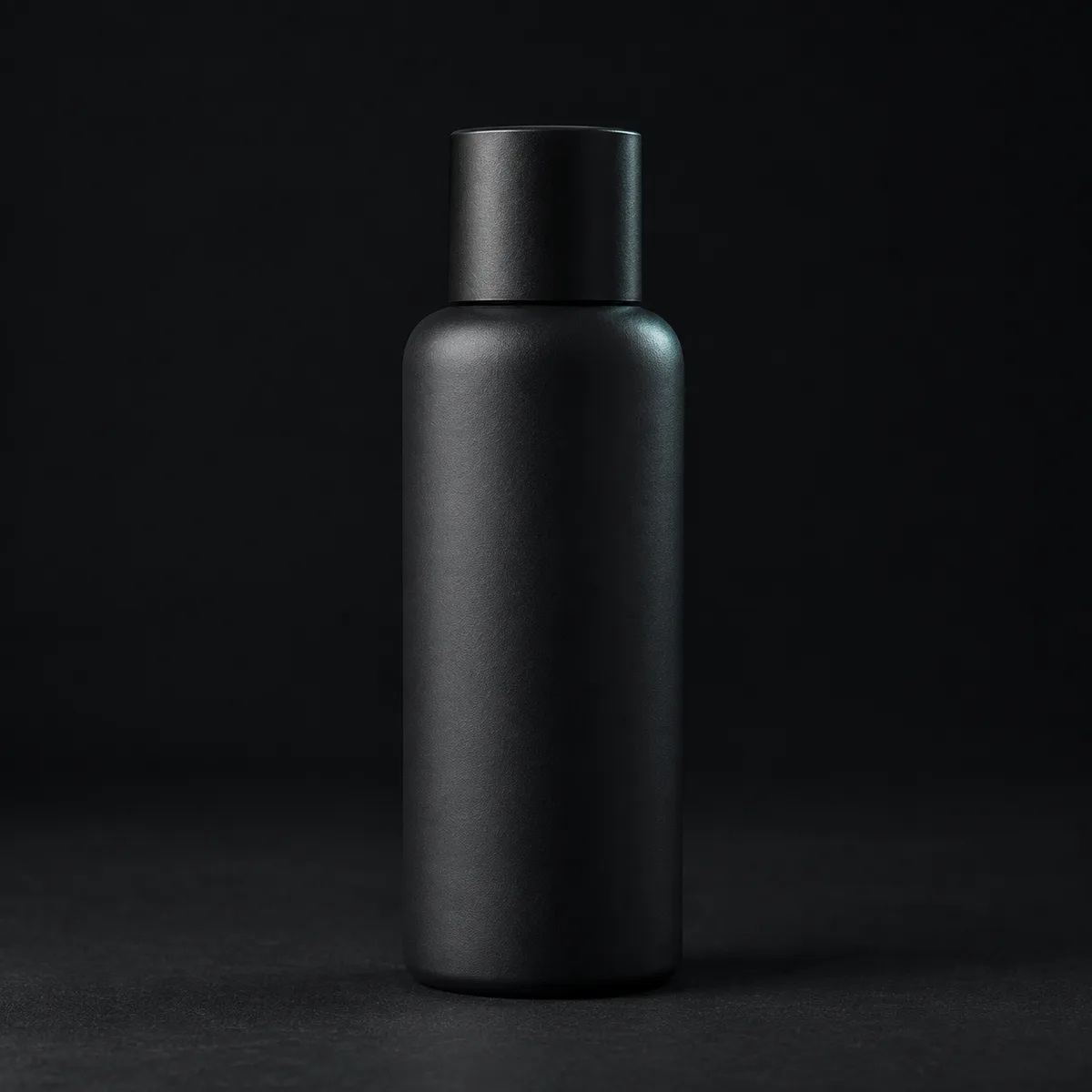
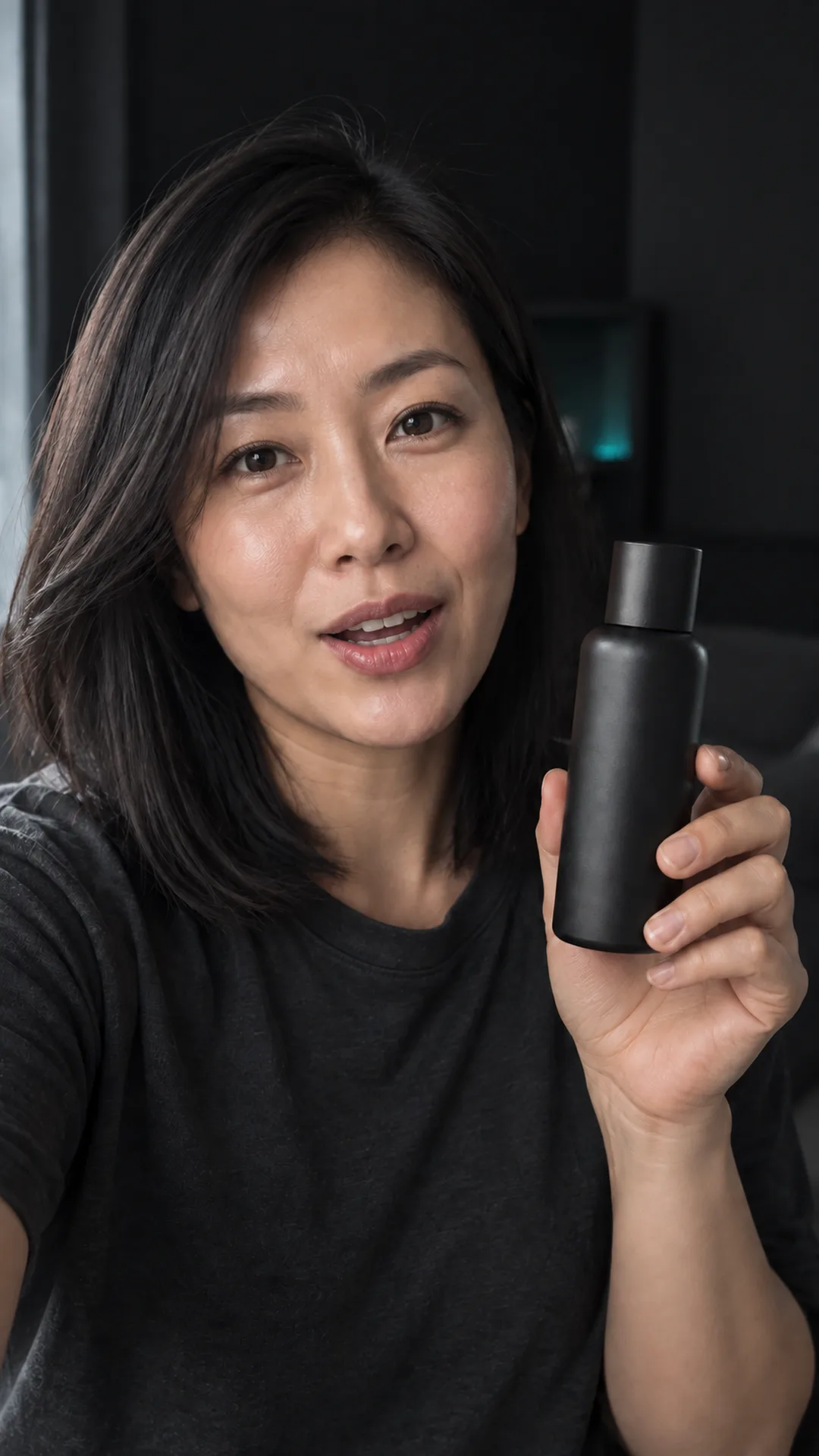
Give the UGC video generator one product photo and a short brief, and the agent builds a talking ad around it instead of a static reel.
Paste a rough script or bullet points; the agent turns it into a paced, voiced-over video, not just a slideshow read aloud.


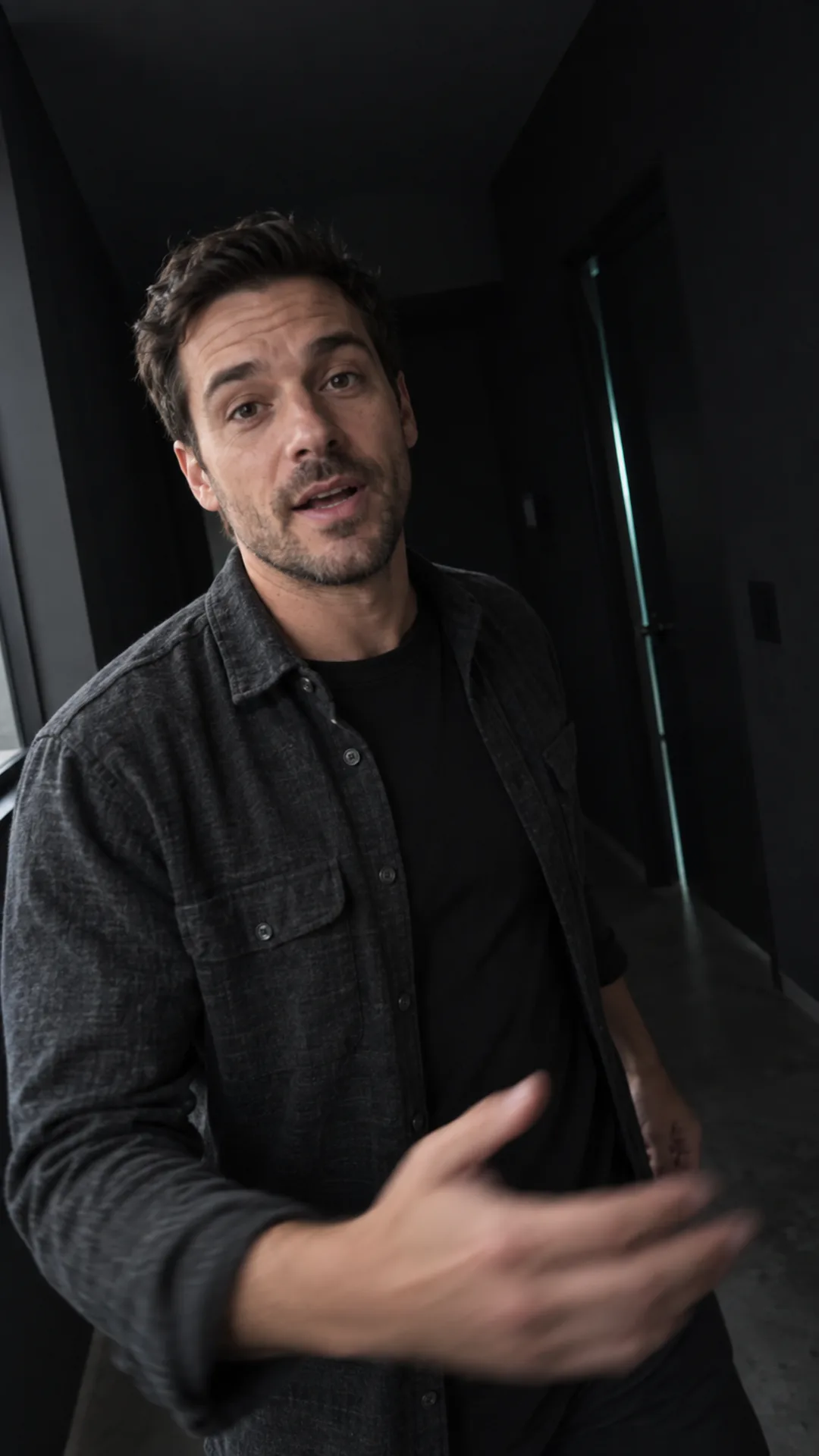
Upload a photo of the person you want speaking, as long as you have permission to use it. The agent works to keep that likeness consistent across the video.
What the UGC video generator can do
Built on the same video models behind Kollab’s broader video tools, here is what works today, not a feature wishlist.
Reference a product or person photo and the video works to keep that same look across the clip.
Request speech and scene audio as part of your video brief.
Output fits TikTok, Reels, and Shorts placements without a manual crop step afterward.
Specify the narration language in your brief. Kollab’s speech tool accepts a language setting.
Request background music in your video brief to guide the audio.
Ask for a few different angles or hooks and the agent runs them as a batch. The agent orchestrates it in chat, so it is not a one-click bulk button.
Refine hooks, voiceovers, and vertical formats
Paste a script, upload a product photo, or share an authorized reference photo of the speaker.
The agent uses Seedance 2 or Veo 3 to generate a first cut with audio when requested.
Ask for another hook, pace, or narration language and keep the instructions and results in the same task.
Download the finished vertical video when it is ready to hand off to your ad account or editor.
Who uses an AI UGC video generator like this
Test a new ad angle on a real product photo without booking a shoot first.
Turn a client's script or product shots into a first-pass UGC ad before the client sees a storyboard.
Generate a handful of script variants to see which hook performs before committing budget to one.
Get a launch video out from a rough script or a product screenshot without hiring a videographer.
Frequently asked questions
More AI video tools
Start from a script or a product photo
Bring whatever you already have, and the agent figures out the video from there.