01
Transcribe the call
Kollab turns demo or discovery audio into a searchable Transcript linked to the account record.

Turn demo recordings and discovery calls into Account Notes, revenue opportunities, Objection Logs, Follow-Up Emails, Next Steps, and database updates.
Sales follow-up is fragile when Call Notes, Objections, revenue signals, Next Steps, and customer context are scattered. Kollab turns the meeting audio into a structured Account Update and drafts a Follow-Up Email that stays specific to what the buyer actually said.
This page is different from customer-call insights: sales follow-up optimizes the next buyer action, while customer insights optimize the product feedback loop.
Use it after demos, discovery calls, renewal calls, procurement reviews, or founder-led sales conversations. The database acts like a lightweight CRM when your team runs pipeline work from a shared workspace table.
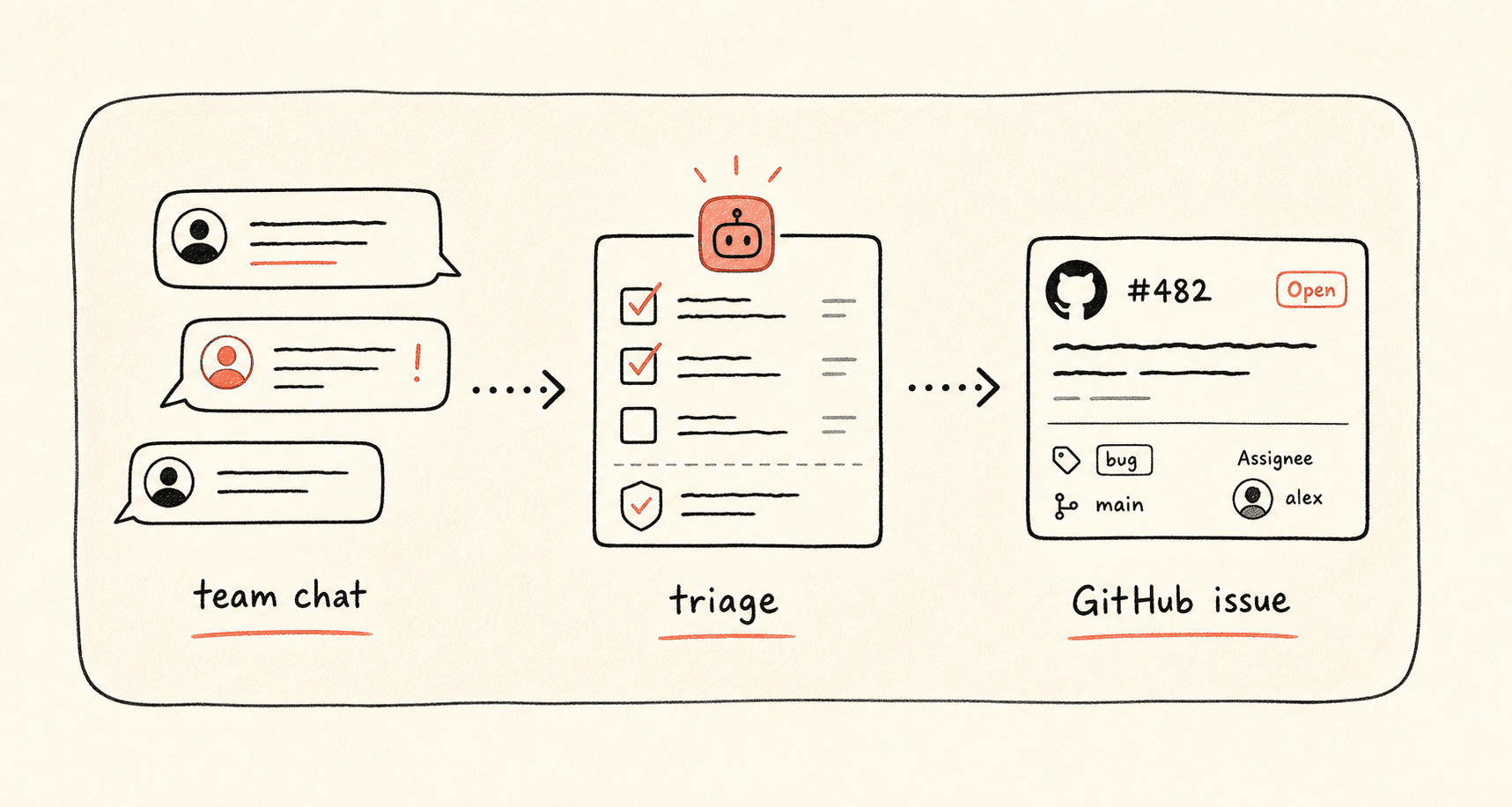
Revisa el flujo de trabajo una vez y luego añade tus propios roles, fuentes y entregables.
Kollab turns demo or discovery audio into a searchable Transcript linked to the account record.
The agent captures Pain Points, Buying Triggers, Objections, Competitors, Timeline, Decision Criteria, and Expansion Signals.
Kollab writes a specific Follow-Up Email and Internal Account Brief using customer wording, Next Step Evidence, and Revenue Opportunity evidence.
The account database receives Next Step, Owner, Deal Risk, Revenue Opportunity, Objection Log, and Follow-Up Review State.
Kollab makes the follow-up specific and keeps the account record current.
| Manual sales follow-up | With Kollab | |
|---|---|---|
| Call context | The rep writes notes from memory after the next call begins. | Transcript, Buyer Quotes, Objections, and Timeline stay attached to the Account. |
| Email draft | Follow-Up Emails become generic and miss the buyer language. | The Email references exact Pain Points, Decision Criteria, and agreed Next Steps. |
| Team handoff | CS, founder, or solutions teams do not know what was promised. | An Internal Account Brief captures Risks, Stakeholders, and Follow-Up Tasks. |
| Pipeline hygiene | CRM-style fields go stale. | Next Step, Owner, Risk, Revenue Opportunity, and Objection Log are updated from the call. |
| Total time | A loose email and stale notes | A current account record and review-ready follow-up |
The output should help the rep follow up and help the team understand the account.
Account
Team
Revenue
Explore las páginas de funciones relacionadas para ver qué capas del producto y herramientas hacen que este caso de uso sea repetible para un equipo.
Turn demo recordings and discovery calls into Account Notes, revenue opportunities, Objection Logs, Follow-Up Emails, Next Steps, and database updates.
Copia el prompt de configuración en Kollab, sustituye los marcadores por el contexto de tu equipo y ejecútalo como una tarea revisable en tu espacio de trabajo.
An updated Account Record with Transcript, Pain Points, Objections, Decision Criteria, Revenue Opportunity, Follow-Up Email, Internal Brief, Next Step, Owner, and Deal Risk.
No. El flujo de trabajo está diseñado para generar primero borradores, briefs, artefactos o actualizaciones de bases de datos revisables, de modo que tu equipo pueda aprobar el resultado antes de publicar o modificar nada.
Turn sales recordings into specific emails, Account Notes, revenue opportunities, and next-step Ownership.
Run