01
Start with one campaign brief
Kollab turns a rough launch request into a clearer visual workflow with audience, channels, and constraints already spelled out.

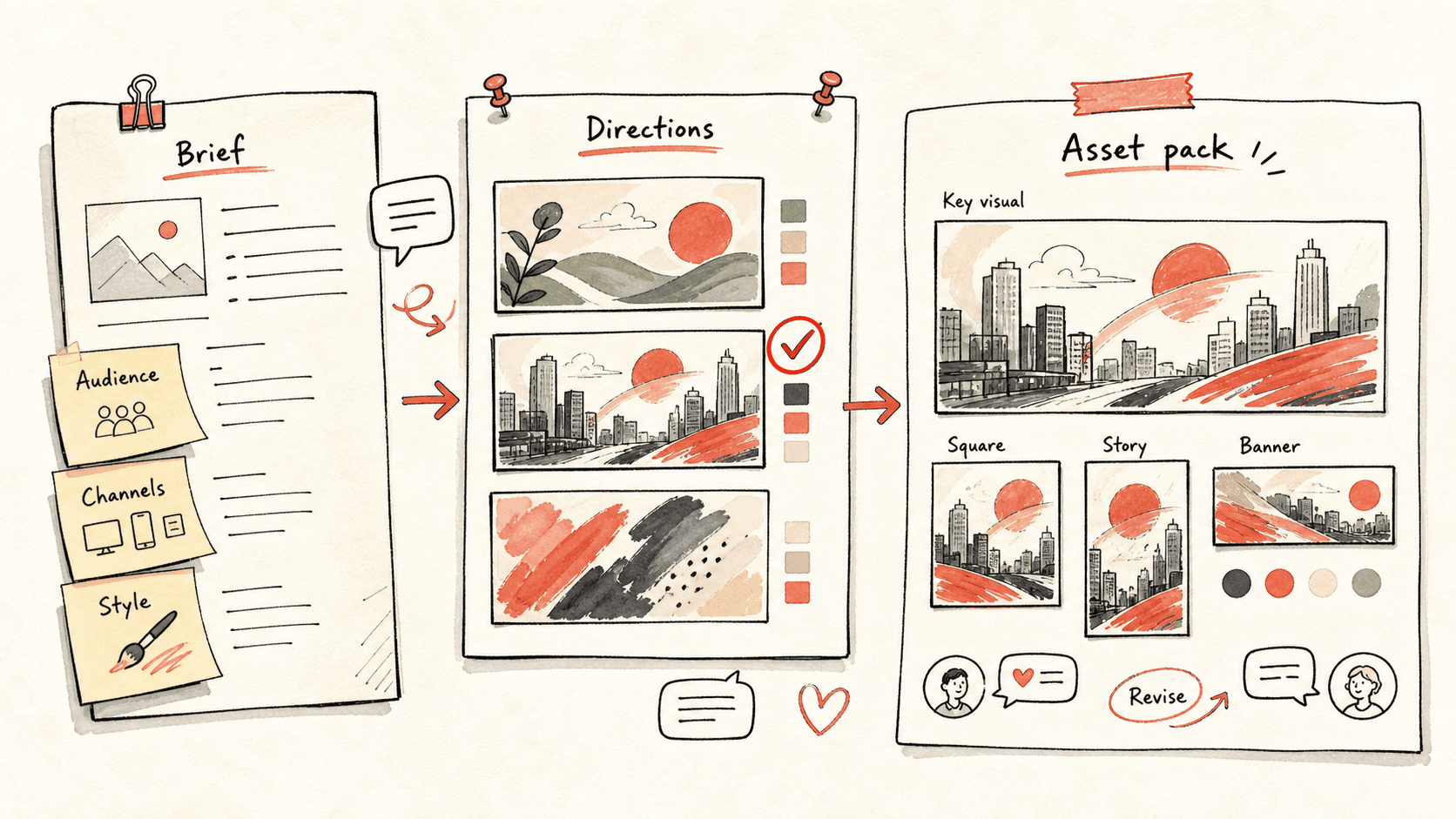
Turn one brief into a key visual, social variants, and multi-size assets.
Kollab explores distinct visual directions, then expands the chosen concept into hero, square, portrait, and wide assets your team can review and revise.
Revisa el flujo de trabajo una vez y luego añade tus propios roles, fuentes y entregables.
Kollab turns a rough launch request into a clearer visual workflow with audience, channels, and constraints already spelled out.
Instead of locking into the first image, the team compares a few different directions and chooses the one worth expanding.
Comments about composition, mood, typography, or product emphasis stay inside the same task so every revision keeps its context.
The final direction is expanded into hero, square, portrait, and wide assets so the work is ready for real campaign surfaces.
Explore las páginas de funciones relacionadas para ver qué capas del producto y herramientas hacen que este caso de uso sea repetible para un equipo.
Turn one brief into a key visual, social variants, and multi-size assets.
Copia el prompt de configuración en Kollab, sustituye los marcadores por el contexto de tu equipo y ejecútalo como una tarea revisable en tu espacio de trabajo.
One approved key visual plus square, portrait, and banner variants, each ready to drop into a launch page or social channel.
No. El flujo de trabajo está diseñado para generar primero borradores, briefs, artefactos o actualizaciones de bases de datos revisables, de modo que tu equipo pueda aprobar el resultado antes de publicar o modificar nada.
