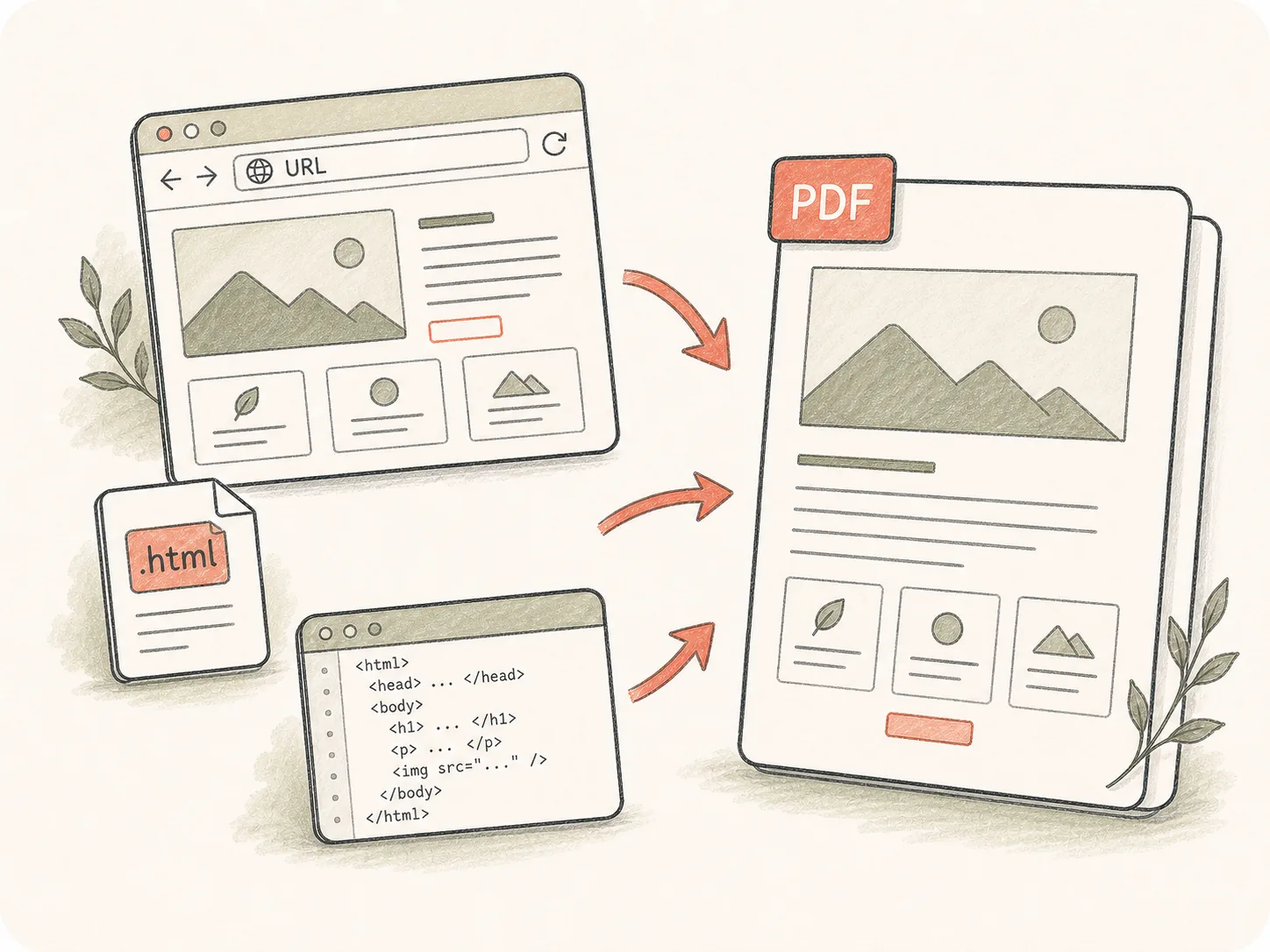
Start from a URL, HTML file, or snippet
Use a public page, uploaded HTML, or pasted source as the conversion target, then add notes about access, assets, and what should appear in the PDF.
Provide a public URL, HTML file, or rendered page instructions. Kollab can capture layout, viewport, pagination, and review requirements before producing a PDF file.
Preserve web pages, dashboards, and HTML reports as reviewable PDFs without separating the source, capture rules, and follow-up edits.
Use a public page, uploaded HTML, or pasted source as the conversion target, then add notes about access, assets, and what should appear in the PDF.
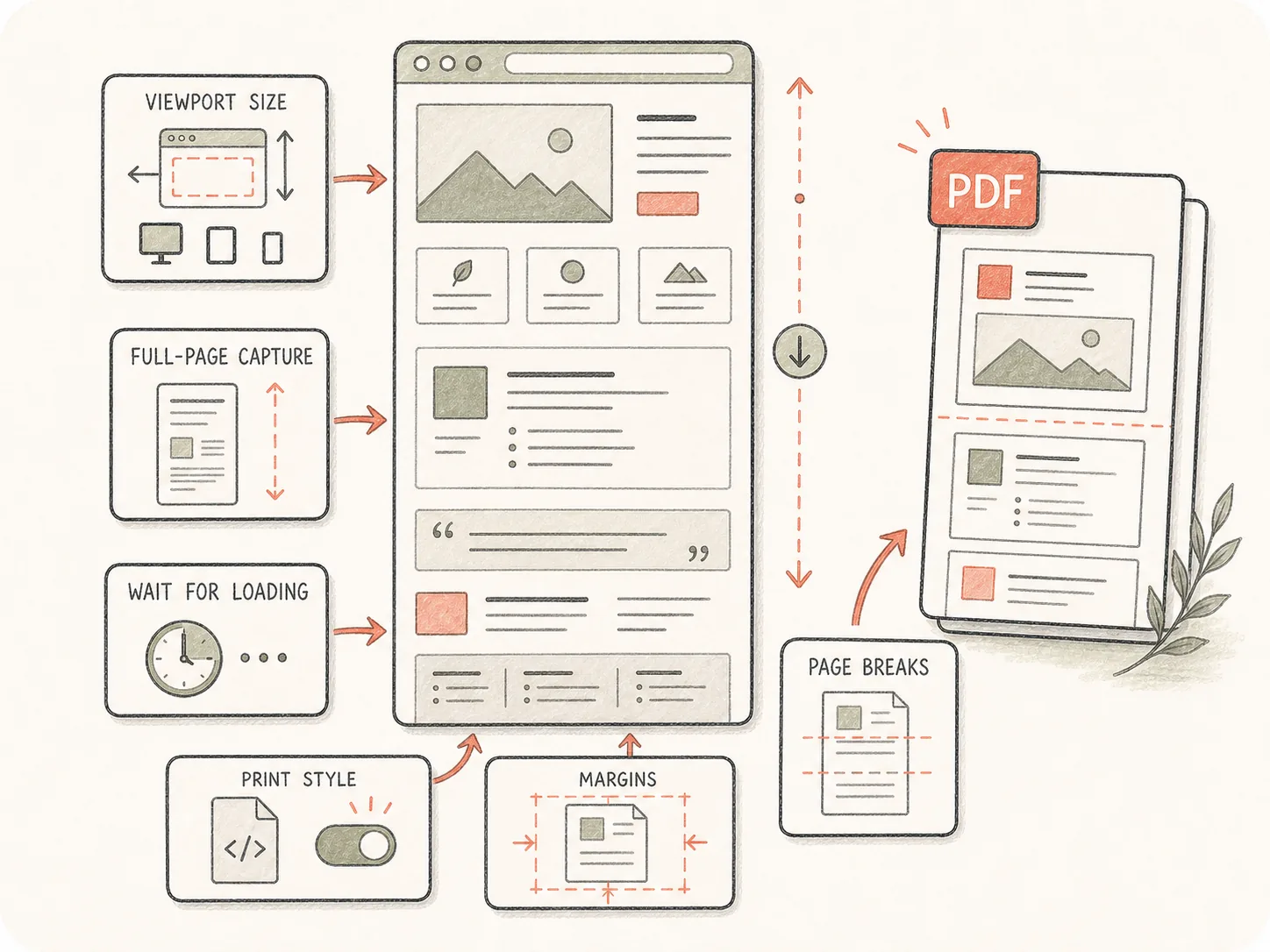
Tell Kollab the viewport, full-page behavior, wait time, print styles, page breaks, and sections that matter so dynamic layouts render as expected.
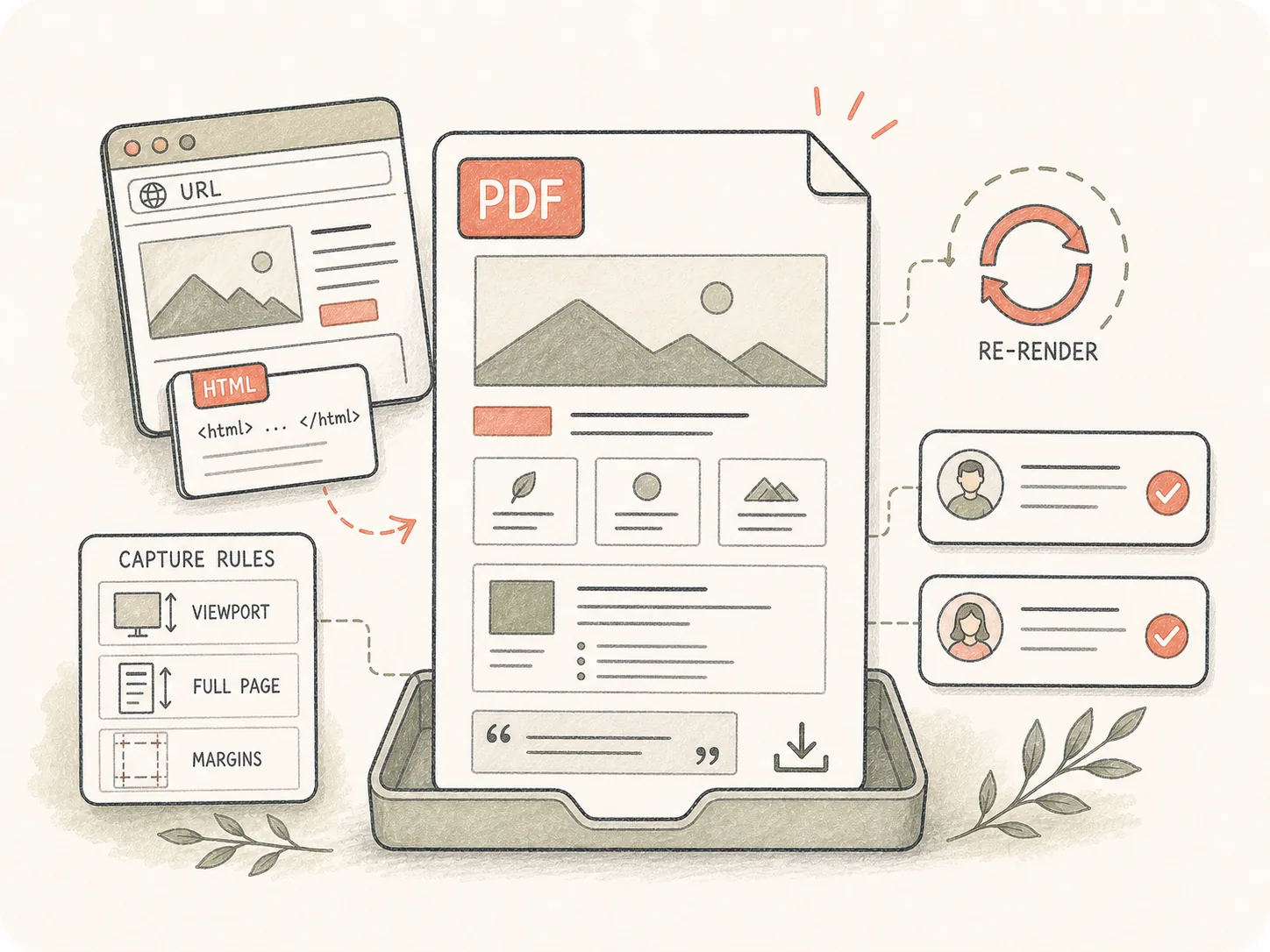
The PDF remains attached to the task with the source and capture rules, so teammates can inspect layout problems and request another render.
Capture rendered pages as stable PDF files while keeping viewport and pagination choices visible to reviewers.
Paste a URL, HTML snippet, or upload an HTML file in Kollab.
Add viewport, pagination, and rendering requirements.
Kollab opens with the HTML-to-PDF conversion brief.
Review the PDF and ask for capture adjustments.
Use it for web assets that need to leave the browser as a file while preserving enough context to revise the capture.
Save marketing pages as PDFs for review or archive.
Capture rendered charts and UI reports into PDF.
Export self-contained HTML deliverables as shareable documents.
It is a Kollab workflow entry for turning HTML sources, public URLs, dashboards, and rendered pages into PDF artifacts.
Yes. Paste a public URL and describe the desired capture. If a page requires private authentication, provide the source file or accessible export in Kollab.
It can work with rendered-page requirements, but you should specify viewport size, wait conditions, lazy-loaded sections, and any interactive state that must be visible.
Yes. Use the tool page to start the task, then upload .html or .htm files in Kollab so the Agent has the actual source.
Yes. Add A4, Letter, landscape, full-page capture, page break, margin, header, or footer preferences in the details field or during review.
A screenshot is a static image. HTML to PDF keeps text, pages, and layout in a document-style artifact that is easier to share, archive, print, and revise.
Yes. Kollab keeps the generated PDF, source URL or file notes, and follow-up comments in one task so stakeholders can ask for a cleaner capture.
Include the URL or HTML source, target page size, viewport, whether full-page capture is needed, wait time, and which sections should be prioritized if the page is long.

Start an HTML-to-PDF task with rendering requirements already included.