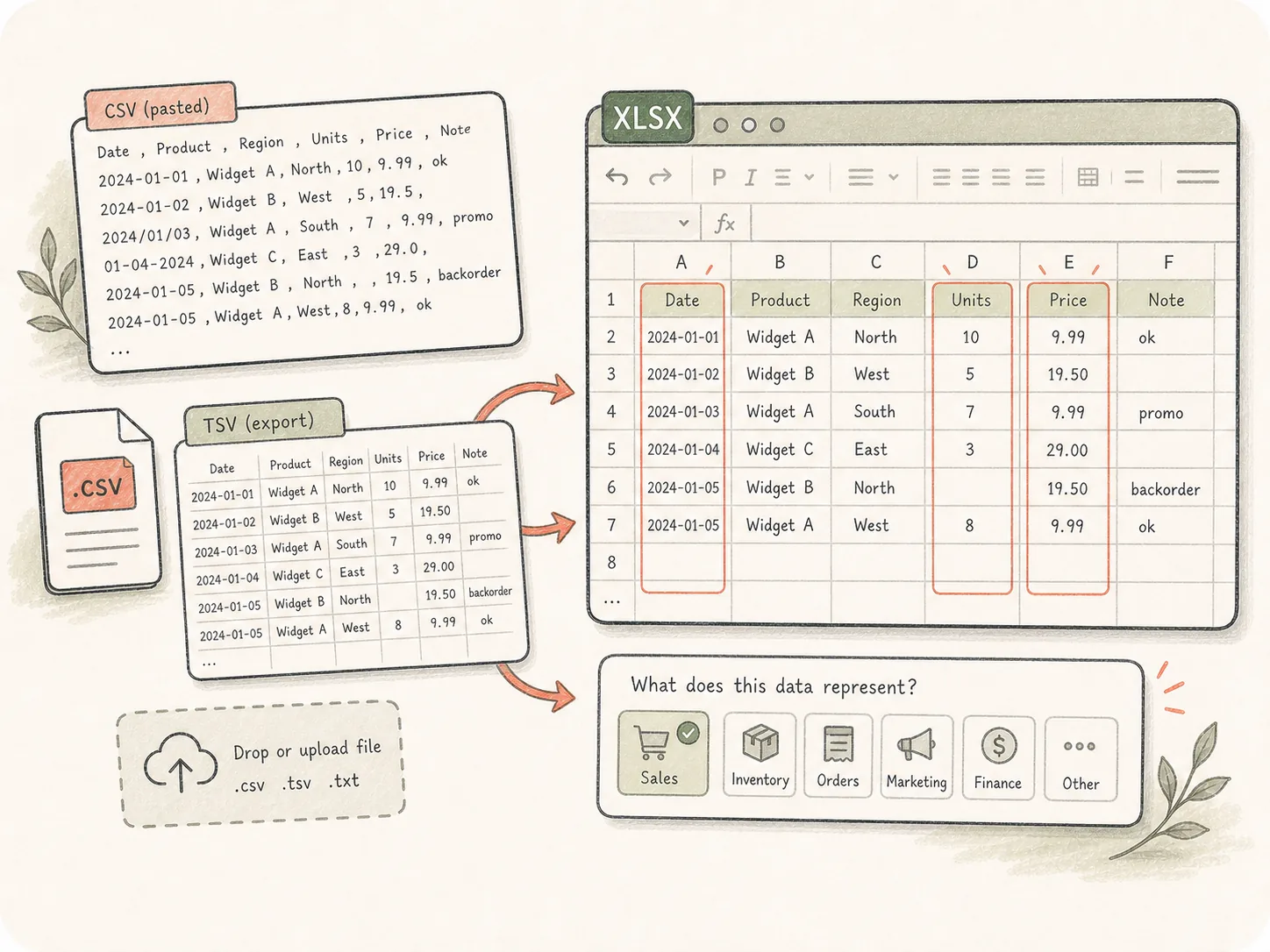
Bring messy tabular data
Start from pasted CSV, a TSV export, or an uploaded file, then tell Kollab what the data represents and which columns deserve attention.
Upload or paste CSV or TSV data, then describe the workbook you need. Kollab can clean columns, infer types, add formulas, build summaries, and deliver an XLSX file.
Turn raw exports into Excel files that are formatted, reviewable, and ready for analysis instead of just changing the file extension.
Start from pasted CSV, a TSV export, or an uploaded file, then tell Kollab what the data represents and which columns deserve attention.
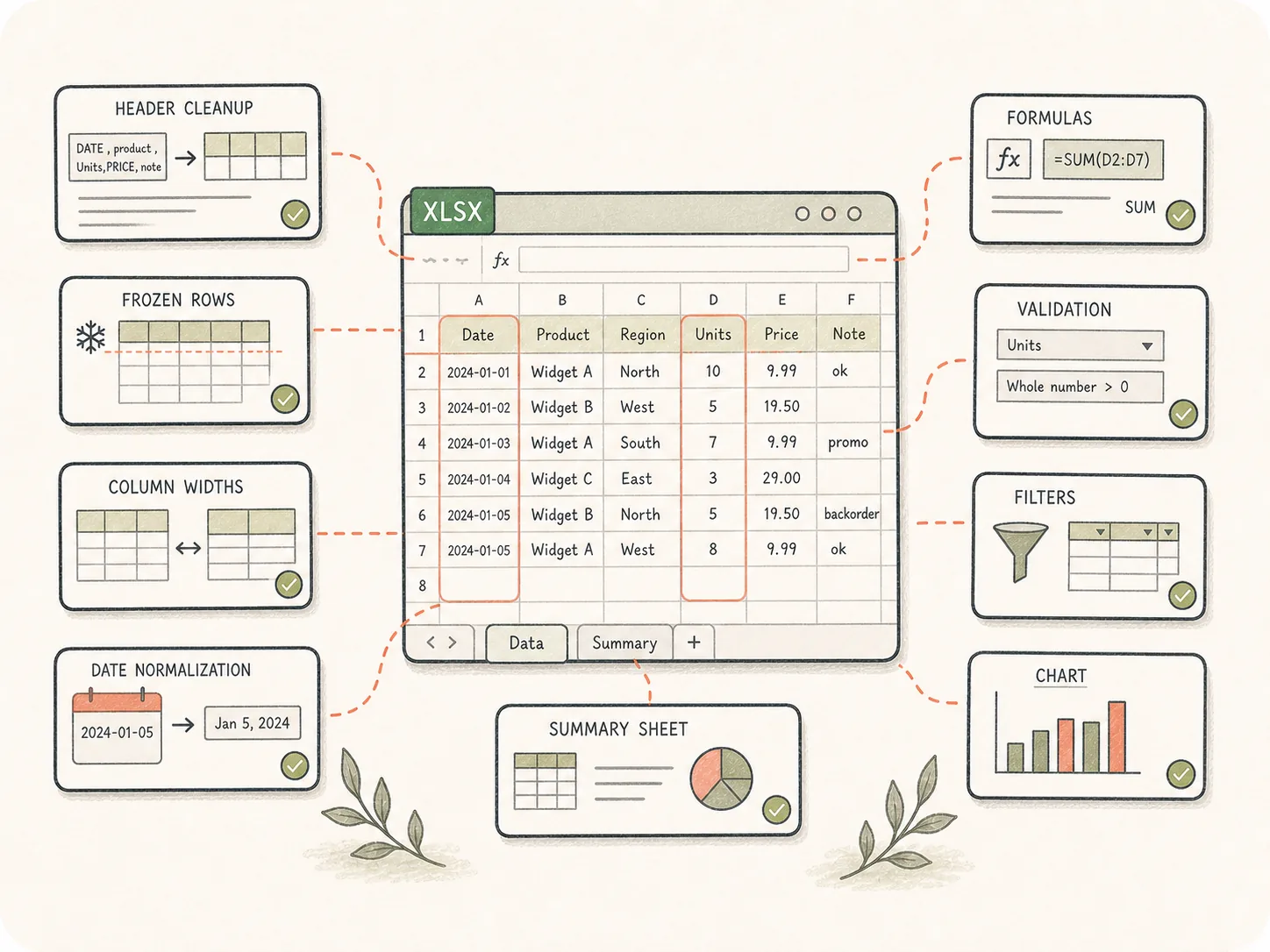
Request headers, frozen rows, column widths, date normalization, formulas, validation, filters, charts, and summary sheets before the XLSX is created.
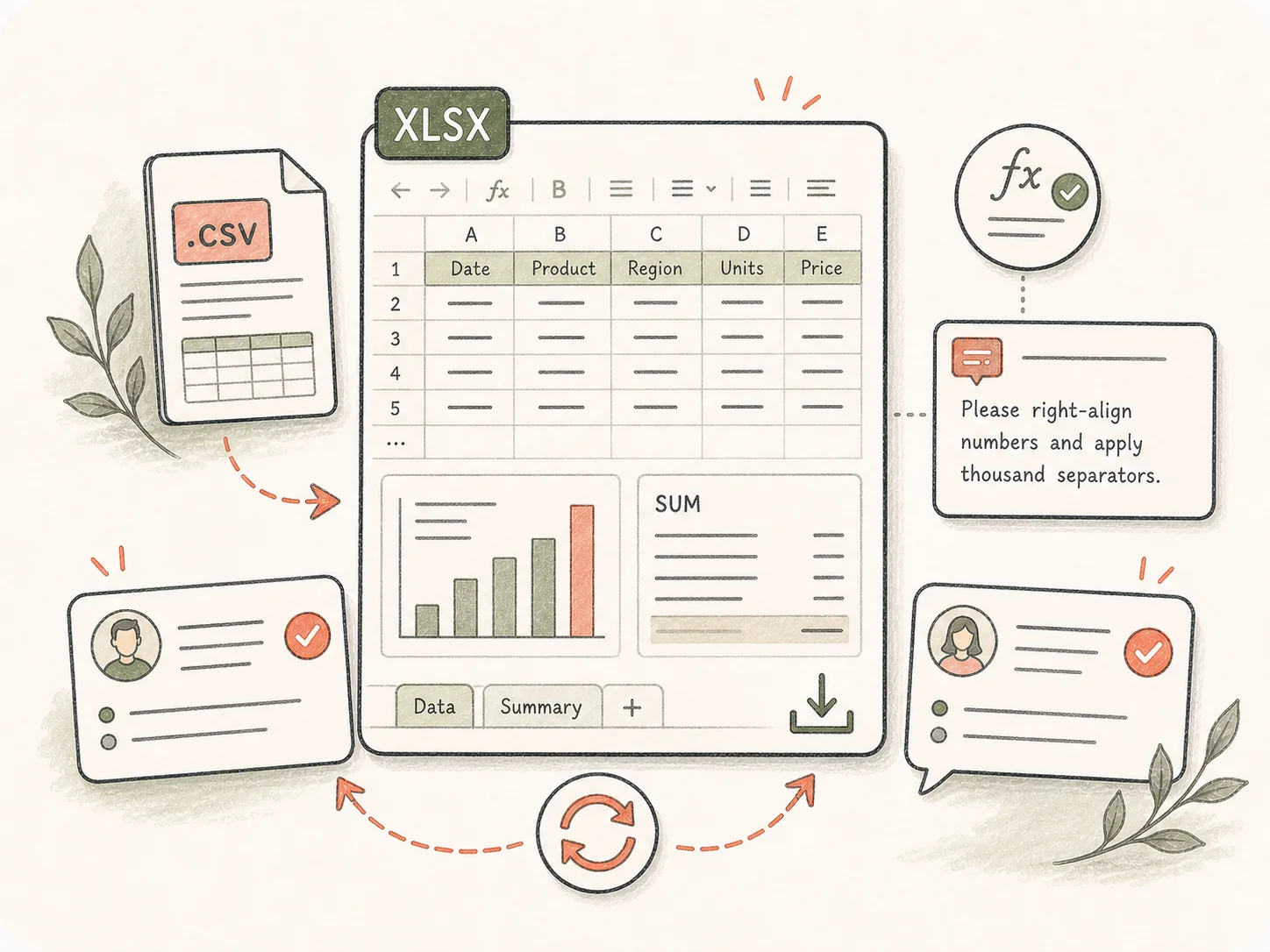
The finished workbook stays as a Kollab artifact, so the team can inspect calculations, ask for a new summary, or revise formatting from the same task.
Clean, format, and package raw CSV exports into Excel workbooks that people can actually inspect.
Paste CSV / TSV data or upload the file in Kollab.
Define formatting, formulas, and summary expectations.
Kollab opens with the spreadsheet conversion brief.
Review the workbook and request cleanup changes.
Use it when exports need cleanup, formulas, summary tabs, or chart-ready structure before the team can use them.
Clean contacts, plans, and segments into a formatted workbook.
Add formulas, summaries, and charts to revenue CSVs.
Normalize messy rows, dates, and missing values.
These related pages show how this standalone tool connects to Kollab workflows, reusable Skills, and team deliverables.
It is a Kollab tool page for starting a task that converts CSV or TSV data into a formatted XLSX workbook. The workflow can include cleanup, formulas, summaries, and review notes.
You can start from the free page and open a conversion task in Kollab. Larger files, higher usage, and team workspace features may depend on your plan.
CSV and TSV are the primary inputs. You can paste small snippets on the page or upload larger .csv / .tsv files after entering Kollab.
Yes. Describe the calculations, groupings, charts, pivot-style summaries, or dashboard tabs you need in the prompt.
Yes, when you ask for it. Kollab can normalize dates, trim empty rows, rename columns, flag missing values, split fields, and create a cleaner workbook structure.
Opening a CSV simply imports rows. Kollab can add workbook structure, formatting, formulas, summaries, and a review loop so the result is easier for a team to use.
Yes. The XLSX artifact stays attached to the task, and teammates can request changes such as new sheets, corrected formulas, or different charts.
Describe the dataset, important columns, desired sheets, formulas, charts, formatting preferences, and any cleanup rules such as date formats, currencies, or duplicate handling.

Start a CSV-to-Excel task with cleanup requirements already included.