8 Best YouTube to Text Tools in 2026: Compare Transcription Software
Find the best YouTube to text tool in 2026. Compare Kollab, Descript, Otter, VEED, Notta, HappyScribe, Rev & NoteGPT side by side.
Open your YouTube "Watch Later" list and count how many videos have been sitting there untouched. It's not a willpower problem — it's a medium problem. A 45-minute interview is linear. Until recently, the only way to know which five minutes were worth remembering was to watch the whole thing.
By 2026, this problem has largely been solved. AI transcription models consistently hit 90%+ accuracy, and the best transcription apps have evolved far beyond simple speech-to-text, and converting an hour-long video to text takes minutes, not hours. The dividing line is no longer "can it transcribe?" — it's whether the output is actually usable. Does it come with timestamps? Can it generate structured summaries? And once you have the transcript, does it flow naturally into the tools you already use for notes and content?
This roundup covers the full spectrum — from lightweight browser extensions to team collaboration platforms — ordered by workflow depth, heaviest to lightest. For a broader look at the category, G2's transcription software directory aggregates user reviews across 90+ services. Find the one closest to your use case, then run a real video through its free tier.
Quick Comparison Table
| Tool | Best for | Core Strength | Pricing |
|---|---|---|---|
| Kollab | Transcription, summarization, and content creation — all in one workspace | Paste a link to get the full transcript, then write and research in the same space | Free tier; Pro $20/mo; Max $200/mo |
| Descript | Editing video while transcribing | Edit video like a doc, auto-remove filler words | Free tier; paid ~$16–50/mo (annual) |
| Otter.ai | Meetings and long-form audio | Multi-language, speaker identification, enterprise integrations | Free 300 min/mo; Pro ~$16.99/mo (annual ~$8.33) |
| VEED.IO | Subtitles + transcription in one tool | In-browser editing, auto-captions, 125+ language subtitle translation | Free tier; Creator $20/mo (annual ~$10); Pro $44/mo (annual ~$21) |
| Notta | Multi-language, cross-device transcription | 58+ languages, web/mobile/plugin coverage | Free 120 min/mo; Pro $13.49/mo (annual ~$8.17) |
| HappyScribe | Multi-language subtitles and transcription | 150+ languages, optional human review | Free 10 min trial; Basic $17/mo (annual $8.50) |
| Rev | High-accuracy professional use | AI + human hybrid, subscription AI transcription with optional human review | Free 45 min/mo; Essentials $25.49/seat/mo (5,000 min); Pro $47.99/seat/mo (10,000 min) |
| NoteGPT | Quick summaries and transcription | One-click summary + transcript + mind map, browser extension | Free 15 quotas/mo; Pro ~$9/mo (annual) |
1. Kollab
Kollab is an AI collaboration platform that puts transcription, research, writing, and content production into a single workspace. Most transcription tools stop at "converting video to text" — once you have the transcript, you still have to switch to another tool for notes, drafting, and organizing, and that switch is exactly where the gap between raw material and finished output lives. Kollab's approach eliminates that gap: transcription is the starting point, and everything after — summarization, rewriting, repurposing — happens inside the same project space.
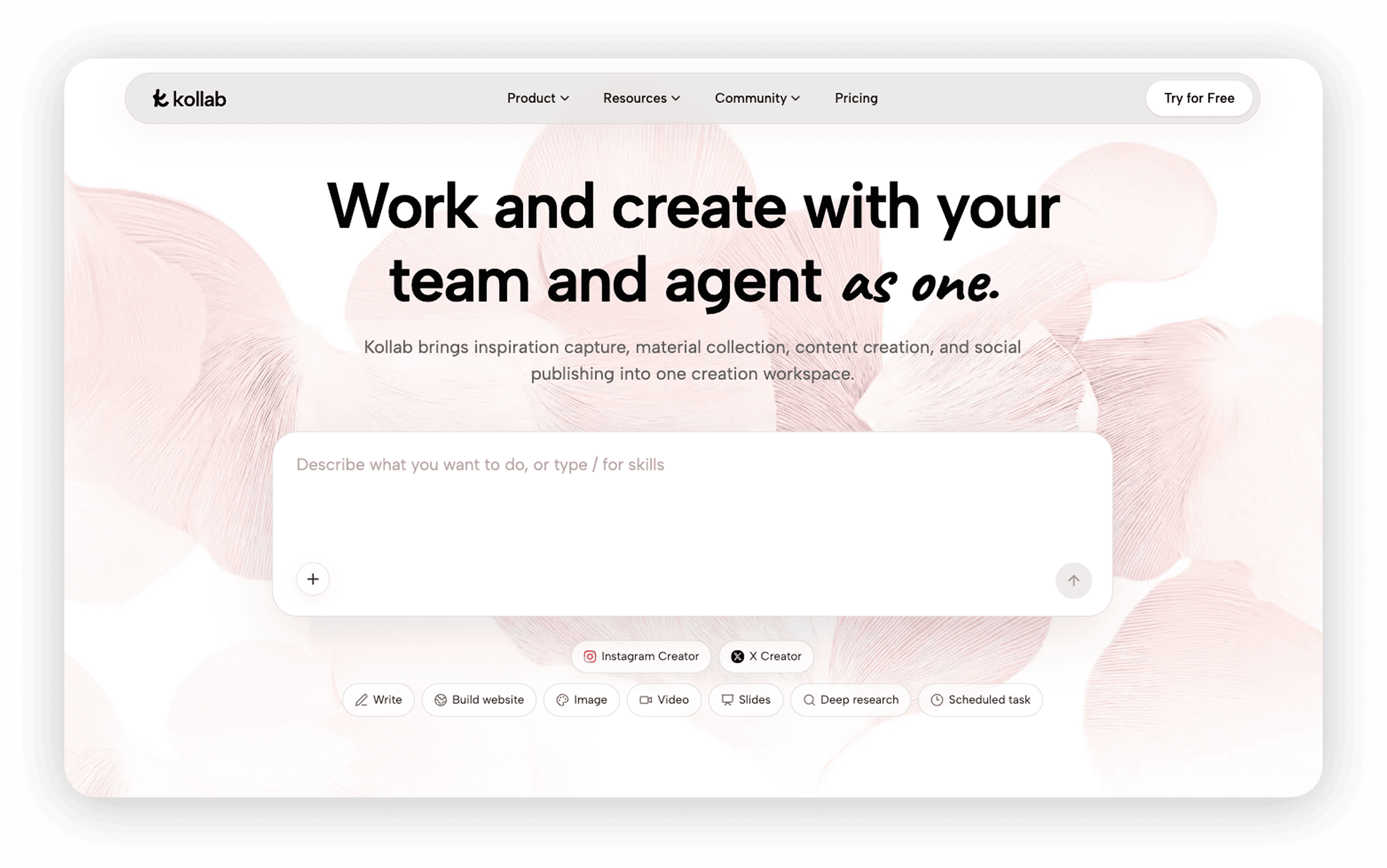
Kollab's built-in skills handle YouTube links directly: paste a link, and it automatically extracts the audio, transcribes it, and returns a timestamped transcript — no manual downloads, no extensions required. For anyone who regularly turns video content into articles, research reports, or social media posts, the real payoff kicks in after transcription: in the same project space, you can have the AI summarize the transcript, extract key points, or generate social copy and long-form drafts, without exporting the transcript and starting from scratch in another tool. Team members share the same knowledge base and generation history, so two people never end up transcribing the same video twice.
Core features:
- Paste a YouTube link for automatic transcription with a timestamped transcript — no manual audio handling needed
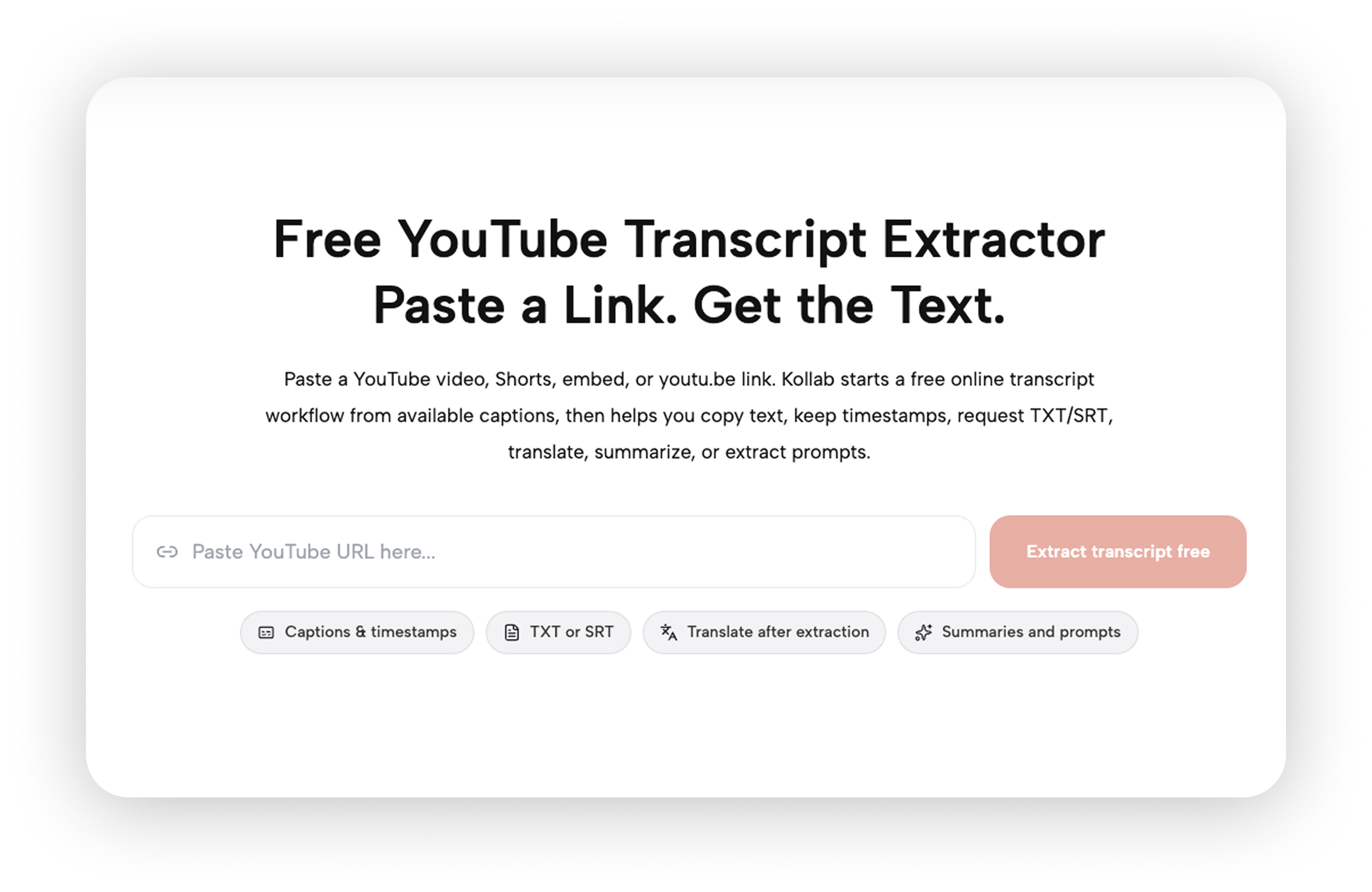
Transcripts, writing, research, and content generation share the same project space, so summarization, rewriting, and repurposing happen in one flow
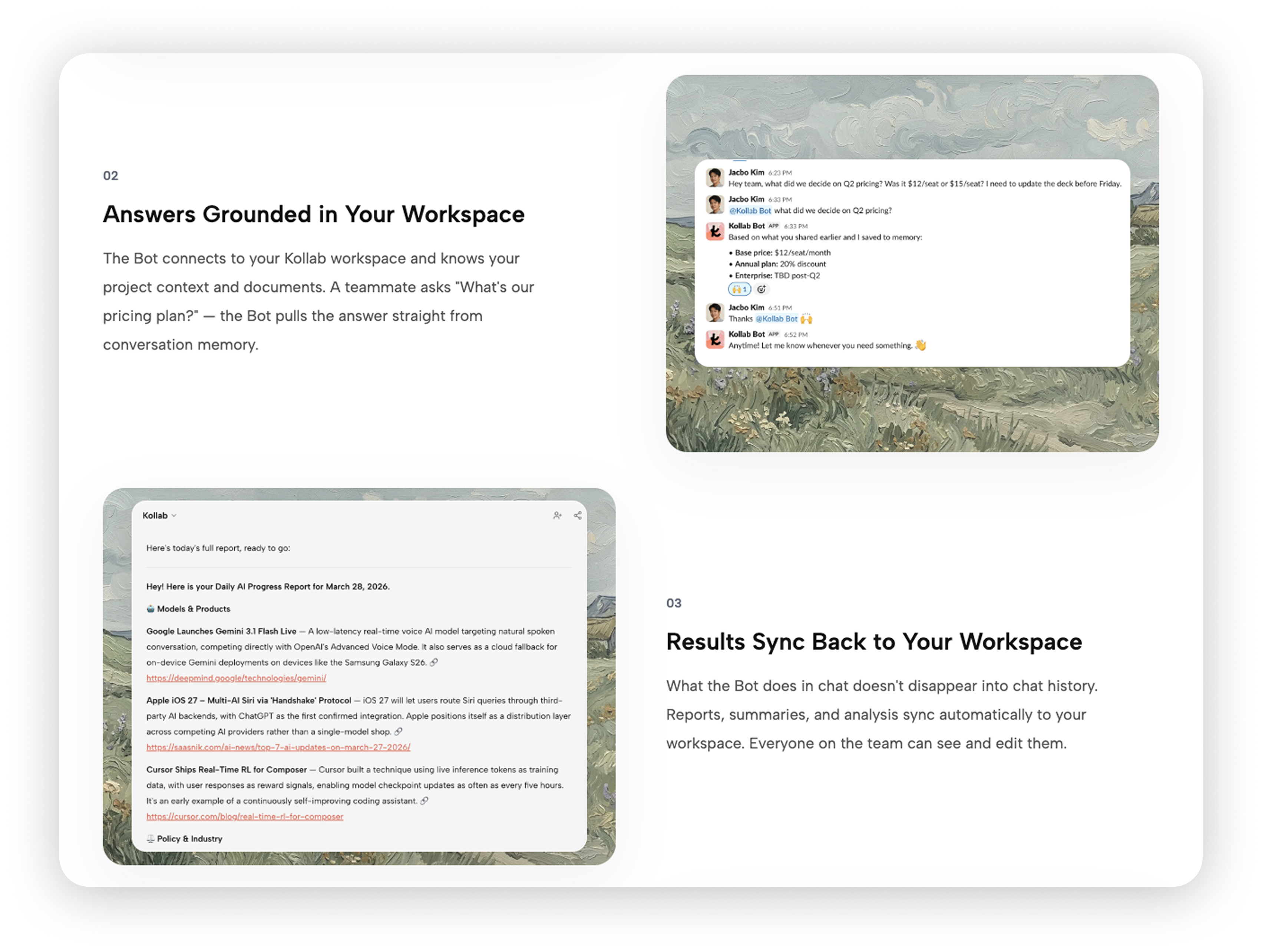
Team-shared knowledge base and generation history prevent duplicate transcription of the same video
Slack and Telegram Bot support lets teams trigger transcription directly from channels
- Also supports Spotify, Apple Podcasts, and other platform links
Best for: Creators and teams who need to turn YouTube videos directly into articles, reports, or social media content — paste a link → get the full transcript → keep writing, all in one workspace, without exporting and re-importing between tools.
Pricing: Free tier available; Pro $20/mo; Max $200/mo. All plans use a credit system with 200 credits refreshing daily.
2. Descript
Descript is the flagship product in the "edit video like a document" category. Upload a video, and Descript generates a transcript first — then every editing action you take on that transcript (deleting filler words, cutting a section, rearranging paragraphs) syncs automatically to the video timeline.
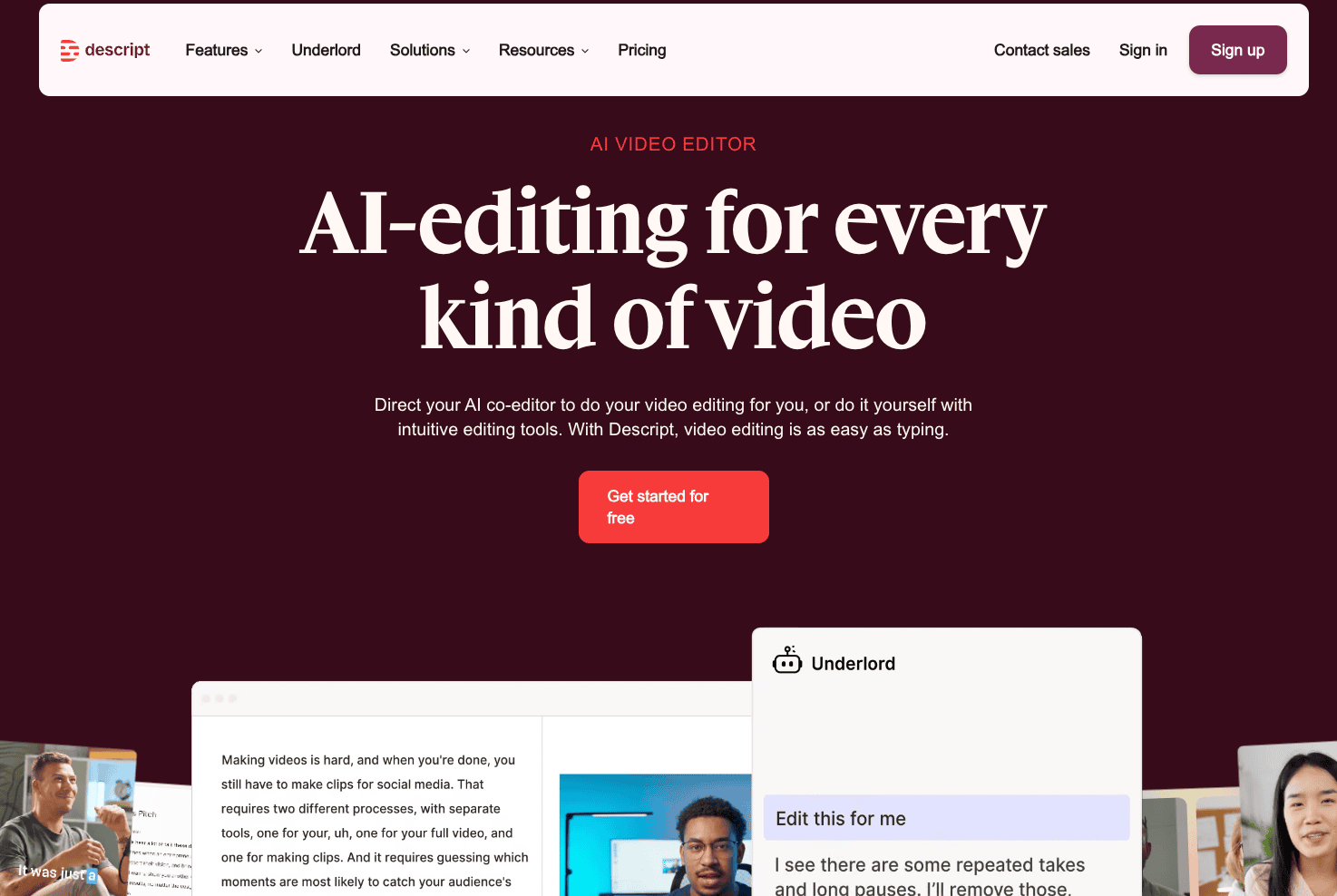
Its transcription is more of an assembly-line step than a standalone deliverable — a pattern that reflects how AI has reshaped the transcription industry: the transcript exists to serve the editing process, and the chapters and summaries it generates are bonuses for the audience. This is the core difference between Descript and pure speech-to-text tools — it's built for video creators, not just for people who want to read.
Core features:
Transcript-as-editor: cut video and audio by editing text, like working in a Word document
One-click removal of filler words, silences, and retakes
AI-generated chapters, summaries, and captions
AI voice repair — fix a misspoken word directly in the transcript and the AI regenerates the audio
Rooms remote recording for clean multi-track recordings with hosts and remote guests
Best for: Video creators — delete a sentence in the transcript, and the corresponding clip disappears from the video. Transcription and editing are the same action, not two separate tasks. For creators shipping content regularly, this eliminates the back-and-forth between editing software and transcription tools.
Pricing: Free tier $0; Hobbyist ~$16/mo (annual, monthly ~$24); Creator ~$24/mo (annual, monthly ~$35); Business ~$50/seat/mo (annual, monthly ~$65); Enterprise custom pricing.
3. Otter.ai
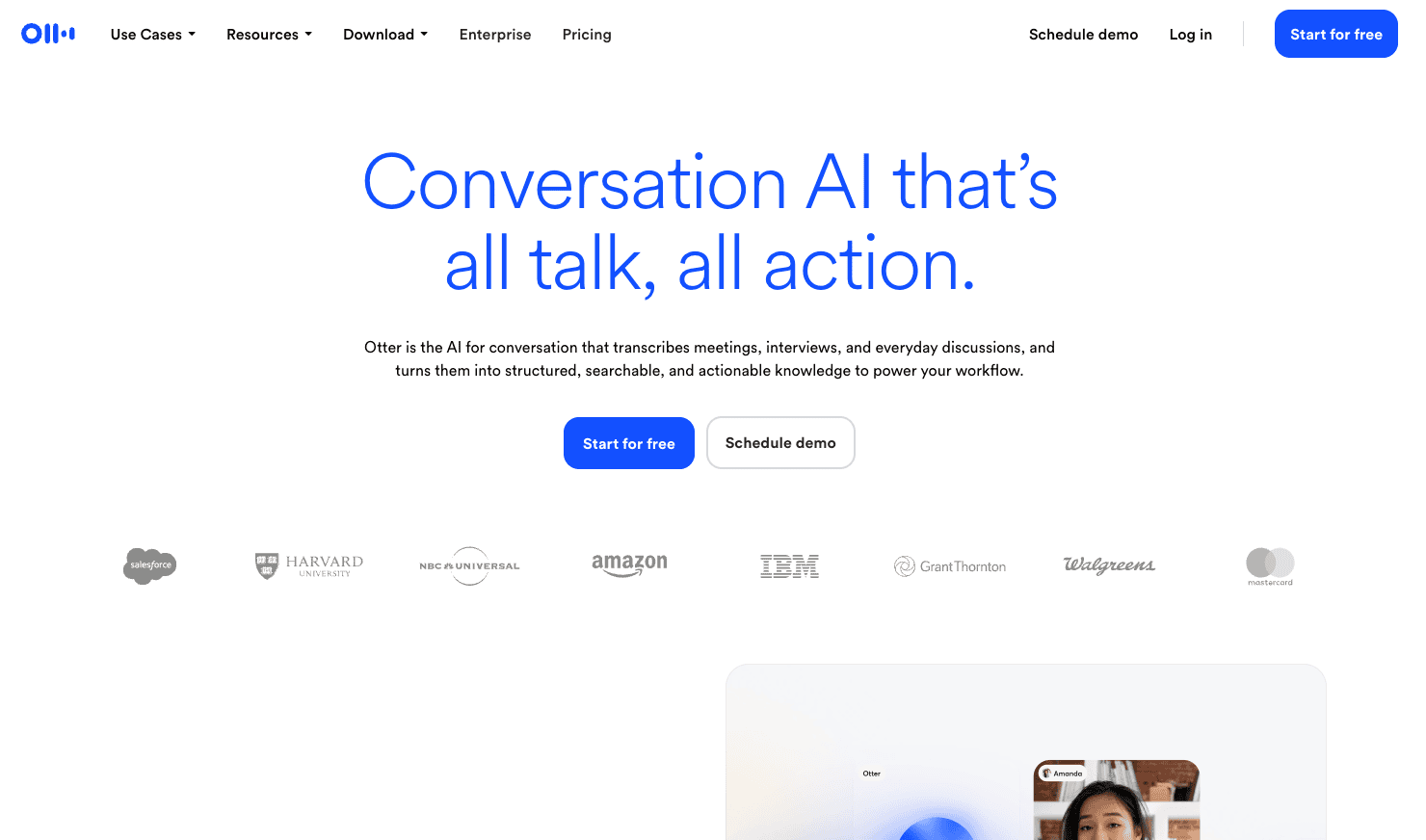
Otter.ai was one of the first companies to turn automatic transcription into a mass-market product, and it remains the most recognizable name in the space. Its core use case is meetings — real-time captions and auto-join for Zoom, Google Meet, and Teams — but the same underlying technology handles long audio and video files, and plenty of creators download YouTube videos and drop them into Otter for transcripts.
Otter's strength is maturity: multi-language support (English, Spanish, French, German, Japanese, and more), speaker identification, searchable archives, and deep integration with enterprise workflows have all been refined over years. The trade-off is a subscription-based pricing structure — if you go over your monthly limit, you upgrade tiers rather than paying flexibly for actual usage.
Core features:
Real-time captions and auto-join for Zoom, Google Meet, and Teams
Multi-language transcription (English, Spanish, French, German, Japanese, and more)
Automatic speaker identification and labeling
Searchable transcript archive with team sharing
Integration with CRM, Slack, and other enterprise tools
Best for: Users whose daily work revolves around meetings and who occasionally need to transcribe YouTube videos — Otter's meeting capabilities (auto-join, real-time captions, speaker ID) are the main event, and YouTube transcription is something you can do on the side without paying for a separate subscription.
Pricing: Free 300 min/mo; Pro ~$16.99/mo (annual ~$8.33/mo, 1,200 min/mo); Business ~$30/mo (annual ~$19.99/mo, 6,000 min); Enterprise custom pricing.
4. VEED.IO
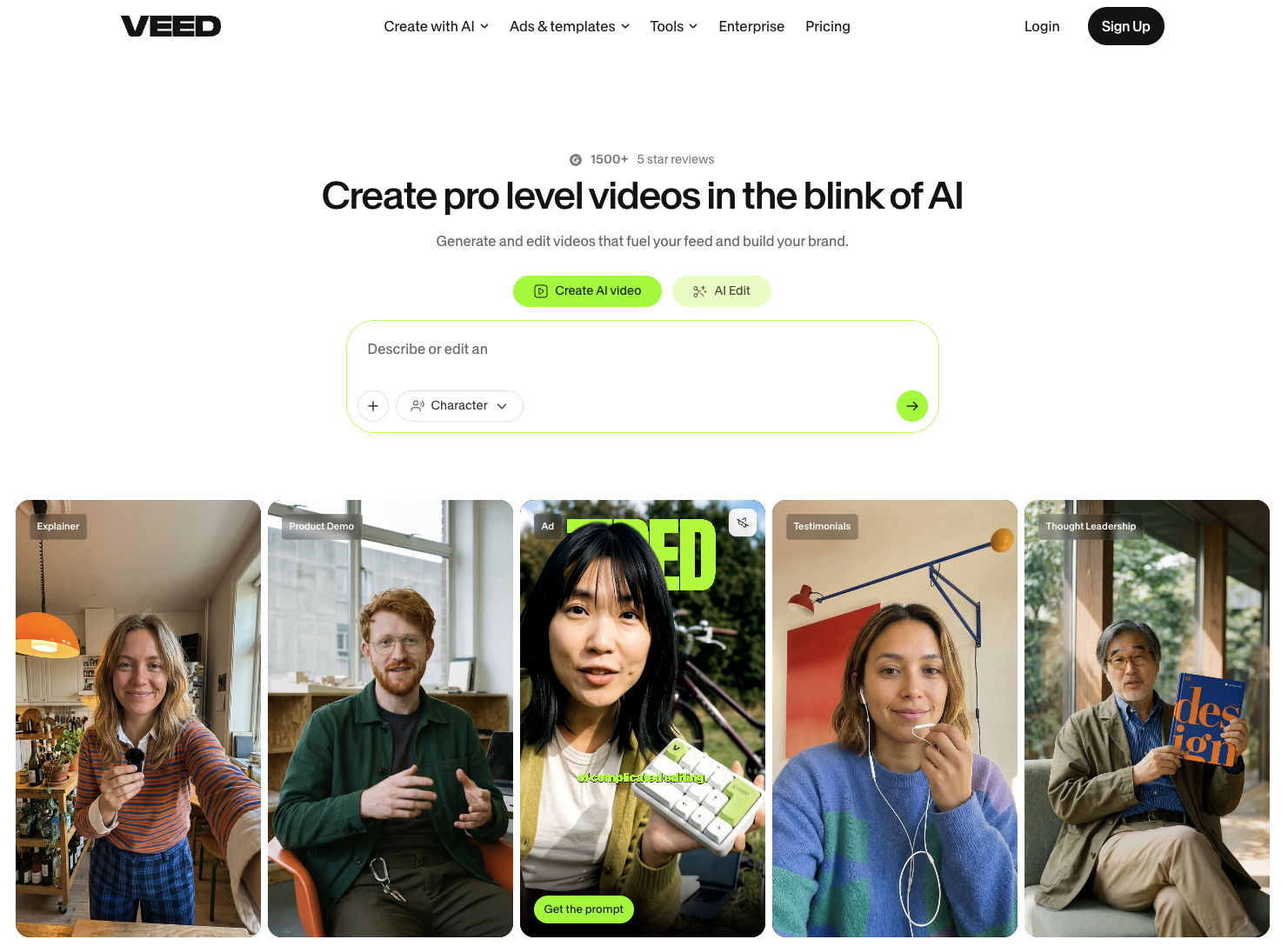
VEED.IO is the online video editor where transcription and subtitles feel the most integrated. It's a browser-based editor with auto-captions and transcript generation as native features: upload a video, get automatic subtitles and a transcript, then translate the subtitles into 125+ languages or use AI dubbing to produce versions in other languages.
If your end goal is subtitling your YouTube videos and creating multi-language versions — not just getting a transcript — VEED combines both into a single tool, saving you from the export-import shuffle between transcription and editing software.
Core features:
In-browser editing, auto-captions, and transcript generation — no software installation needed
Subtitle translation into 125+ languages, AI dubbing in 29 languages
Transcript and subtitle timeline linked — edit the text, and the captions update automatically
4K export (Pro tier) and team collaboration (Studio tier)
Best for: Users whose end goal is adding subtitles and creating multi-language versions of YouTube videos — not just getting a transcript. VEED combines transcription, 125+ language subtitle translation, and AI dubbing in one browser tool, cutting out the "transcribe → export → re-import into editing software for subtitles" pipeline.
Pricing: Free tier (watermarked, 720p export); Creator $20/mo (annual ~$10/mo, 1080p no watermark); Pro $44/mo (annual ~$21/mo, 4K export); Studio $79/mo (annual ~$39/mo); Enterprise custom pricing.
5. Notta
Notta is a well-known multi-language transcription tool with international reach, supporting transcription in 58+ languages and translation across 40+ languages, with full coverage across web, mobile app, and Chrome extension. For teams working with multilingual source material — say, YouTube videos in English, Japanese, and Spanish — Notta's language coverage is its clearest advantage.
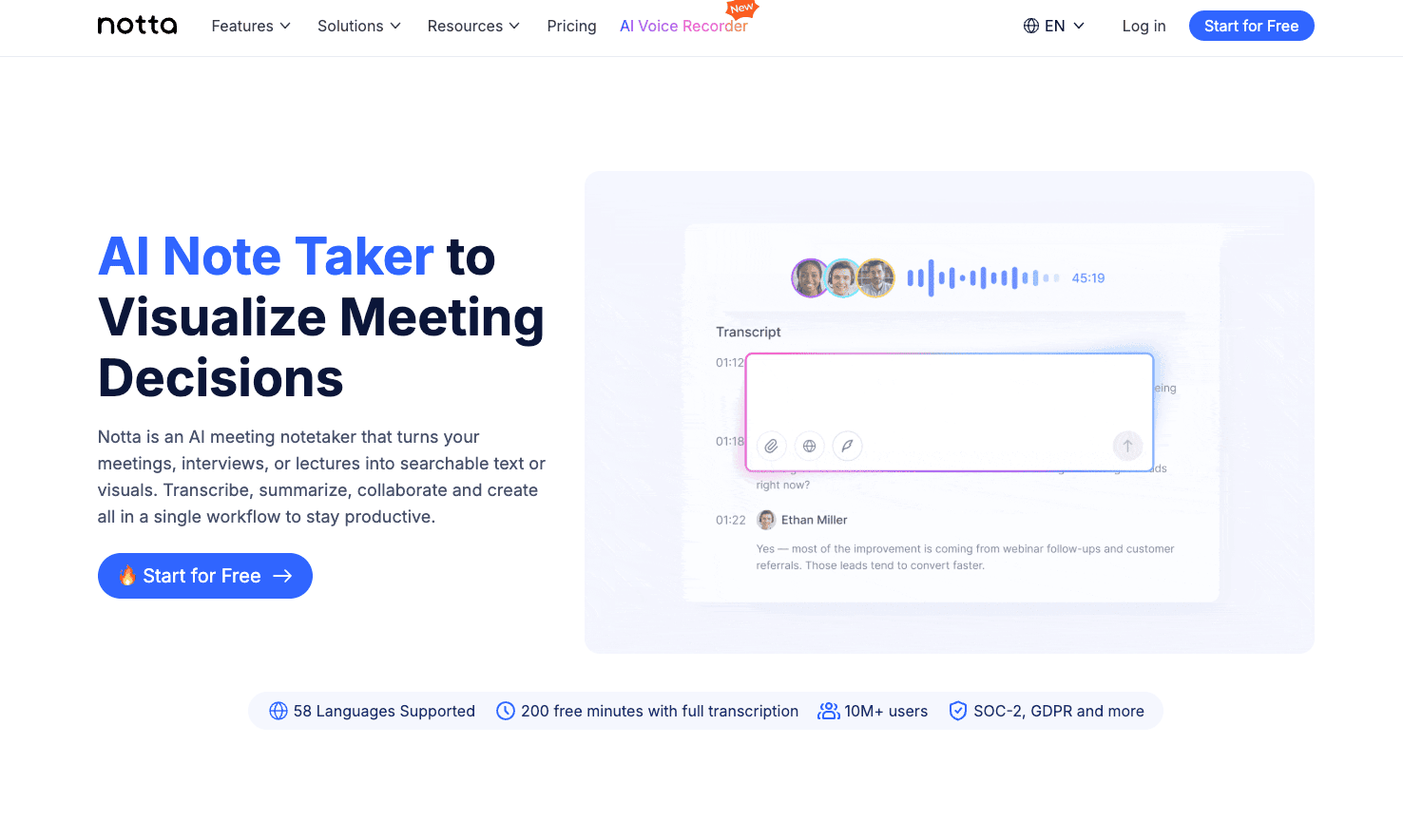
Its usage paths are flexible too: upload audio/video files directly, record and transcribe in real time, or connect to Zoom, Meet, and Teams via meeting bot. Transcripts can be exported as TXT, SRT, or DOCX, with AI summaries included.
Core features:
Transcription in 58+ languages, translation across 40+ languages
Full-platform sync across web, mobile, and Chrome extension
Meeting bot integration with Zoom, Google Meet, and Teams
Transcript export as TXT, SRT, DOCX with AI summaries
Best for: Individual creators or teams whose source material spans multiple languages — say, YouTube videos in English, Japanese, and Spanish. Notta's 58+ language coverage and cross-platform sync mean multilingual users don't need a separate tool for each language.
Pricing: Free 120 min/mo (3-min limit per session); Pro $13.99/mo (annual ~$8.17/mo, 1,800 min/mo); Business $27.99/mo (annual ~$16.67/mo, unlimited minutes); Enterprise custom pricing.
6. HappyScribe
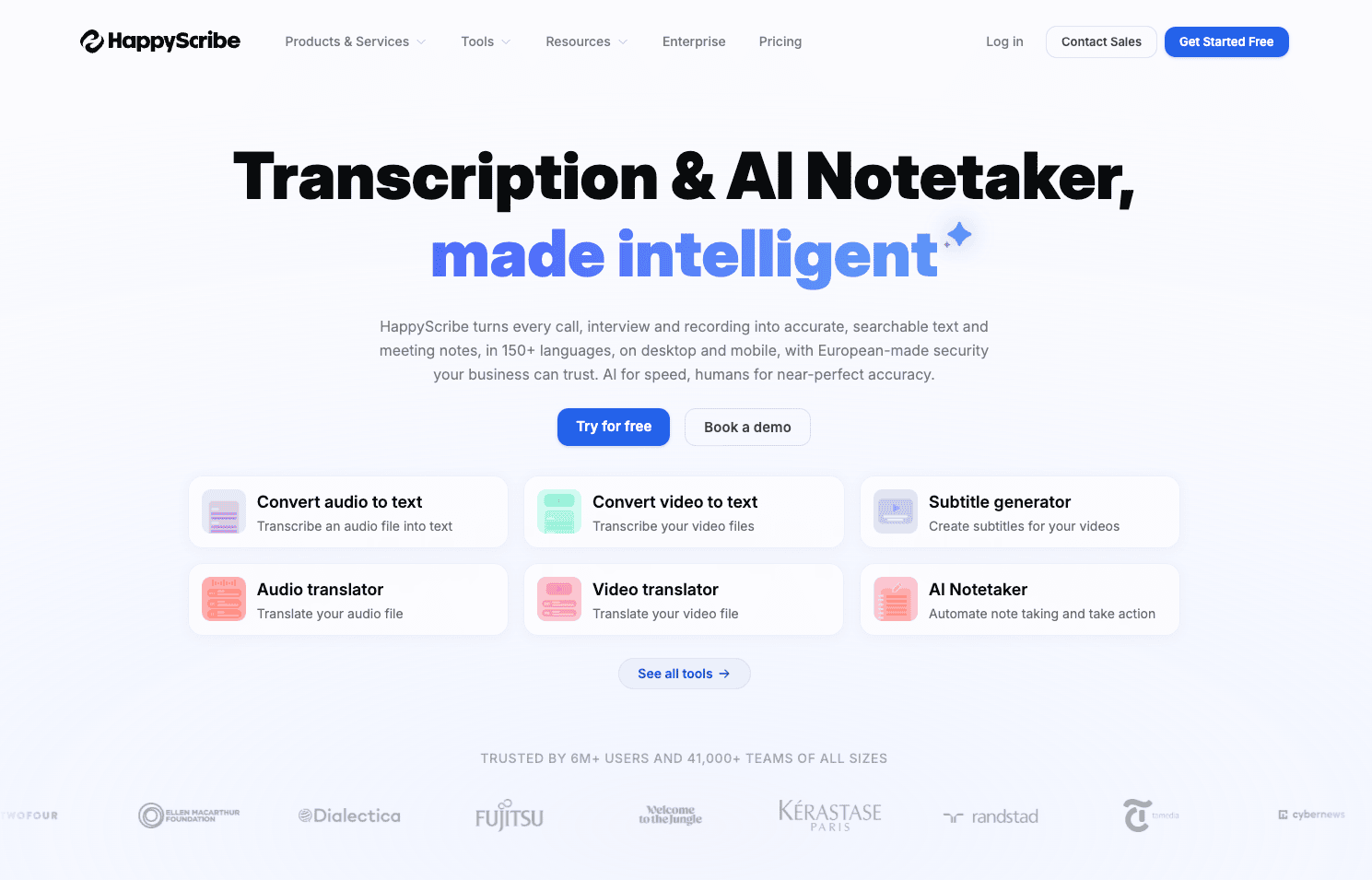
HappyScribe is a veteran European transcription and subtitling service covering 150+ languages, a common choice for multilingual content teams and film/TV subtitle production. Its AI transcription accuracy hovers around 85%, and for use cases that demand higher precision, you can pay extra for human review.
For teams that need multi-language subtitles for YouTube videos, or whose source material involves less common languages, HappyScribe's language coverage is its clearest advantage over the other tools on this list.
Core features:
AI transcription in 150+ languages
Optional paid human transcription and review
Subtitle generation with multi-format export (SRT, VTT, and more)
Batch processing for large volumes of audio and video files
Best for: Multi-language subtitle production teams working with less common languages — HappyScribe's 150+ language coverage and optional human review make it a go-to for film subtitles, documentary transcription, and similar use cases, especially when the source material is in a language where AI base accuracy falls short and you can add human review.
Pricing: Free 10-min trial; Basic $17/mo (annual $8.50/mo, $102/yr, 120 AI min); Pro $29/mo (annual $19/mo, 600 min); Business $89/mo (annual $59/mo, 6,000 min); overage AI transcription ~$0.20/min; human transcription from ~$2/min.
7. Rev
Rev is the standard-bearer for the "AI + human" hybrid transcription model — early to market, with a reliable reputation. Its core selling point: when accuracy requirements are extreme — legal records, medical interviews, investigative journalism that needs word-for-word verification — AI transcription alone isn't enough, and you can purchase human transcription from professional transcribers.
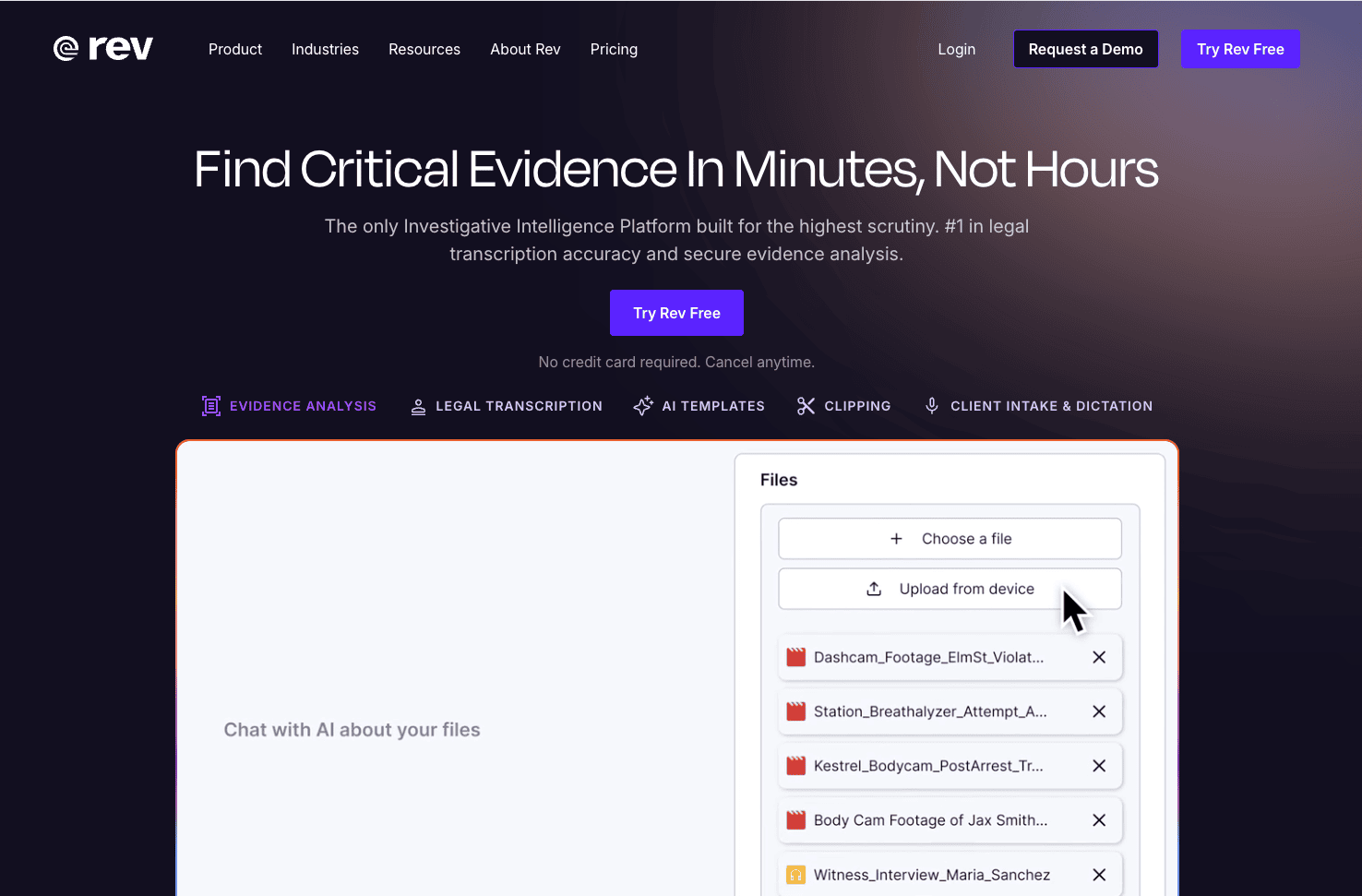
For YouTube-to-text specifically, Rev is better suited to professional content where transcript accuracy is non-negotiable (like in-depth investigative videos) rather than daily uploads where speed and cost are the priority. Rev's AI transcription is subscription-based, starting at 5,000 minutes/month on the Essentials plan and scaling to 10,000 minutes/month with 37+ languages on Pro — designed for teams with consistent monthly volume.
Core features:
AI transcription with subscription-based monthly quotas (Essentials 5,000 min/mo, Pro 10,000 min/mo)
Human transcription and review for high-accuracy professional use cases, billed per minute
Caption and subtitle translation services (17 languages)
API available for embedding into your own product workflows
Best for: Professional content where transcript accuracy is a hard requirement — legal records, medical interviews, in-depth investigative reporting. In these scenarios, AI transcription doesn't reach 100% accuracy, and human review is the safety net. Rev's AI + human hybrid model lets you switch between modes on the same platform instead of managing two separate vendors for different accuracy needs.
Pricing: Free 45 min/mo; Essentials $25.49/seat/mo (annual, monthly $29.99, 5,000 min/mo); Pro $47.99/seat/mo (annual, monthly $59.99, 10,000 min/mo, 37+ languages); Enterprise custom pricing. Human transcription billed separately, from ~$1.50/min.
8. NoteGPT
NoteGPT is the most "YouTube-native" lightweight tool on this list: a browser extension that, on any YouTube video, generates a summary, full transcript, and mind map in one click. Its mechanism is clever — when the video already has captions, it works directly from those, which is fast and barely consumes quota; only when captions are absent does it run AI transcription.
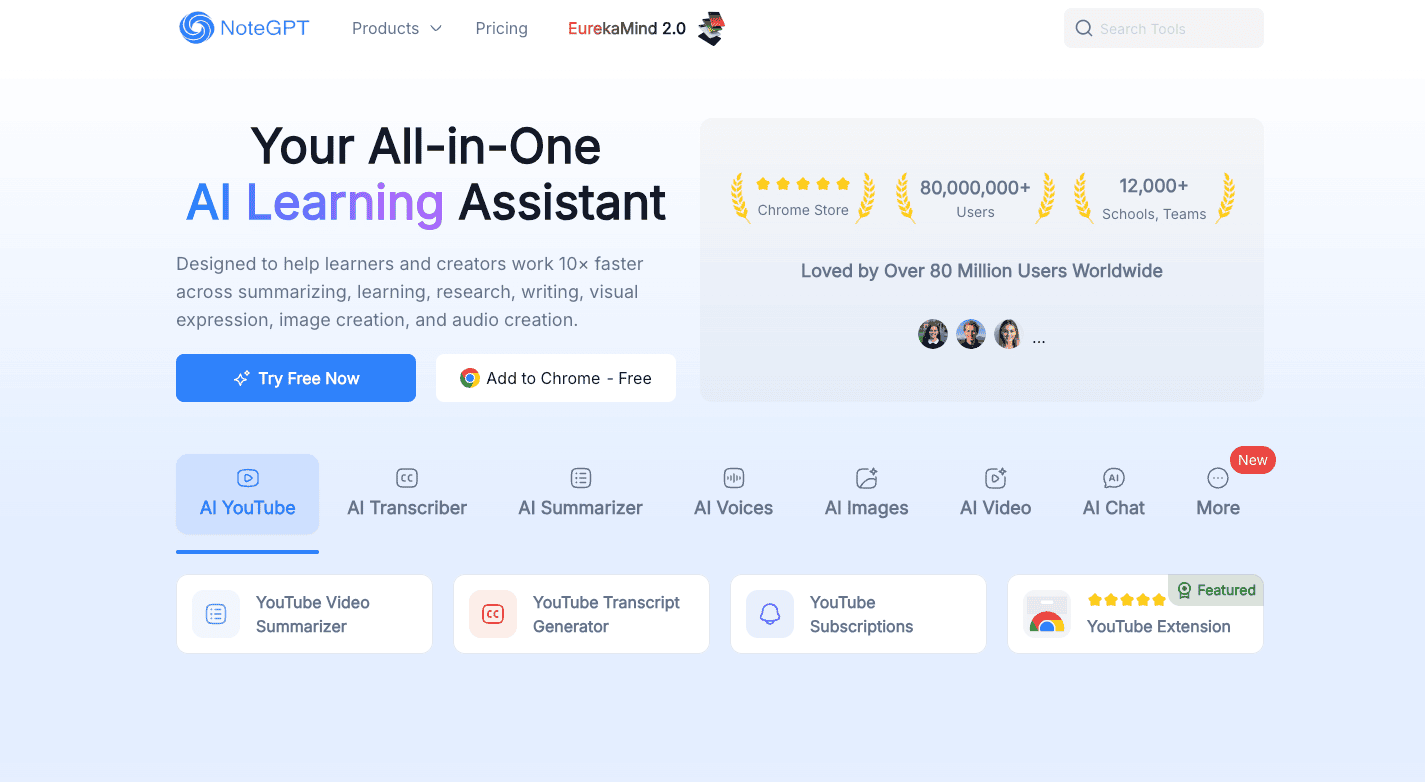
For students, researchers, and anyone who just wants to know "what did this 40-minute video actually say," NoteGPT has the lowest barrier to entry of any option here. It's positioned as a quick video-to-text tool — a "video speed-reader," not a professional transcription platform — a "video speed-reader," not a professional transcription platform, so don't expect timestamp precision or speaker identification at a professional level.
Core features:
One-click summary, transcript, and mind map generation right on the YouTube page
Caption-based processing for videos with existing subtitles — fast and quota-efficient
AI Q&A — ask questions directly about the video content
Chrome extension for instant use, also supports uploading local audio/video files
Best for: Students and researchers — open a YouTube video, click the extension, and get a summary and full transcript in seconds, no downloading or tool-switching required. NoteGPT is fundamentally a "video speed-reader," ideal for clearing your Watch Later list and deciding whether a video is worth watching in full, rather than pursuing word-for-word transcription accuracy.
Pricing: Free 15 quotas/mo; Pro ~$9/mo , 1,000 base quotas, unlimited processing for YouTube videos with existing captions.
Final thoughts
By 2026, YouTube-to-text tools have split into two clear lanes: one serving the "viewer," focused on extracting the same information density in less time; the other serving the "creator," focused on automating everything that comes after transcription. Platforms like Kollab, which embed transcription inside a larger workflow, are trying to connect both lanes — transcription isn't the endpoint, it's the starting point for research and content production.
Which one you pick depends on where you sit on that chain. If you just want to clear your Watch Later list and catch the key points, a lightweight tool like NoteGPT is enough. If you need professional-grade accuracy, Rev and HappyScribe are the safer bets. If transcription is followed by writing, research, and producing derivative content in multiple formats, a workspace that connects transcription to everything downstream — like Kollab — will save you a remarkable amount of time switching between tools. Nearly every tool on this list has a free tier. Run one of your own real videos through it — that'll tell you more than any review ever will.