Account
Updated Account Record
- Pain Points and Buying Trigger
- Decision Criteria
- Deal Risk

Turn demo recordings and discovery calls into Account Notes, revenue opportunities, Objection Logs, Follow-Up Emails, Next Steps, and database updates.
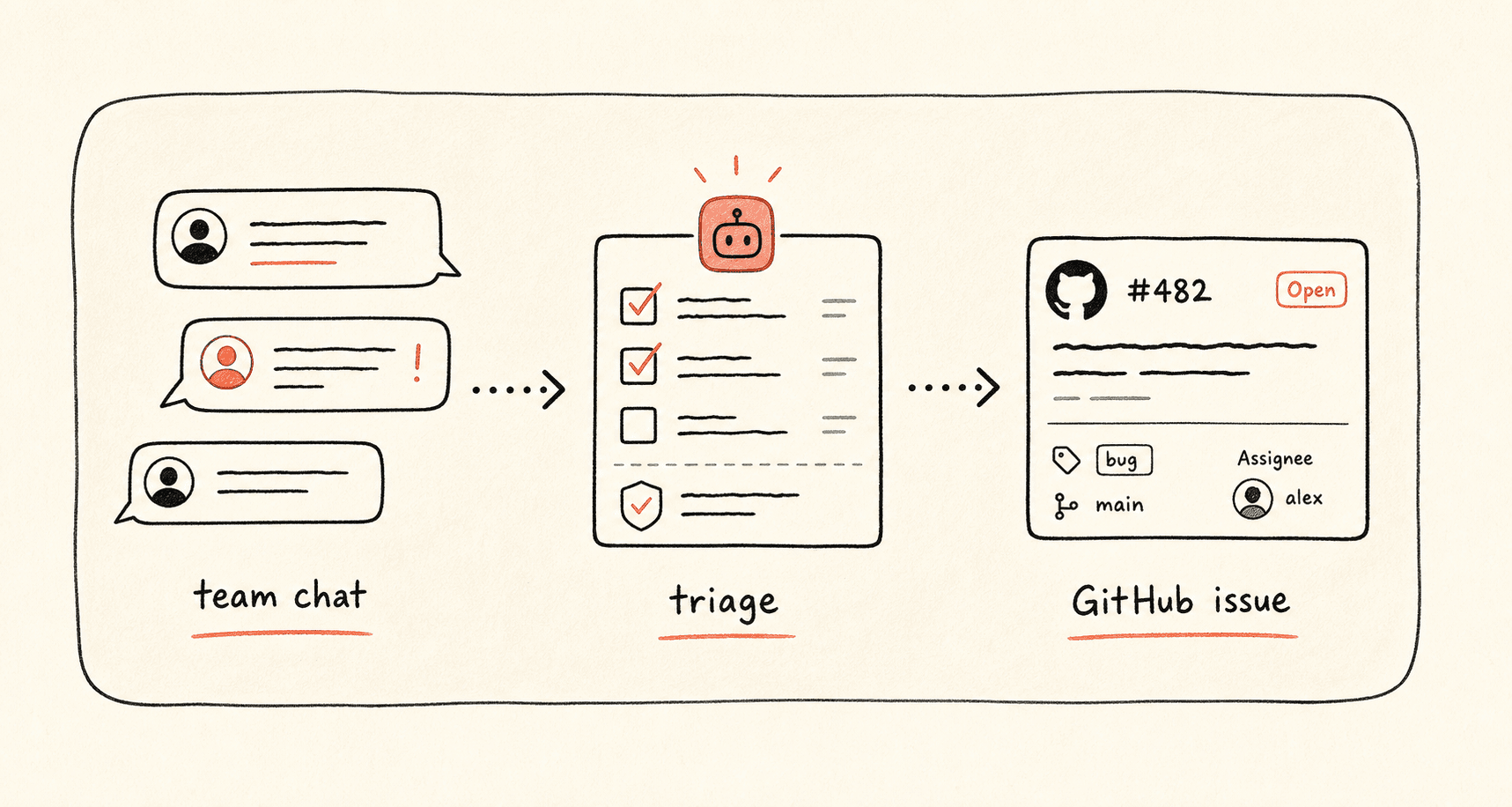
Sales follow-up is fragile when Call Notes, Objections, revenue signals, Next Steps, and customer context are scattered. Kollab turns the meeting audio into a structured Account Update and drafts a Follow-Up Email that stays specific to what the buyer actually said.
This page is different from customer-call insights: sales follow-up optimizes the next buyer action, while customer insights optimize the product feedback loop.
Use it after demos, discovery calls, renewal calls, procurement reviews, or founder-led sales conversations. The database acts like a lightweight CRM when your team runs pipeline work from a shared workspace table.
Read through the workflow once, then swap in your own roles, sources, and outputs.
Kollab turns demo or discovery audio into a searchable Transcript linked to the account record.
The agent captures Pain Points, Buying Triggers, Objections, Competitors, Timeline, Decision Criteria, and Expansion Signals.
Kollab writes a specific Follow-Up Email and Internal Account Brief using customer wording, Next Step Evidence, and Revenue Opportunity evidence.
The account database receives Next Step, Owner, Deal Risk, Revenue Opportunity, Objection Log, and Follow-Up Review State.
Create a sales follow-up workflow from this meeting recording.

Inputs:
- Meeting audio or Transcript: [link or upload]
- Account: [company / contact]
- Deal stage: [discovery / demo / negotiation / renewal]
- Product: [product or plan]
- Account database: [Notion / Buildin database link]

Database fields:
- Account
- Contact
- Meeting Date
- Source Audio
- Transcript
- Pain Points
- Buying Trigger
- Objections
- Competitors Mentioned
- Decision Criteria
- Next Step
- Owner
- Follow-Up Email
- Internal Account Brief
- Deal Risk
- Revenue Opportunity
- Expansion Signal
- Pricing Concern
- Opportunity Value
- Next Commercial Action

Please:
1. Transcribe the meeting and extract Buyer Pain Points, Objections, Decision Criteria, Timeline, and Next Step.
2. Update the Account Record with Exact Quotes when they matter.
3. Draft a Follow-Up Email that references the customer's words, confirms the Next Step, and avoids generic sales language.
4. Create an Internal Account Brief for the team with Risks, Opportunity, Stakeholders, and suggested Follow-Up Tasks.
5. Add an Objection Log with response ideas and Evidence Needed.
6. Identify Expansion Signals, Pricing Concerns, renewal risk, and the Next Commercial Action. Do not invent a Revenue Opportunity without meeting evidence.
7. Mark unclear commitments or sensitive claims as Needs Review before sending anything.
Kollab makes the follow-up specific and keeps the account record current.
| Manual sales follow-up | With Kollab | |
|---|---|---|
| Call context | The rep writes notes from memory after the next call begins. | Transcript, Buyer Quotes, Objections, and Timeline stay attached to the Account. |
| Email draft | Follow-Up Emails become generic and miss the buyer language. | The Email references exact Pain Points, Decision Criteria, and agreed Next Steps. |
| Team handoff | CS, founder, or solutions teams do not know what was promised. | An Internal Account Brief captures Risks, Stakeholders, and Follow-Up Tasks. |
| Pipeline hygiene | CRM-style fields go stale. | Next Step, Owner, Risk, Revenue Opportunity, and Objection Log are updated from the call. |
| Total time | A loose email and stale notes | A current account record and review-ready follow-up |
The output should help the rep follow up and help the team understand the account.
Account
Team
Revenue
Follow the related capability pages to see which product layers and tools make this use case repeatable for a team.
Turn demo recordings and discovery calls into Account Notes, revenue opportunities, Objection Logs, Follow-Up Emails, Next Steps, and database updates.
Copy the setup prompt into Kollab, replace the placeholders with your team context, then run it as a reviewable task in your workspace.
An updated Account Record with Transcript, Pain Points, Objections, Decision Criteria, Revenue Opportunity, Follow-Up Email, Internal Brief, Next Step, Owner, and Deal Risk.
No. The workflow is designed to produce reviewable drafts, briefs, artifacts, or database updates first, so your team can approve the result before anything is published or changed.
Turn sales recordings into specific emails, Account Notes, revenue opportunities, and next-step Ownership.
Run →