Sources
Fixture and asset control
- Verified schedule notes
- Poster and bracket tasks
- Timezone and rights checks

Use Kollab Agent tasks to connect World Cup schedule assets, match-day captions, newsletters, and campaign briefs in one reviewable workflow.
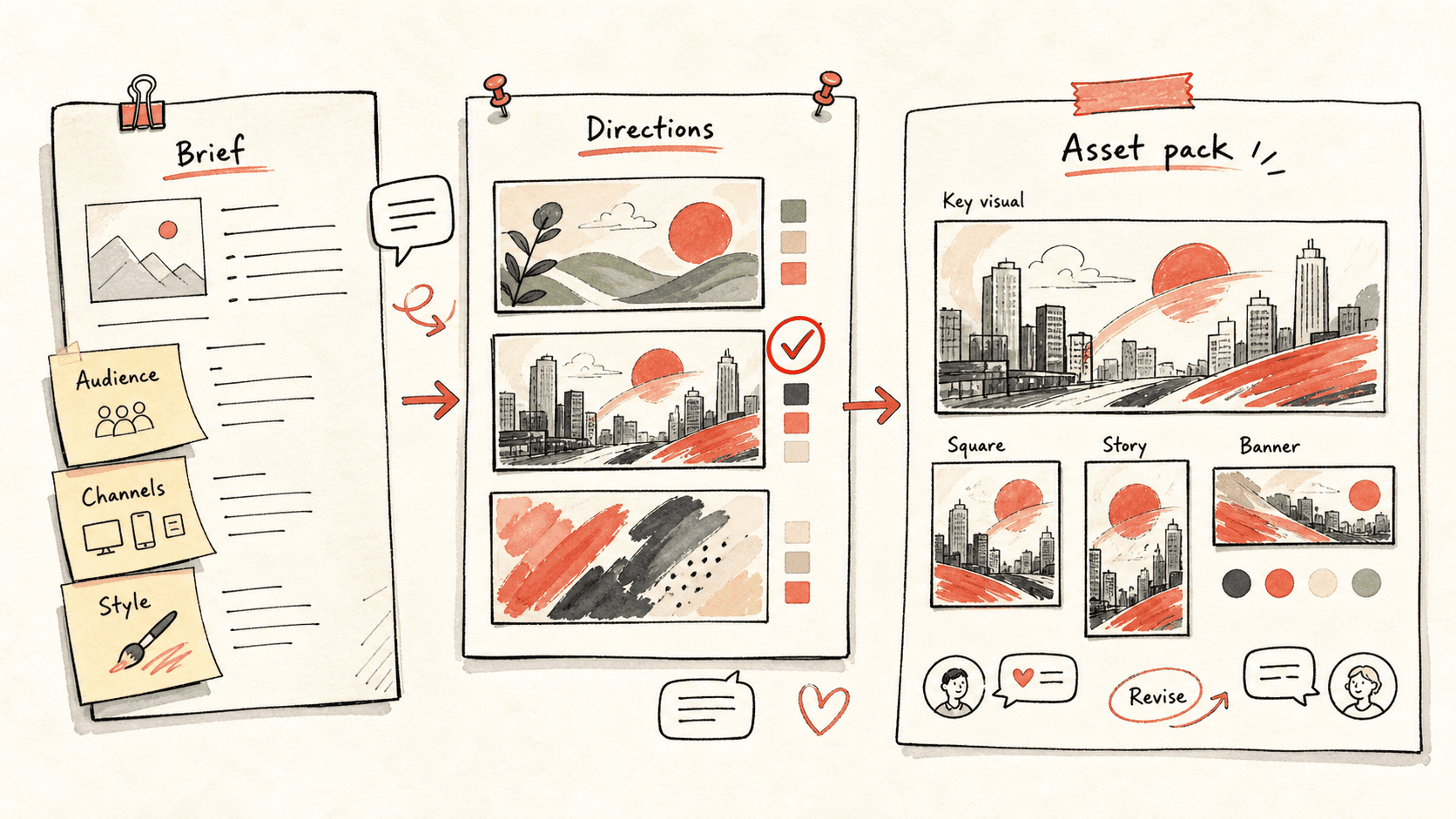
The World Cup creates too many moments for a small team to improvise every day. Kollab turns verified fixture notes, teams, match windows, channels, and campaign goals into an Agent workflow with schedule assets, drafts, owners, review notes, and follow-up tasks.
Use this workflow when you want to ride the World Cup trend without building a live sports data product or scattering posters, captions, approvals, and recap briefs across disconnected tools.
Read through the workflow once, then swap in your own roles, sources, and outputs.
Kollab starts from verified schedule notes, teams, audience, channels, language needs, tone, capacity, and known match windows.
The Agent can branch fixture inputs into posters, brackets, social cards, match previews, recaps, and evergreen explainers.
Each item gets an angle, hook, outline, owner, reviewer, publish window, and risk note before anyone starts posting.
Fact-sensitive posts stay flagged for score checks, image rights, sponsor review, or final human judgment, and nothing publishes automatically.
I want to plan a World Cup content calendar in Kollab.

Campaign context:
- Brand or creator account: [name]
- Audience: [fans, founders, students, local community, customers]
- Target regions and languages: [US, Mexico, Brazil, UK, China, Japan, Korea]
- Teams or storylines to follow: [teams, players, host cities, underdog stories]
- Channels: [X, Instagram, TikTok, LinkedIn, newsletter, blog]
- Weekly capacity: [number of posts, videos, emails, or articles the team can review]
- Tone: [analytical, playful, local, educational, brand-safe]
- Key dates or matches we already care about: [dates / fixtures]

Please create a World Cup Agent content workflow:
1. Preserve the fixture source notes and mark anything that still needs official schedule verification.
2. Create schedule asset tasks for posters, brackets, social cards, and printable PDFs where useful.
3. Group campaign work into pre-match, live-reaction, post-match, recap, and evergreen education moments.
4. Choose a realistic weekly plan based on capacity. Do not fill every day if the team cannot review it.
5. For each planned item, write the channel, angle, hook, draft outline, asset needs, owner, reviewer, publish window, and risk notes.
6. Mark posts that require human fact-checking, score updates, image rights review, or sponsor approval before publishing.
7. Create reusable prompt templates for schedule posters, match previews, final whistle reactions, player storylines, group-stage explainers, captions, and recap newsletters.
8. Leave a review summary that shows what should be drafted now, what should wait for match results, and what should be paused.
9. Do not publish automatically. The goal is a review-ready World Cup Agent operating plan.
Kollab helps a team use World Cup attention without turning every fixture, post, caption, and approval into last-minute content chaos.
| Manual planning | With Kollab | |
|---|---|---|
| Source control | Copy fixture notes into designs, docs, and captions until nobody knows which source was checked. | Keep fixture notes, poster tasks, captions, and review flags connected inside the same Agent workflow. |
| Moment selection | React to whatever is trending and forget evergreen angles. | Group match moments, host stories, team narratives, and educational posts into a balanced plan. |
| Capacity | Overfill the calendar because every match looks important. | Choose a weekly plan the team can actually draft and review. |
| Review | Publish from memory and fix risky wording later. | Flag facts, scores, image rights, and sponsor-sensitive ideas before publishing. |
| Reuse | Rewrite the same poster, match preview, caption, and recap prompts from scratch. | Keep reusable prompt templates for posters, previews, reactions, captions, recaps, and newsletters. |
| Total time | Reactive posting | Reviewable Agent workflow |
The output is an Agent workflow your team can review before match-day pressure hits.
Sources
Calendar
Drafts
Templates
Follow the related capability pages to see which product layers and tools make this use case repeatable for a team.
Use Kollab Agent tasks to connect World Cup schedule assets, match-day captions, newsletters, and campaign briefs in one reviewable workflow.
Copy the setup prompt into Kollab, replace the placeholders with your team context, then run it as a reviewable task in your workspace.
A World Cup Agent operating plan with fixture source notes, schedule asset tasks, weekly priorities, channel-specific briefs, reusable match-day prompt templates, owner and reviewer fields, and a review summary for the next content sprint.
No. The workflow is designed to produce reviewable drafts, briefs, artifacts, or database updates first, so your team can approve the result before anything is published or changed.
Use Kollab to turn fixture notes, storylines, match windows, and channel goals into a reviewable Agent workflow.
Run →