How to Convert Any YouTube Video or Podcast to Text with AI (Complete 2026 Workflow)
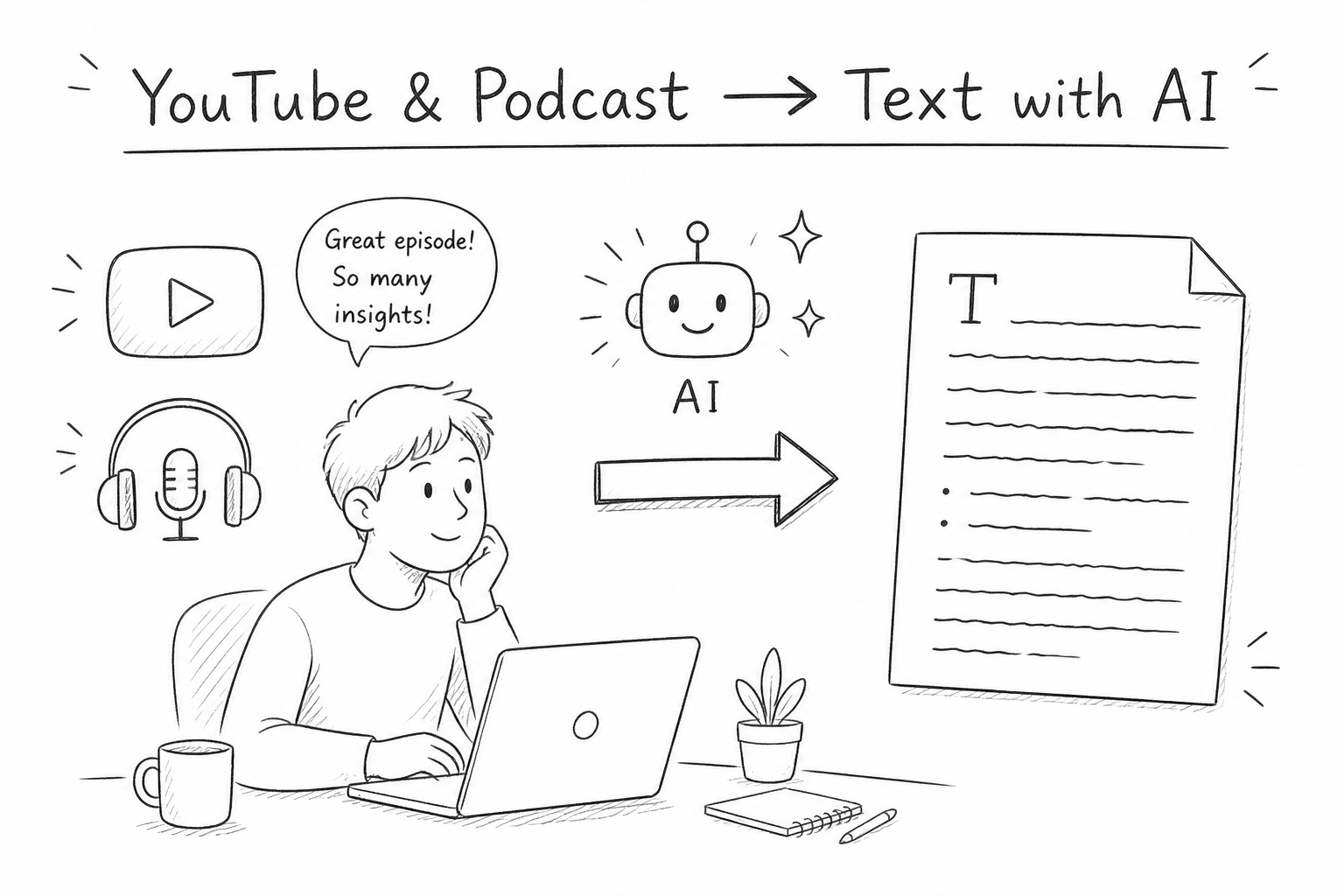
Convert YouTube videos and podcasts to text with AI in minutes. Read 3× faster, extract key insights, and finally clear your Watch Later list.
How many of the videos and podcasts you've saved do you actually watch or listen to all the way through?
Your Bookmarks Are a Lie
Open your YouTube "Watch Later" list.
How many videos are in there?
Probably quite a few. Some you saved thinking "this looks useful, I'll get to it later" — and then never opened again. Podcasts work the same way. You subscribe to a bunch, but actually finish only a handful.
It's not that you don't want to watch. You just don't have the time.
Or rather, you're not willing to spend that much time on it. A 45-minute video means sitting in front of a screen for 45 minutes. A 60-minute podcast means waiting through the whole thing from start to finish, linearly. You can't easily skip around because you don't know which parts matter, so you just sit and wait.
This way of consuming content is actually pretty inefficient.
From "Media Consumption" to "Information Extraction"
I recently switched to a different approach: converting videos and podcasts to text and reading them instead.
The logic is simple: reading is much faster than listening or watching. The same content typically takes only a third to a quarter of the time to read. You can stop at important passages, skip the parts that aren't useful, and copy anything you want straight into your notes.
This works for most "people talking" content — YouTube tutorials, interviews, TED Talks, podcasts, industry roundtables, pretty much all of it. The exception is step-by-step visual demonstrations, where you genuinely need to watch the screen to follow along — but in those cases, the transcript doesn't matter anyway.
I tried it for two months. The results were better than I expected.
What Using Kollab Actually Looks Like
Kollab is an AI work platform that combines conversation, writing, data analysis, content processing, and more. Rather than being a general-purpose chat box, the idea is to package different workflows as specific skills — whatever you need, just call the corresponding skill.
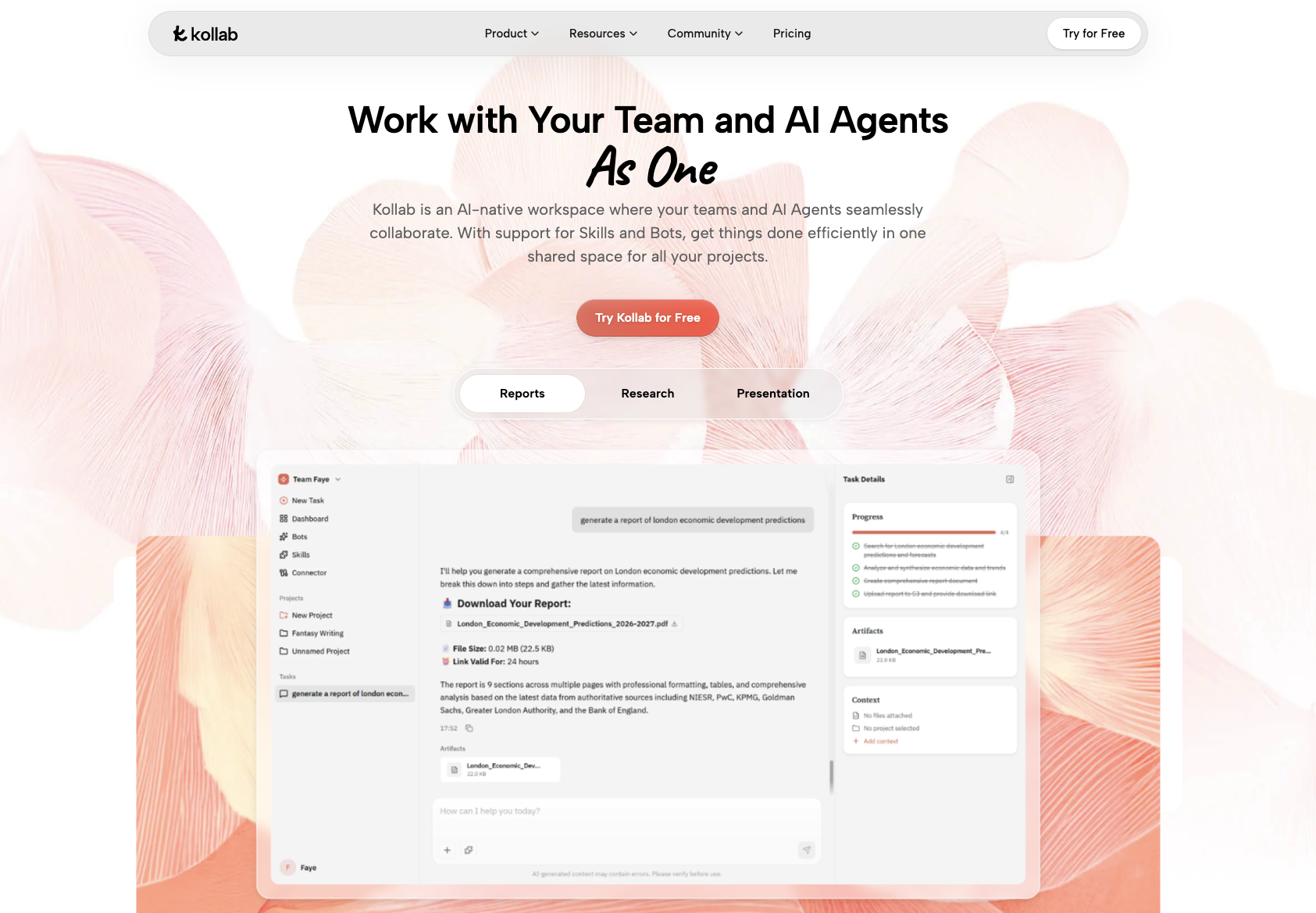
One of those skills handles external content: paste a link from YouTube, Spotify, Apple Podcasts, or similar platforms directly in, and Kollab automatically identifies the source, extracts the audio, and completes the transcription — returning a complete timestamped transcript. No plugins to install, no files to download ahead of time.
The workflow is direct: copy the link, paste it into Kollab's YouTube transcript extractor, wait a few minutes, and get the text.
Here are two real examples.
First, a YouTube video.
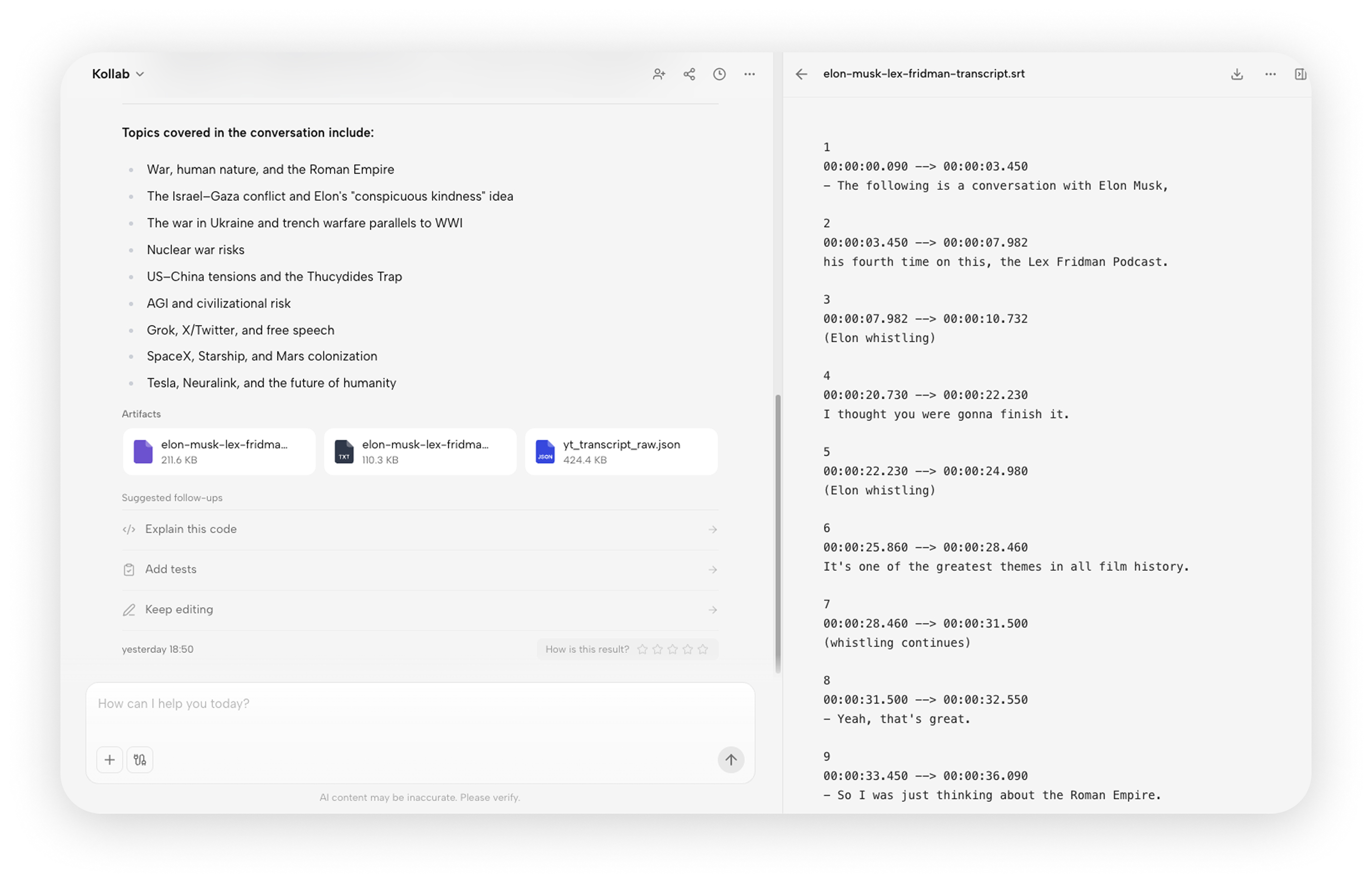
This is a Lex Fridman and Elon Musk interview — three hours long, with views crossing ten million shortly after release.I pasted the link into Kollab's Social skill, and the full timestamped transcript came back in a few minutes. No downloads, no setup.
Second, a podcast.
This is a Huberman Lab episode on sleep and improving alertness. Hosted by Andrew Huberman, it's one of the most-played podcast episodes on Spotify globally, with tens of millions of listens.Same process: paste the link, and Kollab pulls the transcript automatically.
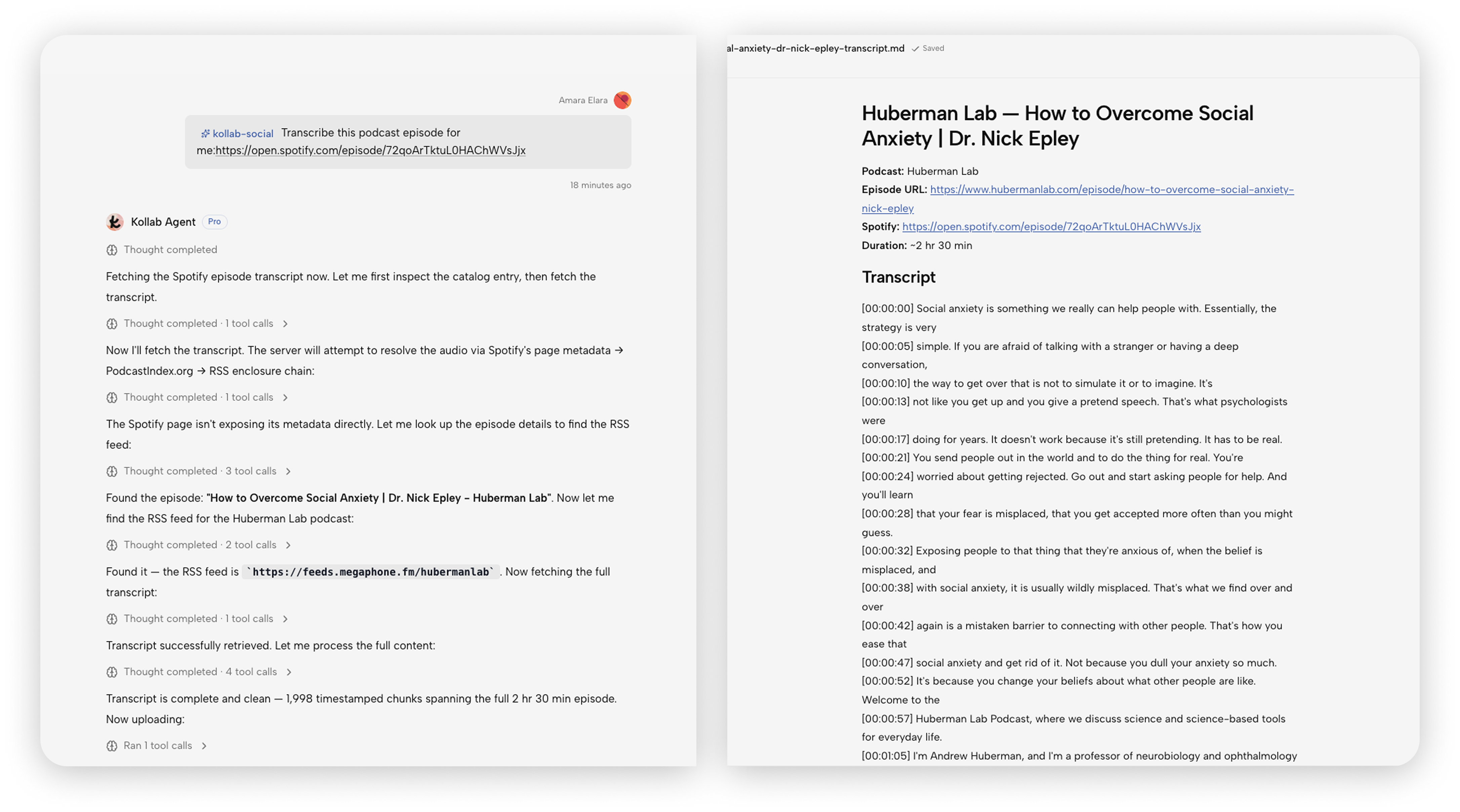
Both types of content follow exactly the same process. YouTube, Spotify, Apple Podcasts — just paste the link.
Who This Method Works For
It's well-suited for anyone who needs to extract information from large amounts of content: people doing research, writing content, tracking industry trends, or needing to turn meeting recordings into documents.
It's not the right fit if you listen to podcasts mainly for relaxation and company, or if the value of a video is inherently in the visuals — in those cases, the text version loses most of what makes it worth consuming.
An Unexpected Discovery
After converting a large volume of podcasts and videos to text and reading them in bulk, I noticed something interesting.
A lot of creators are saying the same thing.
Same ideas, same examples, same conclusions — just packaged differently. If you listen episode by episode at normal speed, you may never notice how much repetition is out there. But when all the content becomes searchable text, you can immediately see the difference in information density and quality.
It gave me a much clearer sense of what content is actually worth reading carefully.
Take Action
If your "Watch Later" list has ten videos in it right now, here's my suggestion:
Don't watch them one by one. Convert them all to text, spend an afternoon reading through them, take your notes, and clear the list.
The results will be better than you expect.