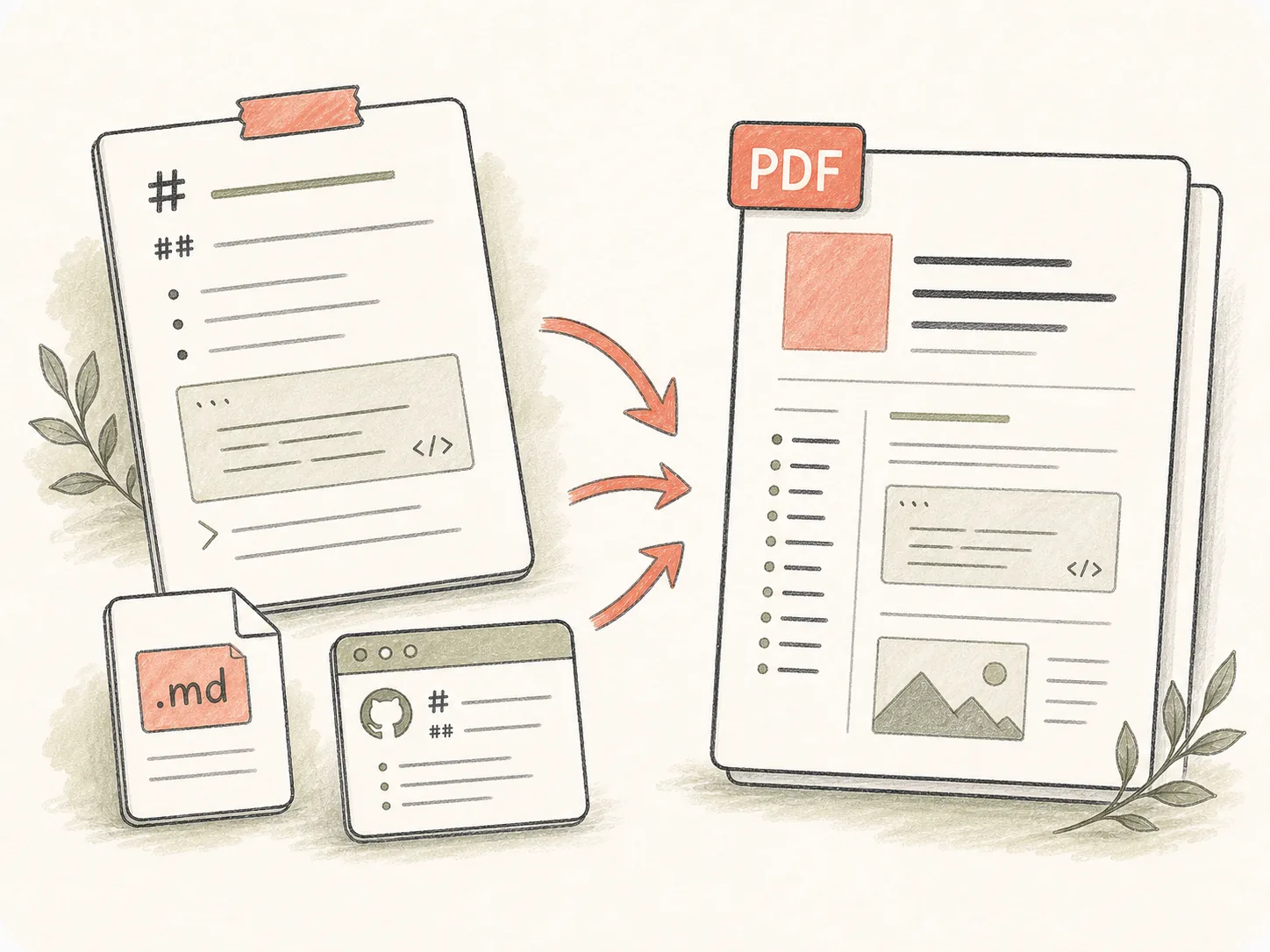
Start with real Markdown source
Paste a draft, upload a .md file, or paste README / Obsidian-style Markdown so the task starts from concrete content instead of a vague conversion request.
Paste Markdown text or upload an .md or .markdown file. Kollab starts an online MD to PDF task for GitHub README files, Obsidian notes, technical docs, reports, code blocks, tables, tables of contents, and downloadable PDF files.
Move from raw Markdown, MD files, READMEs, Obsidian notes, and technical specs to a PDF that can be reviewed, revised, and shared with the source context still attached.
Paste a draft, upload a .md file, or paste README / Obsidian-style Markdown so the task starts from concrete content instead of a vague conversion request.
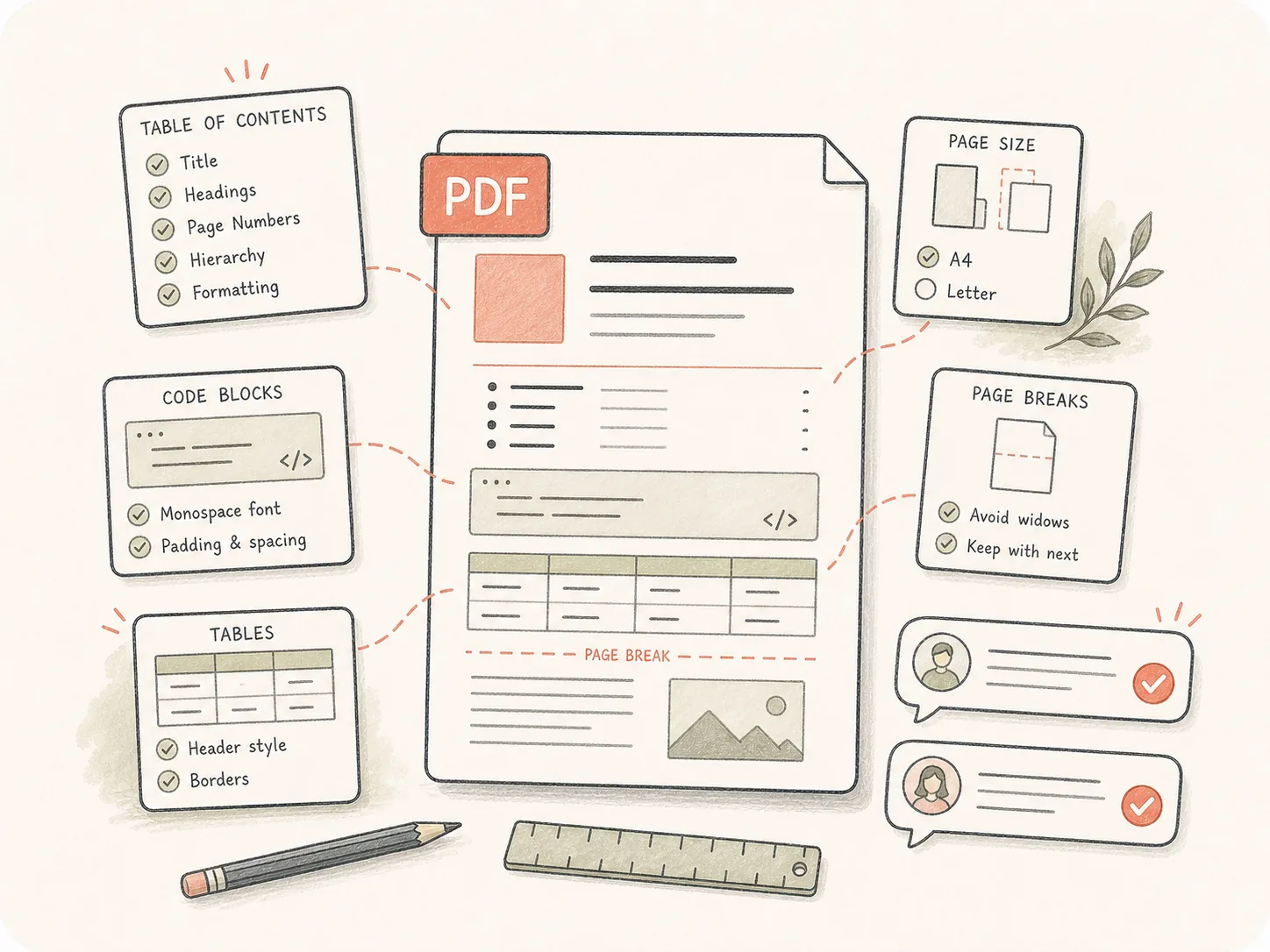
Specify page size, cover page, table of contents, headers, footers, code styling, table layout, citations, and language requirements before the Agent builds the document.
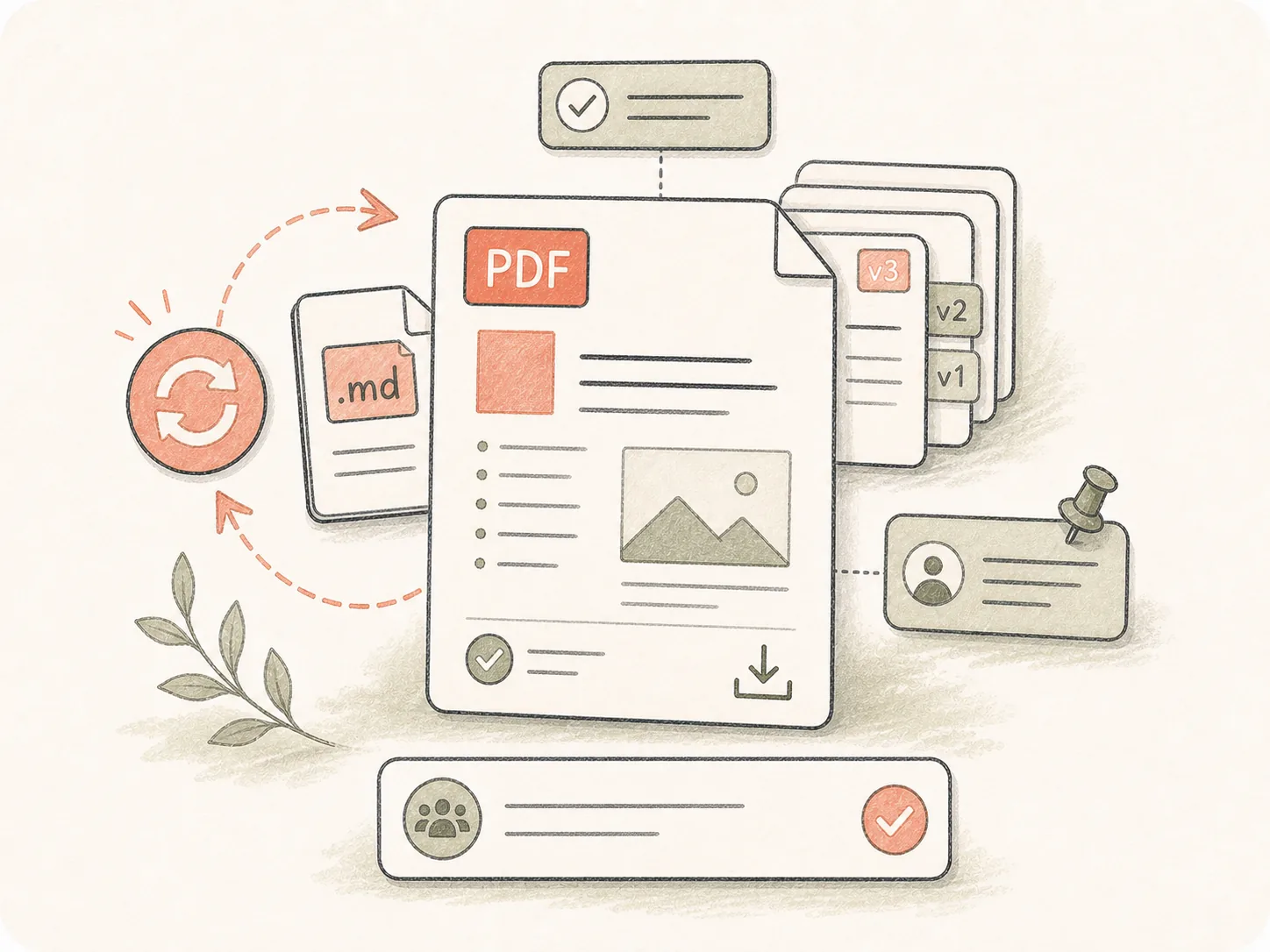
The exported PDF stays in the Kollab task with the original brief, so teammates can request layout fixes, copy edits, or a fresh export without losing context.
Turn Markdown drafts, MD files, README content, and structured notes into polished PDF files while keeping formatting decisions in the same task.
Paste Markdown text or upload a .md / .markdown file.
Add formatting and PDF delivery requirements.
Kollab opens with the conversion task prepared.
Review the PDF or ask Kollab to adjust the layout.
Use it when the source is lightweight Markdown but the final deliverable needs to be stable, formatted, searchable, and easy to share.
Turn Markdown research into client-ready PDF reports.
Export GitHub READMEs, specs, and docs with readable code blocks and tables.
Convert linked notes, outlines, and internal knowledge docs into clean PDFs for review or sharing.
Ask Kollab to preserve heading hierarchy, table layout, links, code fences, and table of contents structure.
It is a Kollab tool page for turning pasted Markdown text or an uploaded MD file into a downloadable PDF. You can include layout instructions before the conversion starts.
You can start from this free tool page and send a Markdown-to-PDF conversion into Kollab. Usage limits and advanced workspace features depend on your Kollab plan.
Paste Markdown text above, or switch to Upload Markdown file and choose a .md / .markdown file, then submit the conversion. Kollab opens a task, starts the conversion, and creates a downloadable PDF.
Yes. Upload a .md or .markdown file and add any PDF requirements such as page size, cover page, table of contents, headers, footers, or code styling.
Yes. Use the paste tab for Markdown text, short docs, README sections, or notes. Kollab turns the pasted text into a temporary Markdown file so the task can avoid long URL limits and still create a PDF artifact.
Yes. Paste the Markdown text or upload the file from the tool. Add a short note if the PDF should preserve code fences, tables, links, images, headings, or page breaks.
Yes. Kollab can keep fenced code blocks, table layout, headings, links, and images in the conversion brief. For technical docs, mention the programming languages, table width constraints, page size, and whether long tables should use landscape pages.
Pandoc and editor exports are good local utilities when you already maintain templates. Kollab is better when the PDF needs review, layout instructions, file artifacts, and follow-up edits in the same shared task.
Yes. Add those requirements before launching the task or ask for them during review. Kollab keeps the formatting request with the generated artifact.
Yes. The PDF artifact stays attached to the task, so teammates can review the file, comment on the brief, and request a revised export from the same context.

Start a free online Markdown-to-PDF task with formatting requirements already written.