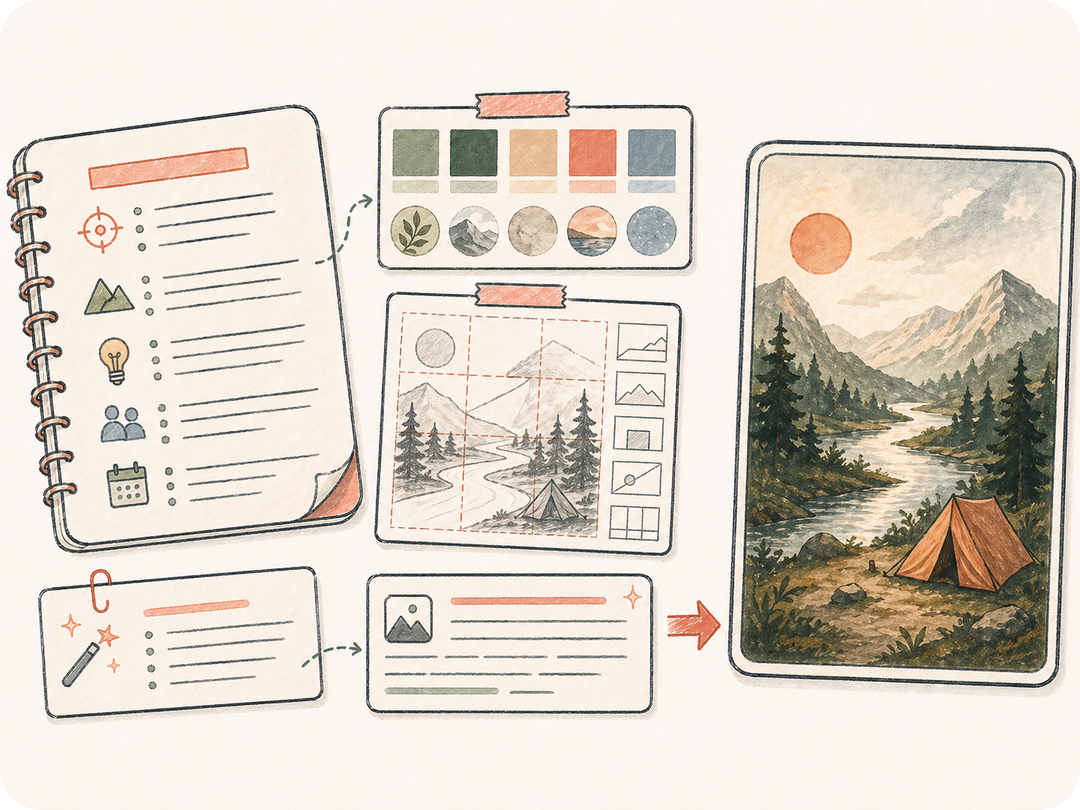
生成前整理来源
把普通文本作为来源,整理成具体的文本生成图片指令,而不是零散请求。
从任意文字提示词、产品说明、场景描述或风格要求开始,打开 Kollab 创建一个保留来源、输出和团队上下文的文本生成图片任务。
从任意文字提示词、产品说明、场景描述或风格要求开始,打开 Kollab 创建一个保留来源、输出和团队上下文的文本生成图片任务。
把普通文本作为来源,整理成具体的文本生成图片指令,而不是零散请求。
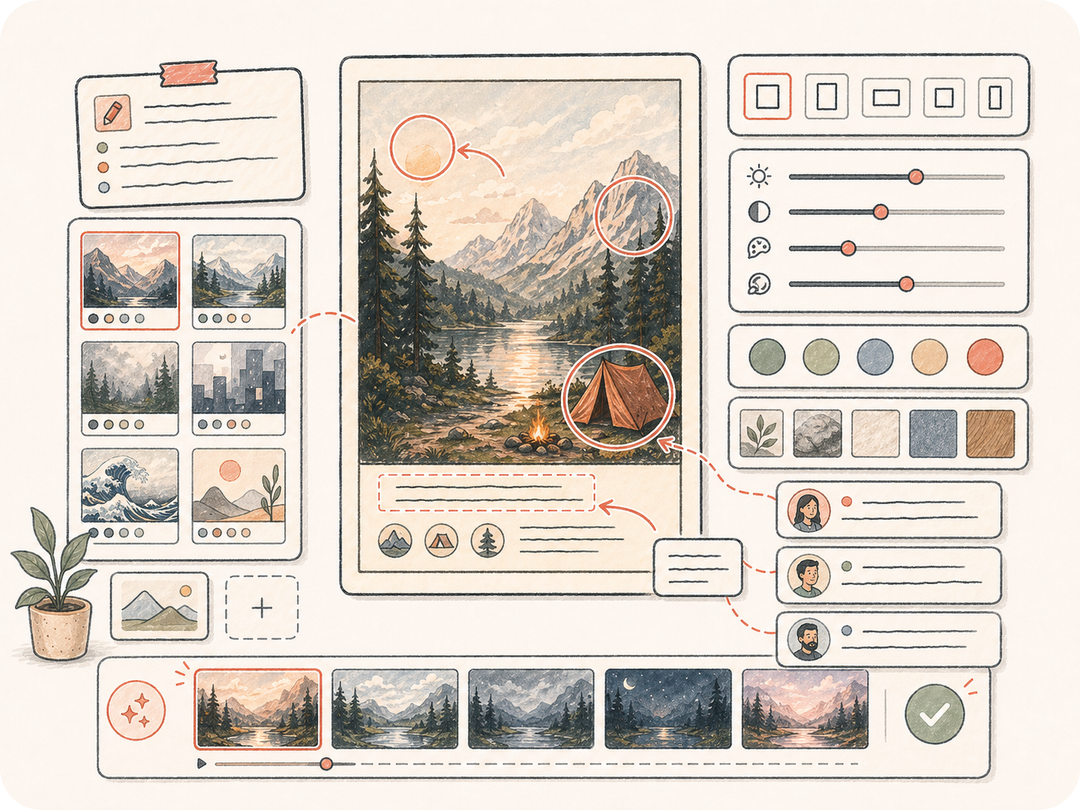
带上风格约束、格式、品牌要求和评审需求,让后续工作从同一段来源文本继续。
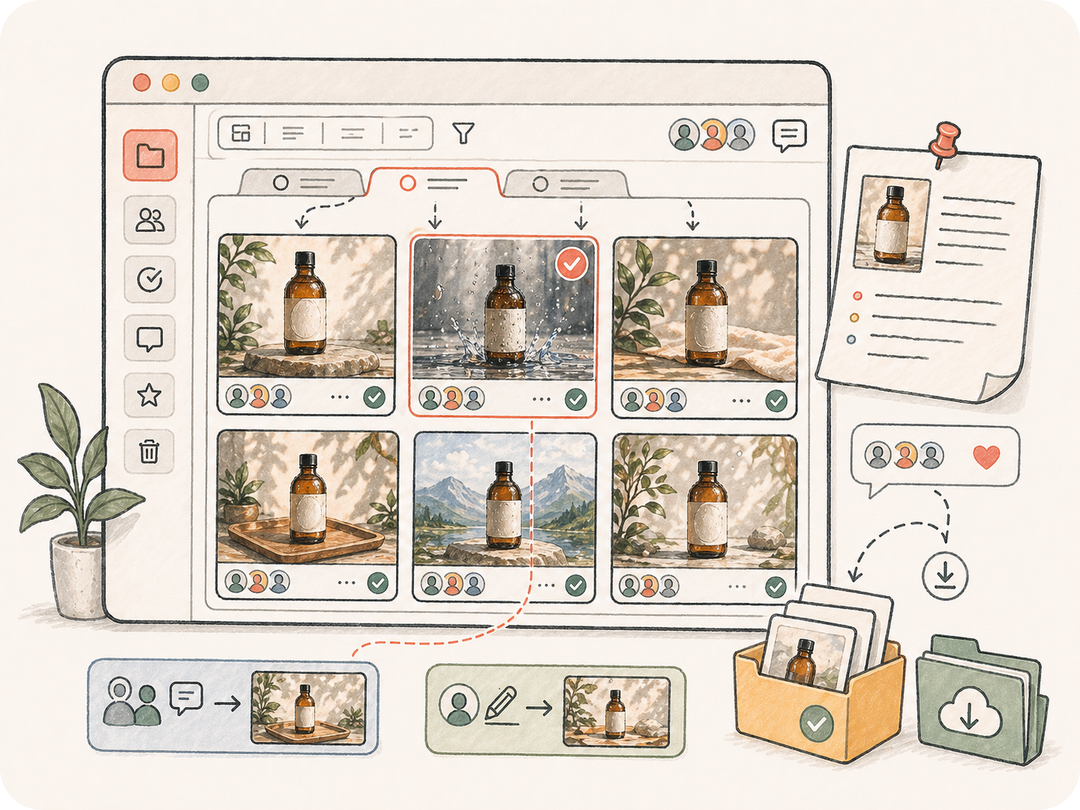
将生成图片留在任务工作区,便于团队比较、修订、下载和复用。
从任意文字提示词、产品说明、场景描述或风格要求开始,打开 Kollab 创建一个保留来源、输出和团队上下文的文本生成图片任务。
粘贴图片提示词、产品说明、场景描述或风格方向。
补充风格、尺寸、品牌和交付要求。
Kollab 会收到准备好的图片生成任务。
下载图片,或在同一线程中要求更多变体。
从任意文字提示词、产品说明、场景描述或风格要求开始,打开 Kollab 创建一个保留来源、输出和团队上下文的文本生成图片任务。
把普通文本作为来源,整理成具体的文本生成图片指令,而不是零散请求。
带上风格约束、格式、品牌要求和评审需求,让后续工作从同一段来源文本继续。
将生成图片留在任务工作区,便于团队比较、修订、下载和复用。
它会把普通文本转换成准备好的 Kollab 文本生成图片任务,把来源上下文、输出要求和产物评审放在同一个工作区。
你可以从本页免费开始并打开准备好的 Kollab 任务。生成额度、模型用量或付费能力取决于当前计划和供应商设置。
可以使用页面中的来源输入、支持的上传入口,以及格式、风格、语言或保留规则等详情。私有文件会在 Kollab 内上传。
任务会生成图片或结构化指令,并保存到 Kollab。结果会和原始文本保持关联,方便下载和迭代。
本页专门面向文本生成图片需求。相关工具会从不同来源或目标开始,例如图片转提示词、文本生成图片、图片生成图片或 OCR。
可以。线程会保留来源文本、要求、生成产物和后续指令,团队评审多个版本时不容易丢上下文。
写清主体、约束、目标格式、质量标准,以及需要保留或避免的内容。清晰的来源素材通常会提高结果质量。
可以用于营销和产品工作,但发布前应检查权利、品牌标准、生成细节和合规要求。

从任意文字提示词、产品说明、场景描述或风格要求开始,打开 Kollab 创建一个保留来源、输出和团队上下文的文本生成图片任务。