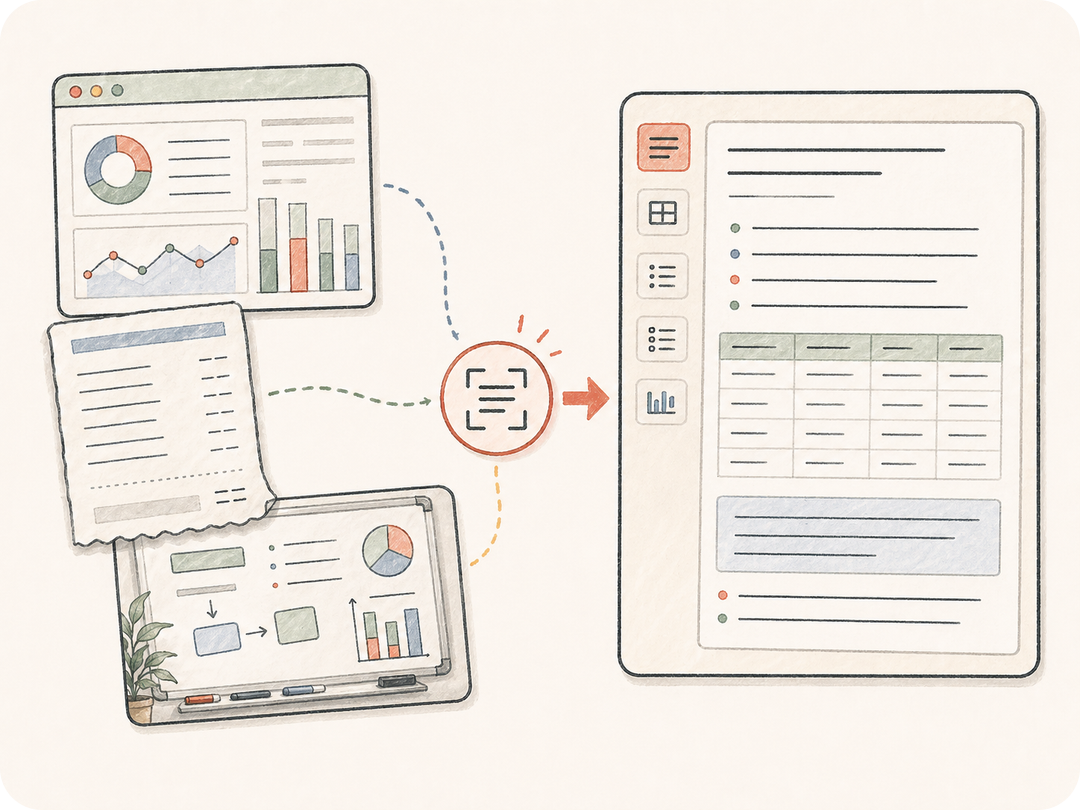
提取的不只是文字
按你的要求保留标题、表格、项目符号、按钮文案、代码片段、手写内容和界面文字结构。
上传或描述一张包含文字的图片。Kollab 会准备 OCR 任务,提取可见文字、保留表格、整理杂乱笔记、生成摘要,并把后续处理和原图放在一起。
从包含文字的图片变成可用内容,同时保留原图、提取规则和后续修改。
按你的要求保留标题、表格、项目符号、按钮文案、代码片段、手写内容和界面文字结构。
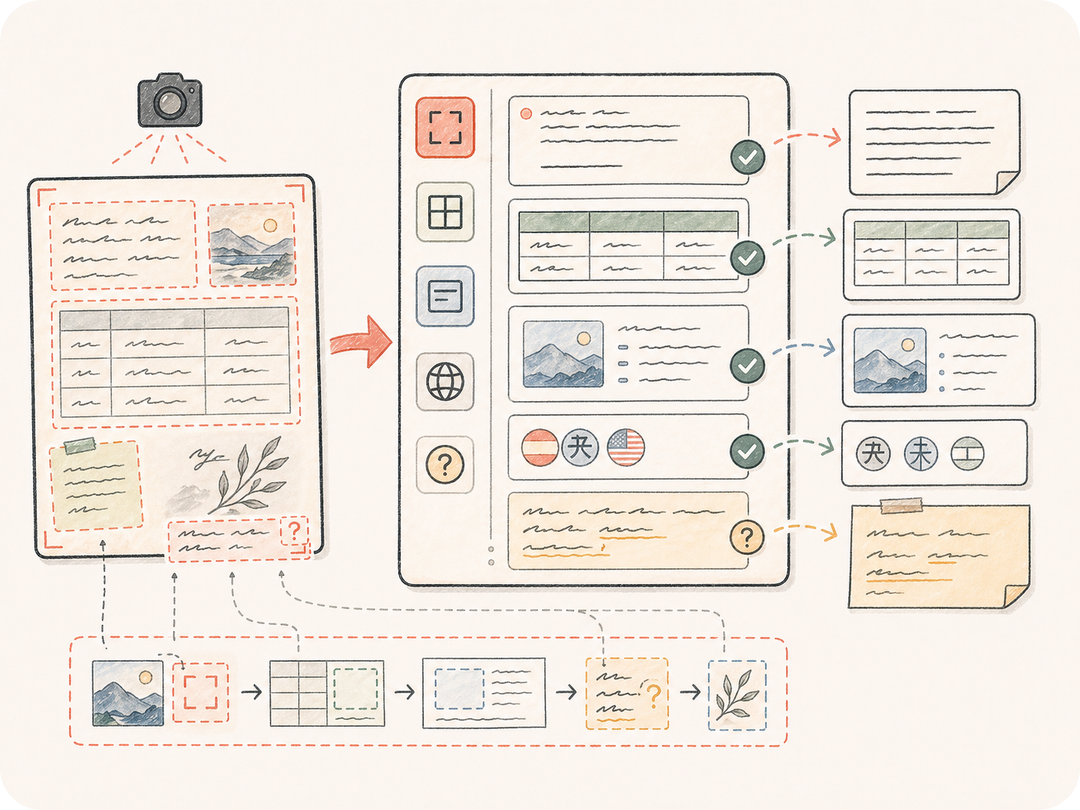
让 Kollab 标记不清楚的手写字、截断文字、低置信数字或表格单元格,而不是悄悄猜测。
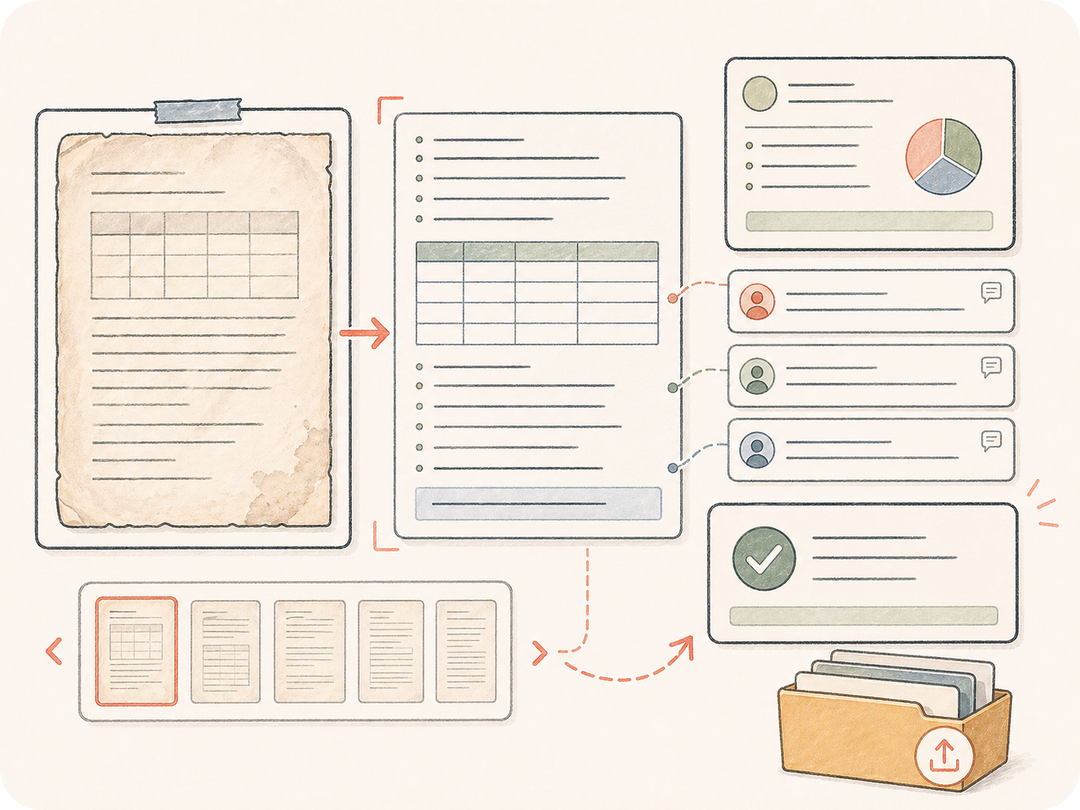
把提取后的文字保存在任务工作区,方便团队摘要、翻译、转成表格、导出或继续清理。
Kollab 会把图片来源、OCR 规则、格式要求和评审上下文整理成一个准备好的图片转文字任务。
粘贴图片链接,或在 Kollab 中上传私有截图、收据、白板或文档照片。
指定语言、表格处理、格式、不确定标记和期望输出结构。
Kollab 会收到准备好的 OCR 和清理请求。
检查提取文字,要求摘要,导出表格,或在同一上下文中继续编辑。
用图片转文字 AI 处理截图、白板、收据、表单、表格和文档照片,不停留在一次性提取。
从截图中提取界面文字、错误信息、按钮文案、代码块或产品文案。
把拍下来的笔记整理成想法分组、决策、行动项和可读摘要。
提取字段、明细、金额、日期、表格或表单内容,继续用于后续工作。
它会把包含文字的图片变成准备好的 Kollab 图片转文字任务,把 OCR 规则、输出格式和评审放在同一个工作区。
你可以从本页免费开始并打开准备好的 Kollab 任务。使用额度和付费能力取决于当前计划和供应商设置。
截图、白板、收据、表单、图表、幻灯片、扫描页、文档照片和其它文字较多的图片都可以。图片越清晰,结果通常越好。
可以。你可以要求保留表格、输出 Markdown 表格、适合 CSV 的行,或字段和值的结构。
你可以得到干净文字、结构化表格、摘要、行动项、提取字段或后续处理说明,并保存到 Kollab。
普通 OCR 通常只提取一次文字。Kollab 会把原图、提取规则、评审评论、清理请求和后续工作留在同一个任务里。
使用清晰图片,说明语言,要求标记不确定文字,并说明是否需要保留布局、表格或原始换行。
可以。提取文字会和原图、任务线程留在一起,队友可以一起检查、修正、摘要或导出。

把截图、笔记、收据和文档照片变成干净、可评审的文字。