Memory
Decision and Blocker Log
- Repeated Blockers
- Changed Since Last Meeting
- Needs Escalation

Turn weekly meeting recordings into a living memory of Decisions, Repeated Blockers, Open Questions, and Follow-Up History.
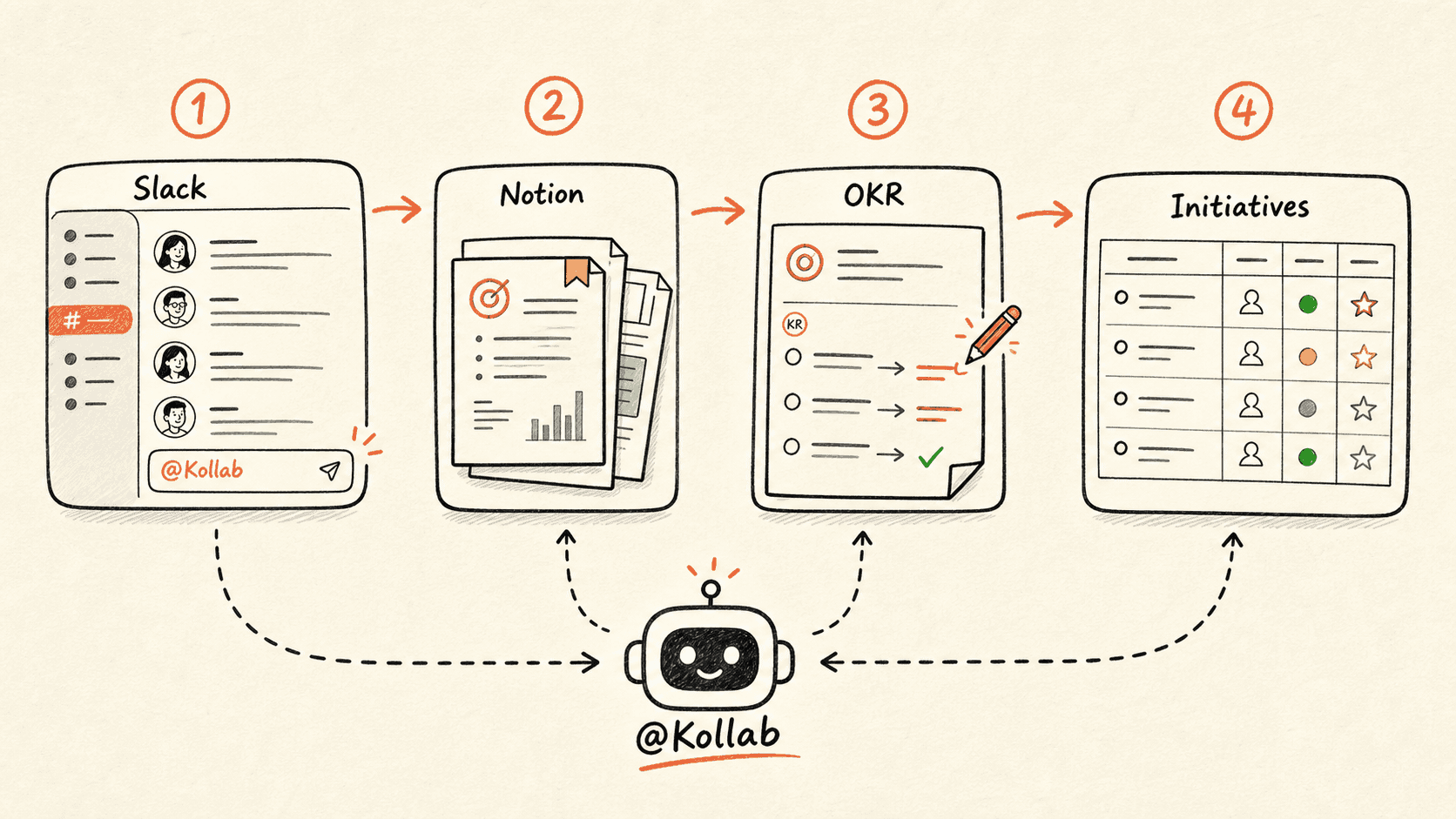
Recurring meetings waste time when every week starts from scratch. Kollab reads the latest recording together with previous meeting records, then identifies what changed, what repeated, which Action Items slipped, and which Decisions need to be reopened.
This page is about continuity across a meeting series. It is different from the action-plan page, which handles one meeting, and different from the audio briefing page, which creates a listenable update.
Use it for weekly business reviews, product standups, leadership meetings, project steering groups, or customer success reviews. The database becomes the long-running memory for the meeting series.
Read through the workflow once, then swap in your own roles, sources, and outputs.
Kollab reads the latest recording plus previous Meeting Records, Open Actions, Decisions, and unresolved Blockers.
The agent identifies what is new, repeated, resolved, carried over, or missing from the latest discussion.
Existing blockers and Action Items are updated instead of duplicated, preserving the history of each issue.
Kollab creates a prep page that puts repeated blockers and overdue items at the top of the next agenda.
Update the memory for this recurring meeting series.

Inputs:
- Latest meeting recording: [upload or link]
- Meeting series: [WBR / product standup / leadership sync / customer success review]
- Previous meeting database: [Notion / Buildin database link]
- Projects or accounts covered: [list]

Database fields:
- Meeting Series
- Meeting Date
- Source Audio
- Transcript
- Decision
- Repeated Blocker
- Open Question
- Action Item
- Owner
- Due Date
- Status
- Carried Over From
- Changed Since Last Meeting
- Needs Escalation
- Needs Review

Please:
1. Transcribe the latest meeting and compare it with the previous three meeting records.
2. Identify new Decisions, Repeated Blockers, unresolved Questions, and Action Items that slipped.
3. Update existing records when the same Blocker or Action Item continues instead of creating duplicates.
4. Mark items as Changed, Carried over, Resolved, or Needs escalation.
5. Create a next-meeting prep page with the top issues to review first.
6. Mark disputed Decisions, missing Owners, or unclear Status changes as Needs Review.
7. Do not treat silence as progress. If an item was not discussed, keep the previous Status and mark it Not mentioned this meeting.
Kollab preserves the thread of Decisions and blockers across the full meeting series.
| Manual recurring meetings | With Kollab | |
|---|---|---|
| Continuity | People ask what happened last week and search old docs. | Previous Decisions, Blockers, and Owners are read before the new meeting is summarized. |
| Repeated blockers | The same Blocker is discussed repeatedly without a pattern. | Repeated Blockers are tracked with Count, Owner, Status, and Escalation State. |
| Action items | Unfinished items get rewritten as if they are new. | Open items are carried over with history instead of duplicated. |
| Next agenda | The next meeting starts with a blank agenda. | A prep page highlights overdue work, repeated Risks, and Decisions to revisit. |
| Total time | Every week starts over | The meeting series remembers |
The valuable artifact is the memory that survives beyond one recording.
Memory
Actions
Prep
Follow the related capability pages to see which product layers and tools make this use case repeatable for a team.
Turn weekly meeting recordings into a living memory of Decisions, Repeated Blockers, Open Questions, and Follow-Up History.
Copy the setup prompt into Kollab, replace the placeholders with your team context, then run it as a reviewable task in your workspace.
A recurring meeting database with Transcript Links, Decisions, Repeated Blockers, Carried Over Items, Status Changes, Escalation Flags, and Next Meeting Prep.
No. The workflow is designed to produce reviewable drafts, briefs, artifacts, or database updates first, so your team can approve the result before anything is published or changed.
Let each recording update the long-running memory of Decisions, blockers, and follow-ups.
Run →