
Sales meeting follow-up workflow
Demo recordings を Account Notes、Objection Log、Follow-Up Email、Next Steps に変えます。
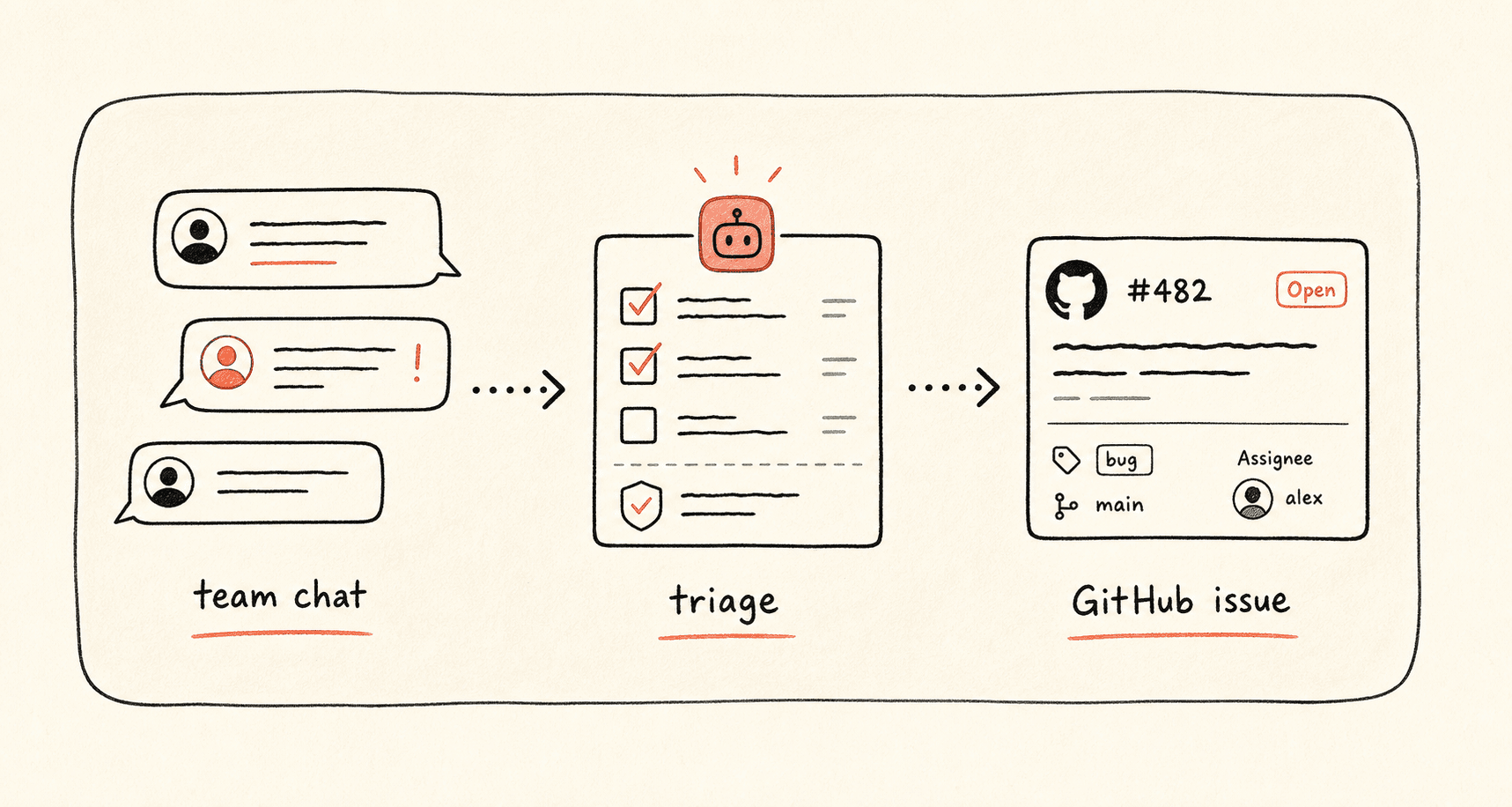
Kollab turns sales meeting audio into Transcript, account updates, buyer pain, objections, Next Step, and review-ready follow-up drafts.
ワークフローの進み方
まずこのワークフローの流れを確認してから、役割・入力元・出力先を自分の運用に置き換えてください。
- 01
Transcribe the call
Attach Transcript to the account record.
- 02
Extract selling context
Capture Pain Points, Objections, Timeline, and Decision Criteria.
- 03
Draft the follow-up
Write a specific Follow-Up Email and Internal Account Brief.
- 04
Update the pipeline
Update Next Step, Owner, Risk, and Objection Log.
開始用プロンプト
Create a sales follow-up workflow from this meeting recording. Extract Pain Points, Objections, Decision Criteria, Next Step, Follow-Up Email, Internal Account Brief, Owner, and Deal Risk.
関連リンクをさらに見る
関連する機能ページを見ると、このユースケースをチームで繰り返し使うための製品レイヤーとツールが分かります。
よくある質問
Sales meeting follow-up workflow のユースケースでは何ができますか?
Demo recordings を Account Notes、Objection Log、Follow-Up Email、Next Steps に変えます。
このワークフローを Kollab で実行するには?
設定プロンプトを Kollab にコピーし、プレースホルダーをチームの文脈に置き換えて、ワークスペース内のレビュー可能なタスクとして実行します。
このワークフローは何を作成しますか?
An Account Record with Transcript, Pain Points, Objections, Follow-Up Email, Internal Brief, Next Step, and Deal Risk.
このワークフローは外部ツールへ自動公開または自動変更しますか?
いいえ。まずレビュー可能な下書き、brief、Artifact、またはデータベース更新を作成し、チームが確認してから公開や外部システムへの反映を判断できる設計です。
Follow up while the meeting is still fresh
Turn sales recordings into Account Notes and next-step Ownership.
実行 →