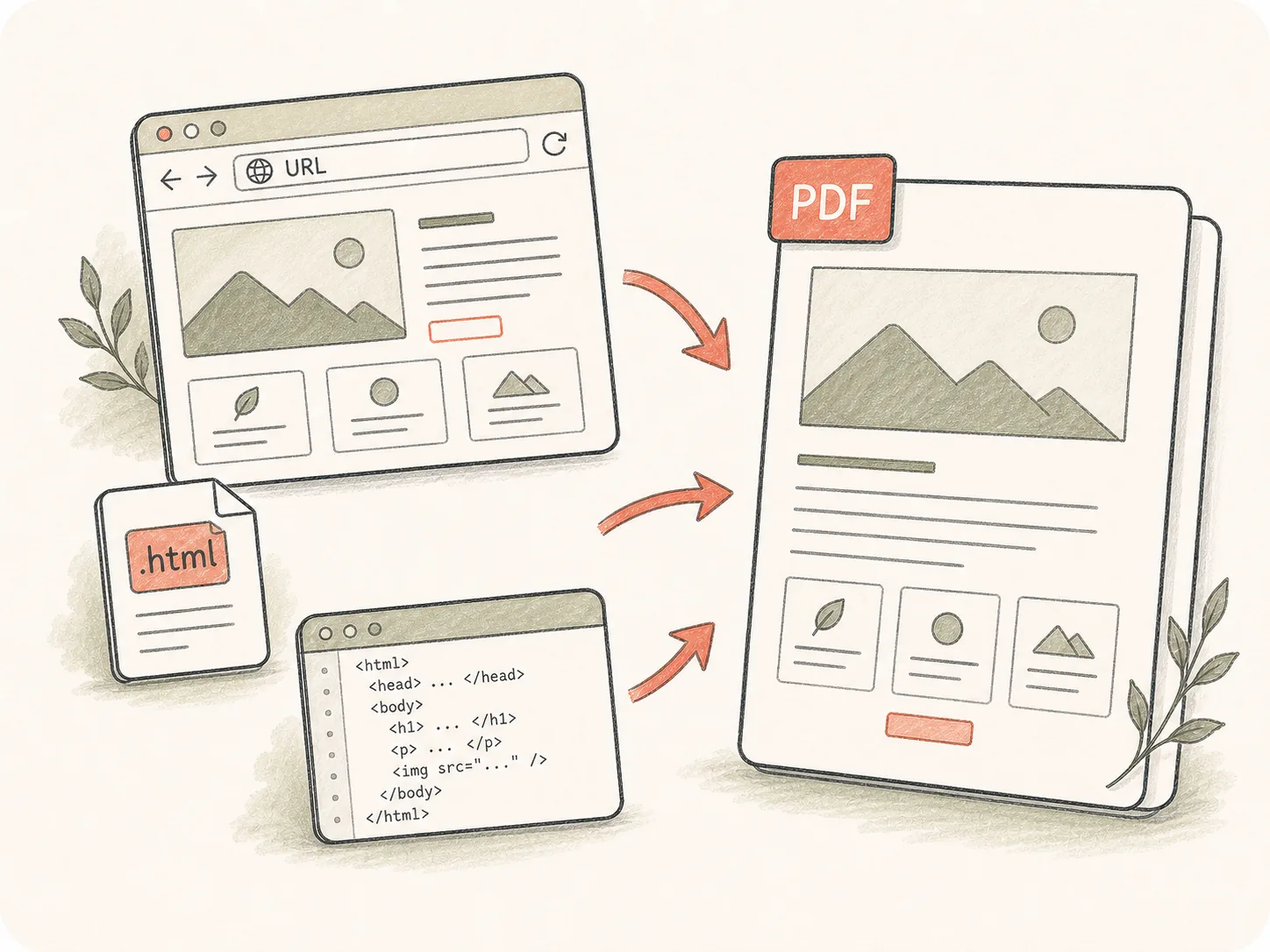
从 URL、HTML 文件或片段开始
把公开页面、上传的 HTML 或粘贴的源码作为转换目标,并说明访问、素材和 PDF 中必须出现的内容。
提供公开 URL、HTML 文件或渲染页面说明。Kollab 会在生成 PDF 文件前记录布局、视口、分页和评审要求。
把网页、仪表盘和 HTML 报告保存成可评审 PDF,同时不丢失源、捕获规则和后续修改。
把公开页面、上传的 HTML 或粘贴的源码作为转换目标,并说明访问、素材和 PDF 中必须出现的内容。
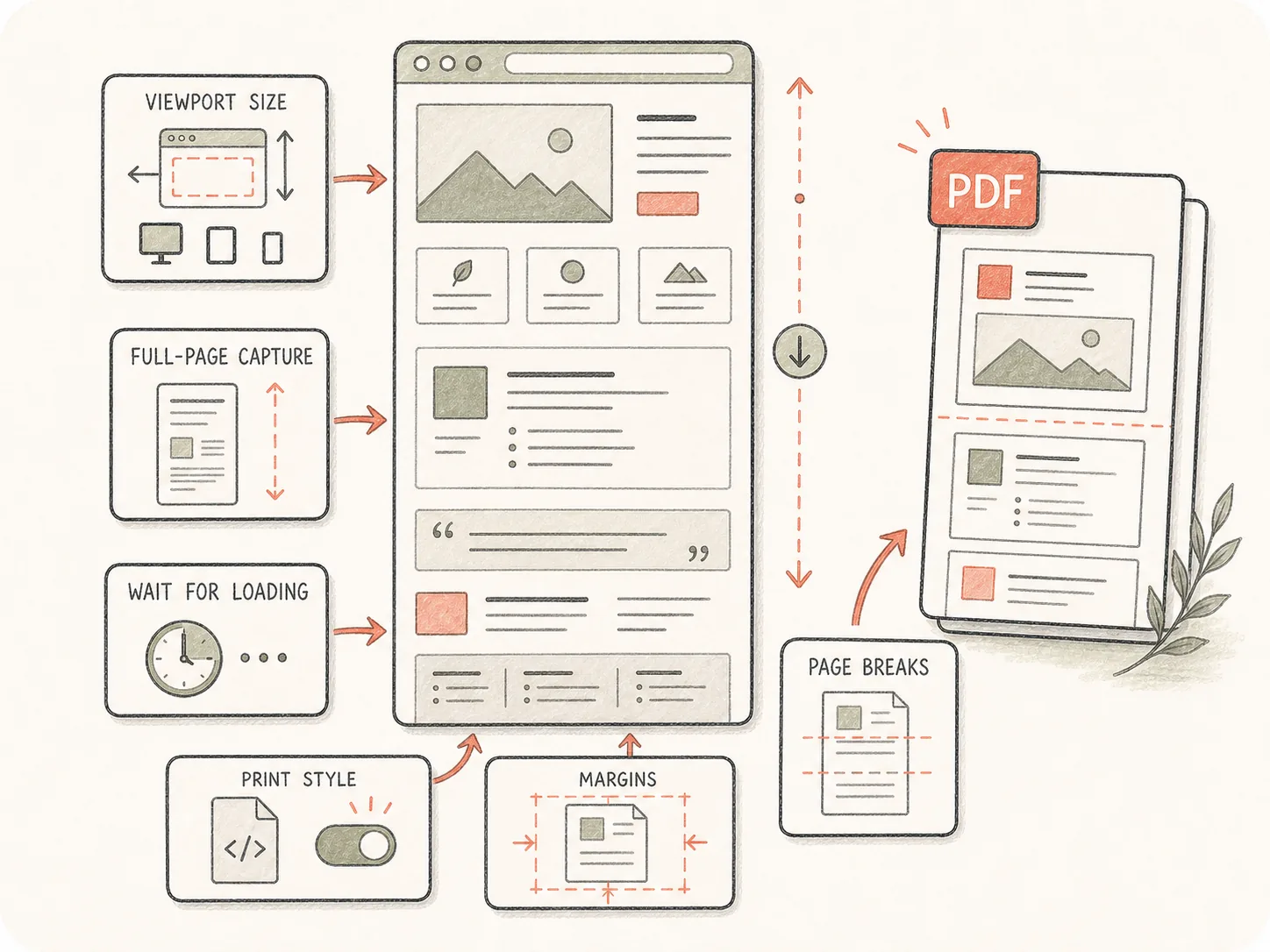
告诉 Kollab 视口、整页捕获、等待时间、打印样式、分页和重点区域,让动态布局按预期渲染。
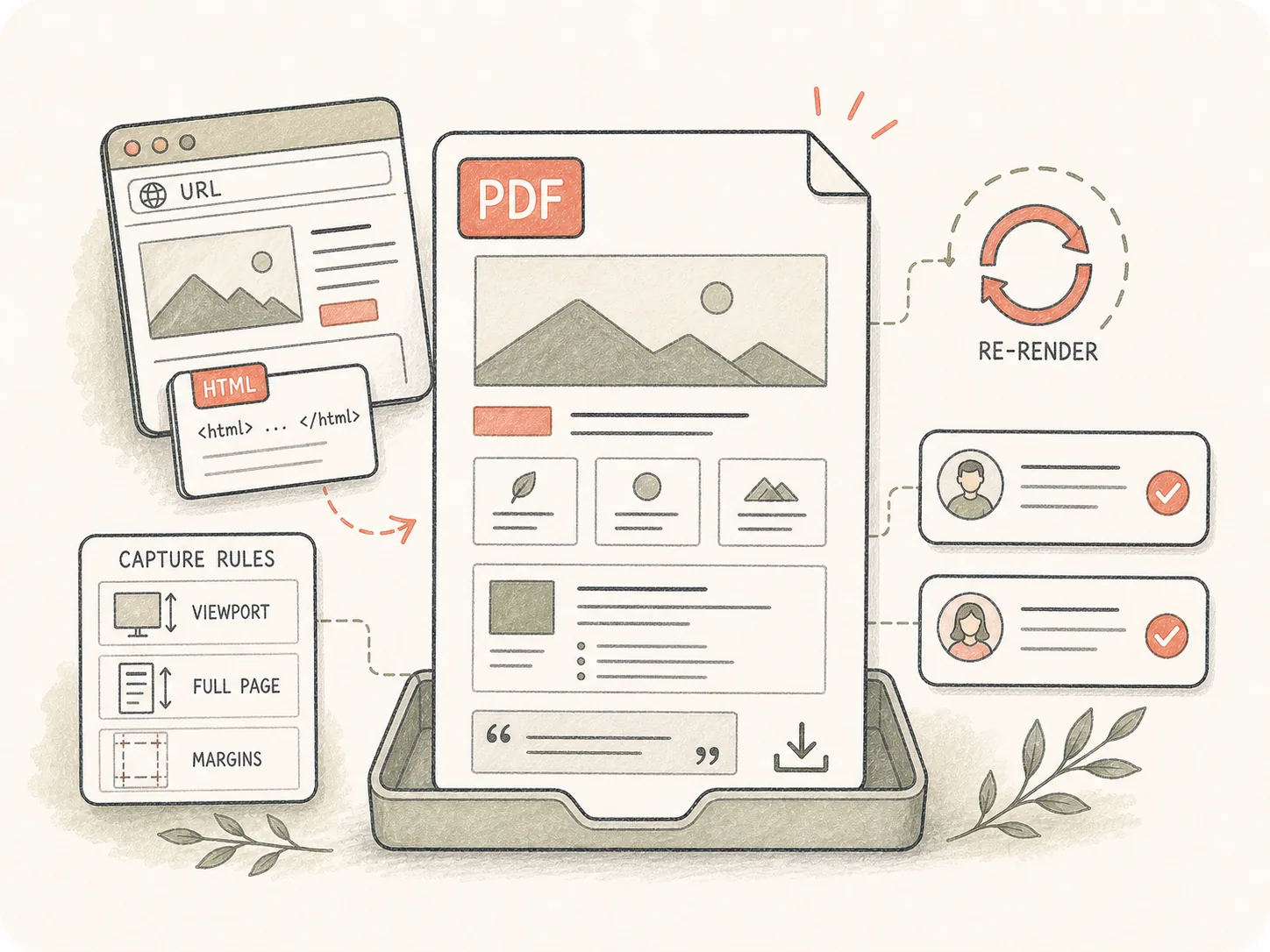
PDF 会和源及捕获规则一起留在任务中,团队可以检查版式问题并要求重新渲染。
把渲染页面捕获为稳定 PDF 文件,同时保留视口、分页和评审选择。
粘贴 URL、HTML 片段,或在 Kollab 上传 HTML 文件。
补充视口、分页和渲染要求。
Kollab 会带着 HTML 转 PDF 说明打开任务。
检查 PDF,并继续要求调整捕获方式。
适合需要从浏览器交付为文件、同时保留修改上下文的网页内容。
把营销页面保存为 PDF,便于评审或归档。
把渲染后的图表和界面报告捕获为 PDF。
把自包含的 HTML 交付物导出为可分享文档。
它是把 HTML 源、公开 URL、仪表盘和渲染网页转成 PDF 文件 的 Kollab 工作流入口。页面会先收集源和渲染要求。
可以。粘贴公开 URL 并描述捕获要求。如果页面需要私有登录,请在 Kollab 中提供源文件或可访问导出。
可以处理渲染页面要求,但需要说明视口、等待条件、懒加载区域,以及 PDF 中必须可见的交互状态。
可以。先用工具页启动任务,再在 Kollab 上传 .html 或 .htm 文件,让 Agent 获得真实源码和要求。
可以。可在详情中写 A4、Letter、横向、整页捕获、分页、边距、页眉或页脚偏好。
截图只是静态图片。HTML 转 PDF 会生成更适合分享、归档、打印和修改的文档型 文件。
可以。Kollab 会把 PDF、源 URL 或文件说明、后续评论留在一个任务里,方便要求更干净的捕获。
包含 URL 或 HTML 源、目标页面尺寸、视口、是否整页捕获、等待时间,以及长页面里优先保证的区域。

启动已经包含渲染要求的 HTML 转 PDF 任务。