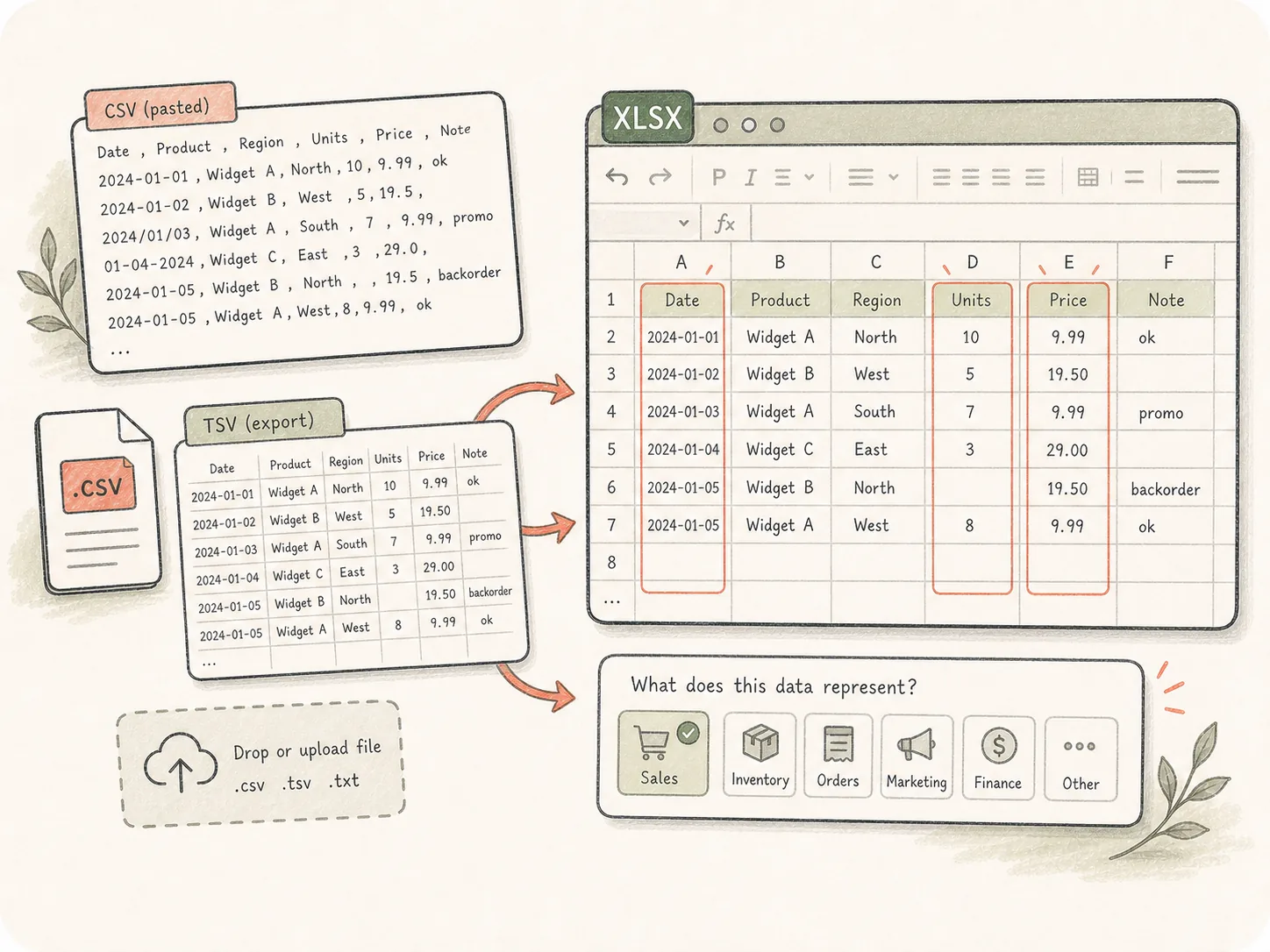
导入杂乱表格数据
从粘贴 CSV、TSV 导出或上传文件开始,并告诉 Kollab 数据含义和重要列。
上传或粘贴 CSV / TSV 数据,再描述你需要的工作簿。Kollab 可以清洗列、推断类型、添加公式、生成汇总,并交付 XLSX 文件。
把原始导出变成可格式化、可评审、可分析的 Excel,而不只是改文件后缀。
从粘贴 CSV、TSV 导出或上传文件开始,并告诉 Kollab 数据含义和重要列。
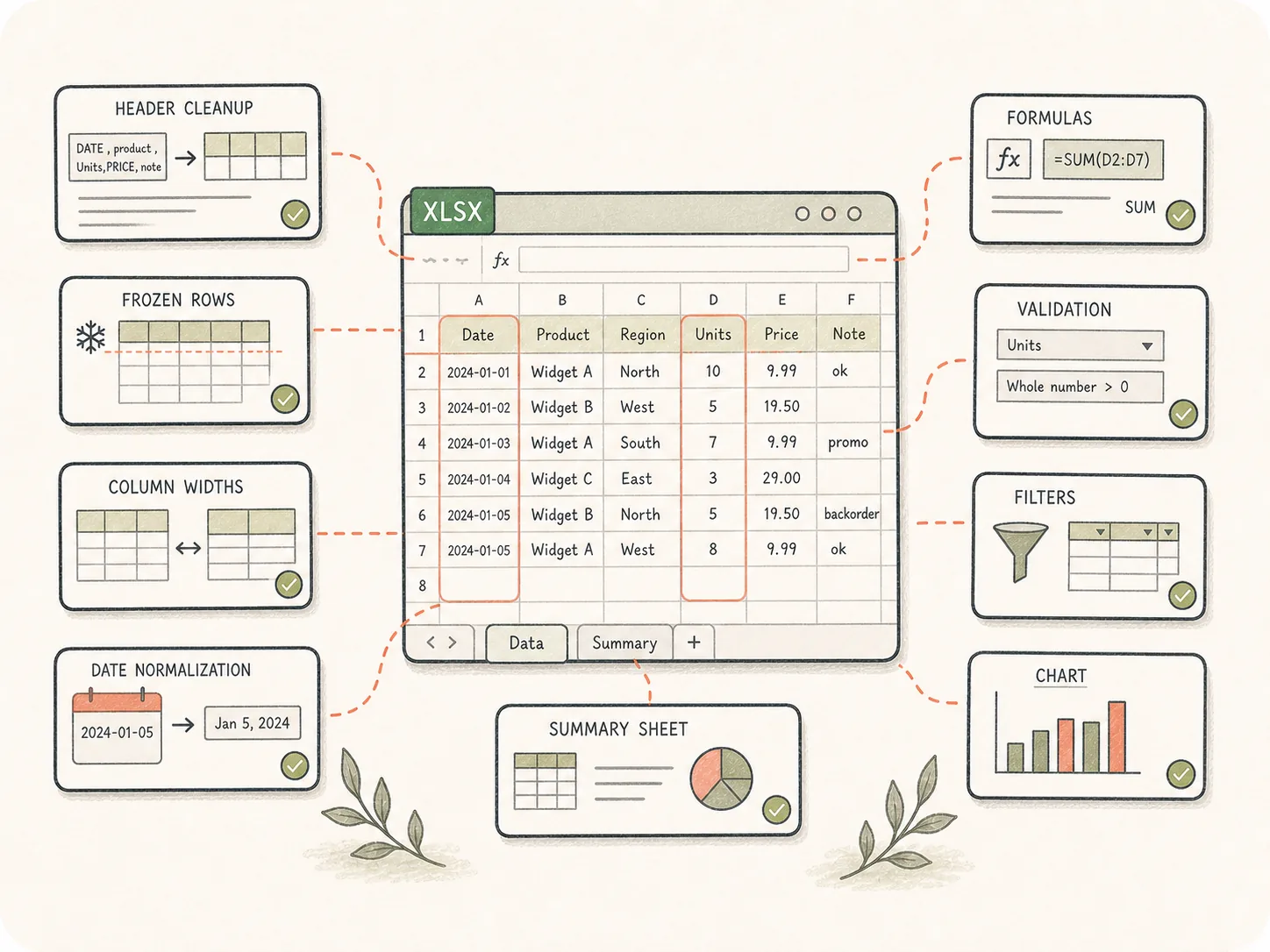
生成 XLSX 前可以要求表头、冻结行、列宽、日期规范化、公式、校验、筛选、图表和汇总表。
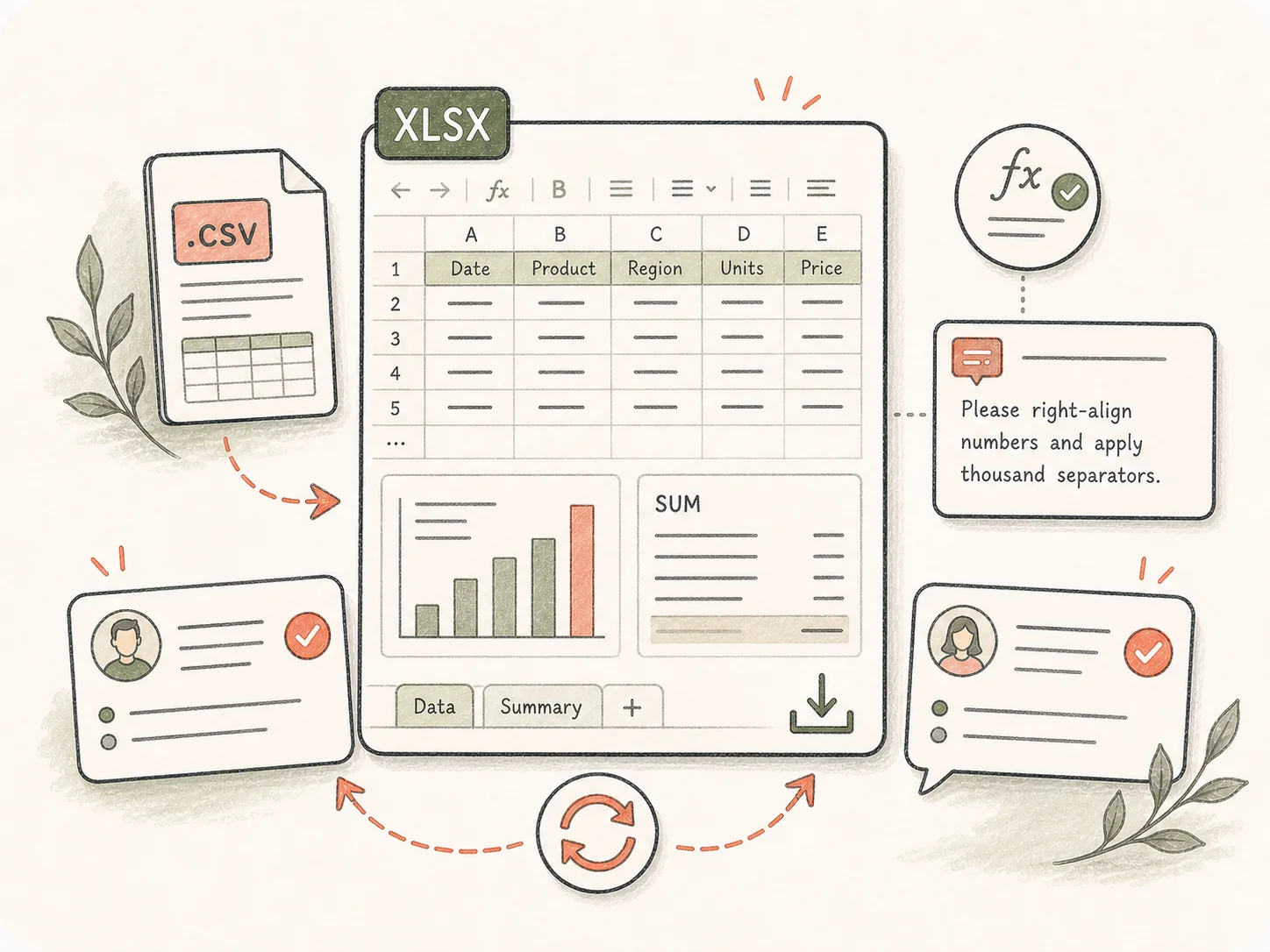
完成的工作簿会保存在 Kollab 文件 中,团队可检查计算、要求新汇总或修改格式。
清洗、格式化并打包原始 CSV 导出,生成真正方便查看的 Excel 工作簿。
粘贴 CSV / TSV 数据,或在 Kollab 上传文件。
定义格式、公式和汇总要求。
Kollab 会带着表格转换说明打开任务。
检查工作簿,并继续要求清洗修改。
适合导出数据需要清洗、公式、汇总表或图表结构后才能给团队使用的场景。
把联系人、套餐和分组整理成格式清晰的工作簿。
给收入 CSV 增加公式、汇总和图表。
规范杂乱行、日期和缺失值。
这些相关页面会说明这个单点工具如何连接到 Kollab 工作流、可复用 Skills(技能)和团队交付物。
它是一个 Kollab 工具入口,用来把 CSV 或 TSV 数据转成格式化 XLSX 工作簿。流程可以包含清洗、公式、汇总和评审说明。
可以从免费页面开始,在 Kollab 打开转换任务。大文件、更高用量和团队空间能力可能取决于套餐。
主要支持 CSV 和 TSV。小片段可以直接粘贴,较大的 .csv / .tsv 文件可以进入 Kollab 后上传。
可以。请在 提示词 中说明需要的计算、分组、图表、类似透视表的汇总或 仪表盘 页。
可以,只要明确要求。Kollab 可以规范日期、清空行、重命名列、标记缺失值、拆分字段并整理工作簿结构。
直接打开 CSV 只是导入行。Kollab 可以增加工作簿结构、格式、公式、汇总和评审循环,让团队更容易使用。
可以。XLSX 文件 会挂在任务里,成员可以要求新增 工作表、修正公式或更换图表。
描述数据集、重要列、需要的 工作表、公式、图表、格式偏好,以及日期、货币、重复项等清洗规则。

启动已经包含清洗要求的 CSV 转 Excel 任务。