
Recurring meeting memory
Weekly meeting recordings を Decisions、repeated blockers、open questions、follow-up history にします。
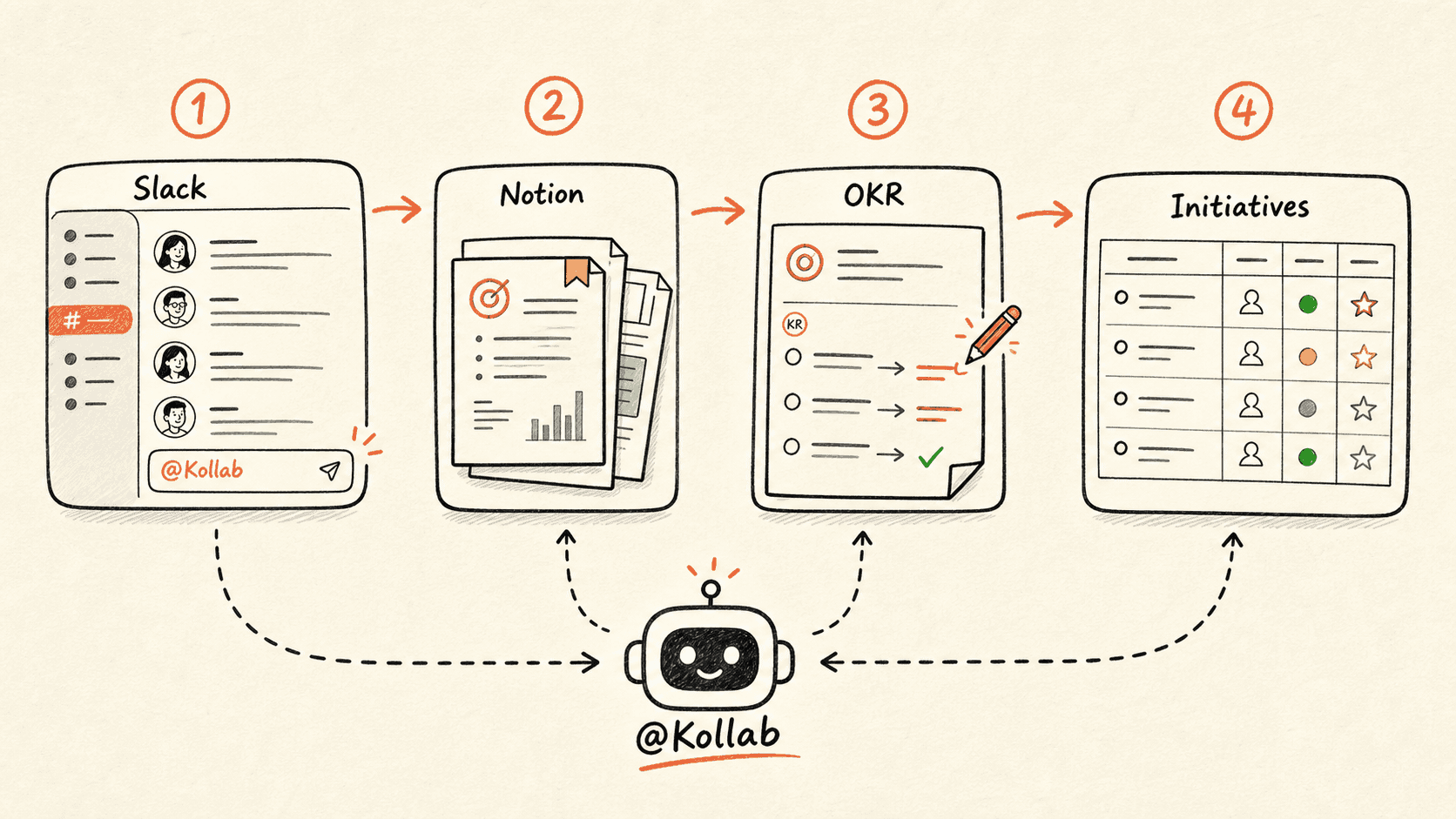
Kollab compares the latest recording with previous meeting records so recurring meetings keep context instead of restarting every week.
ワークフローの進み方
まずこのワークフローの流れを確認してから、役割・入力元・出力先を自分の運用に置き換えてください。
- 01
Read the series history
Read latest recording and previous meeting records.
- 02
Compare across weeks
Identify new, repeated, resolved, carried over, or missing items.
- 03
Update live records
Update existing blockers and actions instead of duplicating them.
- 04
Prepare the next meeting
Create a prep page for overdue and repeated issues.
開始用プロンプト
Update the memory for this recurring meeting series. Compare latest recording with previous records, update Decisions, repeated blockers, carried-over Action Items, Status changes, and next-meeting prep.
関連リンクをさらに見る
関連する機能ページを見ると、このユースケースをチームで繰り返し使うための製品レイヤーとツールが分かります。
よくある質問
Recurring meeting memory のユースケースでは何ができますか?
Weekly meeting recordings を Decisions、repeated blockers、open questions、follow-up history にします。
このワークフローを Kollab で実行するには?
設定プロンプトを Kollab にコピーし、プレースホルダーをチームの文脈に置き換えて、ワークスペース内のレビュー可能なタスクとして実行します。
このワークフローは何を作成しますか?
A recurring meeting database with Decisions, repeated blockers, carried-over items, escalation flags, and next-meeting prep.
このワークフローは外部ツールへ自動公開または自動変更しますか?
いいえ。まずレビュー可能な下書き、brief、Artifact、またはデータベース更新を作成し、チームが確認してから公開や外部システムへの反映を判断できる設計です。
Stop restarting the same meeting every week
Let each recording update long-running meeting memory.
実行 →