01
Read every attachment
Kollab starts from PDFs, images, screenshots, scans, reports, proposals, or charts instead of requiring clean text first.

Attach PDFs, screenshots, reports, proposals, or photos, and let Kollab turn them into summaries, evidence, risks, and next actions.
Many research inputs are not clean web links. They arrive as PDFs, screenshots, scanned notes, product images, proposals, reports, or meeting photos.
Kollab helps read those attachments, extract the useful evidence, compare them against your question or criteria, flag uncertainty, and create a structured insight report that can be saved to a project or knowledge base.
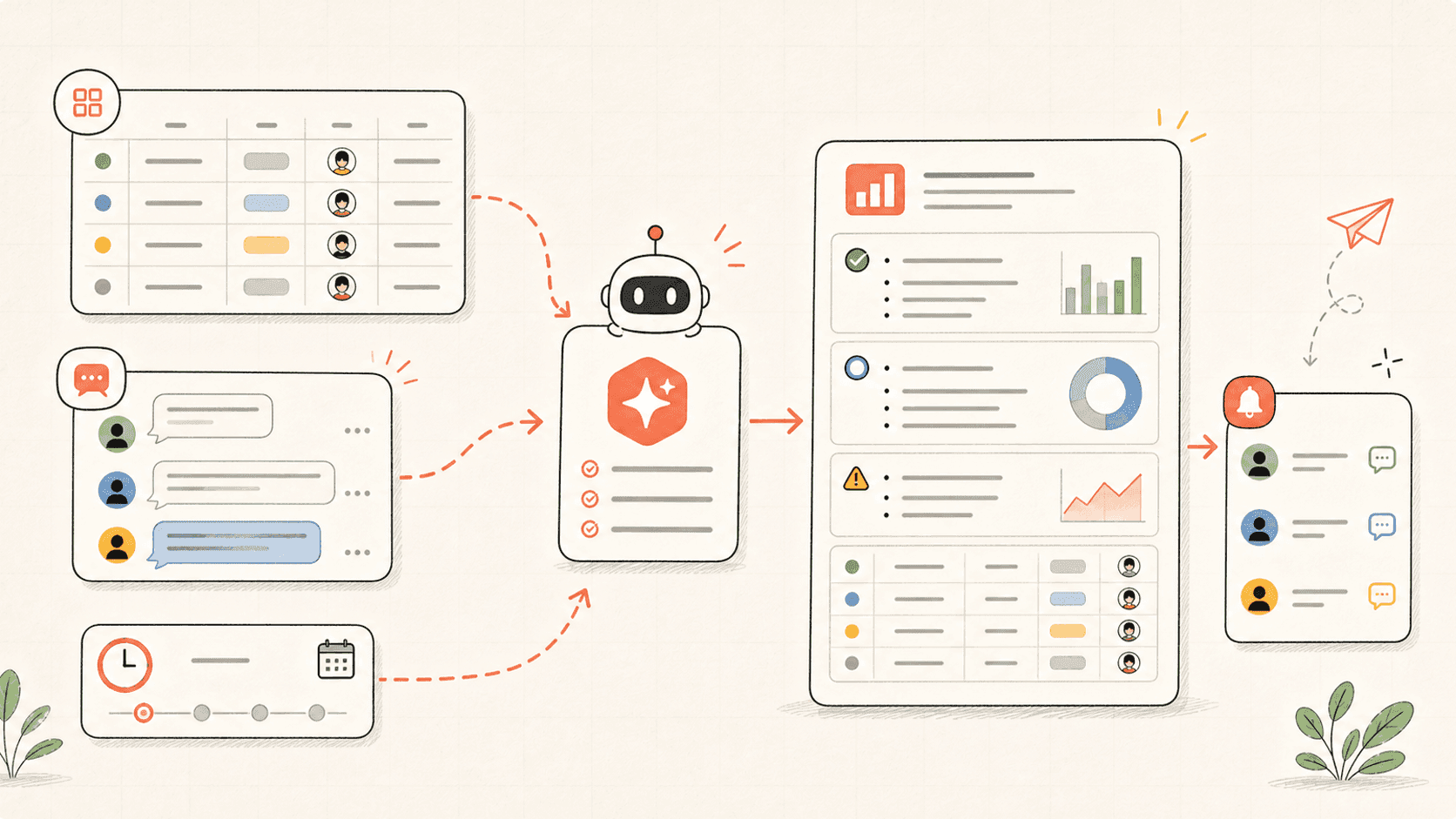
Revisa el flujo de trabajo una vez y luego añade tus propios roles, fuentes y entregables.
Kollab starts from PDFs, images, screenshots, scans, reports, proposals, or charts instead of requiring clean text first.
The agent pulls out conclusions, data points, visual details, missing information, and uncertainty that need review.
If you provide a research question, requirement, or rubric, each source is mapped to what it supports or fails to support.
The final report keeps summaries, evidence, risks, questions, and next actions together for follow-up work.
The output should support a decision or research path, not just summarize files.
Inventory
Evidence
Action
Explore las páginas de funciones relacionadas para ver qué capas del producto y herramientas hacen que este caso de uso sea repetible para un equipo.
Attach PDFs, screenshots, reports, proposals, or photos, and let Kollab turn them into summaries, evidence, risks, and next actions.
Copia el prompt de configuración en Kollab, sustituye los marcadores por el contexto de tu equipo y ejecútalo como una tarea revisable en tu espacio de trabajo.
A structured insight report with attachment inventory, key takeaways, evidence, visual details, risks, criteria comparison, open questions, and next actions.
No. El flujo de trabajo está diseñado para generar primero borradores, briefs, artefactos o actualizaciones de bases de datos revisables, de modo que tu equipo pueda aprobar el resultado antes de publicar o modificar nada.
Use Kollab to analyze PDFs, images, screenshots, and reports with evidence and next steps.
Run