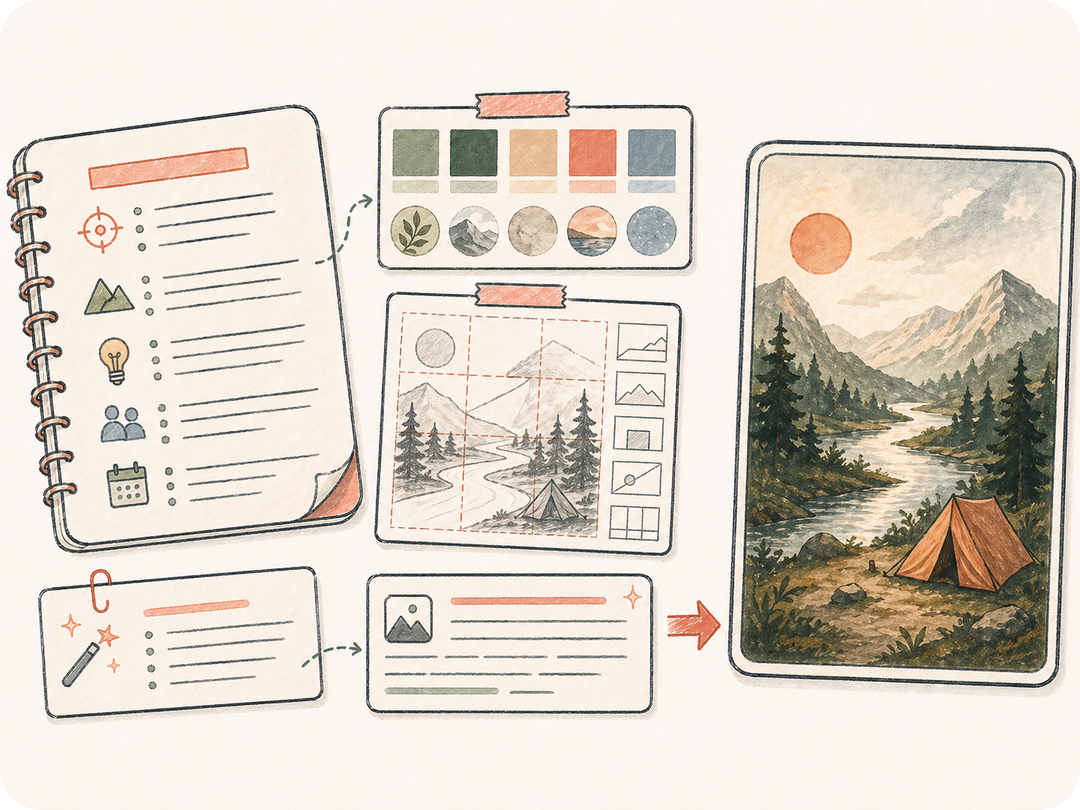
생성 전 입력 정리
일반 텍스트를 입력으로 사용해 막연한 요청이 아니라 구체적인 텍스트→이미지 지시로 정리합니다.
텍스트 프롬프트, 제품 메모, 장면 설명, 스타일 요구사항으로 리뷰 가능한 텍스트→이미지 작업을 Kollab에서 시작하세요.
텍스트 프롬프트, 제품 메모, 장면 설명, 스타일 요구사항으로 리뷰 가능한 텍스트→이미지 작업을 Kollab에서 시작하세요.
일반 텍스트를 입력으로 사용해 막연한 요청이 아니라 구체적인 텍스트→이미지 지시로 정리합니다.
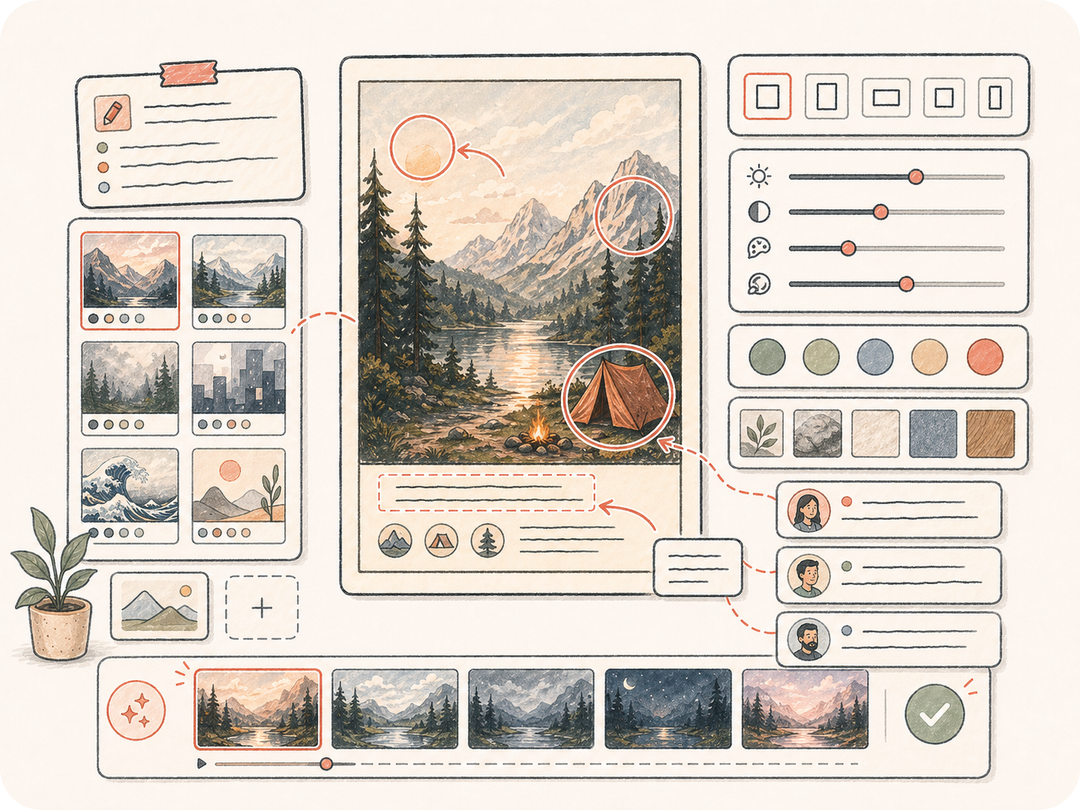
스타일 조건, 형식, 브랜드 요구사항, 리뷰 요구사항을 함께 남겨 후속 작업이 같은 원본 텍스트에서 이어지게 합니다.
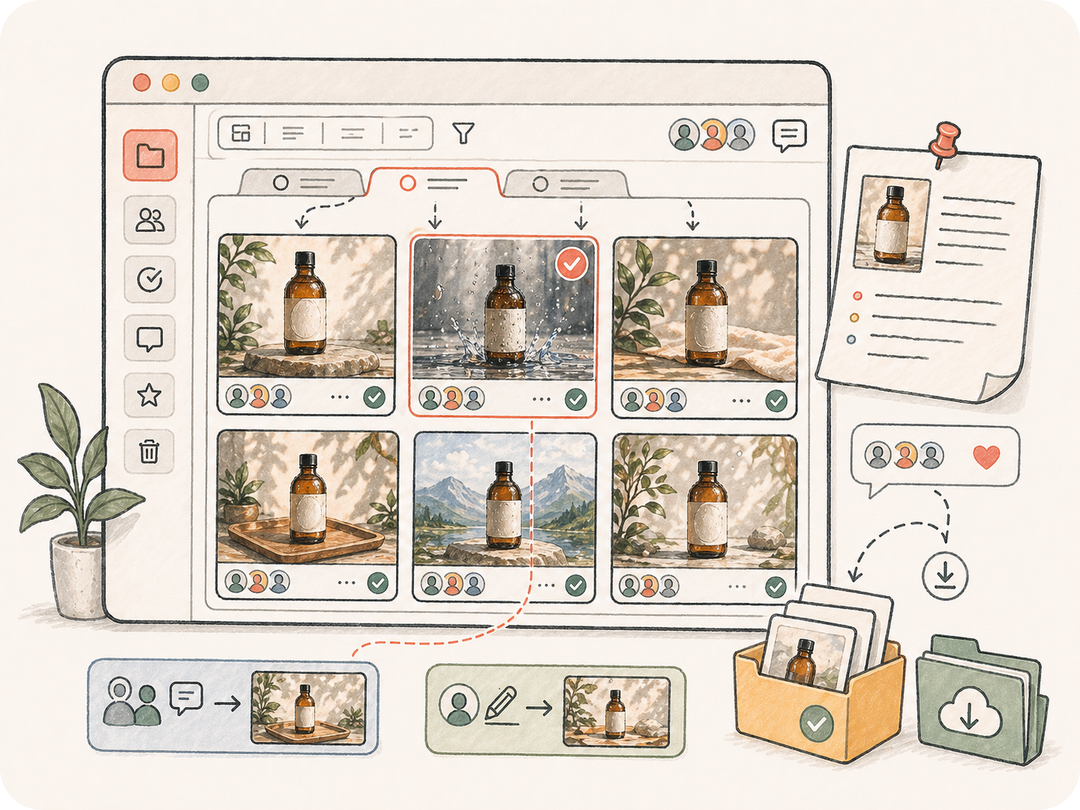
생성 이미지를 작업 공간에 보관해 팀이 비교, 수정, 다운로드, 재사용할 수 있게 합니다.
텍스트 프롬프트, 제품 메모, 장면 설명, 스타일 요구사항으로 리뷰 가능한 텍스트→이미지 작업을 Kollab에서 시작하세요.
이미지 프롬프트, 제품 메모, 장면 설명, 스타일 방향을 붙여 넣습니다.
스타일, 크기, 브랜드, 전달 요구사항을 추가합니다.
준비된 이미지 생성 작업이 Kollab에 전달됩니다.
이미지를 다운로드하거나 같은 스레드에서 변형을 요청합니다.
텍스트 프롬프트, 제품 메모, 장면 설명, 스타일 요구사항으로 리뷰 가능한 텍스트→이미지 작업을 Kollab에서 시작하세요.
일반 텍스트를 입력으로 사용해 막연한 요청이 아니라 구체적인 텍스트→이미지 지시로 정리합니다.
스타일 조건, 형식, 브랜드 요구사항, 리뷰 요구사항을 함께 남겨 후속 작업이 같은 원본 텍스트에서 이어지게 합니다.
생성 이미지를 작업 공간에 보관해 팀이 비교, 수정, 다운로드, 재사용할 수 있게 합니다.
이 도구는 일반 텍스트를 Kollab의 준비된 텍스트→이미지 작업으로 바꾸고, 입력 맥락과 출력 요구사항, 산출물 리뷰를 한 작업 공간에 모읍니다.
이 페이지에서 준비된 Kollab 작업을 무료로 열 수 있습니다. 생성 한도, 모델 사용, 유료 기능은 현재 플랜과 제공자 설정에 따라 달라집니다.
보이는 입력 필드, 지원되는 업로드, 형식, 스타일, 언어, 보존 규칙 같은 세부 조건을 사용할 수 있습니다. 비공개 파일은 Kollab 안에서 업로드합니다.
작업은 생성 이미지 또는 구조화된 지시를 만들고 Kollab에 저장합니다. 결과는 원본 텍스트와 연결되어 다운로드와 반복 작업에 쓸 수 있습니다.
이 페이지는 텍스트→이미지 목적에 맞춰져 있습니다. 관련 도구는 이미지→프롬프트, 텍스트→이미지, 이미지→이미지, OCR처럼 다른 입력이나 출력을 기준으로 시작합니다.
네. 원본 텍스트, 요구사항, 생성 산출물, 후속 지시가 같은 스레드에 남아 팀이 맥락을 잃지 않고 리뷰할 수 있습니다.
주제, 제약, 목표 형식, 품질 기준, 보존하거나 피해야 할 내용을 구체적으로 적으세요. 명확한 입력 자료가 결과를 안정시킵니다.
캠페인과 제품 작업에 사용할 수 있지만, 게시 전 권리, 브랜드 기준, 생성 세부사항, 컴플라이언스 요구를 확인해야 합니다.

텍스트 프롬프트, 제품 메모, 장면 설명, 스타일 요구사항으로 리뷰 가능한 텍스트→이미지 작업을 Kollab에서 시작하세요.