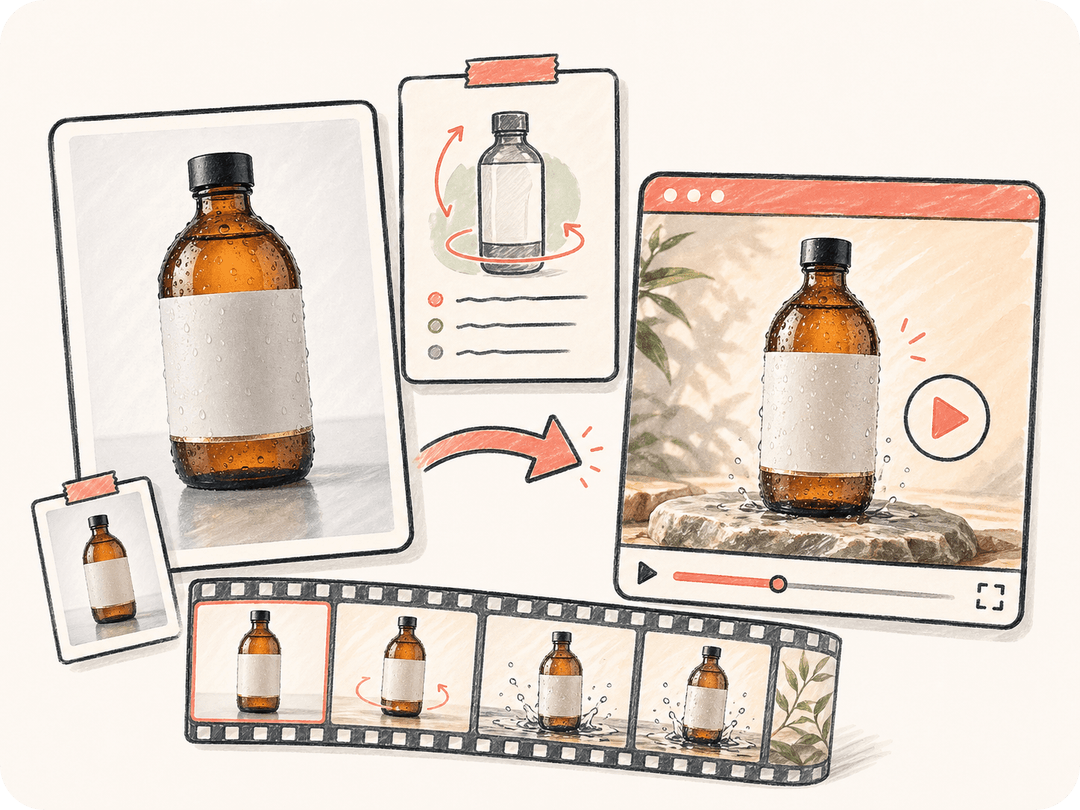
의도를 담아 사진을 움직이기
이미지에서 시작해 원하는 카메라 움직임, 피사체 동작, 조명 변화, 템포를 설명하세요. Kollab는 원본 사진과 프롬프트를 함께 보관합니다.
제품 사진, 인물 사진, 콘셉트 아트, 캠페인 이미지를 업로드하세요. Kollab는 원본 이미지, 움직임 방향, 출력 목적을 같은 작업에 묶고 Seedance, Kling, HappyHorse, Google Veo 같은 영상 모델을 활용합니다.
Kollab는 이미지 기반 영상 생성에 브리프, 참고 자료, 리뷰, 최종 자산을 함께 다루는 팀용 워크스페이스 레이어를 결합하고, 소재에 맞는 영상 모델을 쓰기 쉽게 합니다.
이미지에서 시작해 원하는 카메라 움직임, 피사체 동작, 조명 변화, 템포를 설명하세요. Kollab는 원본 사진과 프롬프트를 함께 보관합니다.
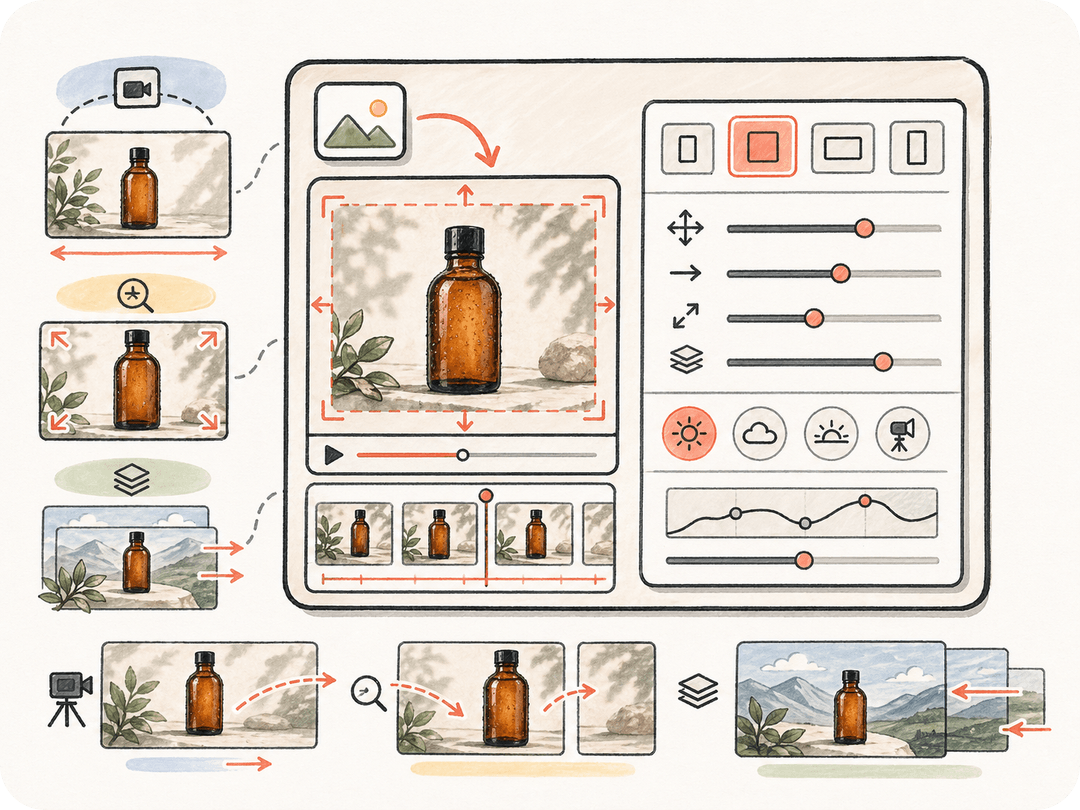
사진을 시각적 기준점으로 사용해 제품 형태, 캐릭터 디자인, 구도, 브랜드 방향을 더 쉽게 검토할 수 있게 합니다.
이미지와 수정 문맥을 잃지 않은 채 더 느린 움직임, 더 강한 리빌, 다른 조명, 소셜용 컷을 요청할 수 있습니다.
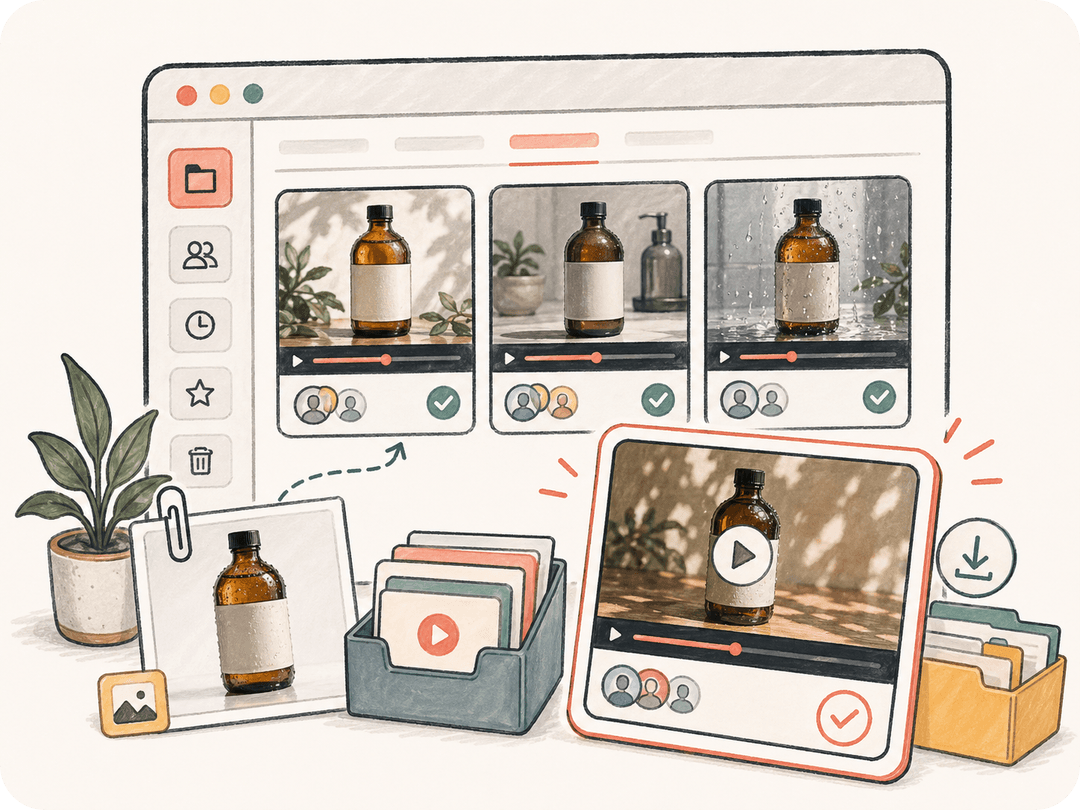
생성된 모든 이미지 기반 영상 결과물은 Kollab 결과물이 되어 프로젝트 전반에서 검토, 다운로드, 재사용할 수 있습니다.
사진을 넣고, 움직임을 설명하고, 클립을 생성한 뒤 하나의 Kollab 작업 안에서 계속 다듬을 수 있습니다.
제품 사진, 인물 사진, 캠페인 키 비주얼, 콘셉트 이미지, 이전에 생성한 이미지를 첫 프레임 참고 자료로 사용할 수 있습니다.
카메라, 피사체, 빛, 배경, 템포가 어떻게 움직여야 하는지 알려주면 Seedance, Kling, HappyHorse, Google Veo 같은 사용 가능한 영상 모델에 전달하기 쉬운 방향을 만들 수 있습니다.
이미지에서 AI 영상을 생성하고 결과물을 원본 브리프, 이미지 파일, 프로젝트 대화와 계속 연결해 둘 수 있습니다.
결과를 팀원과 공유하고, 수정된 움직임 방향을 요청하거나, 광고·랜딩 페이지·소셜 미디어용으로 클립을 다운로드할 수 있습니다.
승인된 정적 비주얼을 마케팅, 제품, 콘텐츠 워크플로를 위한 짧은 AI 영상으로 바꿔보세요.
제품 사진을 랜딩 페이지, 출시 캠페인, 세일즈 자료에 쓸 수 있는 고급 주목 영상으로 애니메이션화합니다.
캠페인 이미지를 유료 및 오가닉 채널용 세로형 또는 와이드형 짧은 영상 변형으로 바꿉니다.
본격적인 제작에 투자하기 전에 콘셉트 아트, 스토리보드, 생성 이미지를 움직이는 미리보기 영상으로 살려낼 수 있습니다.
관련 페이지는 이 단일 도구가 Kollab 워크플로, 재사용 가능한 Skills(스킬), 팀 산출물과 어떻게 연결되는지 보여줍니다.
이미지에서 영상으로 만드는 AI는 사진을 시각적 참고 자료로 삼고, 그 주변에 움직임, 카메라 이동, 조명 변화, 분위기 연출을 생성해 정적인 이미지를 짧은 영상으로 바꾸는 방식입니다.
네. Kollab에서 이미지를 업로드하거나 선택한 뒤 원하는 움직임을 설명하면, Seedance, Kling, HappyHorse, Google Veo 같은 사용 가능한 영상 모델을 활용해 이미지 기반 영상 결과를 생성할 수 있습니다.
선명한 제품 사진, 인물 사진, 일러스트, 콘셉트 아트, 캠페인 키 비주얼이 잘 맞습니다. 모델이 유지해야 할 피사체와 구도를 명확하게 잡을 수 있기 때문입니다.
네. 같은 이미지를 유지한 채 동일한 Kollab 작업 안에서 다른 움직임, 템포, 조명, 카메라 방향, 채널 형식을 요청할 수 있습니다.
네. 텍스트 기반 영상 생성은 주로 프롬프트에서 시작하지만, 이미지 기반 영상 생성은 기존 사진이나 비주얼에서 시작하기 때문에 대상의 정체성, 구도, 승인된 크리에이티브 방향을 더 잘 유지할 수 있습니다.

Kollab를 캠페인 영상, 제품 모션, 소셜 크리에이티브를 위한 이미지 기반 영상 AI 워크스페이스로 사용하세요.