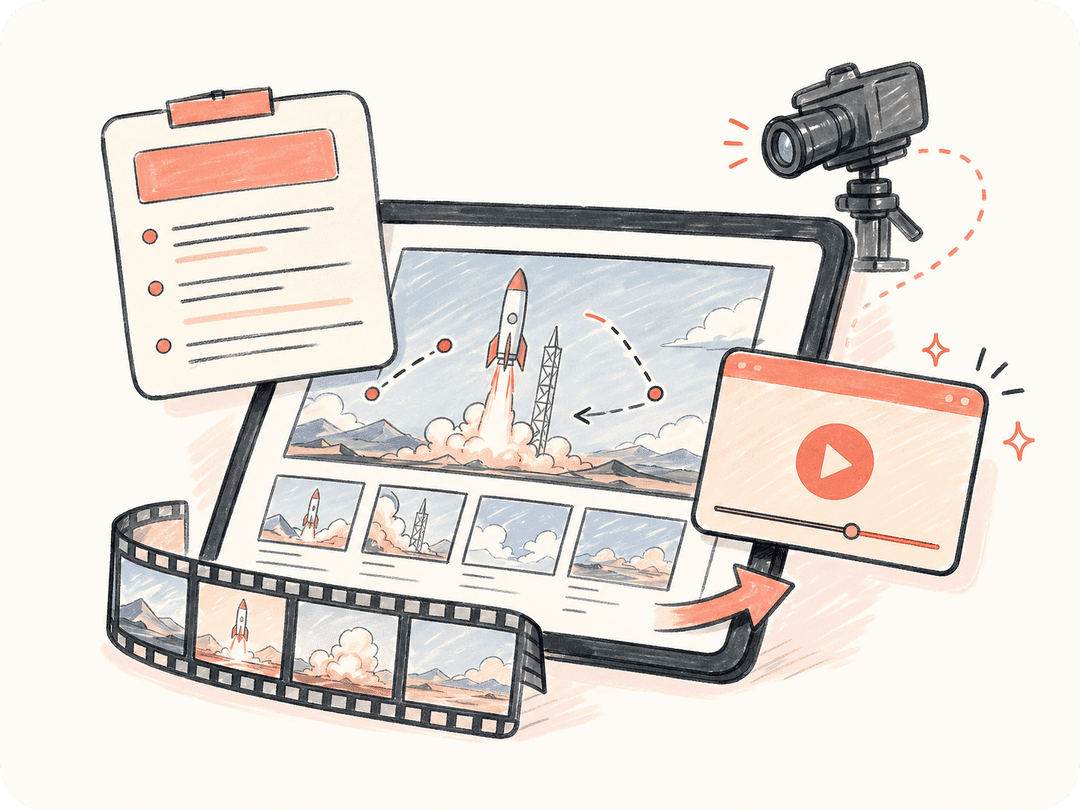
브리프를 따르는 텍스트 투 비디오
장면, 카메라 방향, 피사체, 스타일, 템포를 적으면 Seedance 2.0이 짧은 AI 영상을 생성하고, Kollab는 원래의 크리에이티브 브리프를 작업에 그대로 연결해 둡니다.
프롬프트, 스토리보드, 제품 아이디어, 캠페인 브리프를 완성도 높은 AI 영상으로 바꿔보세요. Kollab는 Seedance 2.0 생성, 수정, 파일, 팀 협업을 같은 워크플로 안에 묶어 둡니다.
Kollab는 Seedance 2.0을 일회성 영상 모델이 아니라 브리프, 참고 자료, 수정, 캠페인 자산까지 반복해서 운용할 수 있는 워크플로로 바꿉니다.
장면, 카메라 방향, 피사체, 스타일, 템포를 적으면 Seedance 2.0이 짧은 AI 영상을 생성하고, Kollab는 원래의 크리에이티브 브리프를 작업에 그대로 연결해 둡니다.
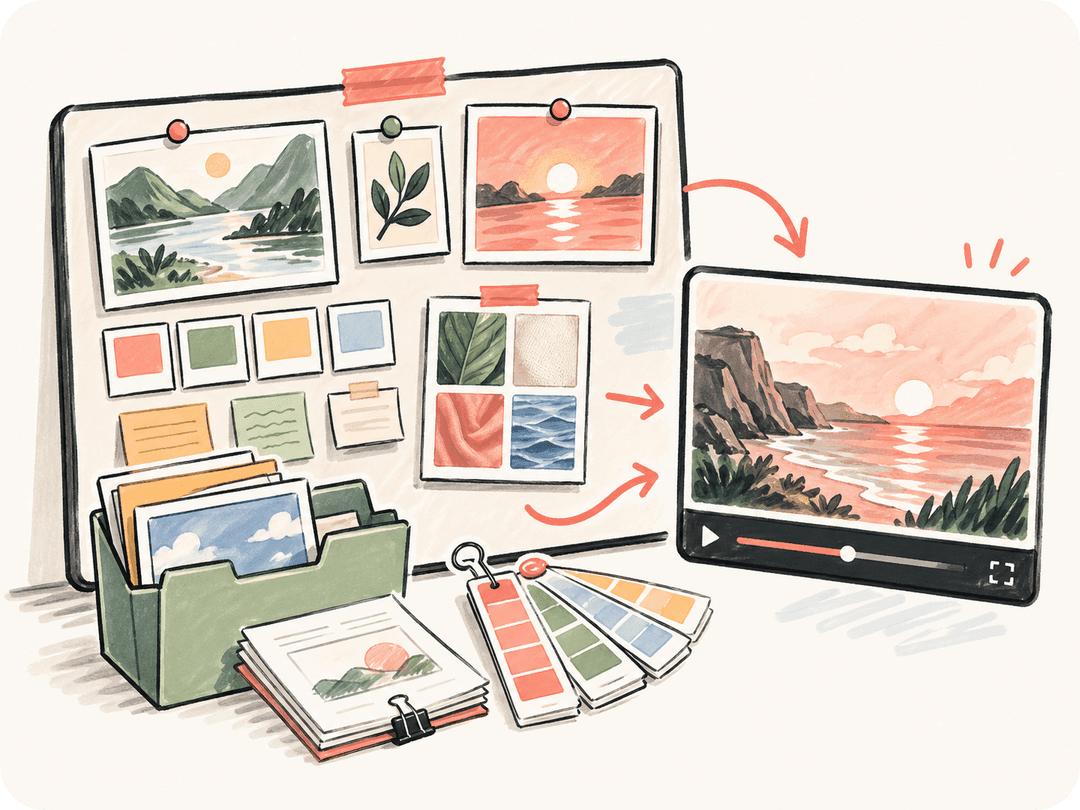
이미지, 기존 자산, 캠페인 방향을 참고 자료로 사용해 생성된 영상이 팀이 이미 승인한 제품, 캐릭터, 비주얼 시스템에 더 가깝게 유지되도록 할 수 있습니다.
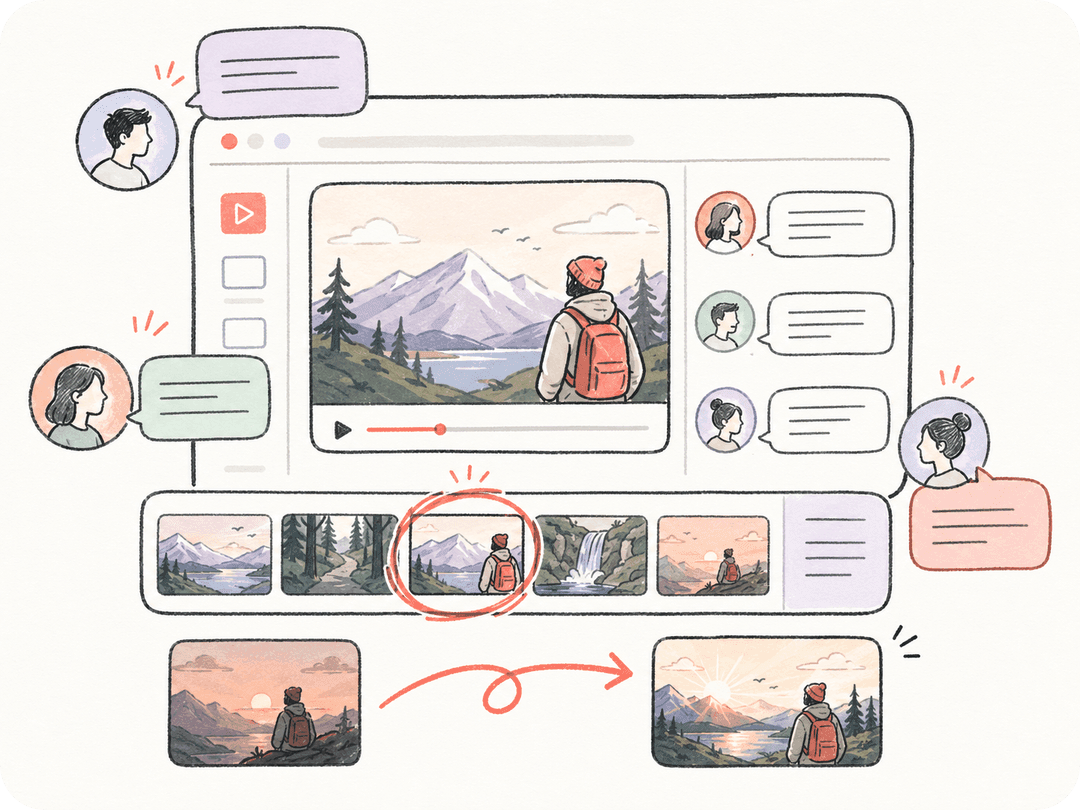
프롬프트를 처음부터 다시 만들지 않아도 같은 Kollab 스레드 안에서 카메라 움직임, 조명 분위기, 화면 비율, 소셜용 컷 변경을 요청할 수 있습니다.
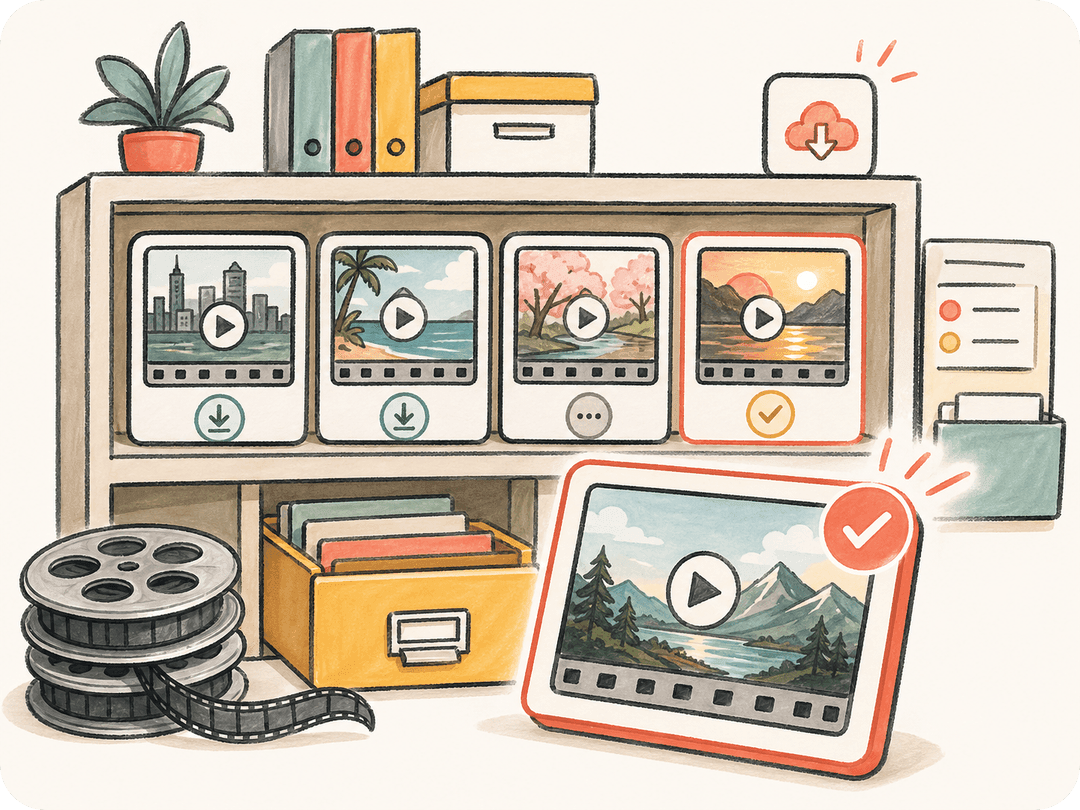
생성된 영상은 Kollab 결과물로 저장되므로 같은 프로젝트 워크스페이스 안에서 팀원들이 검토하고, 내려받고, 반복 수정하고, 재사용할 수 있습니다.
생성 자체는 Seedance 2.0이 맡고, 그 주변의 협업 워크플로는 Kollab가 맡습니다.
피사체, 동작, 카메라 움직임, 형식, 분위기를 설명하면 Kollab가 적절한 프롬프트를 Seedance 2.0 영상 워크플로로 전달합니다.
영상이 기존 제품, 캐릭터, 비주얼 방향을 따라야 할 때 이미지, 스토리보드, 브랜드 노트를 첨부하세요.
Kollab에서 AI 영상 작업을 시작하고 결과를 같은 작업, 파일, 댓글, 프로젝트 문맥과 계속 연결해 둘 수 있습니다.
광고, 랜딩 페이지, 소셜 미디어, 내부 리뷰, 피치 자료용 파생 버전을 작업이 여러 도구로 흩어지지 않게 만들 수 있습니다.
프롬프트에서 영상 생성, 리뷰, 재사용 가능한 캠페인 자산까지 하나의 공유 AI 워크스페이스에서 처리하세요.
작성된 브리프나 기존 비주얼 방향을 바탕으로 영화 같은 제품 공개 영상, 기능 티저, 출시 클립을 생성할 수 있습니다.
랜딩 페이지, 유료 소셜, 숏폼 캠페인, 성장 실험용 AI 영상 변형을 빠르게 만들 수 있습니다.
거친 크리에이티브 방향을 실제 제작비를 쓰기 전에 팀이 정렬할 수 있는 움직이는 콘셉트 클립으로 바꿉니다.
Seedance 2.0은 Kollab가 텍스트 기반 영상 생성과 참고 자료 기반 영상 작업에 사용하는 AI 영상 생성 모델입니다. Kollab는 그 모델 주위에 브리프, 파일, 작업, 수정 이력, 결과물을 포함한 팀 워크스페이스를 더합니다.
네. 피사체, 카메라 움직임, 비주얼 스타일, 출력 형식을 설명한 뒤 Kollab에서 Seedance 2.0 영상 워크플로를 시작하면 됩니다.
네. Kollab는 참고 이미지와 다른 자산을 같은 작업에 붙여 둘 수 있어서, 영상 워크플로가 비주얼 방향과 리뷰 문맥을 그대로 유지할 수 있습니다.
단독 AI 영상 도구는 보통 하나의 프롬프트 생성에 집중합니다. Kollab는 팀 작업을 위해 설계되어 공유 프로젝트 문맥, 재사용 가능한 파일, 대화 기록, 리뷰, 생성된 영상 결과물을 한곳에서 관리할 수 있습니다.
Kollab는 업무용 워크플로를 위해 설계되어 있지만, 생성 영상을 상업적으로 게시하기 전에는 현재 모델 제공자의 정책과 원본 소재의 권리를 반드시 확인해야 합니다.
피사체, 동작, 카메라 움직임, 비주얼 스타일, 화면 비율, 길이, 게시 채널을 적는 것이 좋습니다. Kollab는 이 정보를 작업 안에 남겨 두기 때문에 이후 컷과 수정도 원래 크리에이티브 brief를 따라갈 수 있습니다.
네. 같은 Kollab 작업 안에서 세로형 티저, 가로형 랜딩 페이지 영상, 광고 변형, 내부 리뷰용 클립을 요청할 수 있습니다. 버전들이 함께 남기 때문에 팀이 변경점을 비교하고 가장 강한 프롬프트 방향을 재사용하기 쉽습니다.
생성된 클립은 Kollab task workspace 안에 artifact로 저장됩니다. 프롬프트, 참고 자료, 리뷰 메모, 영상 결과가 함께 남기 때문에 이 페이지는 단순한 모델 실행 입구가 아니라 재사용 가능한 영상 제작 워크플로입니다.

Kollab에서 팀과 함께 Seedance 2.0 AI 영상 워크플로를 시작하세요.