
Feynman-style content explainer
YouTube、podcast、short video、article を Kollab に渡し、理解できるまでやさしく説明します。
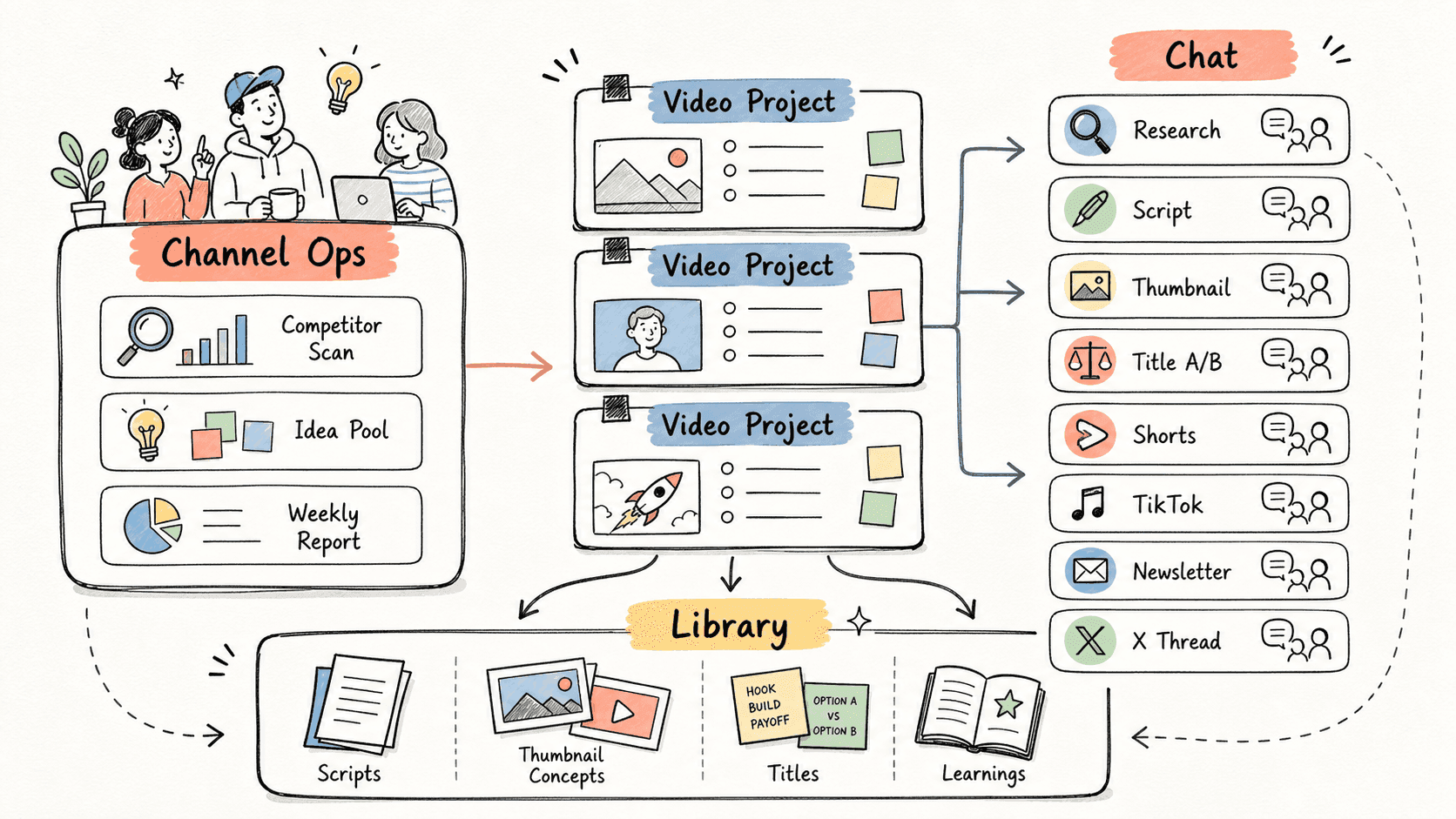
Kollab turns links and transcripts into core concepts, analogies, blind spots, self-check questions, and reusable notes.
ワークフローの進み方
まずこのワークフローの流れを確認してから、役割・入力元・出力先を自分の運用に置き換えてください。
- 01
Read the source
Kollab starts from a link, transcript, article, or file.
- 02
Explain simply
The agent turns the source into concepts, simple language, analogies, and missing background.
- 03
Check understanding
Self-check questions reveal whether the idea is really clear.
- 04
Save the note
The final note can be reused in a knowledge base.
開始用プロンプト
Explain this source in a Feynman style.

Source: [link or transcript]
My current level: [beginner / familiar / advanced]

Explain the main idea in one sentence, break it into 5 concepts, add analogies, identify blind spots, create self-check questions, and finish with a reusable note.
関連リンクをさらに見る
関連する機能ページを見ると、このユースケースをチームで繰り返し使うための製品レイヤーとツールが分かります。
よくある質問
Feynman-style content explainer のユースケースでは何ができますか?
YouTube、podcast、short video、article を Kollab に渡し、理解できるまでやさしく説明します。
このワークフローを Kollab で実行するには?
設定プロンプトを Kollab にコピーし、プレースホルダーをチームの文脈に置き換えて、ワークスペース内のレビュー可能なタスクとして実行します。
このワークフローは何を作成しますか?
A Feynman-style learning note with concepts, analogies, blind spots, and self-check questions.
このワークフローは外部ツールへ自動公開または自動変更しますか?
いいえ。まずレビュー可能な下書き、brief、Artifact、またはデータベース更新を作成し、チームが確認してから公開や外部システムへの反映を判断できる設計です。
Understand before you save
Turn links into explanations and review notes.
実行 →